Dienstausweis/en
Jnk (Diskussion | Beiträge) |
Jnk (Diskussion | Beiträge) |
||
| Zeile 71: | Zeile 71: | ||
<br clear=all> | <br clear=all> | ||
| − | You can now use your | + | You can now use your ID card in the UPB-App. |
| − | [[Datei: | + | [[Datei:Dienstausweis-Mitarbeitende-03.png|links|mini|ohne|350px|Staff ID-card in the UPB-App]] |
<br clear=all> | <br clear=all> | ||
| + | |||
| + | For employees who also have a student role: Swipe left or right to switch between the available ID cards. | ||
| + | [[Datei:Dienstausweis-Mitarbeitende-02.png|links|mini|ohne|350px|Staff and Student ID-card in the UPB-App]] | ||
| + | <br clear=all> | ||
| + | |||
| + | ==Physical ID cards== | ||
| + | Plastic cards in credit card format will no longer be issued. Existing cards remain valid. | ||
Version vom 14. Oktober 2025, 08:40 Uhr
Die deutsche Version finden Sie auf der Seite Dienstausweis
Staff ID card[Bearbeiten | Quelltext bearbeiten]
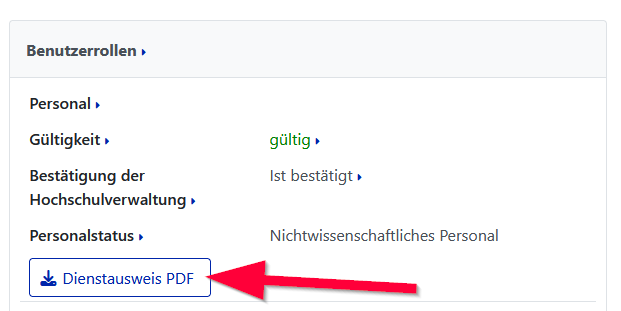
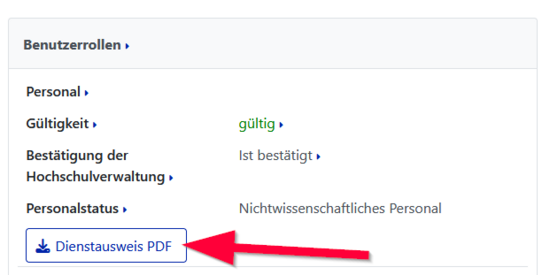
Staff members can download a staff ID card as a PDF file from the service portal.
- Log in to the service portal
- Log in with your university account
- You can download your staff ID card under "User Setting", "Personal Data".
Validity[Bearbeiten | Quelltext bearbeiten]
The service card is valid until the end of the current calendar year. If the employment contract ends before the turn of the year, it is only valid until the end of the contract period. The service card in the UPB app is automatically renewed. If you use the service card as a PDF, you must download a new PDF from the service portal at the beginning of the new year.
UPB-App[Bearbeiten | Quelltext bearbeiten]


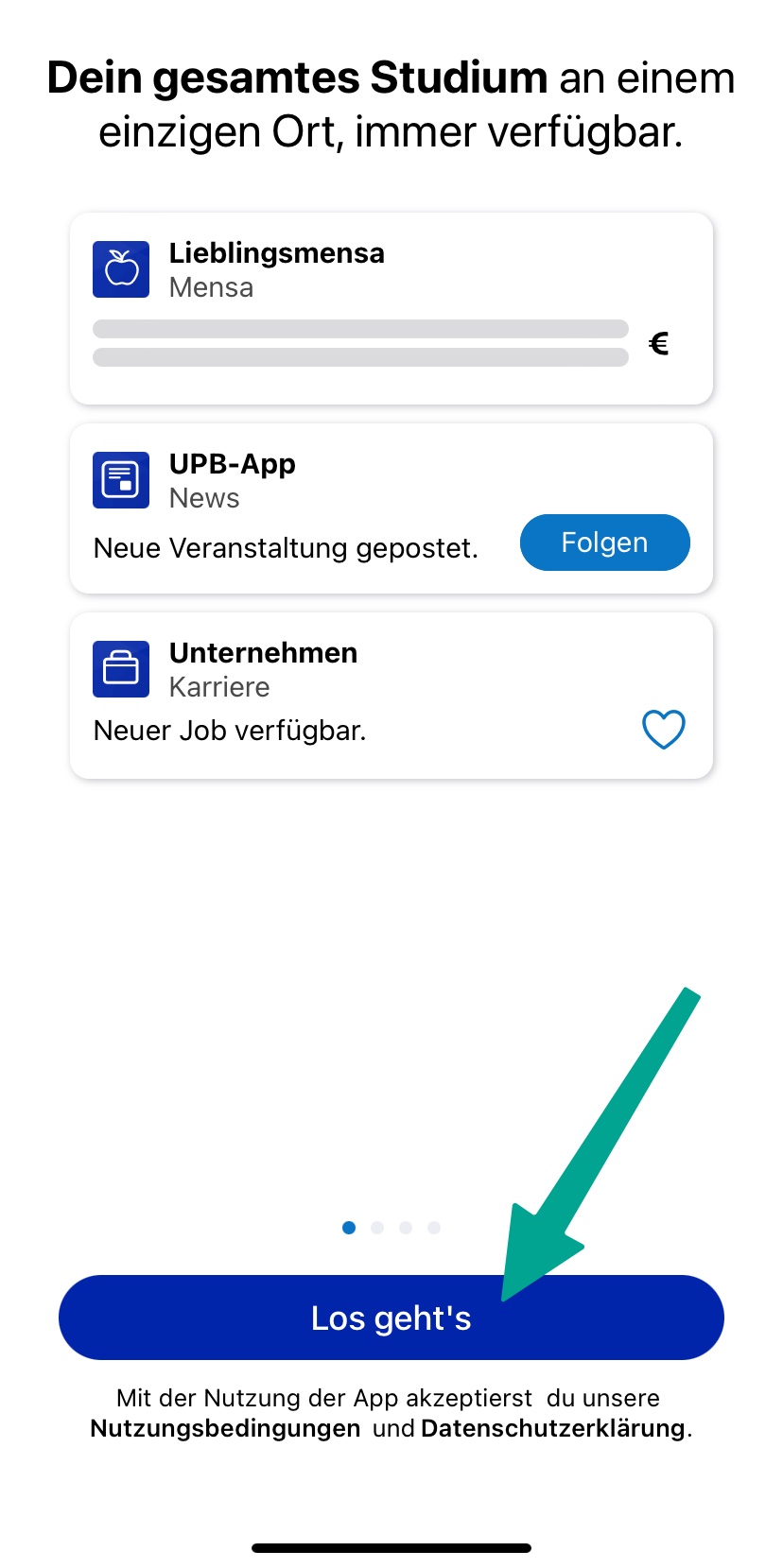
 Open the UPB-App
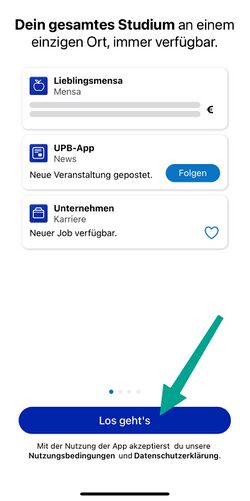
- Click on "Let's go".
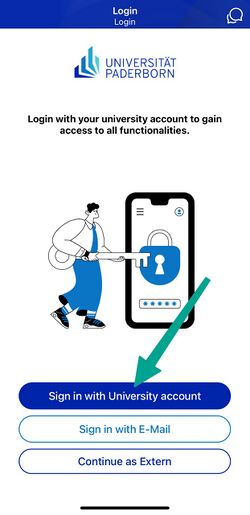
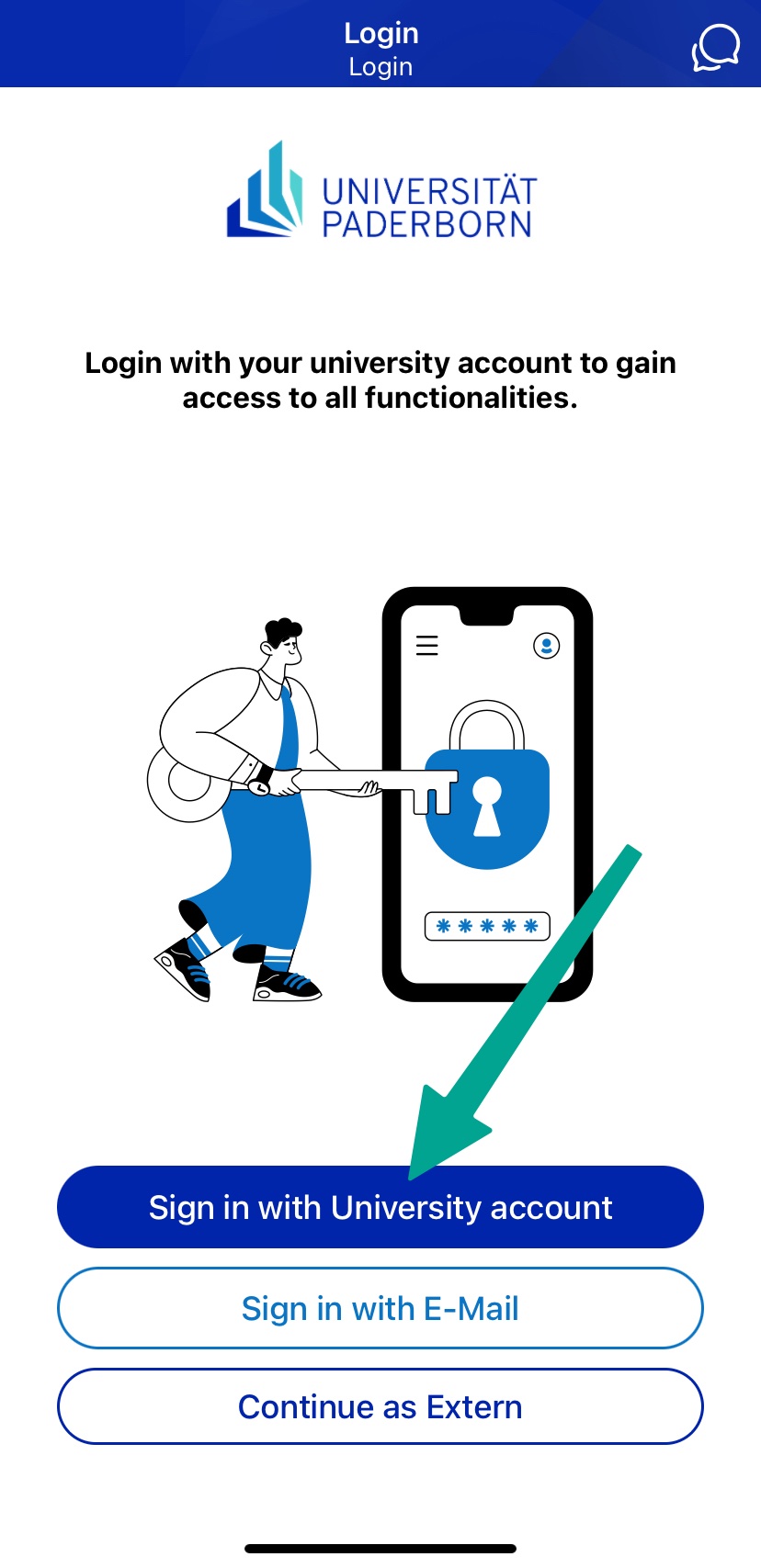
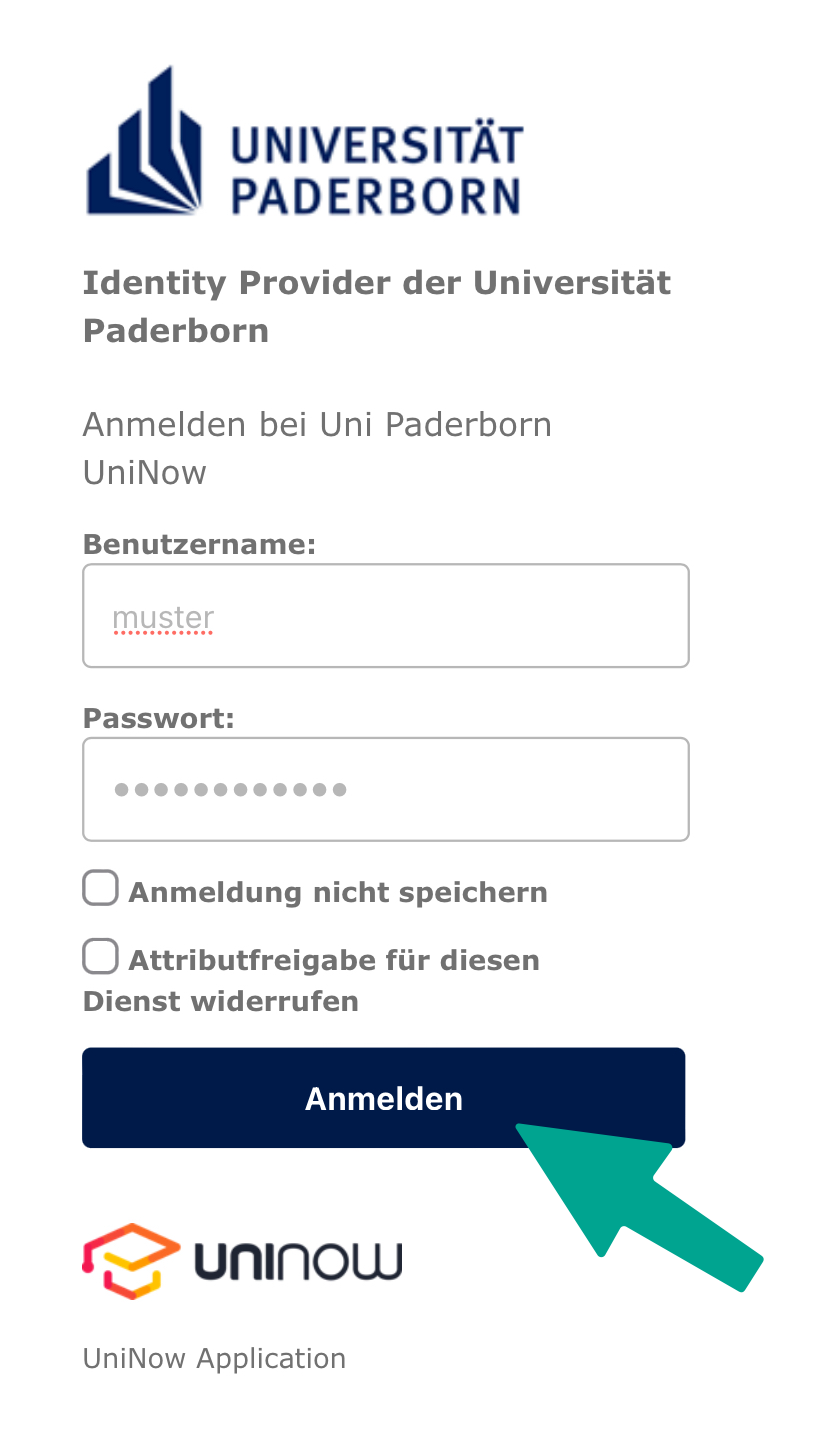
- Click on "Sign in with University account".
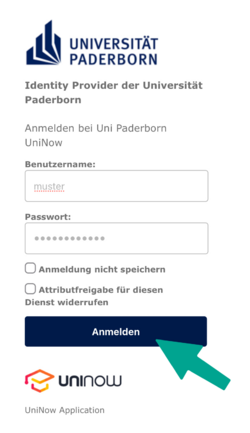
- Enter Username and Password for the Uni-Account
- Click on "Login".
- If you have the password automatically filled in by a password manager, problems may occur.
- Recommendation: Insert password manually
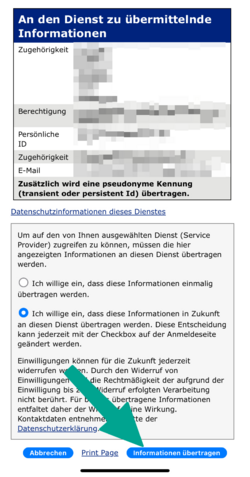
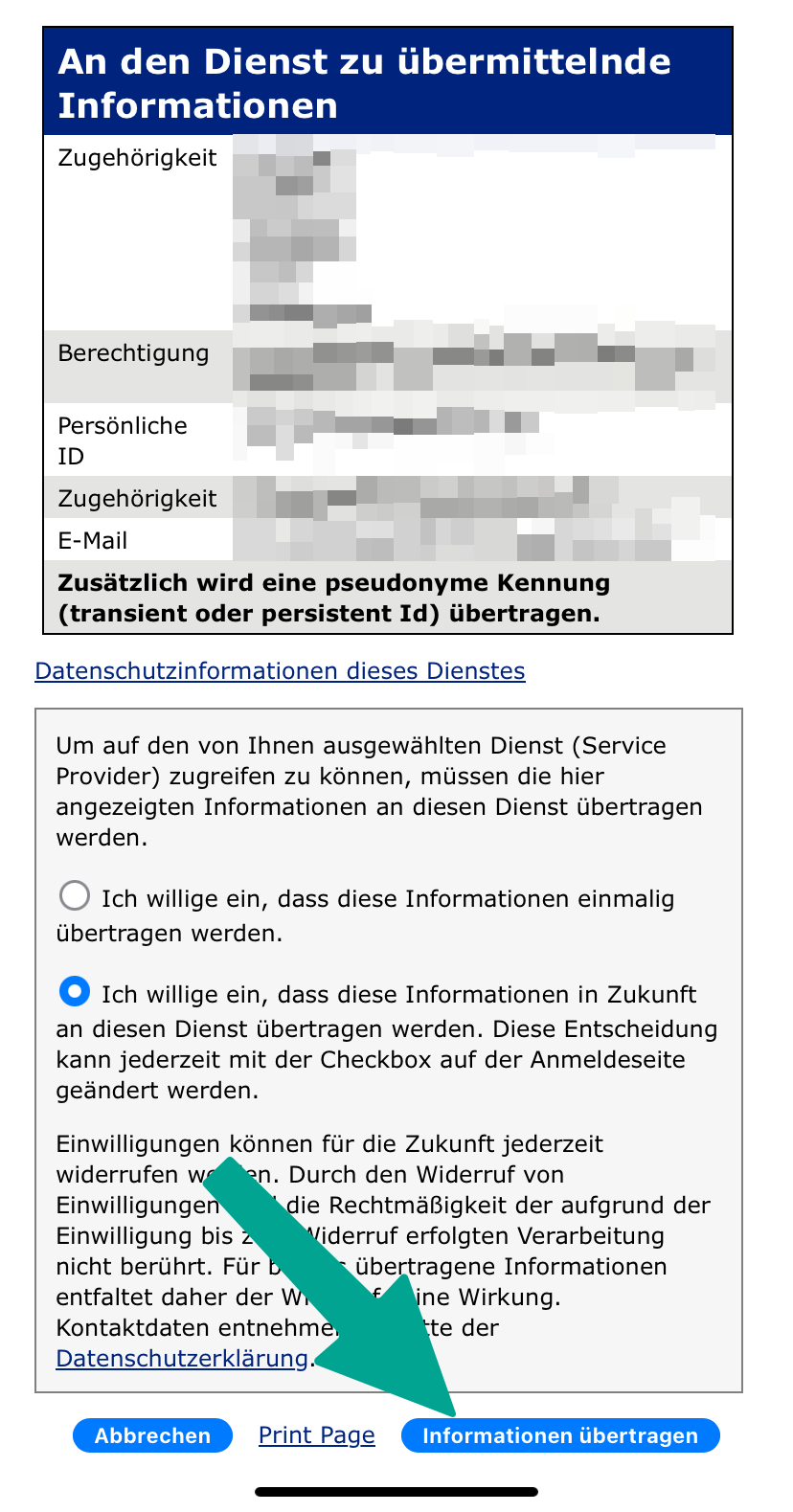
- You will now see a list of the information that will be transmitted to UniNow.
- Click on "Transfer information".
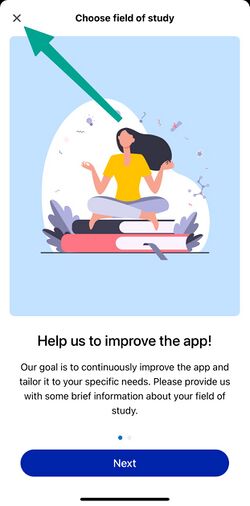
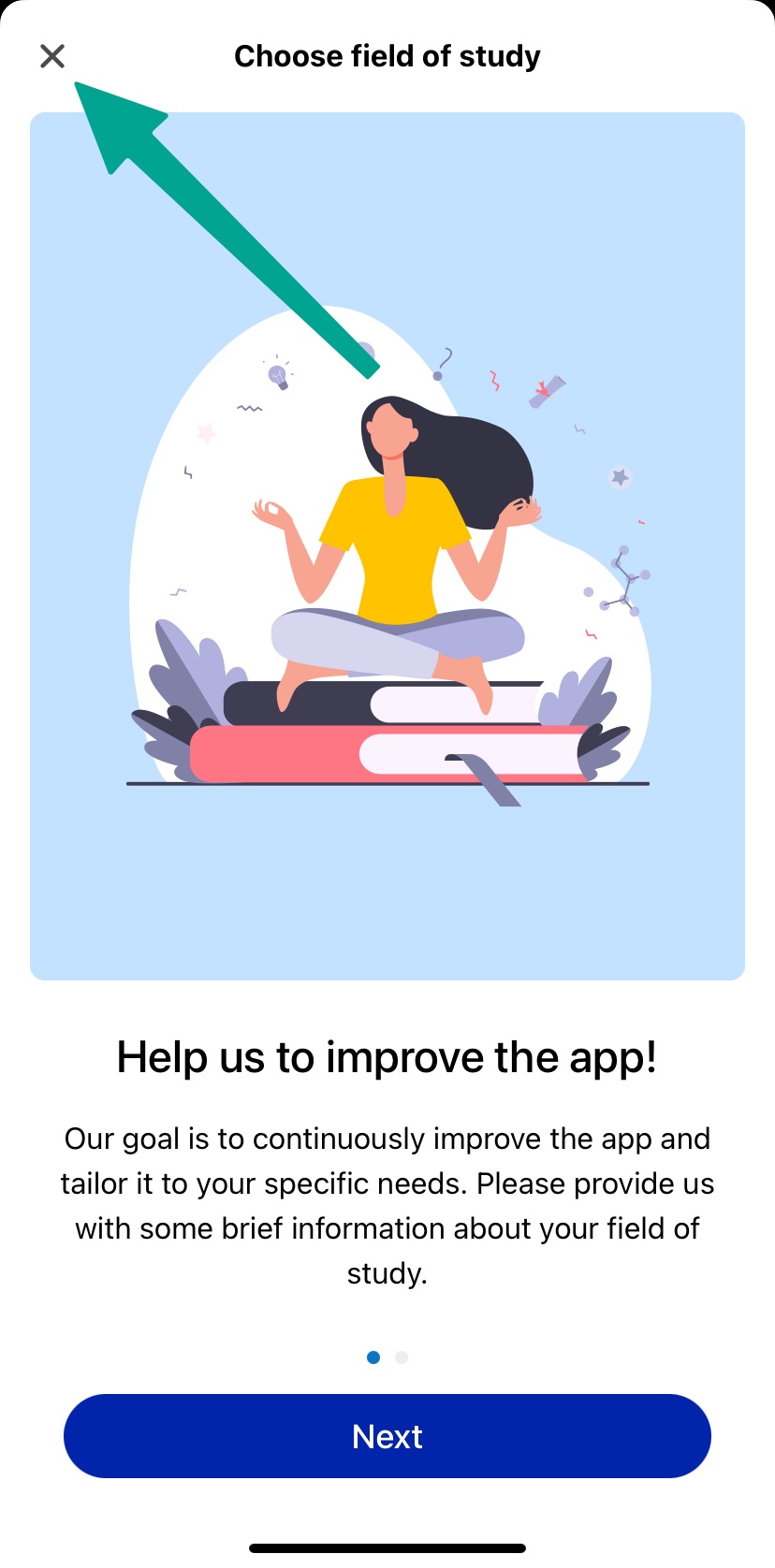
- Now you can choose your field of study
- This step is optional
- You can click on "Cancel"
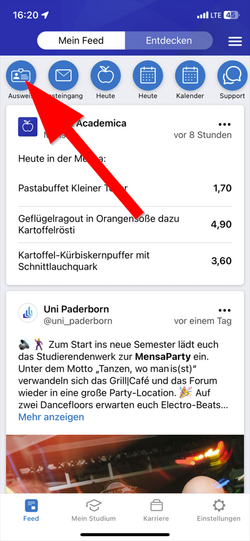
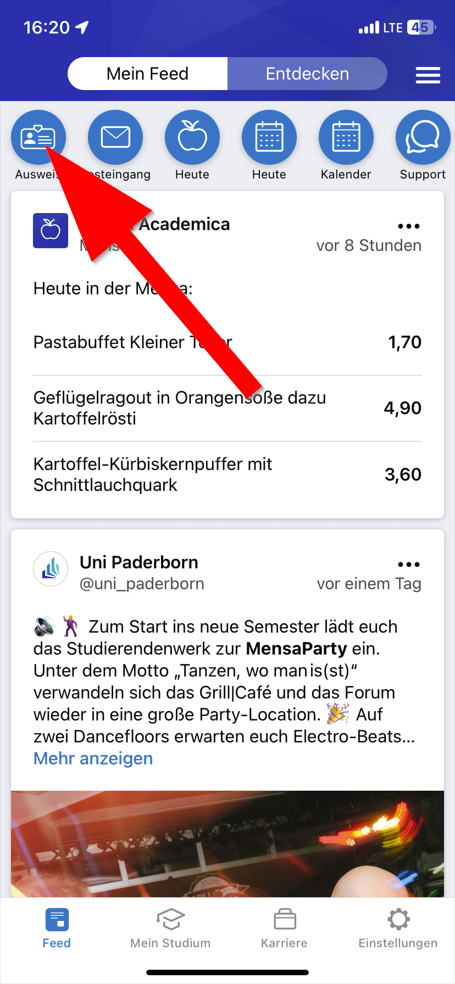
- Click in the top left hand corner on "ID Card"
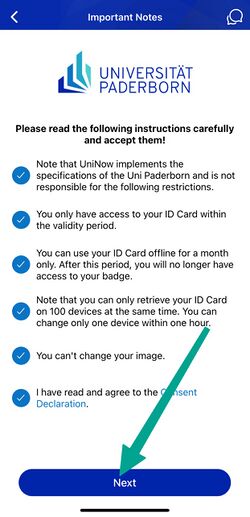
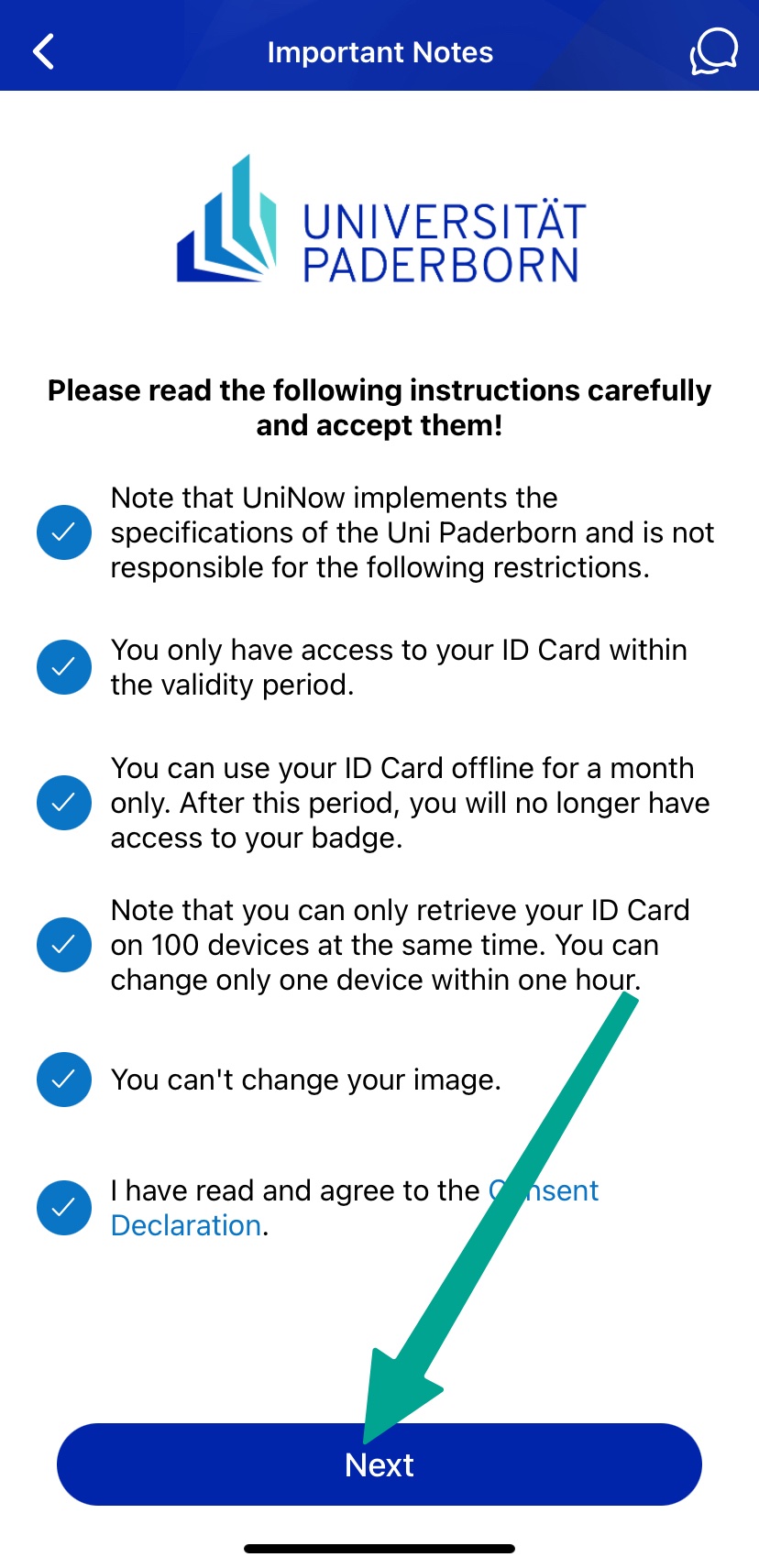
- Read through the instructions carefully and tick the appropriate boxes.
- Then click on "Continue".
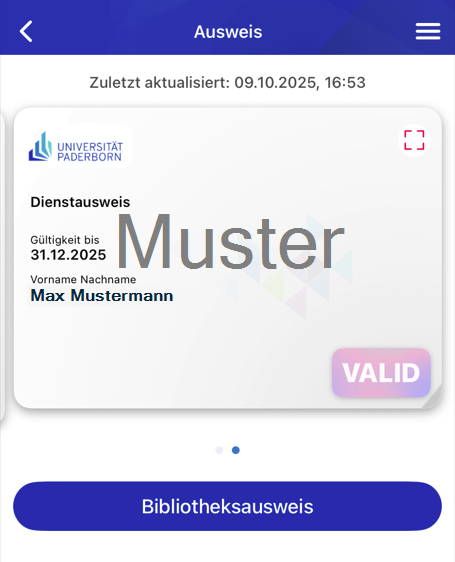
You can now use your ID card in the UPB-App.
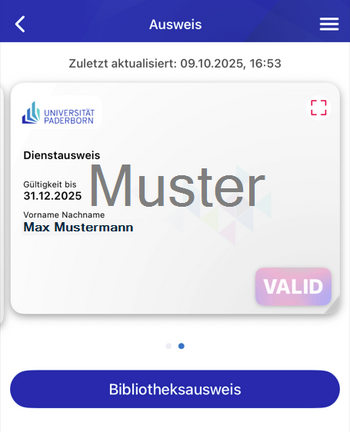
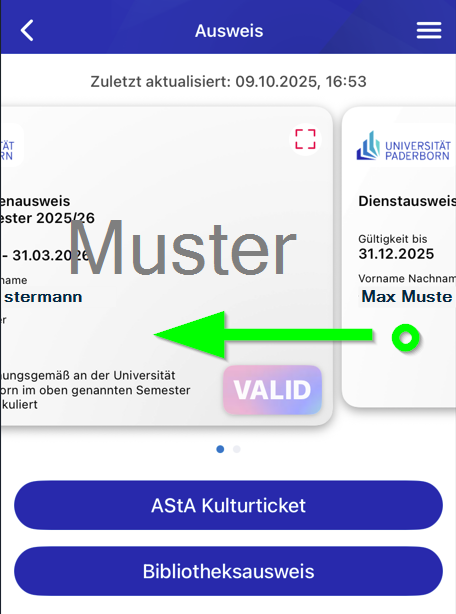
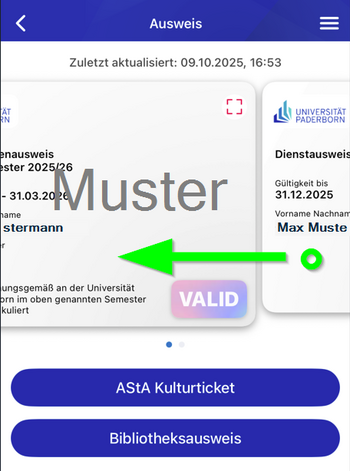
For employees who also have a student role: Swipe left or right to switch between the available ID cards.
Physical ID cards[Bearbeiten | Quelltext bearbeiten]
Plastic cards in credit card format will no longer be issued. Existing cards remain valid.