Diese Spezialseite listet alle hochgeladenen Dateien auf.


| Datum | Name | Vorschaubild | Größe | Benutzer | Beschreibung | Versionen |
|---|---|---|---|---|---|---|
| 10:06, 30. Sep. 2022 | Webmail-Ordner-freigeben-03.png (Datei) |  |
11 KB | Jnk | {{Information | description = Screenshot Roundcube - Ordner-Freigaben | source = Screenshot | date = 30.09.2022 | author = Benutzer:jnk | permission = {{PD-user|jnk}} }}Kategorie:Screenshots | 1 |
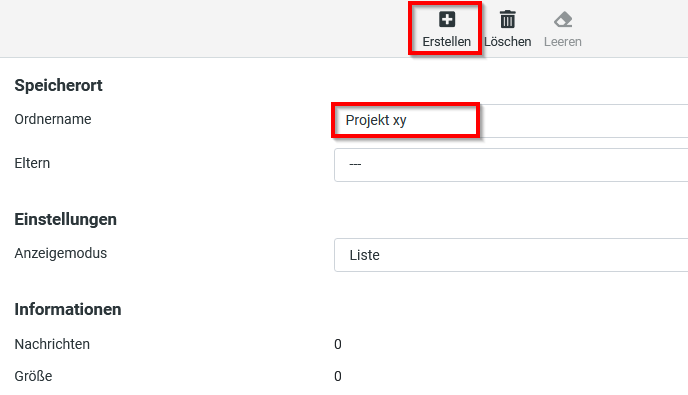
| 10:06, 30. Sep. 2022 | Webmail-Ordner-freigeben-02.png (Datei) |  |
14 KB | Jnk | {{Information | description = Screenshot Roundcube - Ordner erstellen | source = Screenshot | date = 30.09.2022 | author = Benutzer:jnk | permission = {{PD-user|jnk}} }}Kategorie:Screenshots | 1 |
| 10:05, 30. Sep. 2022 | Webmail-Ordner-freigeben-01.png (Datei) |  |
14 KB | Jnk | {{Information | description = Screenshot Roundcube - Ordner-Einstellungen | source = Screenshot | date = 30.09.2022 | author = Benutzer:jnk | permission = {{PD-user|jnk}} }}Kategorie:Screenshots | 1 |
| 13:50, 23. Sep. 2022 | Microsoft-365-Office-online-Kalender2.png (Datei) |  |
16 KB | Tkruse2 | {{Information | description = Microsoft-365-Office-online-Kalender2.png | source = Screenshot | date = 23.09.2022 | author = Benutzer:tkruse2 | permission = {{PD-user|tkruse2}} }}Kategorie:Screenshots | 1 |
| 13:49, 23. Sep. 2022 | Microsoft-365-Office-online-Kalender1.png (Datei) |  |
15 KB | Tkruse2 | {{Information | description = Microsoft-365-Office-online-Kalender1.png | source = Screenshot | date = 23.09.2022 | author = Benutzer:tkruse2 | permission = {{PD-user|tkruse2}} }}Kategorie:Screenshots | 1 |
| 13:48, 23. Sep. 2022 | Microsoft-365-Office-online-Kalender0.png (Datei) |  |
19 KB | Tkruse2 | {{Information | description = Microsoft-365-Office-online-Kalender0.png | source = Screenshot | date = 23.09.2022 | author = Benutzer:tkruse2 | permission = {{PD-user|tkruse2}} }}Kategorie:Screenshots | 1 |
| 10:57, 23. Sep. 2022 | Virenschutz-Windows-11.png (Datei) |  |
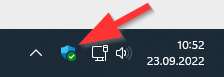
10 KB | Jnk | {{Information | description = Screenshot Windows 11 - Windows Sicherheit | source = Screenshot | date = 23.09.2022 | author = Benutzer:jnk | permission = {{PD-user|jnk}} }}Kategorie:Screenshots | 1 |
| 10:57, 23. Sep. 2022 | Virenschutz-Windows-10.png (Datei) |  |
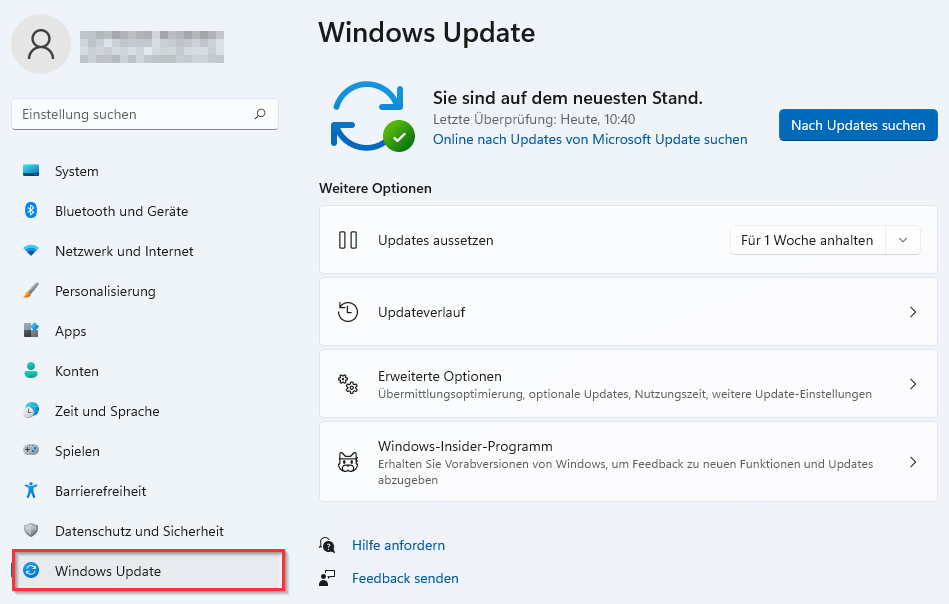
61 KB | Jnk | {{Information | description = Screenshot Windows 11 - Windows Update | source = Screenshot | date = 23.09.2022 | author = Benutzer:jnk | permission = {{PD-user|jnk}} }}Kategorie:Screenshots | 1 |
| 10:56, 23. Sep. 2022 | Virenschutz-Windows-09.png (Datei) |  |
279 KB | Jnk | {{Information | description = Screenshot Windows 11 - Start Einstellungen | source = Screenshot | date = 23.09.2022 | author = Benutzer:jnk | permission = {{PD-user|jnk}} }}Kategorie:Screenshots | 1 |
| 12:04, 21. Sep. 2022 | Eduroam-unter-macos-05.png (Datei) |  |
63 KB | Jnk | {{Information | description = Screenshot aus macOS 12 - WLAN Menü | source = Screenshot | date = 21.09.2021 | author = Benutzer:jnk | permission = {{PD-user|jnk}} }}Kategorie:Screenshots | 1 |
| 11:59, 21. Sep. 2022 | Screenshot macOS cert-imp.png (Datei) |  |
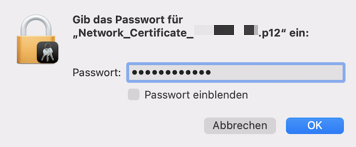
26 KB | Jnk | {{Information | description = Screenshot unter macOS 12 - Zertifikat installieren | source = Screenshot | date = 21.09.2022 | author = Benutzer:jnk | permission = {{PD-user|jnk}} }}Kategorie:Screenshots | 2 |
| 16:50, 15. Sep. 2022 | Screen Shot Click on Software Update.png (Datei) |  |
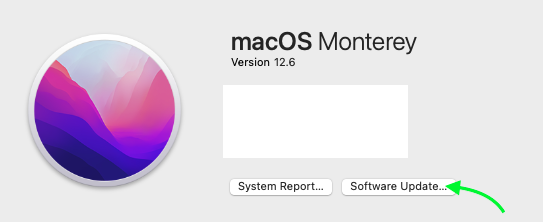
47 KB | Sebhardt | 5 | |
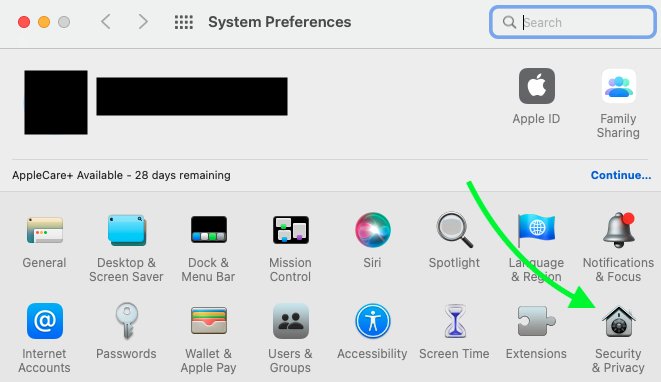
| 15:39, 15. Sep. 2022 | Screenshot System Preferences.png (Datei) |  |
77 KB | Sebhardt | {{Information | description = Screenshot System Preferences | source = Screenshot | date = 15.9.2022 | author = Benutzer:Sebhardt | permission = {{PD-user|Sebhardt}} }}Kategorie:Screenshots | 1 |
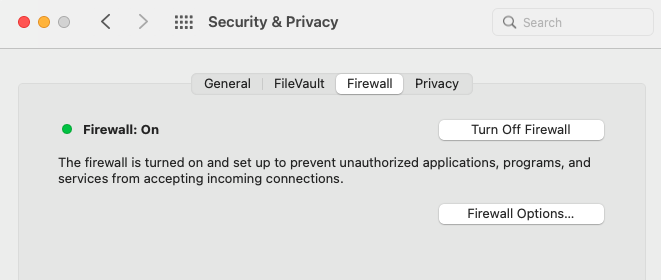
| 15:38, 15. Sep. 2022 | Screenshot Active firewall on macOS Big Sur..png (Datei) |  |
29 KB | Sebhardt | {{Information | description = Screenshot Active firewall on macOS Big Sur. | source = Screenshot | date = 15.9.2022 | author = Benutzer:Sebhardt | permission = {{PD-user|Sebhardt}} }}Kategorie:Screenshots | 1 |
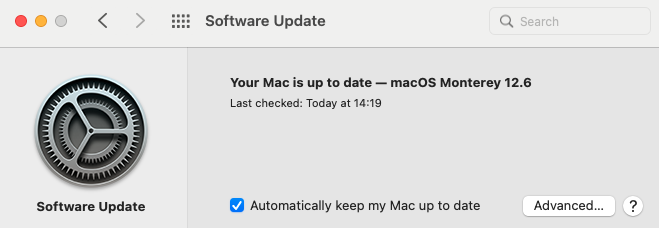
| 15:38, 15. Sep. 2022 | Screen Shot Your Mac is up to date - This is how it should look..png (Datei) |  |
53 KB | Sebhardt | {{Information | description = Screen Shot Your Mac is up to date - This is how it should look. | source = Screenshot | date = 15.9.2022 | author = Benutzer:Sebhardt | permission = {{PD-user|Sebhardt}} }}Kategorie:Screenshots | 1 |
| 15:37, 15. Sep. 2022 | Screen Shot System Preferences Icon.png (Datei) |  |
18 KB | Sebhardt | {{Information | description = Screen Shot System Preferences Icon | source = Screenshot | date = 15.9.2022 | author = Benutzer:Sebhardt | permission = {{PD-user|Sebhardt}} }}Kategorie:Screenshots | 1 |
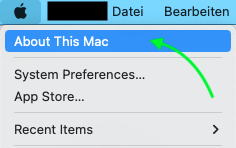
| 15:34, 15. Sep. 2022 | Screen Shot Click on About This Mac.png (Datei) |  |
20 KB | Sebhardt | {{Information | description = Screen Shot Click on About This Mac | source = Screenshot | date = 15.9.2022 | author = Benutzer:Sebhardt | permission = {{PD-user|Sebhardt}} }}Kategorie:Screenshots | 1 |
| 12:20, 14. Sep. 2022 | Screenshot Mail Webmail einrichten und benutzen 17.png (Datei) |  |
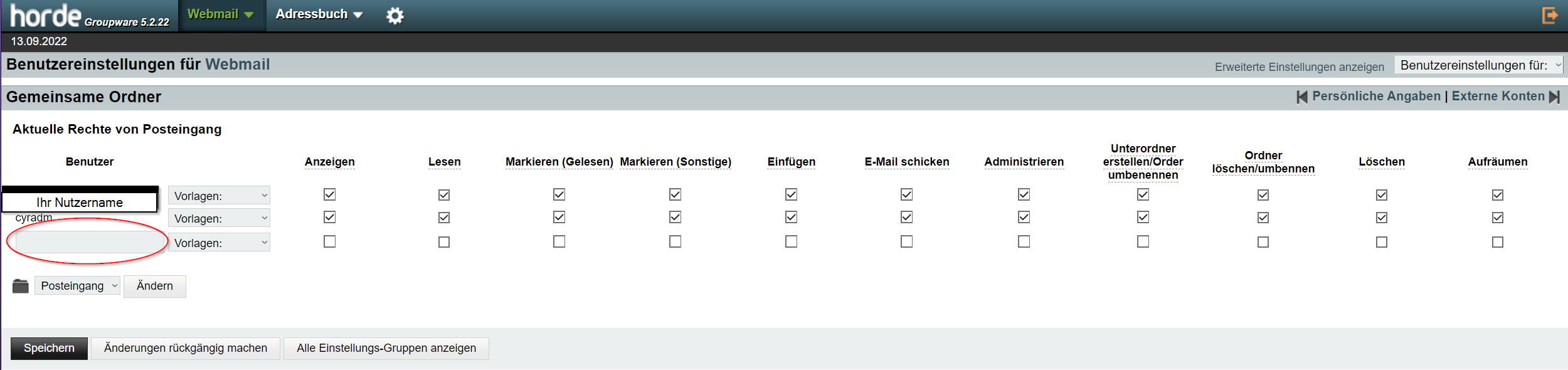
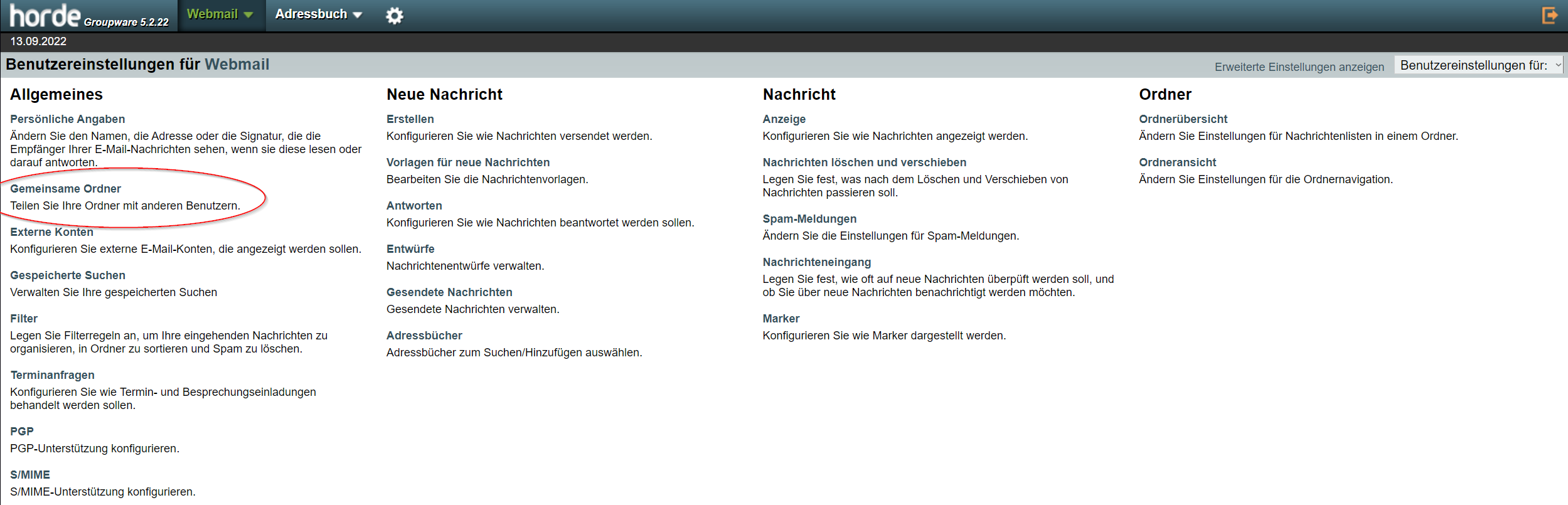
97 KB | Mariels | {{Information | description = Screenshot Mail Webmail einrichten und benutzen 17 | source = Screenshot | date = 13.09.2022 | author = Benutzer:mariels | permission = {{PD-user|mariels}} }}Kategorie:Screenshots | 3 |
| 12:17, 14. Sep. 2022 | Screenshot Mail Webmail einrichten und benutzen 16.png (Datei) |  |
93 KB | Mariels | {{Information | description = Screenshot Mail Webmail einrichten und benutzen 16 | source = Screenshot | date = 13.09.2022 | author = Benutzer:mariels | permission = {{PD-user|mariels}} }}Kategorie:Screenshots | 3 |
| 19:43, 13. Sep. 2022 | Screenshot Mail Webmail einrichten und benutzen 07.png (Datei) |  |
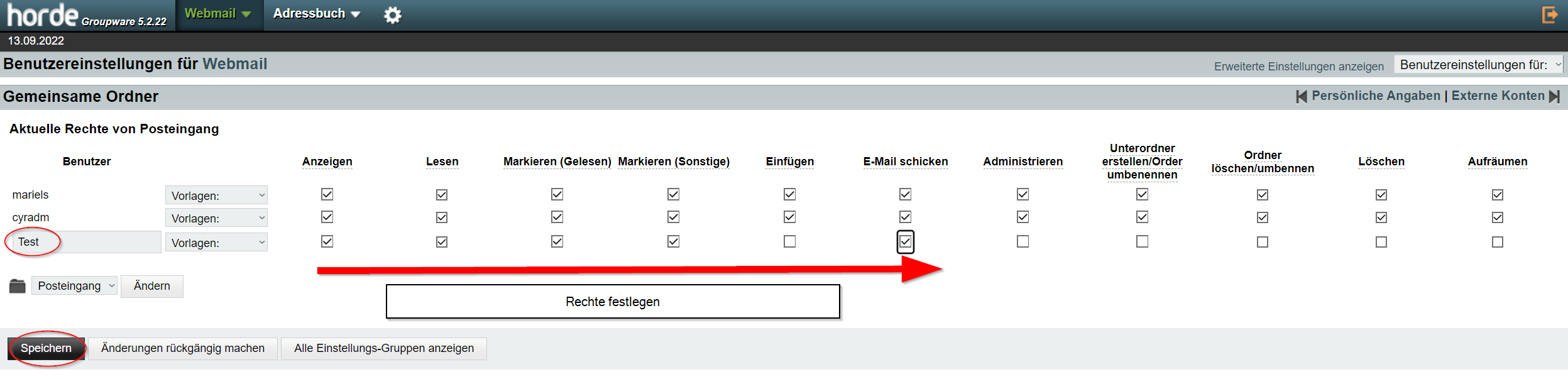
156 KB | Mariels | {{Information | description = Screenshot Mail Webmail einrichten und benutzen 07 | source = Screenshot | date = 13.09.2022 | author = Benutzer:mariels | permission = {{PD-user|mariels} }}Kategorie:Screenshots | 3 |
| 13:42, 13. Sep. 2022 | Gemeinsame Mail.png (Datei) |  |
63 KB | Mariels | {{Information | description = Screenshot Gemeinsame Mail | source = Screenshot | date = 13.09.2022 | author = Benutzer:mariels | permission = {{PD-user|mariels}} }}Kategorie:Screenshots | 2 |
| 14:35, 12. Sep. 2022 | Kalender-anderer-Benutzer einbinden-mit-Apple-Kalender-macOS-02.png (Datei) |  |
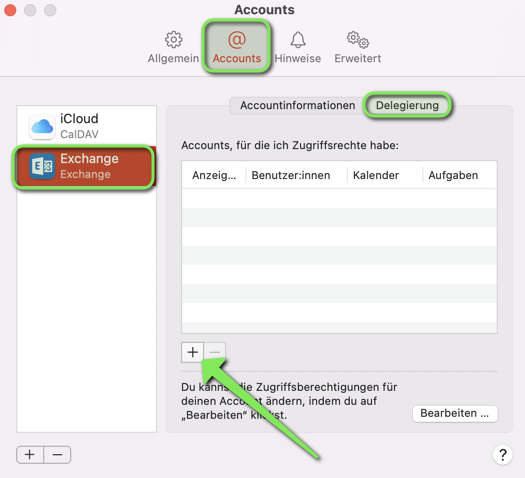
80 KB | Jnk | {{Information | description = Screenshot of the Apple Calendar App - Settings | source = Screenshot | date = 12.09.2022 | author = Benutzer:jnk | permission = {{PD-user|jnk}} }}Kategorie:Screenshots | 2 |
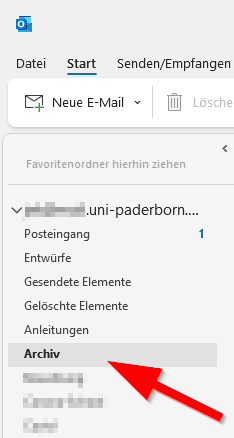
| 13:56, 9. Sep. 2022 | Autoarchivierung mit outlook 06.png (Datei) |  |
9 KB | Jnk | {{Information | description = Screenshot Outlook unter Windows 10 - Archivordner | source = Screenshot | date = 09.09.2022 | author = Benutzer:jnk | permission = {{PD-user|jnk}} }}Kategorie:Screenshots | 1 |
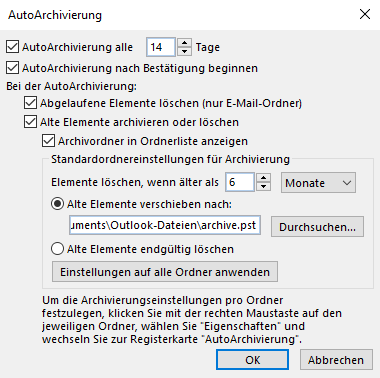
| 13:04, 9. Sep. 2022 | Autoarchivierung mit outlook 04.png (Datei) |  |
17 KB | Jnk | {{Information | description = Screenshot Outlook in Windows 10 - AutoArchivierung in lokaler Datei | source = Screenshot | date = 09.09.2022 | author = Benutzer:jnk | permission = {{PD-user|jnk}} }}Kategorie:Screenshots | 1 |
| 12:53, 9. Sep. 2022 | Autoarchivierung mit outlook 05.png (Datei) |  |
16 KB | Jnk | {{Information | description = Screenshot Outlook unter Windows 10 - AutoArchivierung im Netzwerkspeicher | source = Screenshot | date = 09.09.2022 | author = Benutzer:jnk | permission = {{PD-user|jnk}} }}Kategorie:Screenshots | 1 |
| 12:52, 9. Sep. 2022 | Autoarchivierung mit outlook 03.png (Datei) |  |
24 KB | Jnk | {{Information | description = Screenshot Outlook unter Windows 10 - AutoArchivierung lokal | source = Screenshot | date = 09.09.2022 | author = Benutzer:jnk | permission = {{PD-user|jnk}} }}Kategorie:Screenshots | 1 |
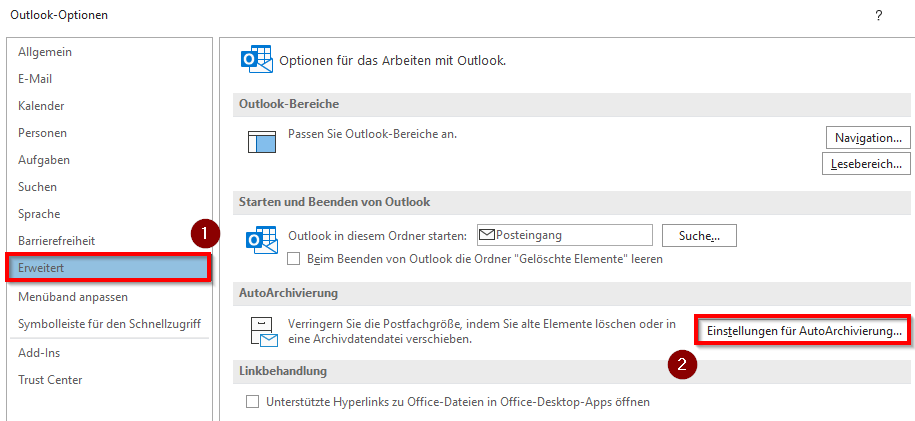
| 12:51, 9. Sep. 2022 | Autoarchivierung mit outlook 02.png (Datei) |  |
7 KB | Jnk | {{Information | description = Screenshot Outlook unter Windows 10 - Einstellungen | source = Screenshot | date = 09.09.2022 | author = Benutzer:jnk | permission = {{PD-user|jnk}} }}Kategorie:Screenshots | 1 |
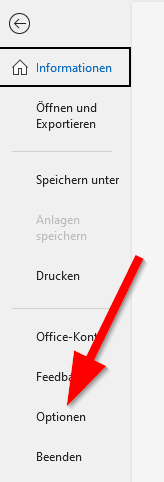
| 12:51, 9. Sep. 2022 | Autoarchivierung mit outlook 01.png (Datei) |  |
4 KB | Jnk | {{Information | description = Screenshot Outlook unter Windows 10 - Datei | source = Screenshot | date = 09.09.2022 | author = Benutzer:jnk | permission = {{PD-user|jnk}} }}Kategorie:Screenshots | 1 |
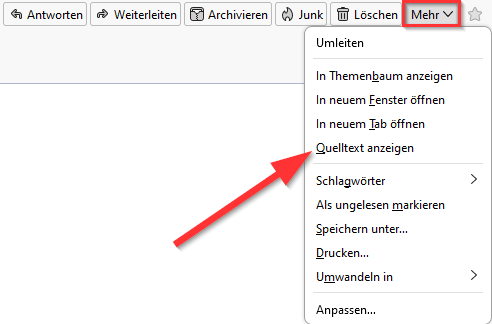
| 13:44, 8. Sep. 2022 | Screenshot Mail Header anzeigen 3.png (Datei) |  |
13 KB | Jnk | {{Information | description = Screenshot of the Thunderbird Header Display Options | source = Screenshot | date = 08.09.2022 | author = Benutzer:jnk | permission = {{PD-user|jnk}} }}Kategorie:Screenshots | 2 |
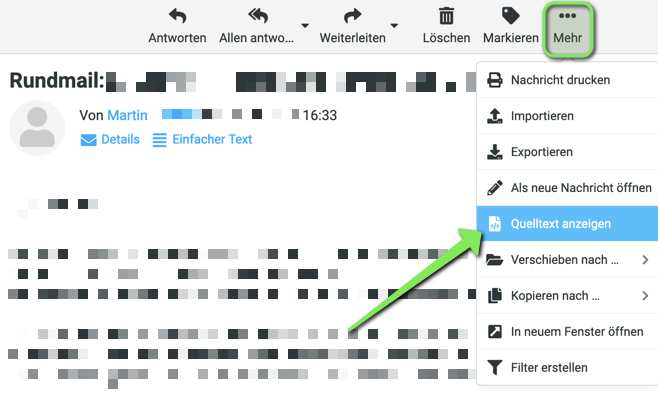
| 13:32, 8. Sep. 2022 | Screenshot Mail Header anzeigen 4.png (Datei) |  |
69 KB | Jnk | {{Information | description = Screenshot of the Webmail Header Display Options | source = Screenshot | date = 08.09.2022 | author = Benutzer:jnk | permission = {{PD-user|jnk}} }}Kategorie:Screenshots | 1 |
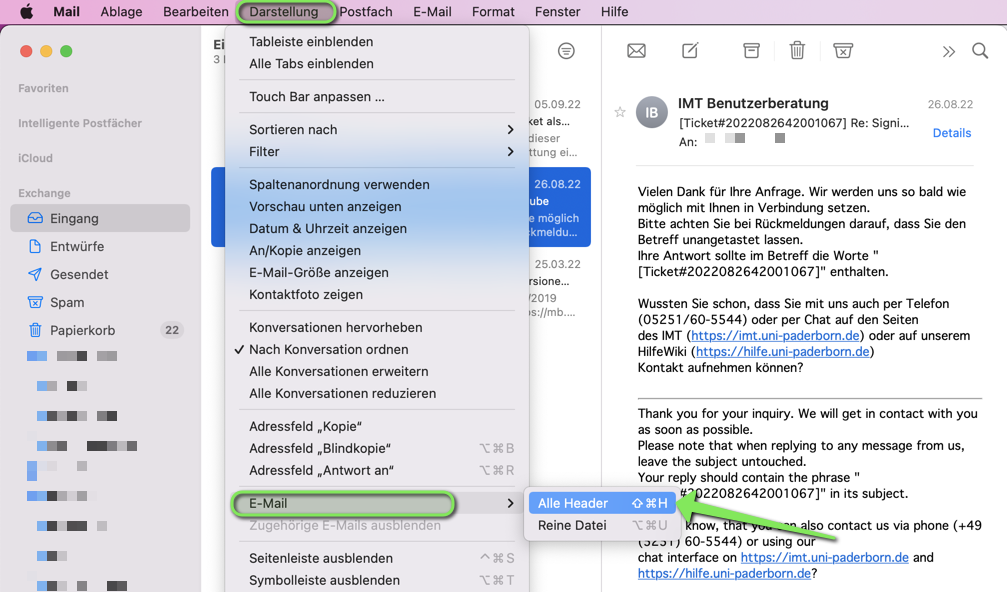
| 13:09, 8. Sep. 2022 | Mail Header anzeigen Apple Mail.png (Datei) |  |
317 KB | Jnk | {{Information | description = Screenshot of the Apple Mail Header Display Options | source = Screenshot | date = 08.09.2022 | author = Benutzer:jnk | permission = {{PD-user|jnk}} }}Kategorie:Screenshots | 2 |
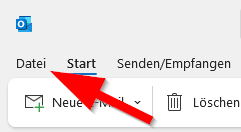
| 12:36, 8. Sep. 2022 | Mail-Header-anzeigen-00.png (Datei) |  |
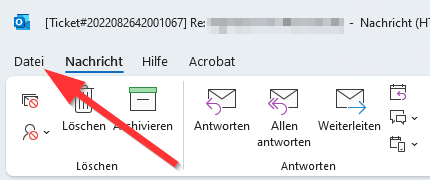
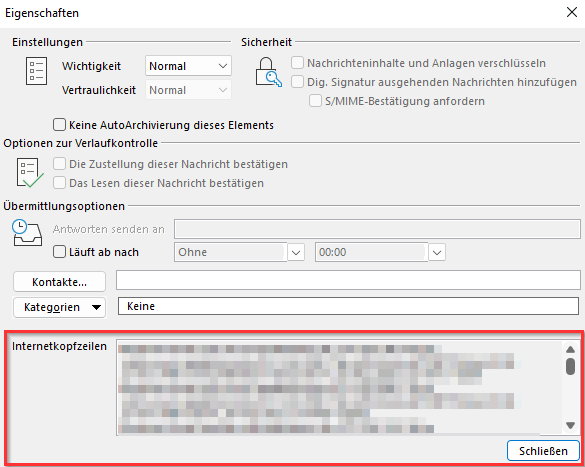
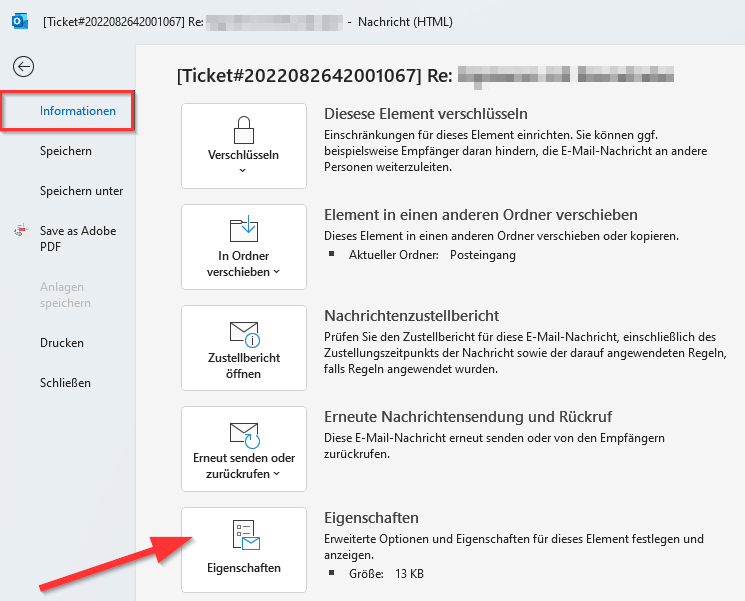
11 KB | Jnk | {{Information | description = Screenshot Microsoft Outlook - Mail Header anzeigen | source = Screenshot | date = 08.09.2022 | author = Benutzer:jnk | permission = {{PD-user|jnk}} }}Kategorie:Screenshots | 1 |
| 12:17, 8. Sep. 2022 | Screenshot Mail Header anzeigen 2.png (Datei) |  |
28 KB | Jnk | {{Information | description = Screenshot Microsoft Outlook - Mail Header anzeigen | source = Screenshot | date = 08.09.2022 | author = Benutzer:jnk | permission = {{PD-user|jnk}} }}Kategorie:Screenshots | 2 |
| 12:16, 8. Sep. 2022 | Screenshot Mail Header anzeigen 1.png (Datei) |  |
41 KB | Jnk | {{Information | description = Screenshot Microsoft Outlook - Mail Header anzeigen | source = Screenshot | date = 08.09.2022 | author = Benutzer:jnk | permission = {{PD-user|jnk}} }}Kategorie:Screenshots | 2 |
| 11:41, 8. Sep. 2022 | Sciebo Registrierung 2.png (Datei) |  |
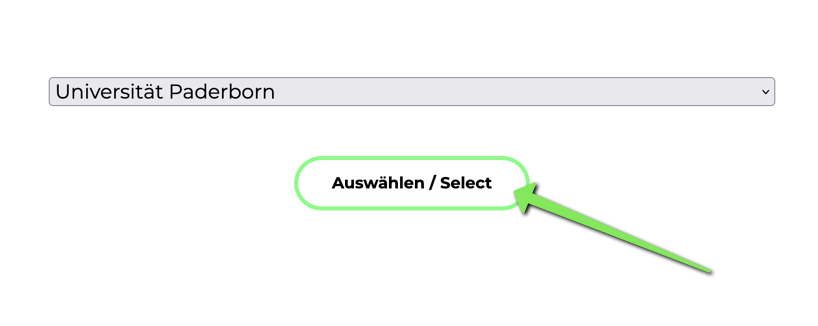
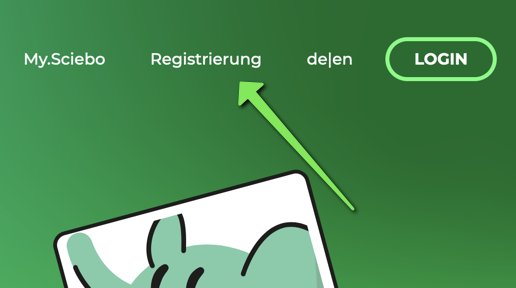
29 KB | Jnk | {{Information | description = Screenshot Sciebo Website - Organisation auswählen | source = Screenshot | date = 08.09.2022 | author = Benutzer:jnk | permission = {{PD-user|jnk}} }}Kategorie:Screenshots | 3 |
| 11:38, 8. Sep. 2022 | Sciebo Regristrieren 1.png (Datei) |  |
74 KB | Jnk | {{Information | description = Screenshot Sciebo Landingpage - Account registrieren | source = Screenshot | date = 08.09.2022 | author = Benutzer:jnk | permission = {{PD-user|jnk}} }}Kategorie:Screenshots | 3 |
| 12:59, 26. Aug. 2022 | Webmail Quota.png (Datei) |  |
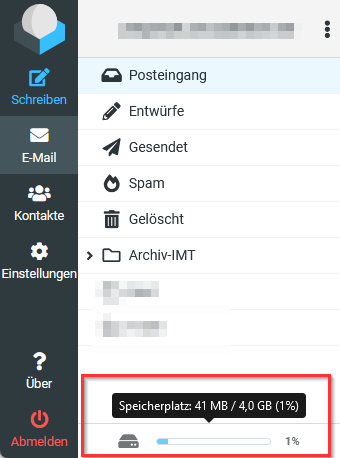
21 KB | Jnk | {{Information | description = Screenshot aus Roundcube - Speicherplatzanzeige | source = Screenshot | date = 26.08.2022 | author = Benutzer:jnk | permission = {{PD-user|jnk}} }}Kategorie:Screenshots | 2 |
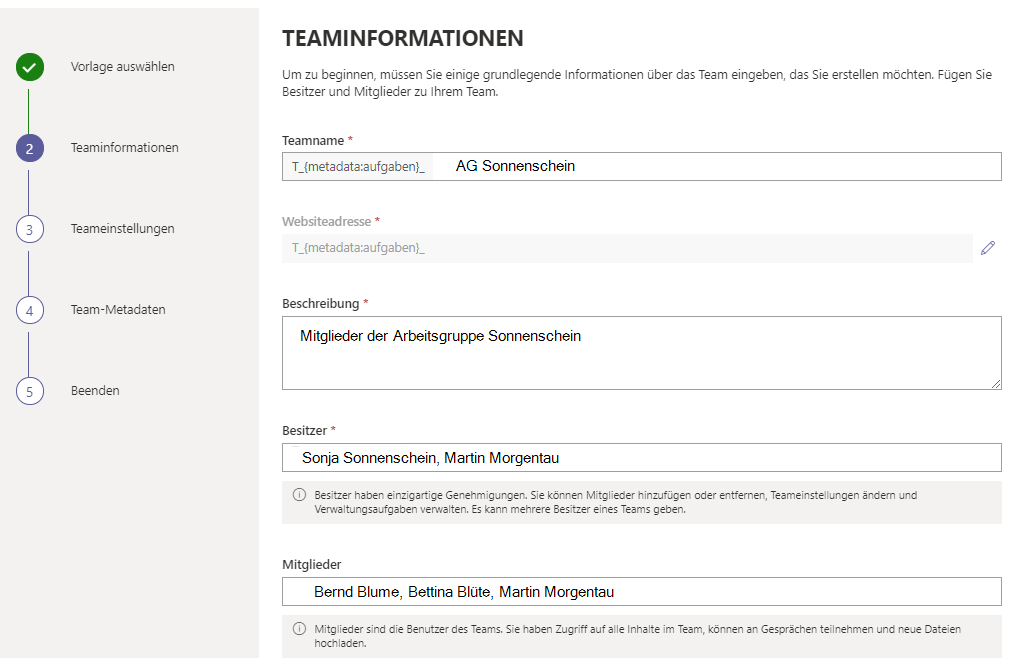
| 13:49, 23. Aug. 2022 | Microsoft IntraActive 05.png (Datei) |  |
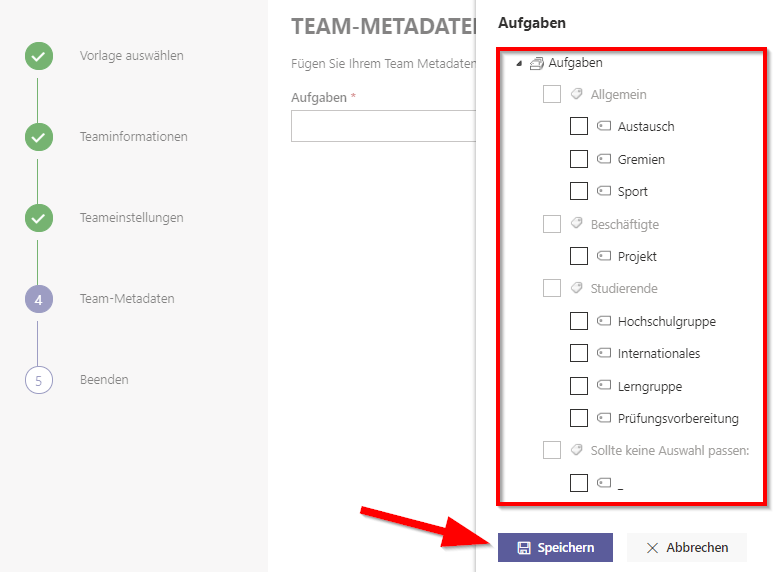
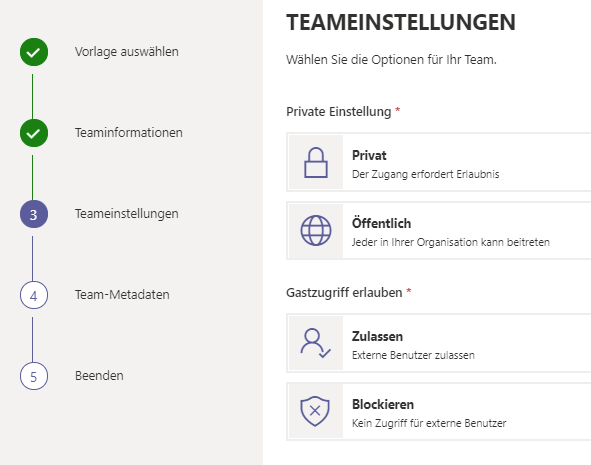
34 KB | Jnk | {{Information | description = Screenshot Microsoft Teams - Teams anlegen mit IntraActive Governance | source = Screenshot | date = 23.08.2022 | author = Benutzer:jnk | permission = {{PD-user|jnk}} }}Kategorie:Screenshots | 1 |
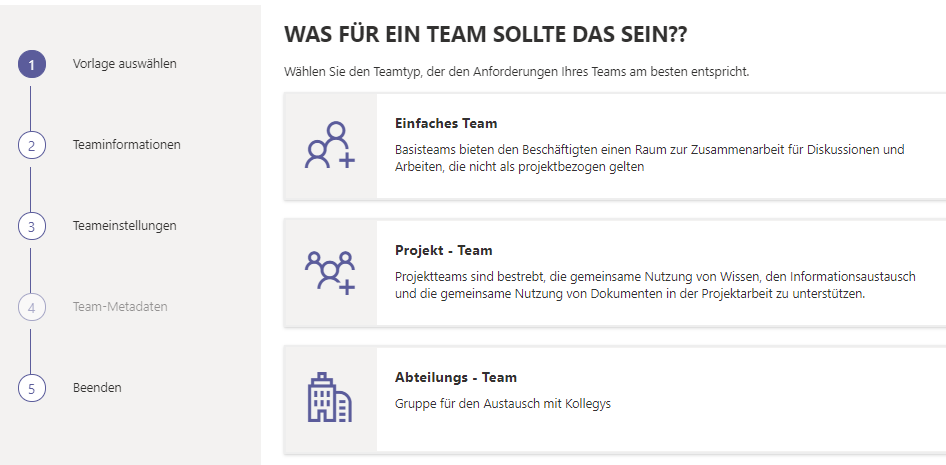
| 13:48, 23. Aug. 2022 | Microsoft IntraActive 04.png (Datei) |  |
25 KB | Jnk | {{Information | description = Screenshot Microsoft Teams - Teams anlegen mit IntraActive Governance | source = Screenshot | date = 23.08.2022 | author = Benutzer:jnk | permission = {{PD-user|jnk}} }}Kategorie:Screenshots | 1 |
| 13:48, 23. Aug. 2022 | Microsoft IntraActive 03.png (Datei) |  |
43 KB | Jnk | {{Information | description = Screenshot Microsoft Teams - Teams anlegen mit IntraActive Governance | source = Screenshot | date = 23.08.2022 | author = Benutzer:jnk | permission = {{PD-user|jnk}} }}Kategorie:Screenshots | 1 |
| 13:48, 23. Aug. 2022 | Microsoft IntraActive 02.png (Datei) |  |
38 KB | Jnk | {{Information | description = Screenshot Microsoft Teams - Teams anlegen mit IntraActive Governance | source = Screenshot | date = 23.08.2022 | author = Benutzer:jnk | permission = {{PD-user|jnk}} }}Kategorie:Screenshots | 1 |
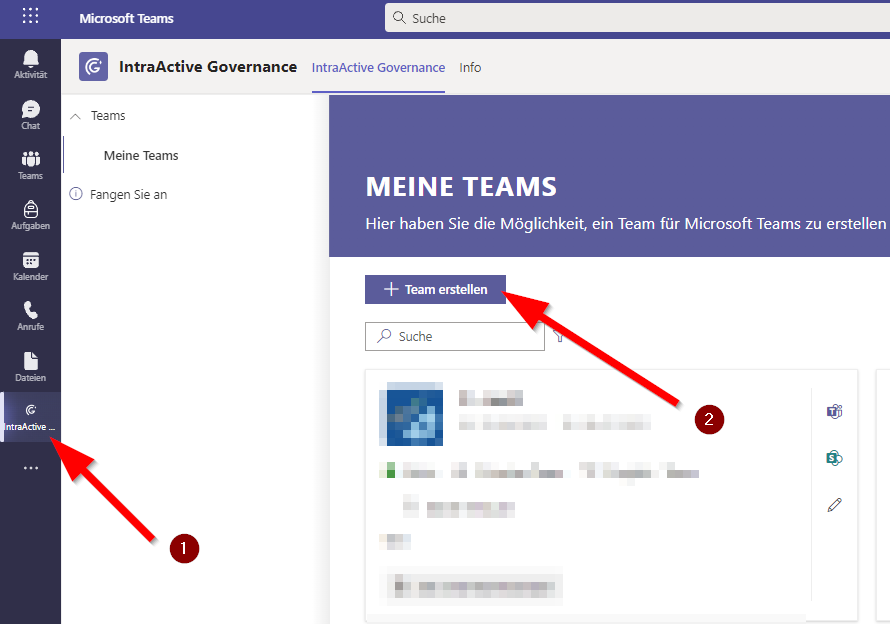
| 13:47, 23. Aug. 2022 | Microsoft IntraActive 01.png (Datei) |  |
50 KB | Jnk | {{Information | description = Screenshot Microsoft Teams - Teams anlegen mit IntraActive | source = Screenshot | date = 23.08.2022 | author = Benutzer:jnk | permission = {{PD-user|jnk}} }}Kategorie:Screenshots | 1 |
| 09:27, 15. Aug. 2022 | Microsoft-365-Office-online-8-OneNote.png (Datei) |  |
15 KB | Tkruse2 | {{Information | description = Office OneNote | source = Screenshot | date = 15.08.2022 | author = Benutzer:tkruse2 | permission = {{PD-user|tkruse2}} }}Kategorie:Screenshots | 1 |
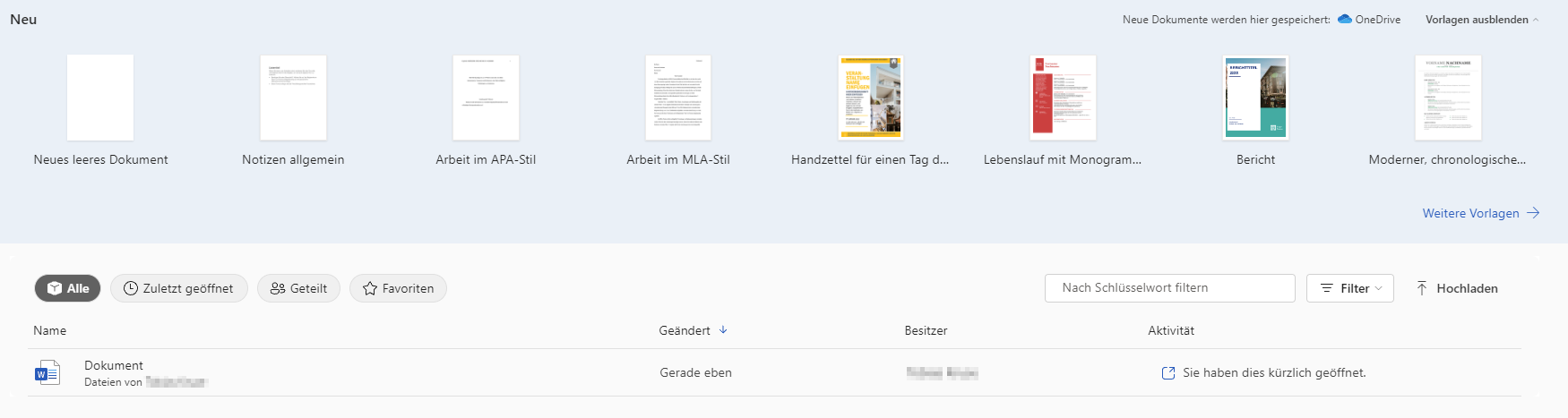
| 09:07, 15. Aug. 2022 | Microsoft-365-Office-online-7-Word.png (Datei) |  |
70 KB | Tkruse2 | {{Information | description = Office Word | source = Screenshot | date = 15.08.2022 | author = Benutzer:tkruse2 | permission = {{PD-user|tkruse2}} }}Kategorie:Screenshots | 1 |
| 08:53, 15. Aug. 2022 | Microsoft-365-Office-online-6-Teams.png (Datei) |  |
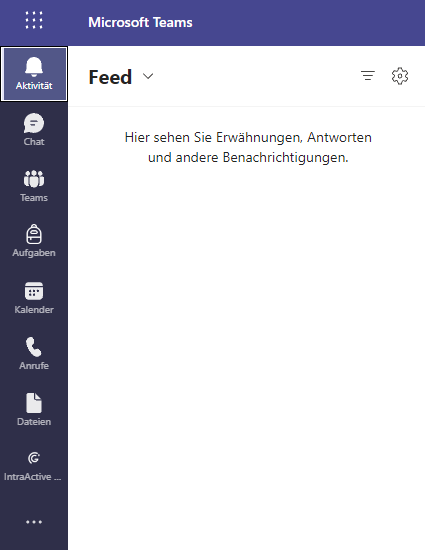
12 KB | Tkruse2 | {{Information | description = Office Teams | source = Screenshot | date = 15.08.2022 | author = Benutzer:tkruse2 | permission = {{PD-user|tkruse2}} }}Kategorie:Screenshots | 1 |
| 08:34, 15. Aug. 2022 | Microsoft-365-Office-online-5-Outlook.png (Datei) |  |
1 KB | Tkruse2 | {{Information | description = Outlook funktionen | source = Screenshot | date = 15.08.2022 | author = Benutzer:tkruse2 | permission = {{PD-user|tkruse2}} }}Kategorie:Screenshots | 1 |
| 08:02, 15. Aug. 2022 | Microsoft-365-Office-online-2.png (Datei) |  |
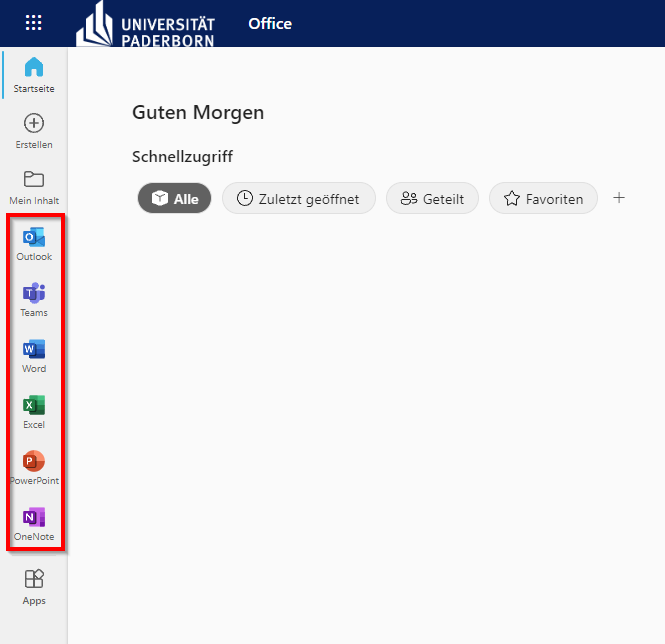
29 KB | Tkruse2 | {{Information | description = Office Programme | source = Screenshot | date = 15.08.2022 | author = Benutzer:tkruse2 | permission = {{PD-user|tkruse2}} }}Kategorie:Screenshots | 2 |
| 07:52, 15. Aug. 2022 | Microsoft-365-Office-online-4-Outlook.png (Datei) |  |
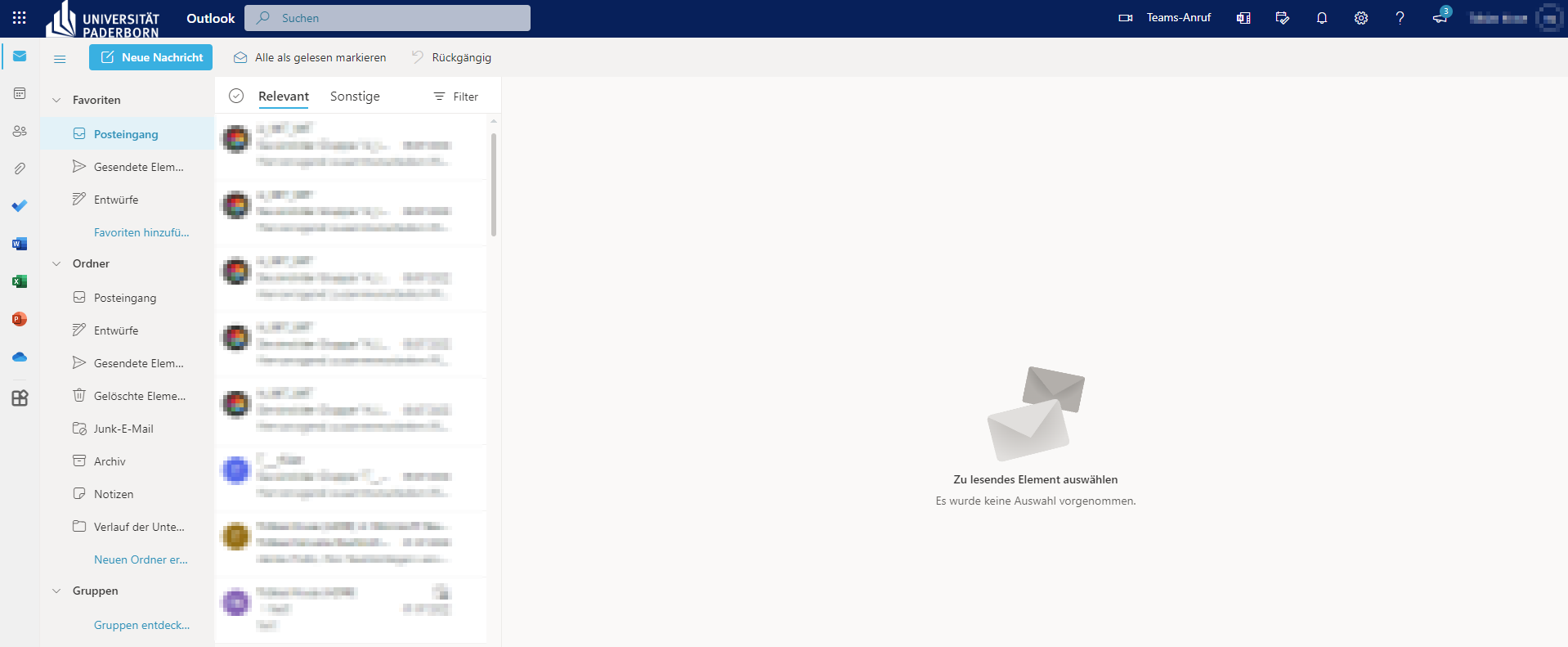
74 KB | Tkruse2 | {{Information | description = Office Outlook | source = Screenshot | date = 15.08.2022 | author = Benutzer:tkruse2 | permission = {{PD-user|tkruse2}} }}Kategorie:Screenshots | 1 |
| 07:30, 15. Aug. 2022 | Microsoft-365-Office-online-3.png (Datei) |  |
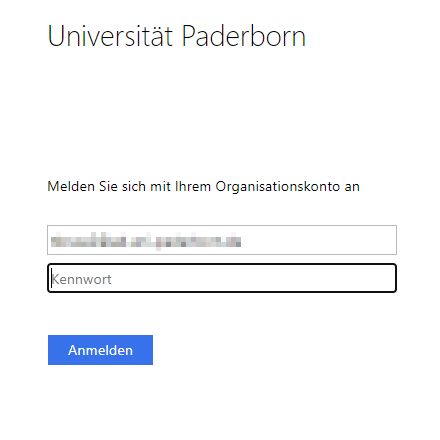
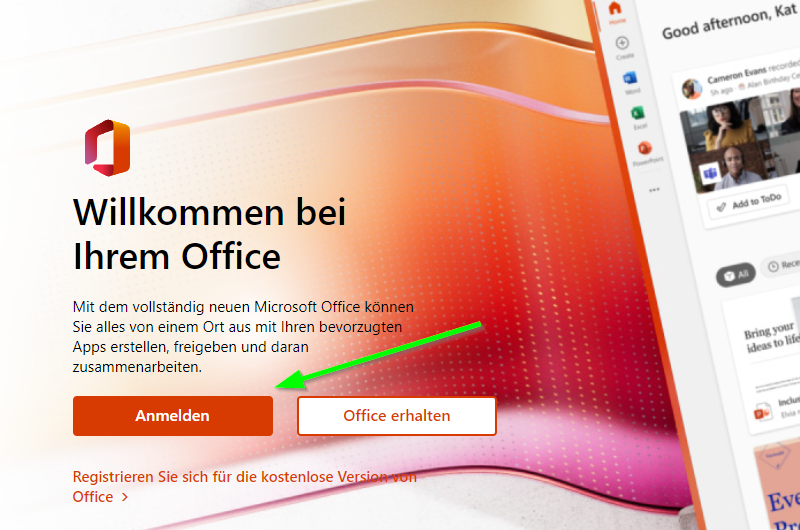
8 KB | Tkruse2 | {{Information | description = Uni Anmeldeseite | source = Screenshot | date = 15.08.2022 | author = Benutzer:tkruse2 | permission = {{PD-user|tkruse2}} }}Kategorie:Screenshots | 1 |
| 10:40, 8. Aug. 2022 | Microsoft-365-Office-online-1.png (Datei) |  |
743 KB | Tkruse2 | {{Information | description = Screenshot Microsoft 365 Office online 1 | source = Screenshot | date = 08.08.2022 | author = Benutzer:tkruse2 | permission = {{PD-user|tkruse2}} }}Kategorie:Screenshots | 1 |