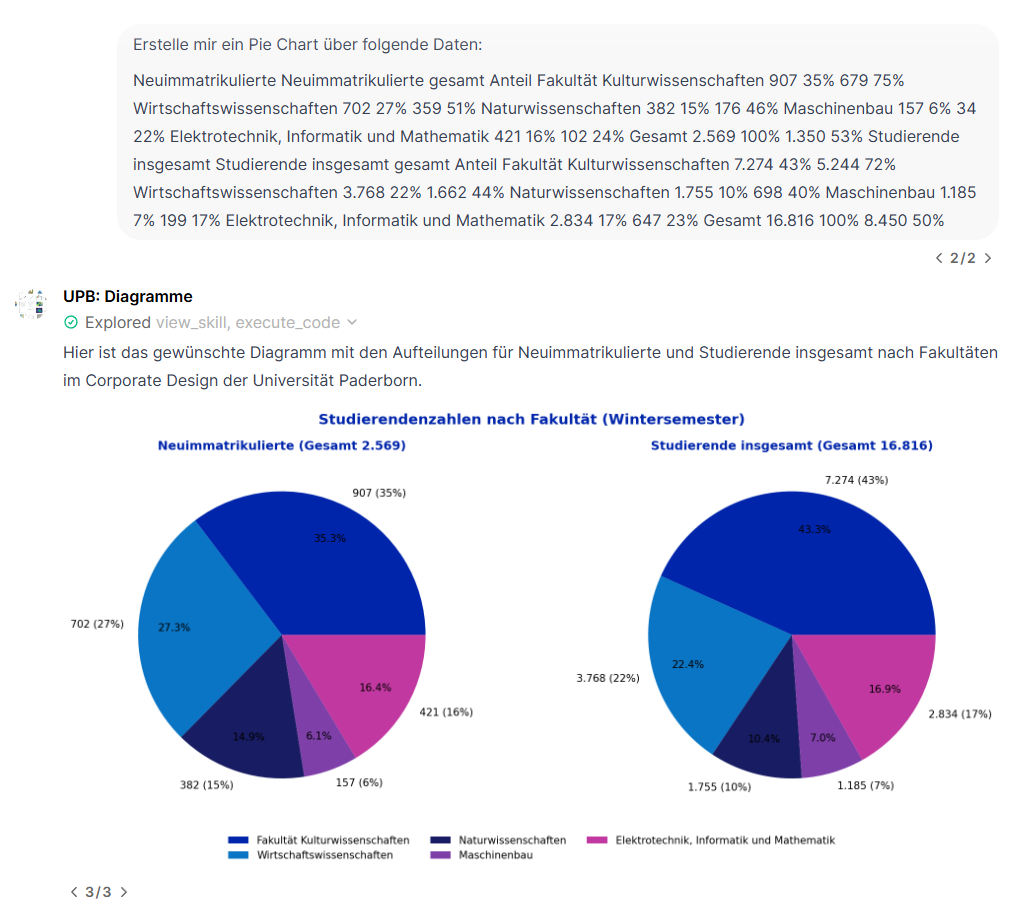
Diese Spezialseite listet alle hochgeladenen Dateien auf.

| Datum | Name | Vorschaubild | Größe | Benutzer | Beschreibung | Versionen |
|---|---|---|---|---|---|---|
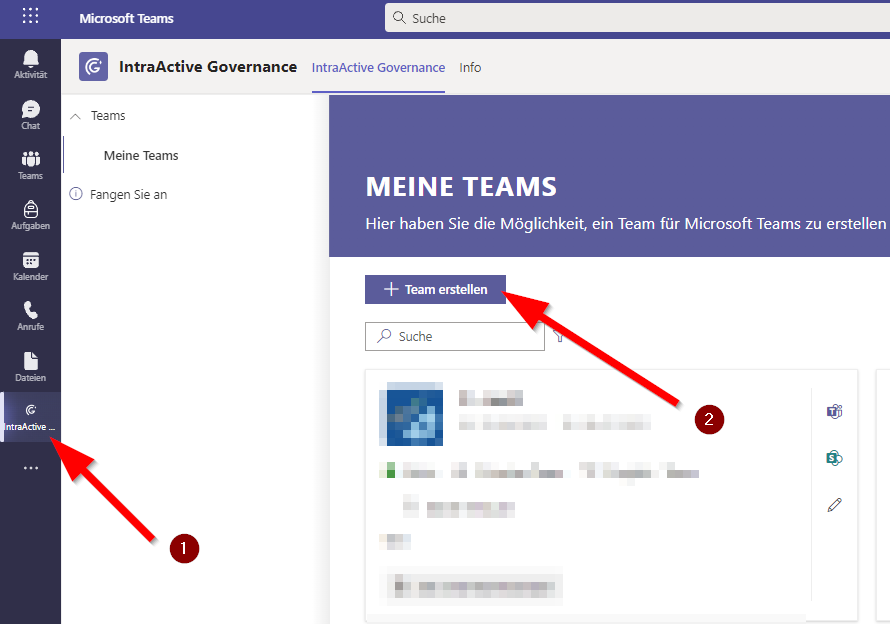
| 09:46, 13. Mai 2026 | Microsoft IntraActive 02.png (Datei) |  |
41 KB | Jnk | {{Information | description = Screenshot Teams Intra Active - Team auswählen | source = Screenshot | date = 13.05.2026 | author = Benutzer:jnk | permission = {{PD-user|jnk}} }}Kategorie:Screenshots | 2 |
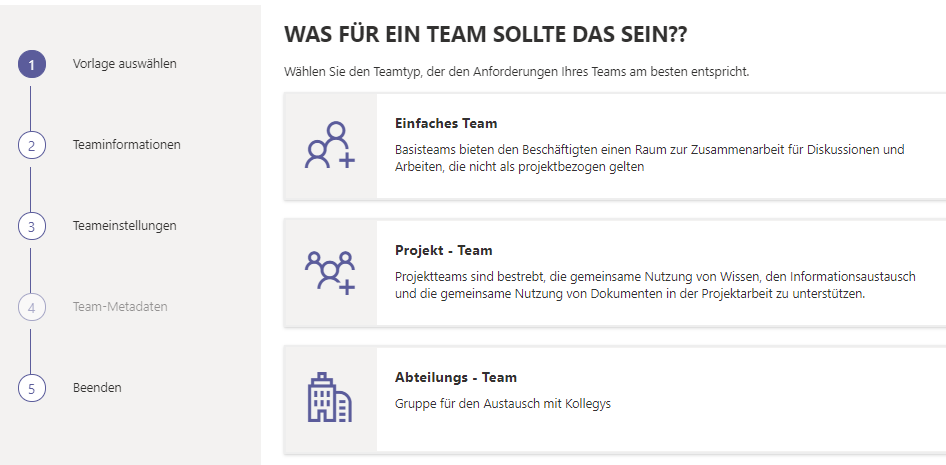
| 09:46, 13. Mai 2026 | Microsoft IntraActive 01.png (Datei) |  |
32 KB | Jnk | {{Information | description = Screenshot Teams Intra Active - Team beantragen | source = Screenshot | date = 13.05.2026 | author = Benutzer:jnk | permission = {{PD-user|jnk}} }}Kategorie:Screenshots | 2 |
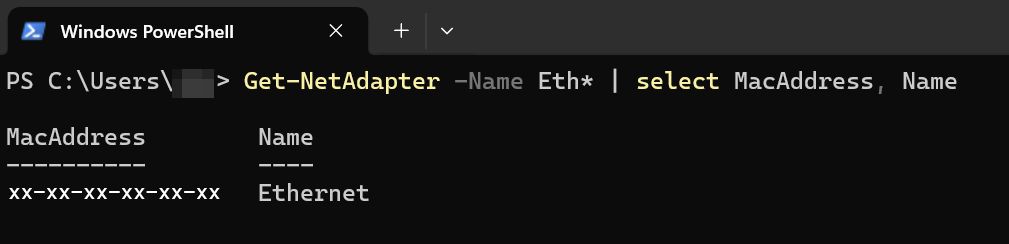
| 18:12, 12. Mai 2026 | Mac Adresse Windows Powershell 2.png (Datei) |  |
21 KB | Mariels | {{Information | description = Screenshot Mac Adresse Windows Powershell 2 | source = Screenshot | date = 12.05.2026 | author = Benutzer:mariels | permission = {{PD-user|mariels}} }}Kategorie:Screenshots | 1 |
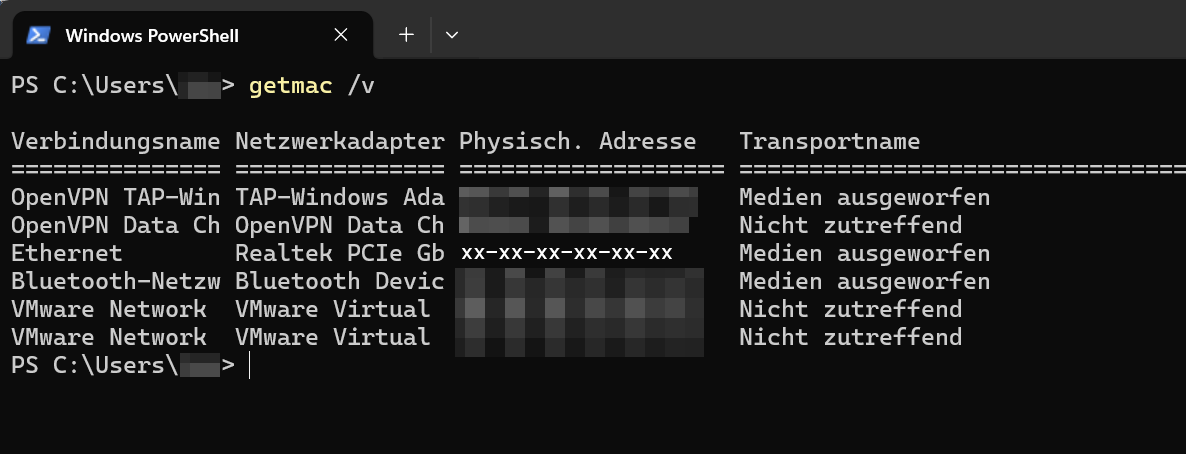
| 18:03, 12. Mai 2026 | Mac Adresse Windows Powershell 1.png (Datei) |  |
53 KB | Mariels | {{Information | description = Screenshot Mac Adresse Windows Powershell 1 | source = Screenshot | date = 12.05.2026 | author = Benutzer:mariels | permission = {{PD-user|mariels}} }}Kategorie:Screenshots | 1 |
| 13:22, 7. Mai 2026 | Screenshot SPSS 01.png (Datei) |  |
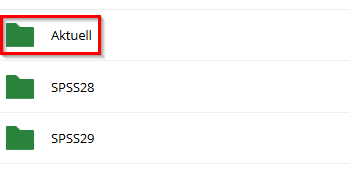
11 KB | Jnk | {{Information | description = Screenshot SPSS Downloadordner | source = Screenshot | date = 07.05.2026 | author = Benutzer:jnk | permission = {{PD-user|jnk}} }}Kategorie:Screenshots | 3 |
| 13:21, 7. Mai 2026 | SPSS-netzwerklizenz-9.png (Datei) |  |
28 KB | Jnk | {{Information | description = Screenshot SPSS Bestätigungs-E-Mail | source = Screenshot | date = 07.05.2026 | author = Benutzer:jnk | permission = {{PD-user|jnk}} }}Kategorie:Screenshots | 4 |
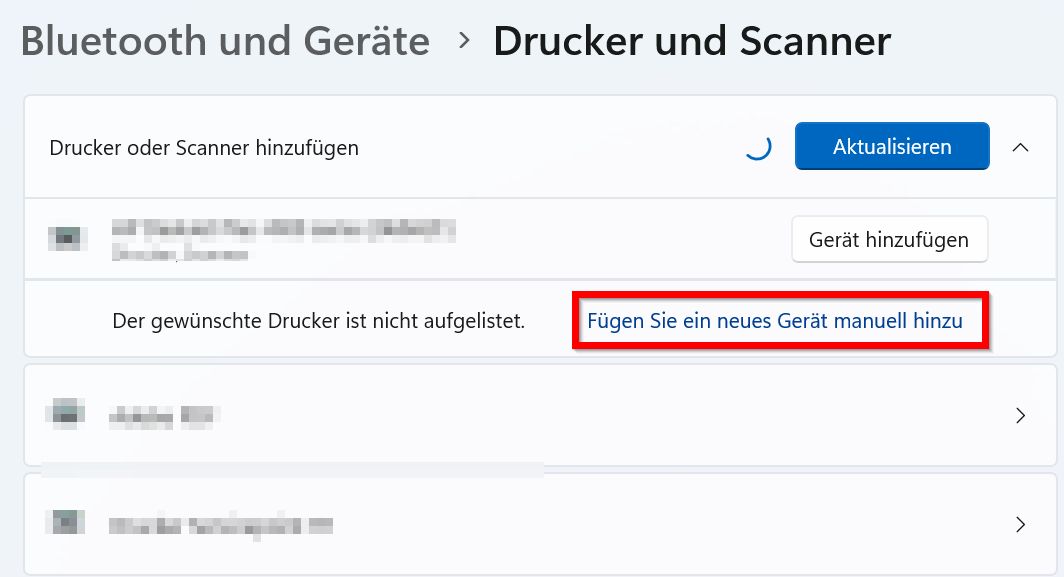
| 11:15, 5. Mai 2026 | Netzwerkdrucker-Windows-06.png (Datei) |  |
40 KB | Jnk | {{Information | description = Screenshot Windows 11 - Netzwerkdrucker hinzufügen | source = Screenshot | date = 05.05.2026 | author = Benutzer:jnk | permission = {{PD-user|jnk}} }}Kategorie:Screenshots | 1 |
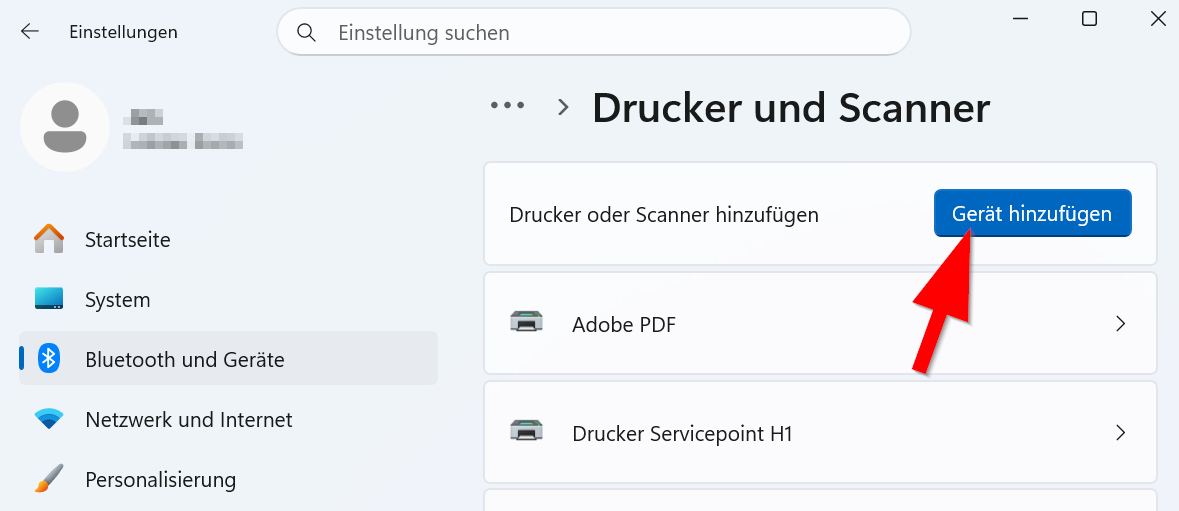
| 11:15, 5. Mai 2026 | Netzwerkdrucker-Windows-05.png (Datei) |  |
25 KB | Jnk | {{Information | description = Screenshot Windows 11 - Netzwerkdrucker hinzufügen | source = Screenshot | date = 05.05.2026 | author = Benutzer:jnk | permission = {{PD-user|jnk}} }}Kategorie:Screenshots | 1 |
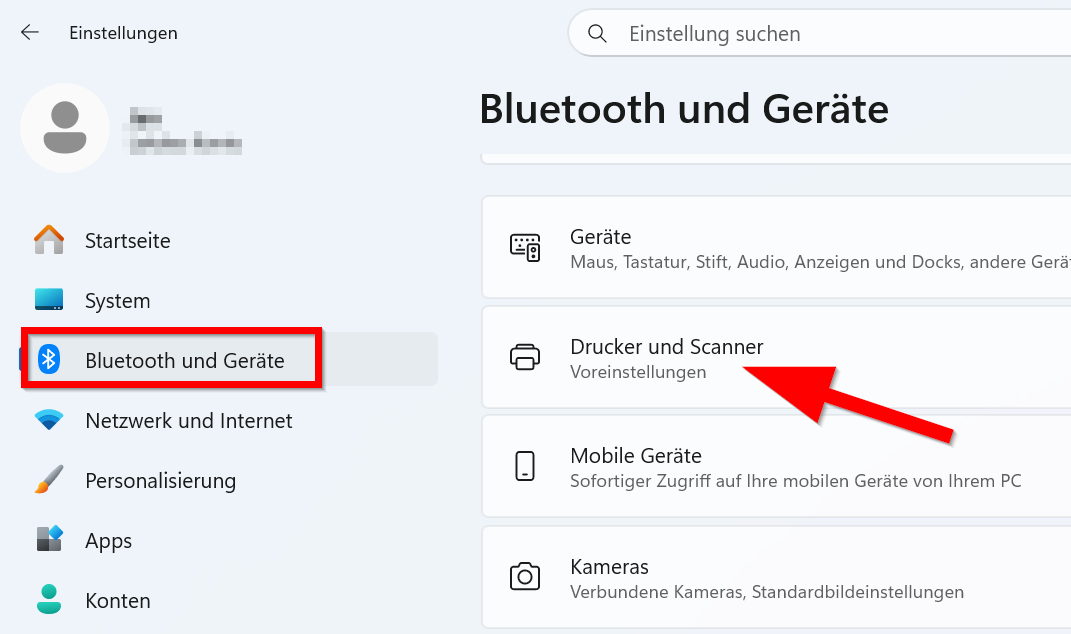
| 11:15, 5. Mai 2026 | Netzwerkdrucker-Windows-04.png (Datei) |  |
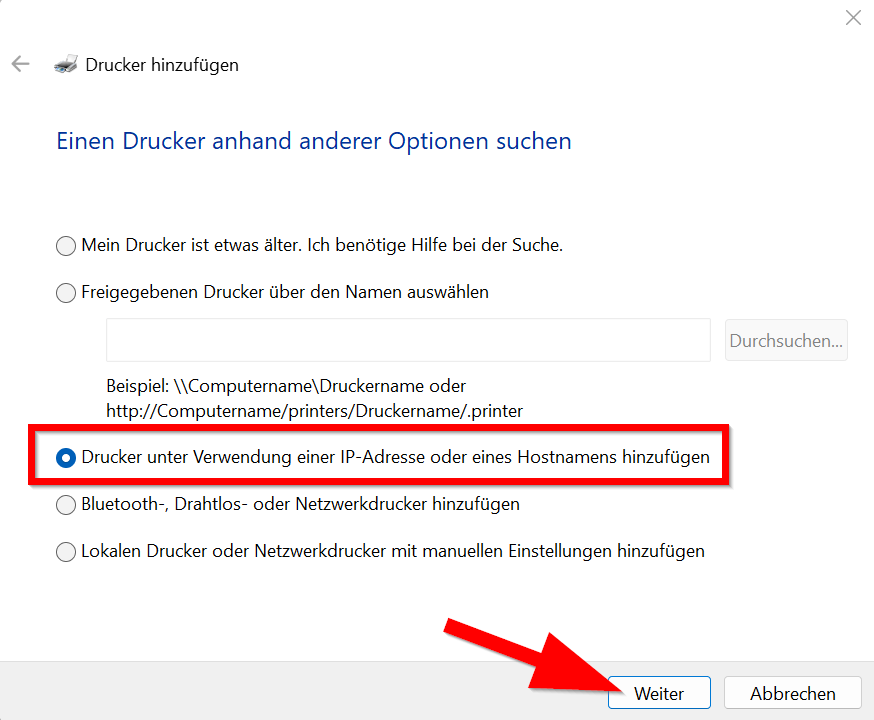
28 KB | Jnk | {{Information | description = Screenshot Windows 11 - Netzwerkdrucker hinzufügen | source = Screenshot | date = 05.05.2026 | author = Benutzer:jnk | permission = {{PD-user|jnk}} }}Kategorie:Screenshots | 1 |
| 11:14, 5. Mai 2026 | Netzwerkdrucker-Windows-03.png (Datei) |  |
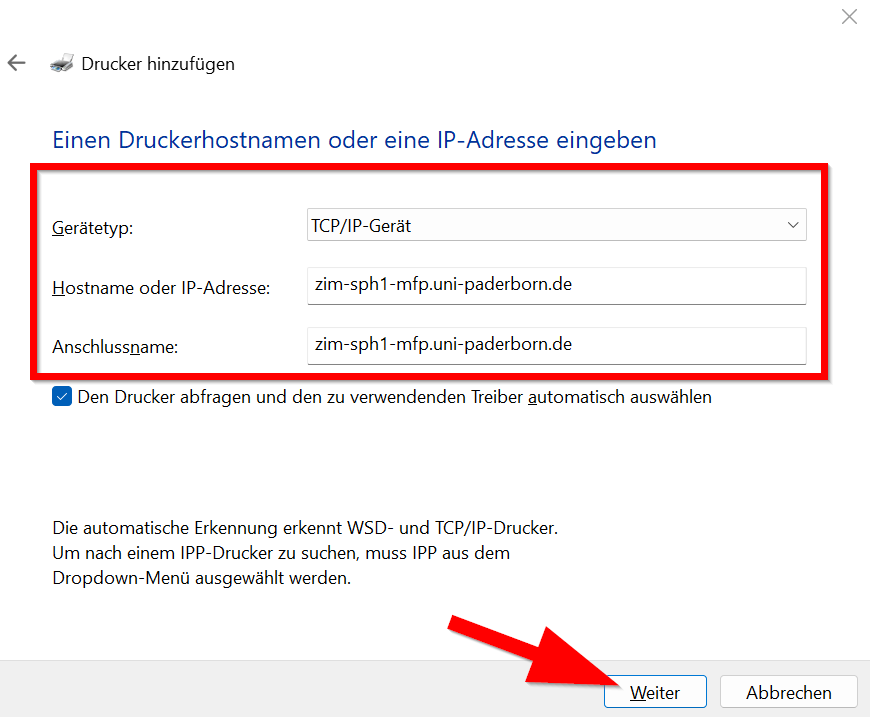
33 KB | Jnk | {{Information | description = Screenshot Windows 11 - Netzwerkdrucker hinzufügen | source = Screenshot | date = 05.05.2026 | author = Benutzer:jnk | permission = {{PD-user|jnk}} }}Kategorie:Screenshots | 1 |
| 11:14, 5. Mai 2026 | Netzwerkdrucker-Windows-02.png (Datei) |  |
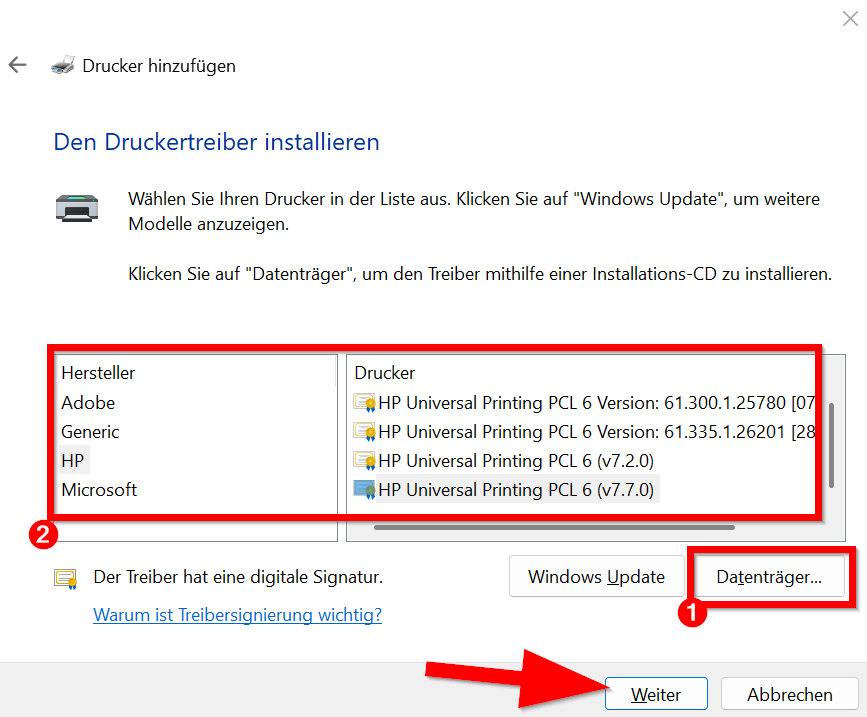
46 KB | Jnk | {{Information | description = Screenshot Windows 11 - Netzwerkdrucker hinzufügen | source = Screenshot | date = 05.05.2026 | author = Benutzer:jnk | permission = {{PD-user|jnk}} }}Kategorie:Screenshots | 1 |
| 11:14, 5. Mai 2026 | Netzwerkdrucker-Windows-01.png (Datei) |  |
52 KB | Jnk | {{Information | description = Screenshot Windows 11 - Netzwerkdrucker hinzufügen | source = Screenshot | date = 05.05.2026 | author = Benutzer:jnk | permission = {{PD-user|jnk}} }}Kategorie:Screenshots | 1 |
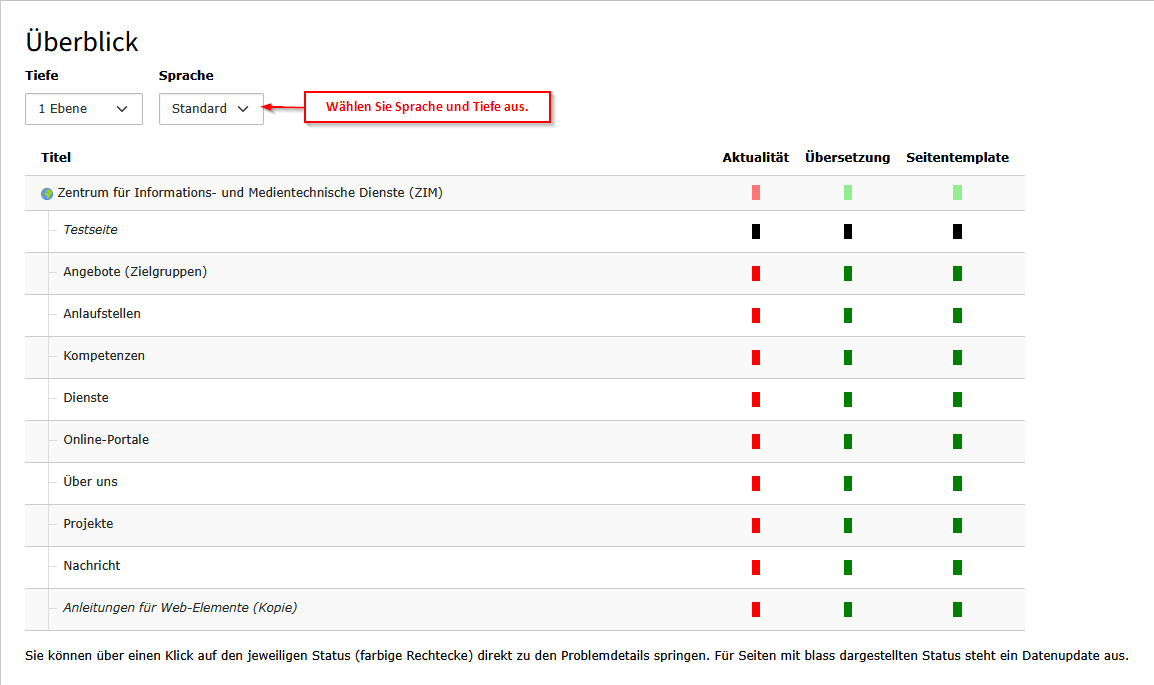
| 08:53, 30. Apr. 2026 | Screenshot TYPO3 - UPB Consultant Modul Ueberblick Sprache Tiefe.png (Datei) |  |
21 KB | Vivienne | 4 | |
| 08:52, 30. Apr. 2026 | Screenshot TYPO3 - UPB Consultant Ueberblick.png (Datei) |  |
7 KB | Vivienne | 2 | |
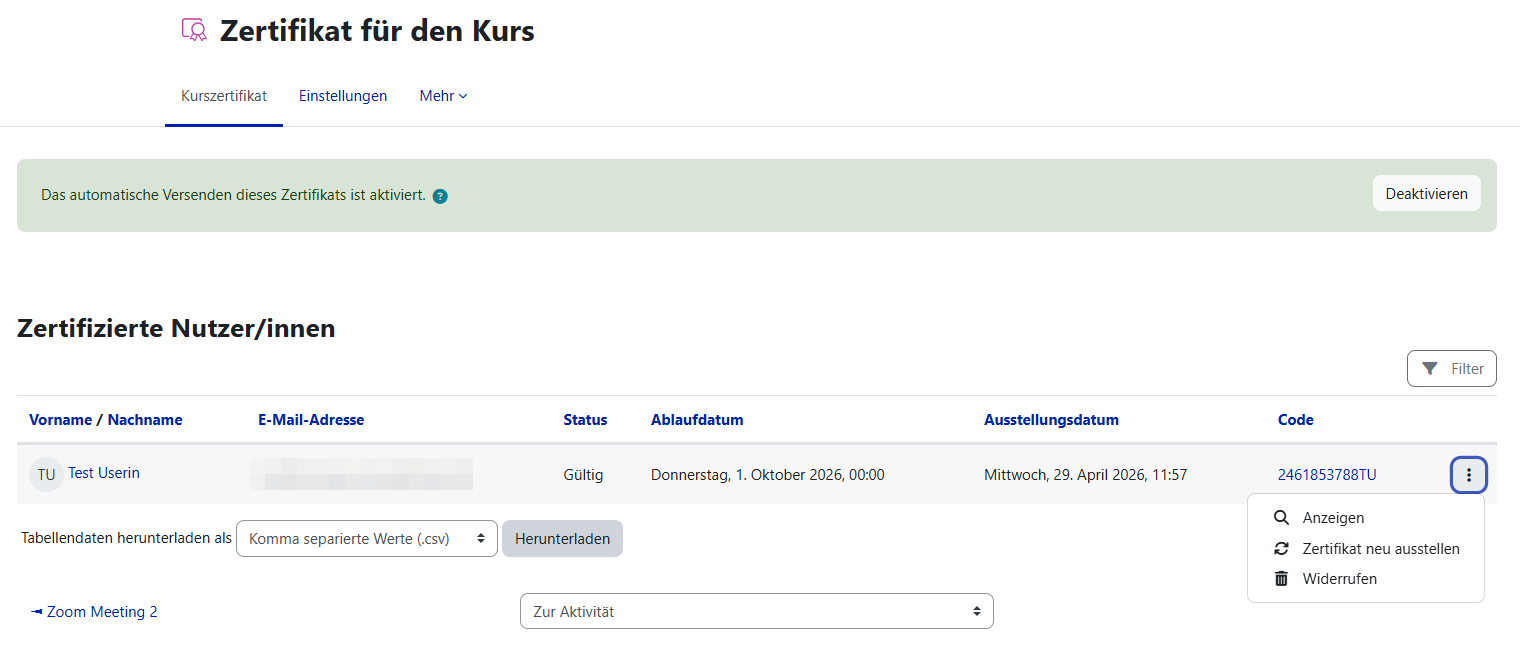
| 12:10, 29. Apr. 2026 | Kurszertifikat Übersicht aller Zertifikate im Kurs.png (Datei) |  |
53 KB | Mfunk | {{Information | description = Screenshot Kurszertifikat | source = Screenshot | date = 29.04.2026 | author = Benutzer:mfunk | permission = {{PD-user|mfunk}} }}Kategorie:Screenshots | 1 |
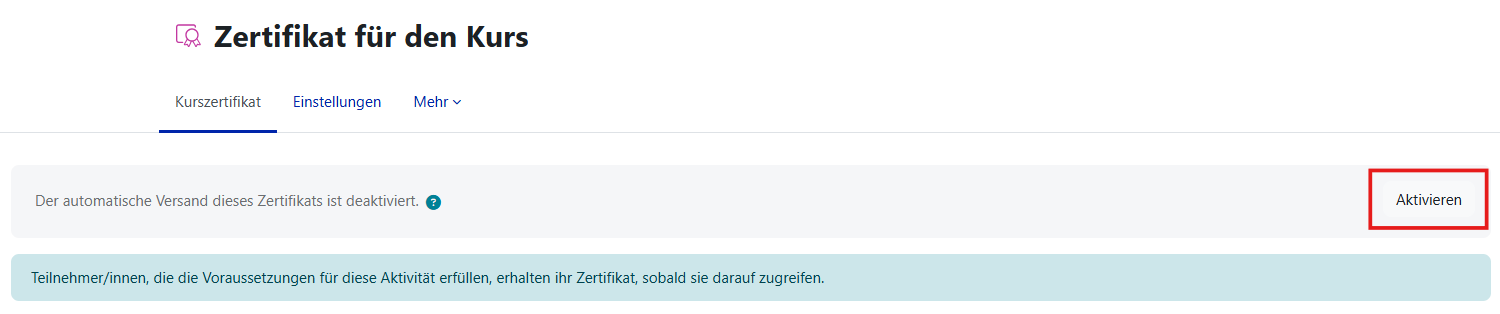
| 12:04, 29. Apr. 2026 | Kurszertifikat Automatischen Versand aktivieren.png (Datei) |  |
21 KB | Mfunk | {{Information | description = Screenshot Kurszertifikat | source = Screenshot | date = 29.04.2026 | author = Benutzer:mfunk | permission = {{PD-user|mfunk}} }}Kategorie:Screenshots | 1 |
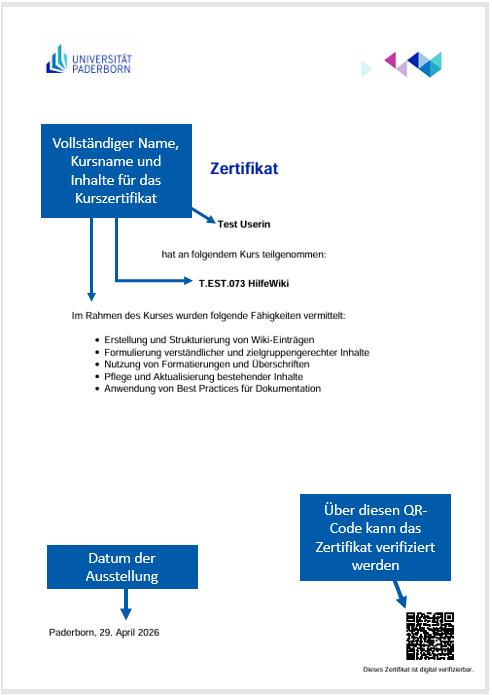
| 12:00, 29. Apr. 2026 | Kurszertifikat Beispielzertifikat mit Erläuterungen.png (Datei) |  |
69 KB | Mfunk | 2 | |
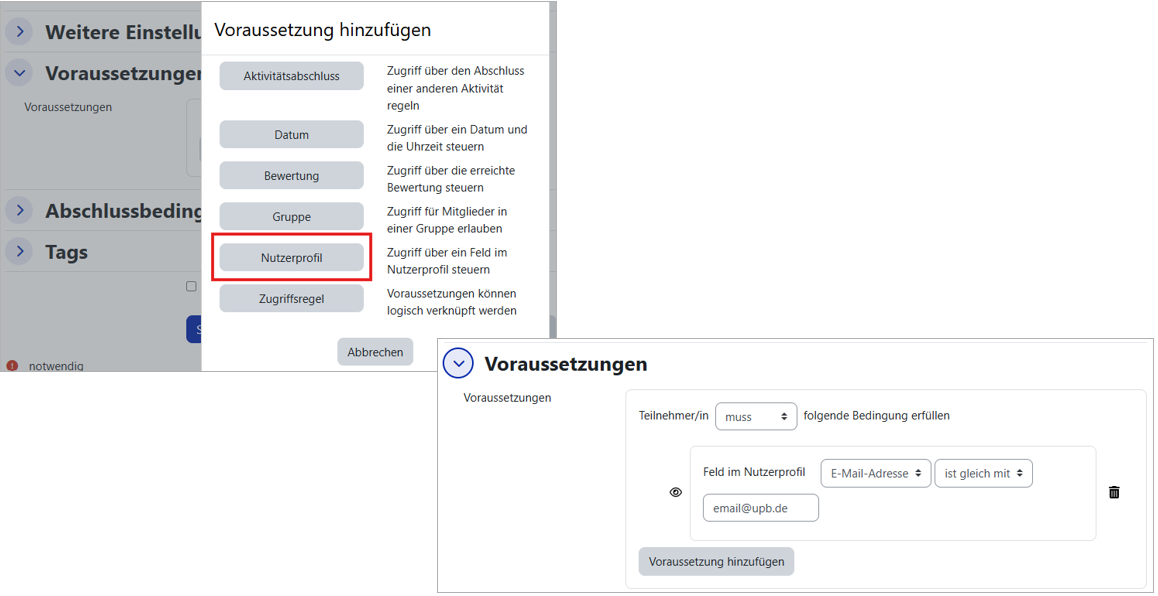
| 11:42, 29. Apr. 2026 | Kurszertifikat Voraussetzung Nutzerprofil.png (Datei) |  |
125 KB | Mfunk | {{Information | description = Screenshot Kurszertifikat | source = Screenshot | date = 29.04.2026 | author = Benutzer:mfunk | permission = {{PD-user|mfunk}} }}Kategorie:Screenshots | 1 |
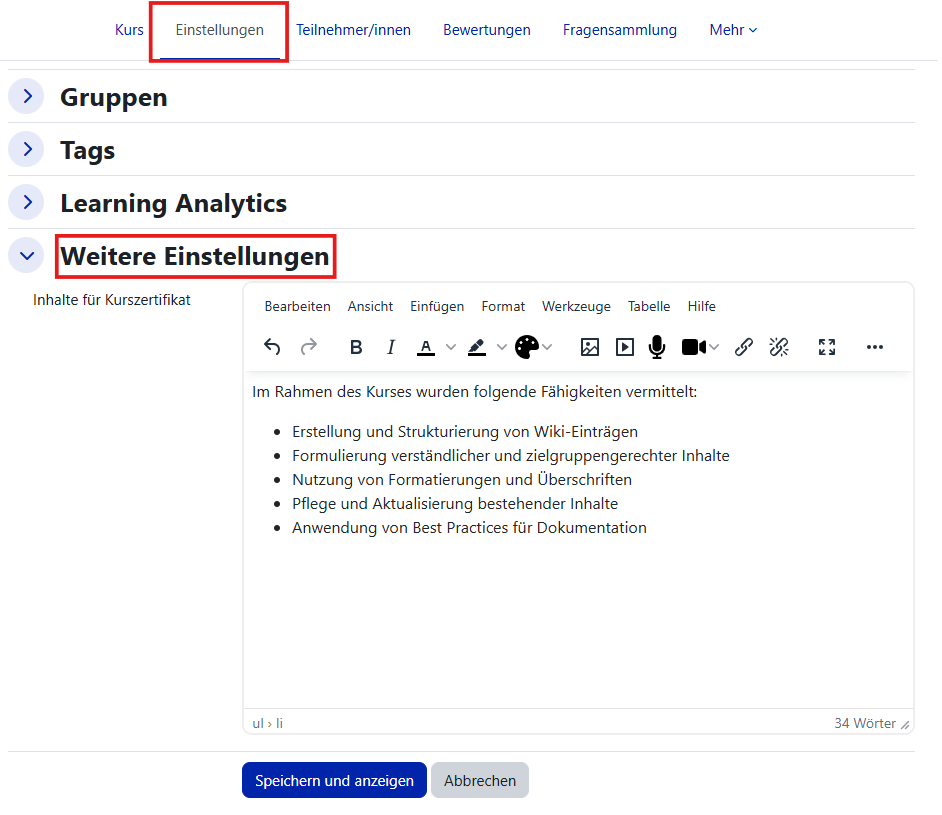
| 11:37, 29. Apr. 2026 | Kurszertifikat Zertifikatsinhalt hinzufügen.png (Datei) |  |
52 KB | Mfunk | {{Information | description = Screenshot Kurszertifikat | source = Screenshot | date = 29.04.2026 | author = Benutzer:mfunk | permission = {{PD-user|mfunk}} }}Kategorie:Screenshots | 1 |
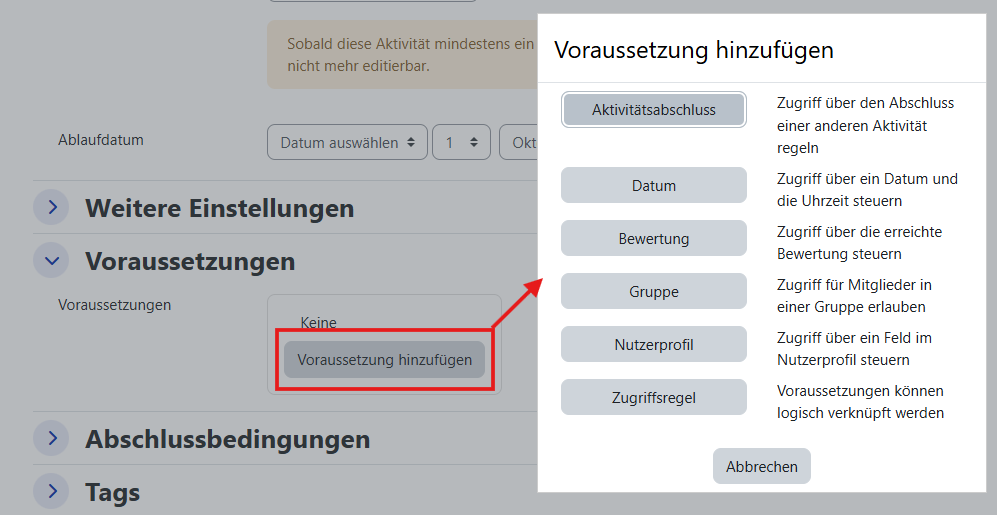
| 11:34, 29. Apr. 2026 | Kurszertifikat Voraussetzungen hinzufügen.png (Datei) |  |
62 KB | Mfunk | {{Information | description = Screenshot Kurszertifikat | source = Screenshot | date = 29.04.2026 | author = Benutzer:mfunk | permission = {{PD-user|mfunk}} }}Kategorie:Screenshots | 1 |
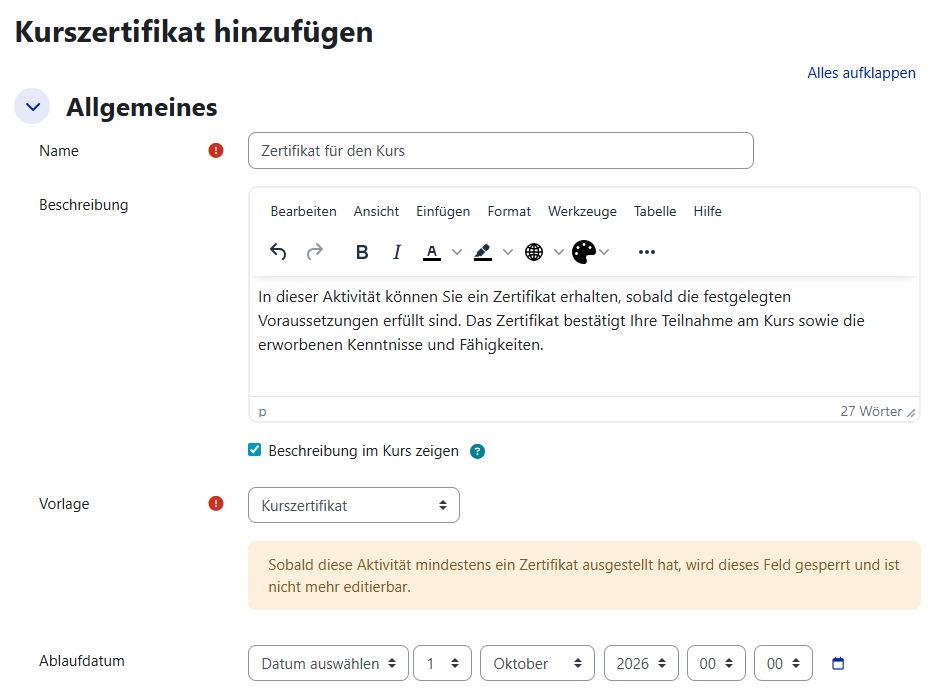
| 11:30, 29. Apr. 2026 | Kurszertifikat Allgemeine Einstellungen.png (Datei) |  |
50 KB | Mfunk | {{Information | description = Screenshot Kurszertifikat | source = Screenshot | date = 29.04.2026 | author = Benutzer:mfunk | permission = {{PD-user|mfunk}} }}Kategorie:Screenshots | 1 |
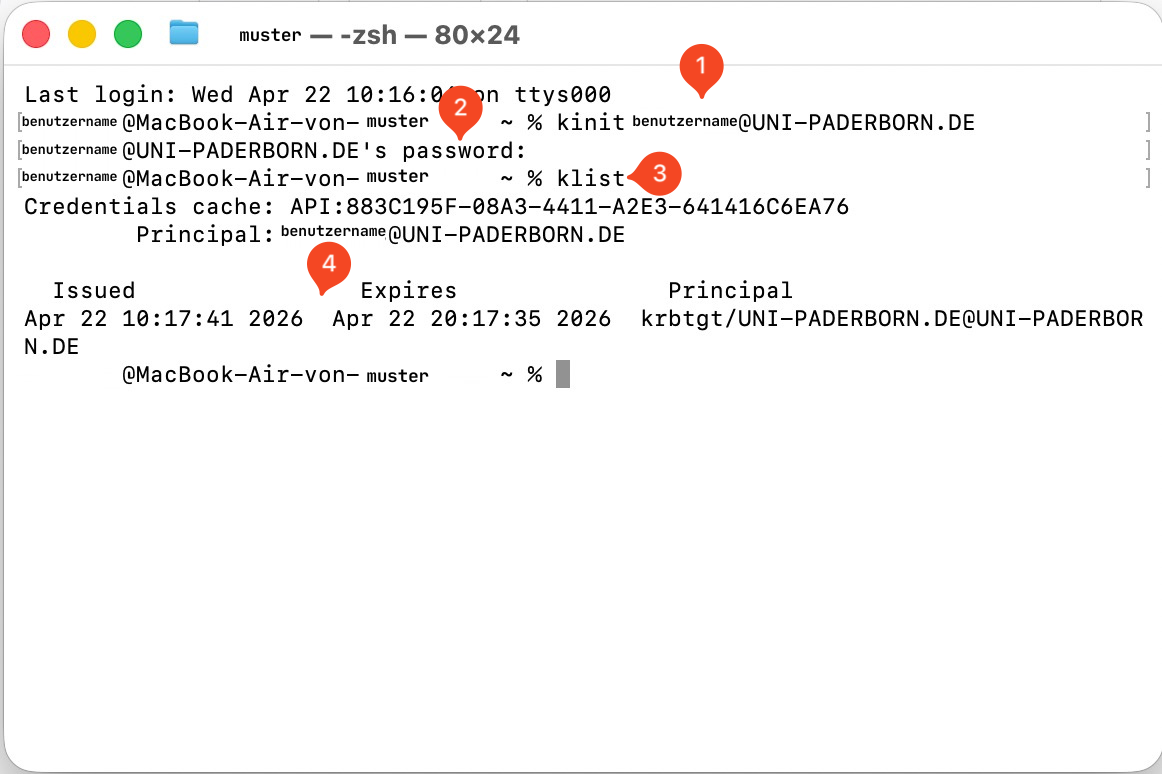
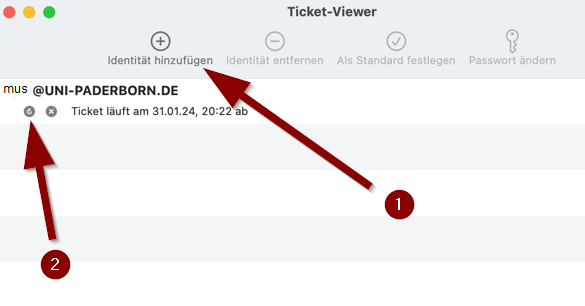
| 10:57, 22. Apr. 2026 | Single-sign-on-einrichten-macos-04.png (Datei) |  |
198 KB | Mariels | {{Information | description = Screenshot Single Sign on einichten macOS 04 | source = Screenshot | date = 22.04.2026 | author = Benutzer:mariels | permission = {{PD-user|mariels}} }}Kategorie:Screenshots | 1 |
| 15:57, 21. Apr. 2026 | Single-sign-on-einrichten-macos-03.png (Datei) |  |
69 KB | Mariels | {{Information | description = Single Sign on einrichten macOS 03 | source = Screenshot | date = 21.04.2026 | author = Benutzer:mariels | permission = {{PD-user|mariels}} }}Kategorie:Screenshots | 3 |
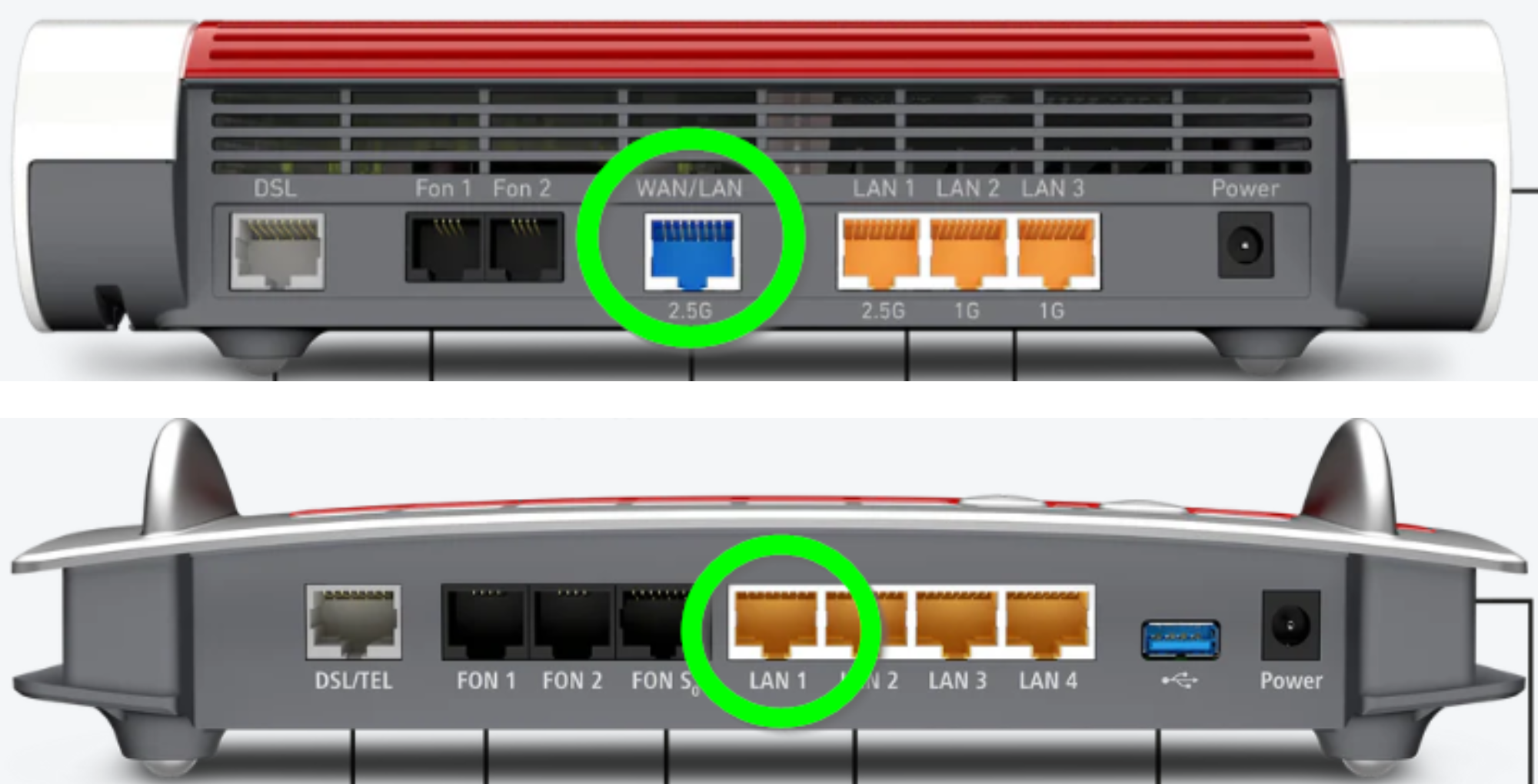
| 14:36, 21. Apr. 2026 | Router-einrichten-fritzbox-ports.png (Datei) |  |
901 KB | Mariels | {{Information | description = Screenshot Router einrichten Fritzbox Ports | source = Screenshot | date = 21.04.2026 | author = Benutzer:mariels | permission = {{PD-user|mariels}} }}Kategorie:Screenshots | 1 |
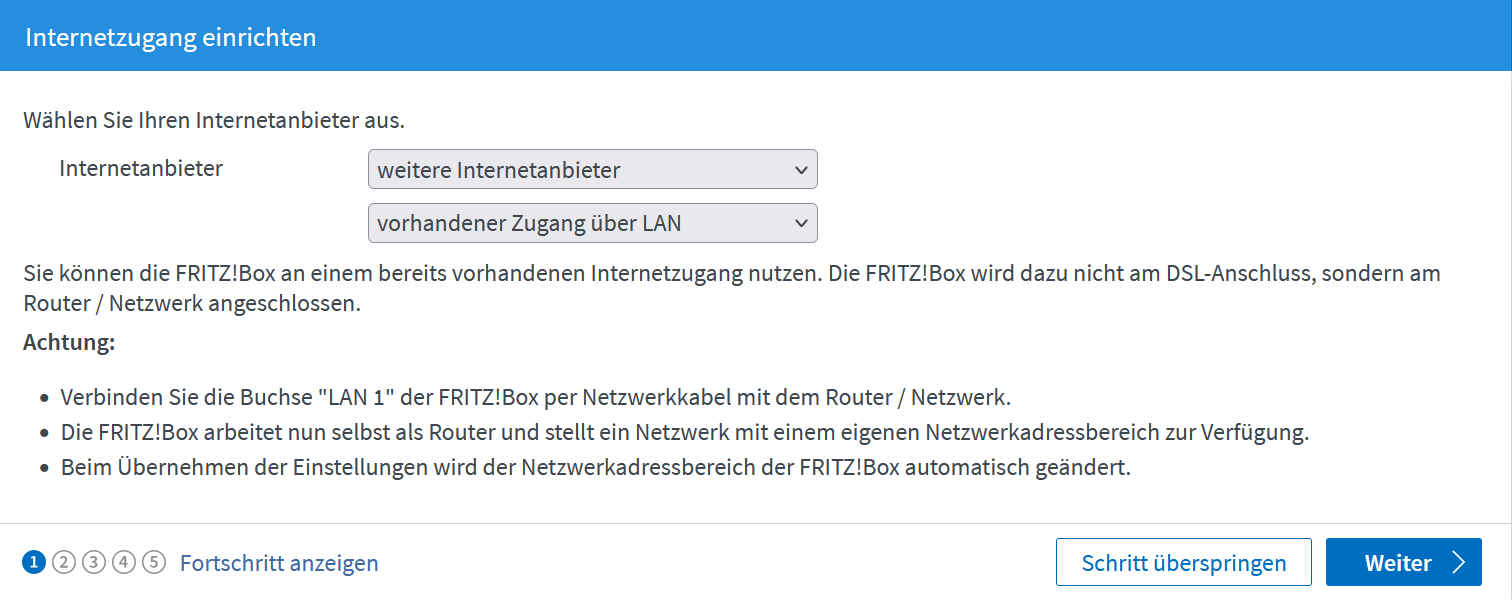
| 14:53, 19. Apr. 2026 | Router-einrichten-fritzbox-lan1.png (Datei) |  |
98 KB | Mariels | {{Information | description = Screenshot Router einrichten Fritzbox LAN1 | source = Screenshot | date = 19.04.2026 | author = Benutzer:mariels | permission = {{PD-user|mariels}} }}Kategorie:Screenshots | 1 |
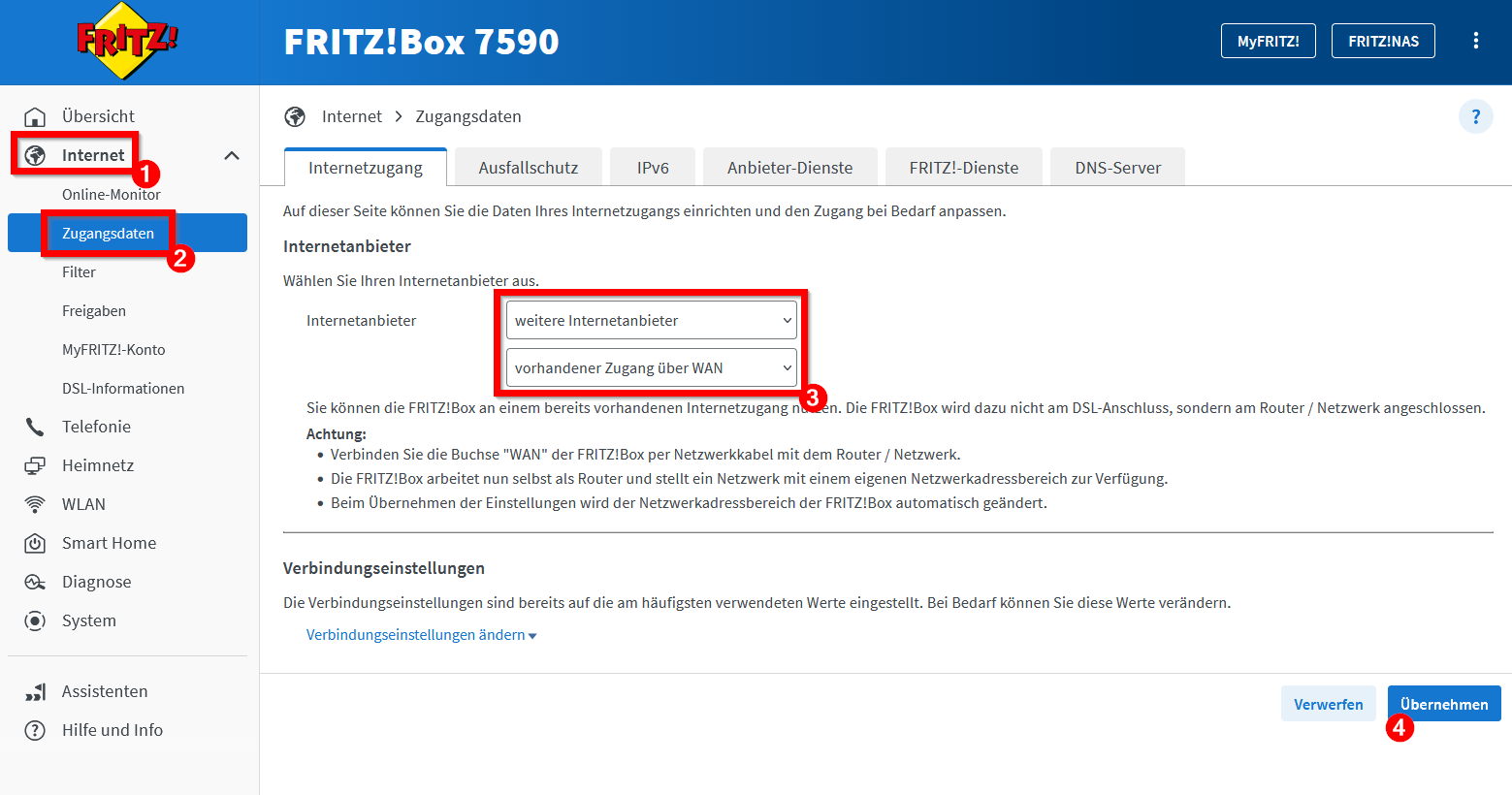
| 14:52, 19. Apr. 2026 | Router-einrichten-fritzbox-wan.png (Datei) |  |
112 KB | Mariels | {{Information | description = Screenshot Router einrichten Fritzbox WAN | source = Screenshot | date = 19.04.2026 | author = Benutzer:mariels | permission = {{PD-user|mariels}} }}Kategorie:Screenshots | 1 |
| 10:40, 7. Apr. 2026 | Plotting.png (Datei) |  |
190 KB | Andig | 1 | |
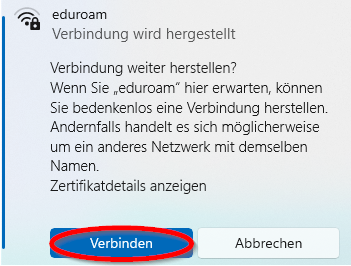
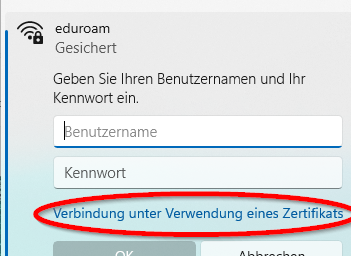
| 21:07, 3. Apr. 2026 | Eduroam-windows11-09.png (Datei) |  |
77 KB | Mariels | {{Information | description = Screenshot Eduroam Windows 11 09 | source = Screenshot | date = 03.04.2026 | author = Benutzer:mariels | permission = {{PD-user|mariels}} }}Kategorie:Screenshots | 1 |
| 21:06, 3. Apr. 2026 | Eduroam-windows11-08.png (Datei) |  |
57 KB | Mariels | {{Information | description = Screenshot Eduroam Windows 11 08 | source = Screenshot | date = 03.04.2026 | author = Benutzer:mariels | permission = {{PD-user|mariels}} }}Kategorie:Screenshots | 1 |
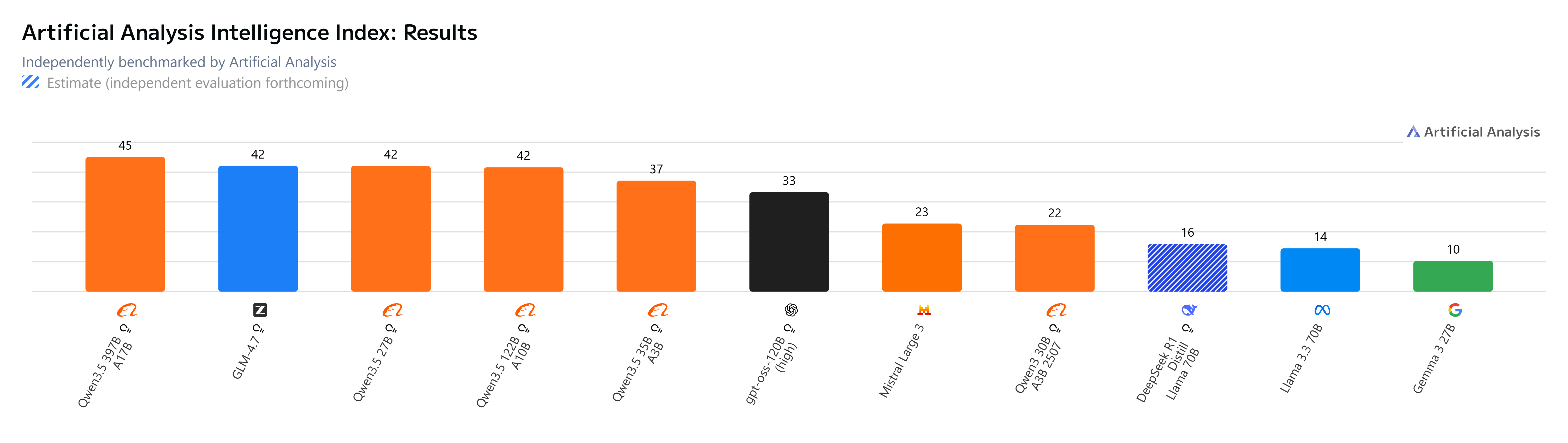
| 13:35, 2. Apr. 2026 | Artificial Analysis Intelligence Index - Results (2 Apr '26).png (Datei) | .png) |
502 KB | Andig | 1 | |
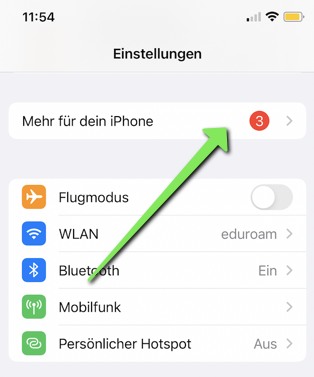
| 10:26, 31. Mär. 2026 | Eduroam-ios-14.png (Datei) |  |
139 KB | Mariels | {{Information | description = Screenshot Eduroam iOS 14 | source = Screenshot | date = 31.03.2026 | author = Benutzer:mariels | permission = {{PD-user|mariels}} }}Kategorie:Screenshots | 2 |
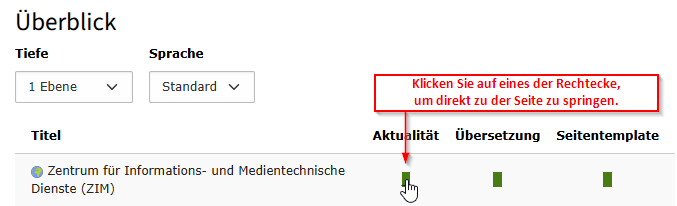
| 15:17, 16. Mär. 2026 | Screenshot TYPO3 - UPB Consultant Modul Ueberblick Seite oeffnen.png (Datei) |  |
16 KB | Vivienne | Aktualisierung | 2 |
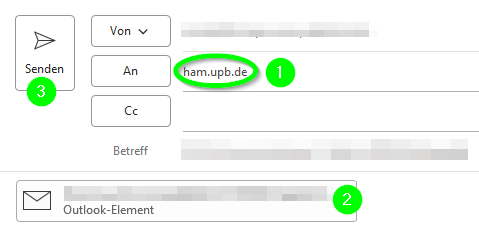
| 10:56, 11. Mär. 2026 | Spam und Phishing Exchange 3.png (Datei) |  |
11 KB | Mariels | {{Information | description = Screenshot Spam und Phishing Exchange 3 | source = Screenshot | date = 11.03.2026 | author = Benutzer:mariels | permission = {{PD-user|mariels}} }}Kategorie:Screenshots | 1 |
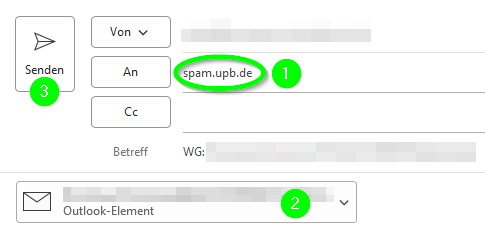
| 10:56, 11. Mär. 2026 | Spam und Phishing Exchange 2.png (Datei) |  |
12 KB | Mariels | {{Information | description = Screenshot Spam und Phishing Exchange 2 | source = Screenshot | date = 11.03.2026 | author = Benutzer:mariels | permission = {{PD-user|mariels}} }}Kategorie:Screenshots | 1 |
| 10:55, 11. Mär. 2026 | Spam und Phishing Exchange 1.png (Datei) |  |
7 KB | Mariels | {{Information | description = Screenshot Spam und Phishing Exchange 1 | source = Screenshot | date = 11.03.2026 | author = Benutzer:mariels | permission = {{PD-user|mariels}} }}Kategorie:Screenshots | 1 |
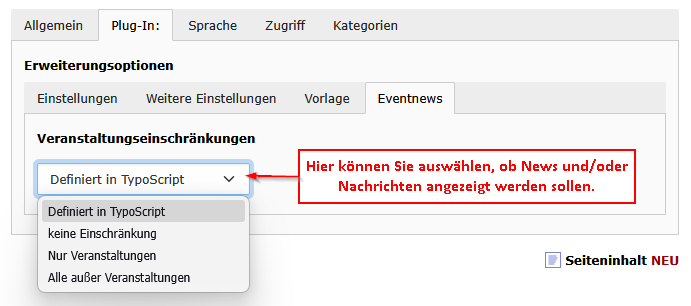
| 09:02, 11. Mär. 2026 | Screenshot TYPO3 Inhaltselement News-Artikelliste Veranstaltungseinschränkungen.png (Datei) |  |
18 KB | Vivienne | 1 | |
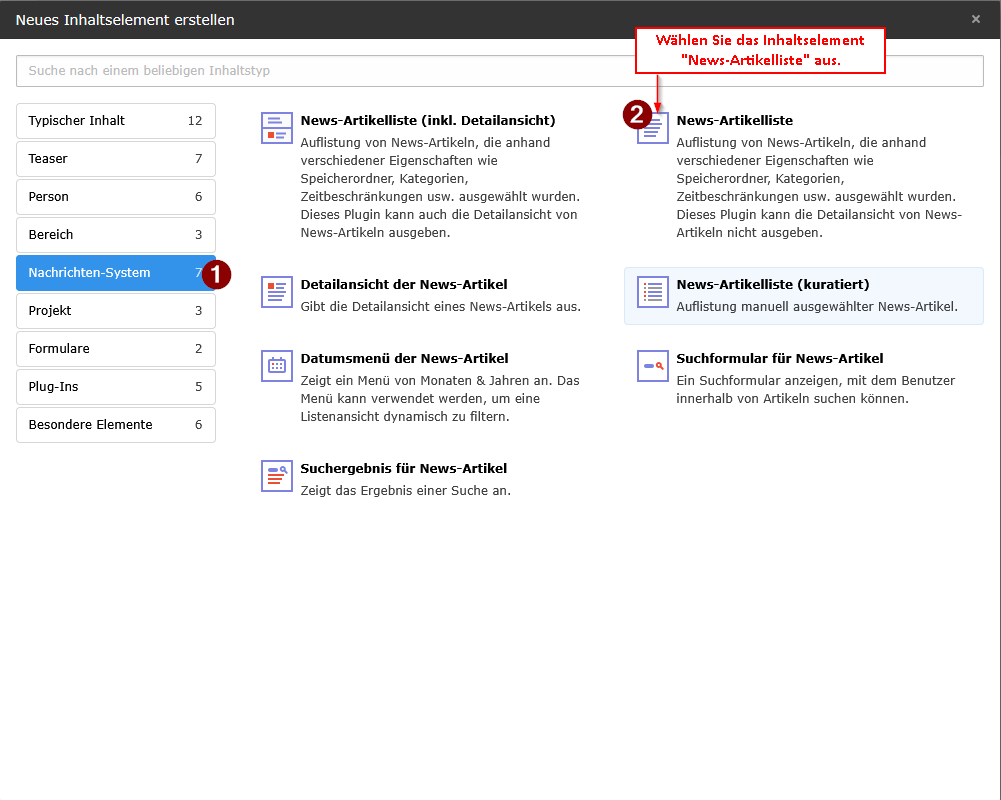
| 08:46, 11. Mär. 2026 | Screenshot TYPO3 Inhaltselement News-Artikelliste.png (Datei) |  |
42 KB | Vivienne | 1 | |
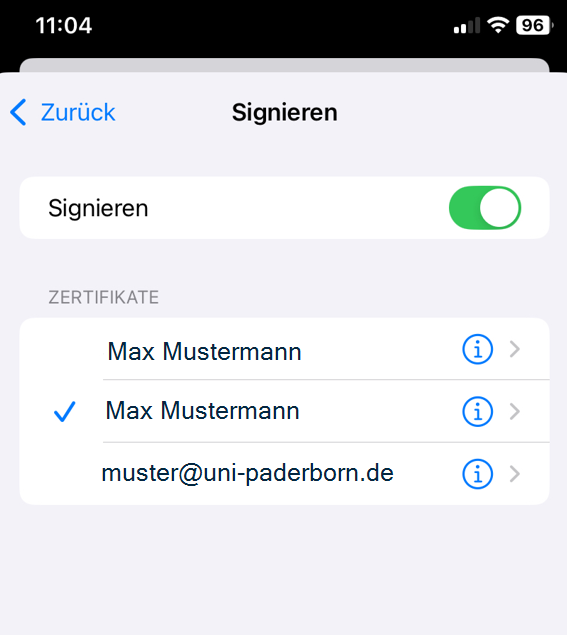
| 21:17, 9. Mär. 2026 | E-mail-zertifikate-einbinden-unter-ios-03.png (Datei) |  |
207 KB | Mariels | {{Information | description = Screenshot E-Mail Zertifikate einbinden unter iOS 3 | source = Screenshot | date = 09.03.2026 | author = Benutzer:mariels | permission = {{PD-user|mariels}} }}Kategorie:Screenshots | 2 |
| 21:00, 9. Mär. 2026 | E-mail-zertifikate-einbinden-unter-ios-02.png (Datei) |  |
204 KB | Mariels | {{Information | description = Screenshot E-Mail Zertifikate einbinden unter iOS 02 | source = Screenshot | date = 09.03.2026 | author = Benutzer:mariels | permission = {{PD-user|mariels}} }}Kategorie:Screenshots | 2 |
| 20:50, 9. Mär. 2026 | Eduroam-ios-5.png (Datei) |  |
88 KB | Mariels | {{Information | description = Screenshot Eduroam iOS 5 | source = Screenshot | date = 09.03.2026 | author = Benutzer:mariels | permission = {{PD-user|mariels}} }}Kategorie:Screenshots | 2 |
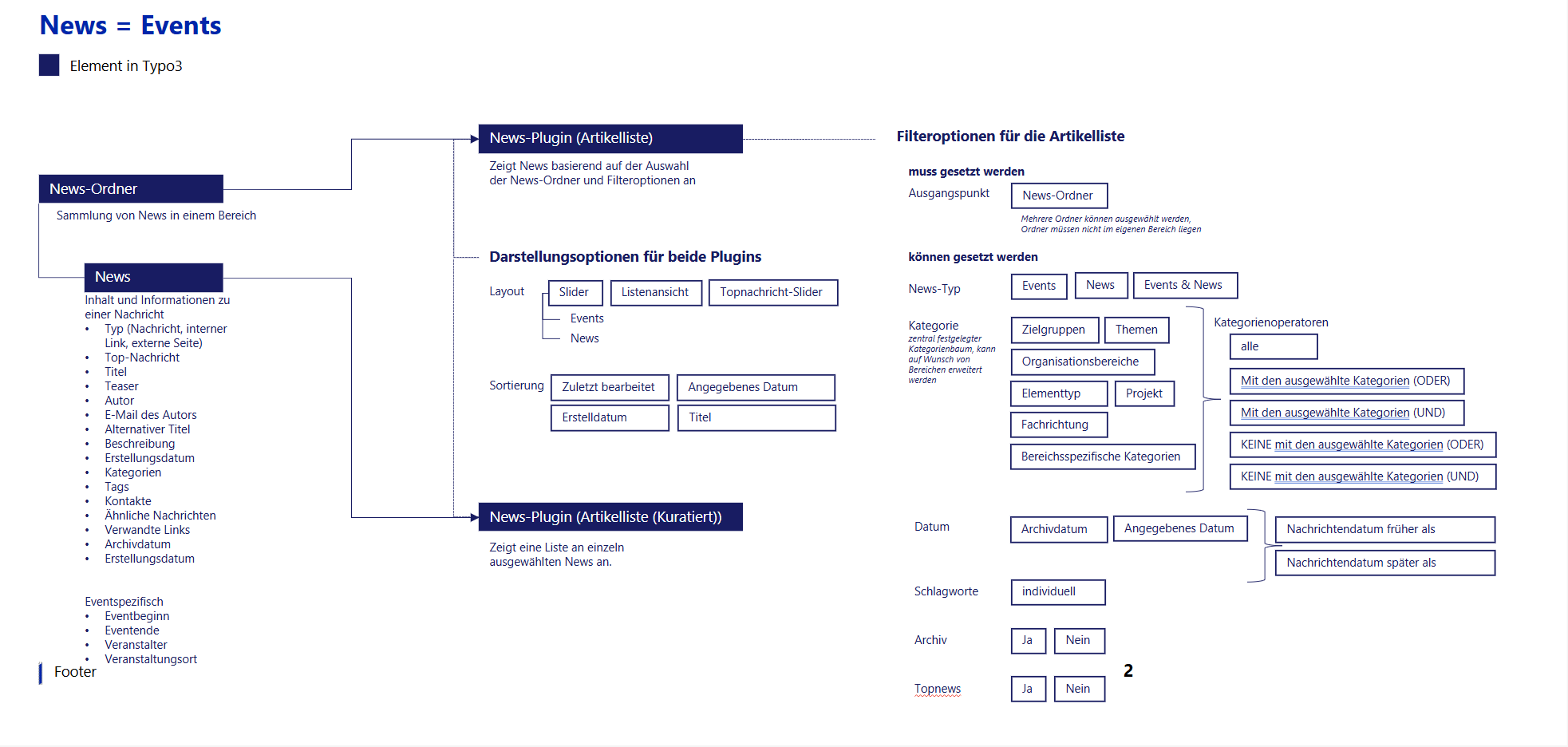
| 13:32, 9. Mär. 2026 | TYPO3 Nachrichten-und-Veranstaltungssystem Uebersicht Steuerungsmöglichkeiten.png (Datei) |  |
119 KB | Vivienne | 1 | |
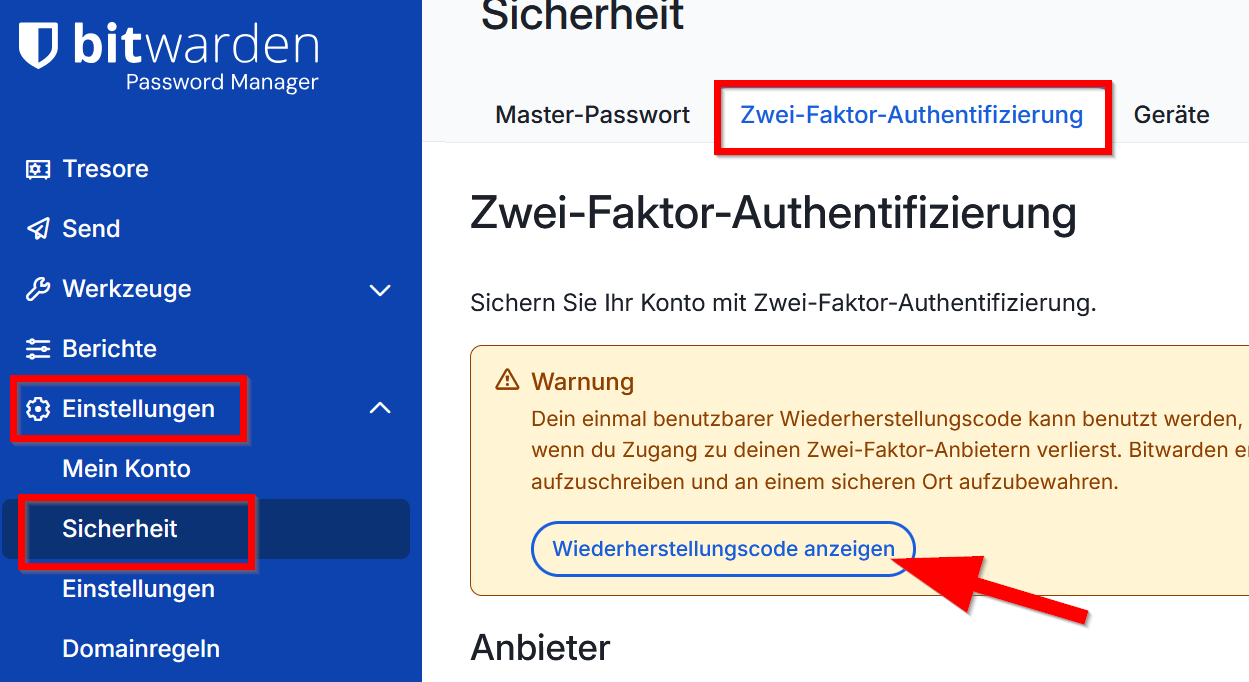
| 12:07, 6. Mär. 2026 | Bitwarden-mfa-02.png (Datei) |  |
88 KB | Jnk | {{Information | description = Screenshot Bitwarden - Wiederherstellungscode sichern | source = Screenshot | date = 06.03.2026 | author = Benutzer:jnk | permission = {{PD-user|jnk}} }}Kategorie:Screenshots | 1 |
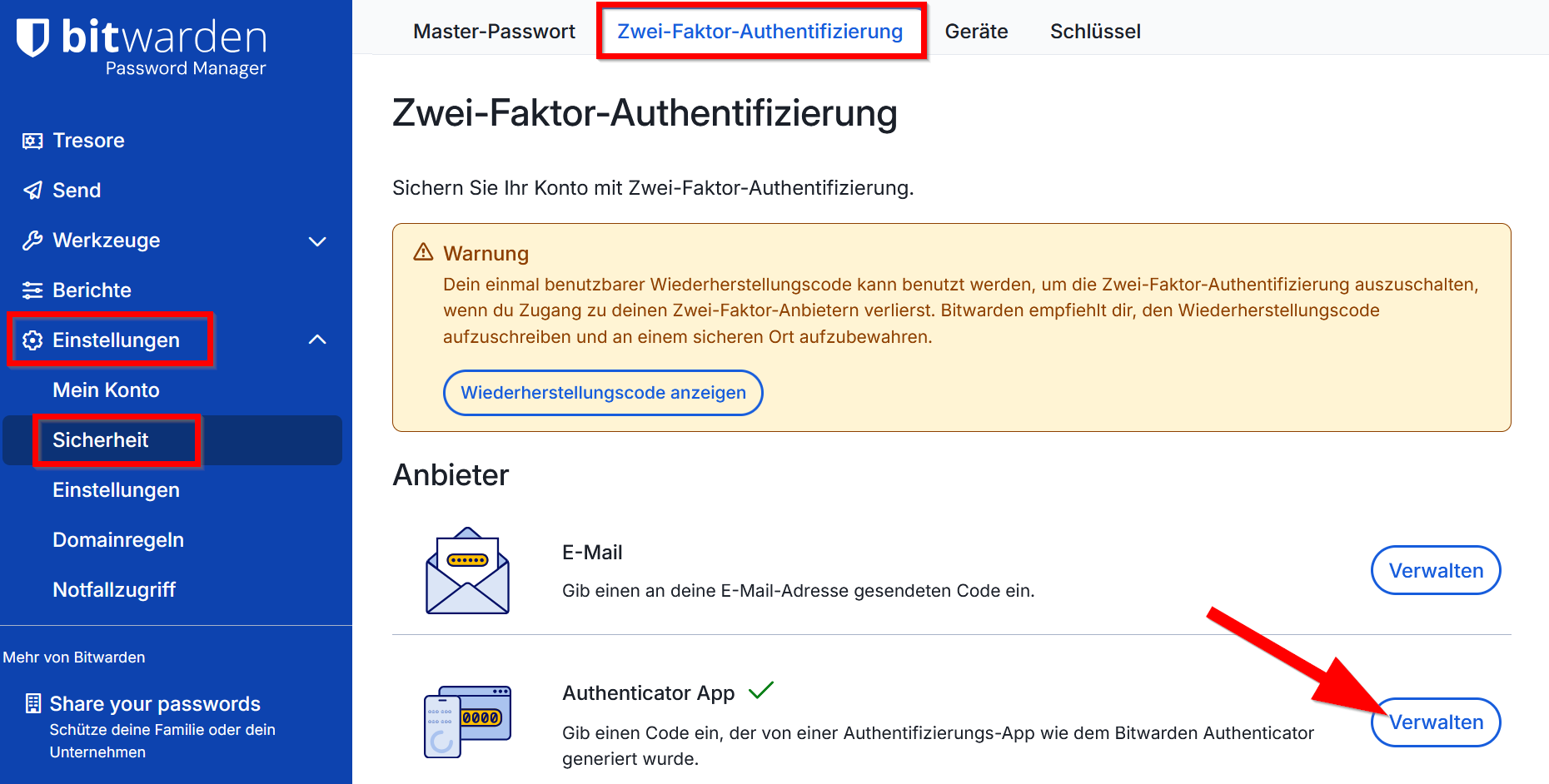
| 12:06, 6. Mär. 2026 | Bitwarden-mfa-01.png (Datei) |  |
144 KB | Jnk | {{Information | description = Screenshot Bitwarden - Zweiten Faktor einrichten | source = Screenshot | date = 06.03.2026 | author = Benutzer:jnk | permission = {{PD-user|jnk}} }}Kategorie:Screenshots | 1 |
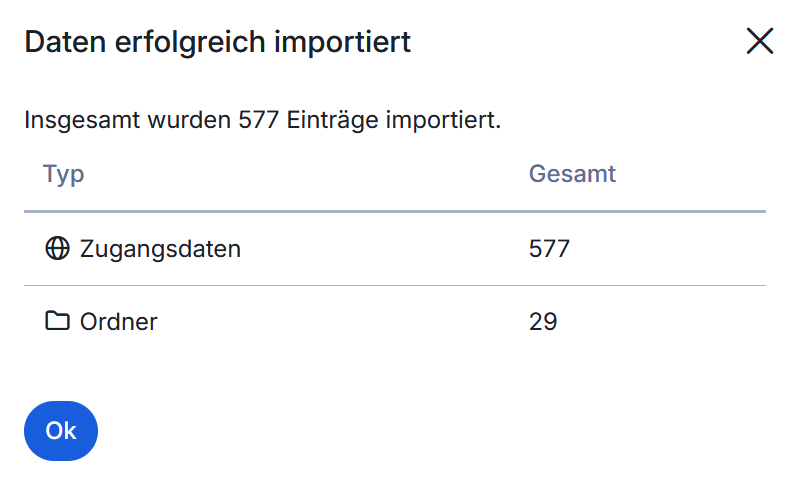
| 11:08, 6. Mär. 2026 | Bitwarden-import-05.png (Datei) |  |
20 KB | Jnk | {{Information | description = Screenshot Bitwarden - Passwortimport erfolgreich | source = Screenshot | date = 06.03.2026 | author = Benutzer:jnk | permission = {{PD-user|jnk}} }}Kategorie:Screenshots | 1 |
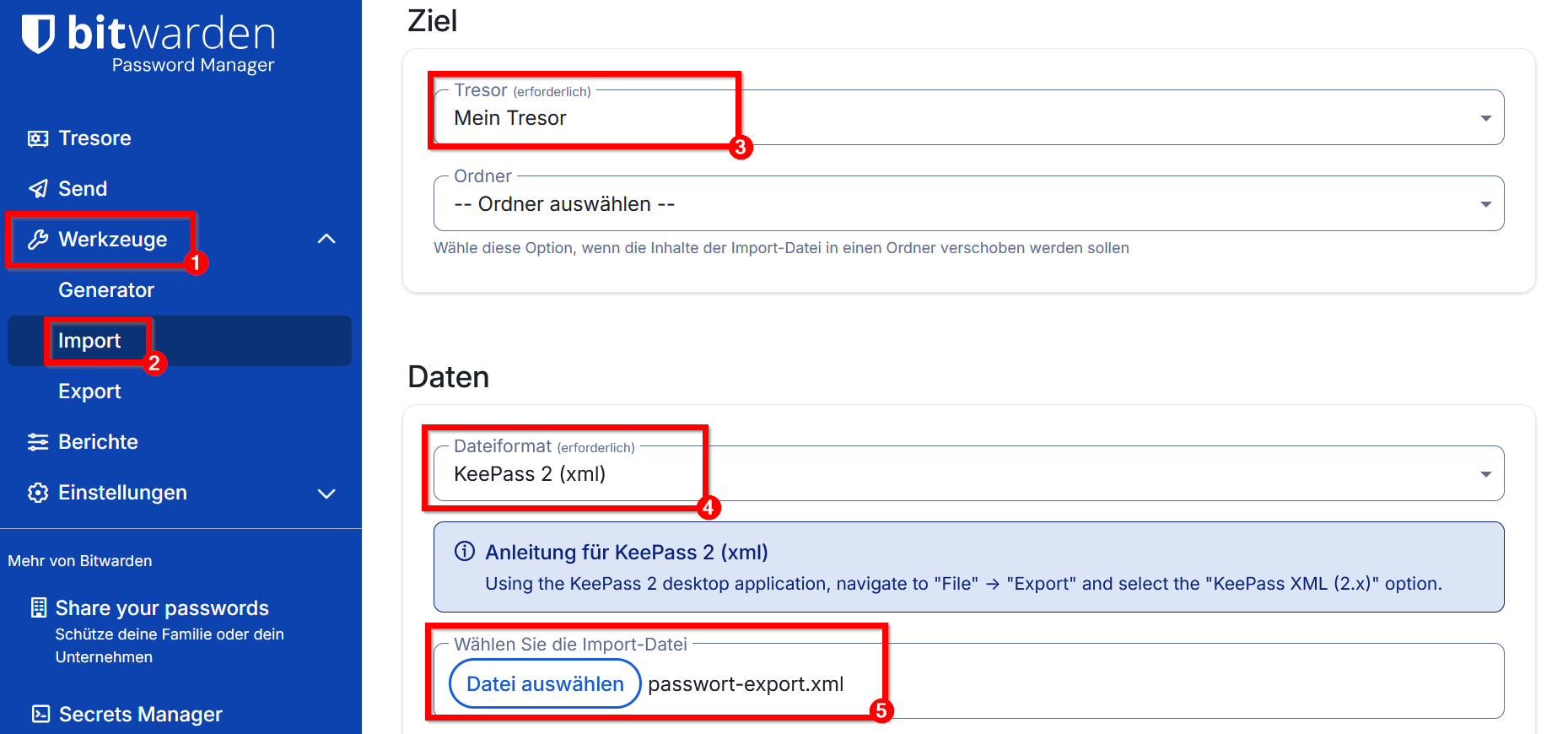
| 11:08, 6. Mär. 2026 | Bitwarden-import-04.png (Datei) |  |
104 KB | Jnk | {{Information | description = Screenshot Bitwarden - Passwörter aus KeePass .xml importieren | source = Screenshot | date = 06.03.2026 | author = Benutzer:jnk | permission = {{PD-user|jnk}} }}Kategorie:Screenshots | 1 |
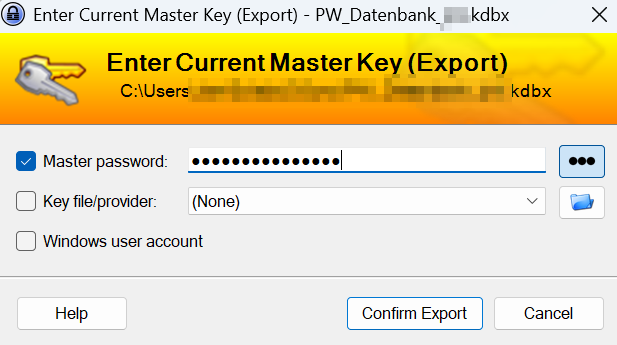
| 11:07, 6. Mär. 2026 | Bitwarden-import-03.png (Datei) |  |
40 KB | Jnk | {{Information | description = Screenshot KeePass - Tresor entsperren | source = Screenshot | date = 06.03.2026 | author = Benutzer:jnk | permission = {{PD-user|jnk}} }}Kategorie:Screenshots | 1 |
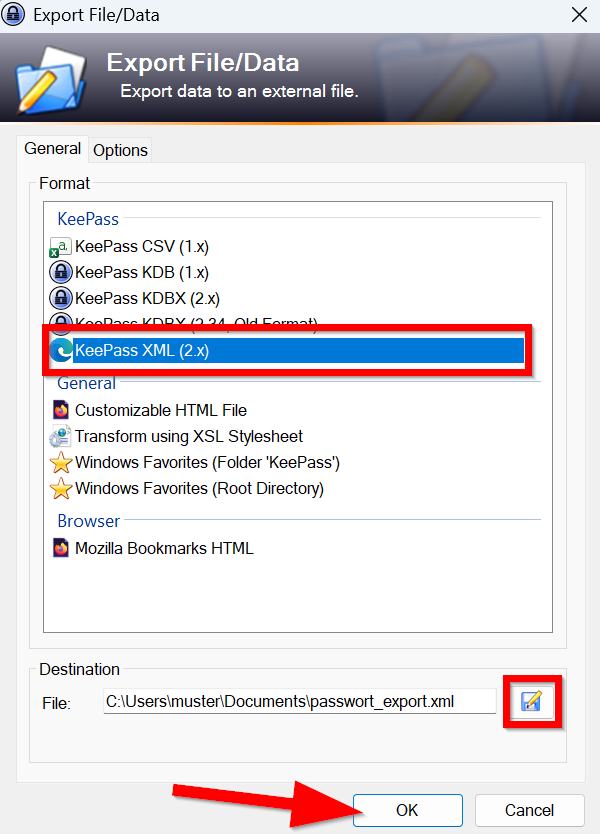
| 11:07, 6. Mär. 2026 | Bitwarden-import-02.png (Datei) |  |
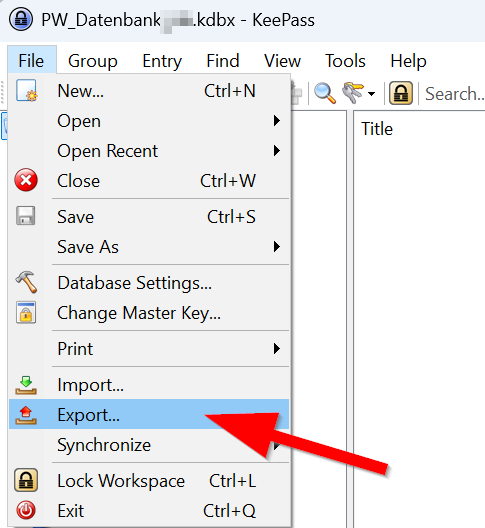
83 KB | Jnk | {{Information | description = Screenshot KeePass - Passwortdatenbank als .xml exportieren | source = Screenshot | date = 06.03.2026 | author = Benutzer:jnk | permission = {{PD-user|jnk}} }}Kategorie:Screenshots | 1 |
| 11:05, 6. Mär. 2026 | Bitwarden-import-01.png (Datei) |  |
33 KB | Jnk | {{Information | description = Screenshot KeePass - Passwortdatenbank exportieren | source = Screenshot | date = 06.03.2026 | author = Benutzer:jnk | permission = {{PD-user|jnk}} }}Kategorie:Screenshots | 1 |
| 09:37, 6. Mär. 2026 | Logo Passwortmanager.png (Datei) |  |
11 KB | Jnk | {{Information | description = Service Icon Passwortmanager | source = self | date = 06.03.2026 | author = Benutzer:jnk | permission = {{PD-user|jnk}} }}Kategorie:Logos | 1 |
| 15:47, 4. Mär. 2026 | Bitwarden-34.png (Datei) |  |
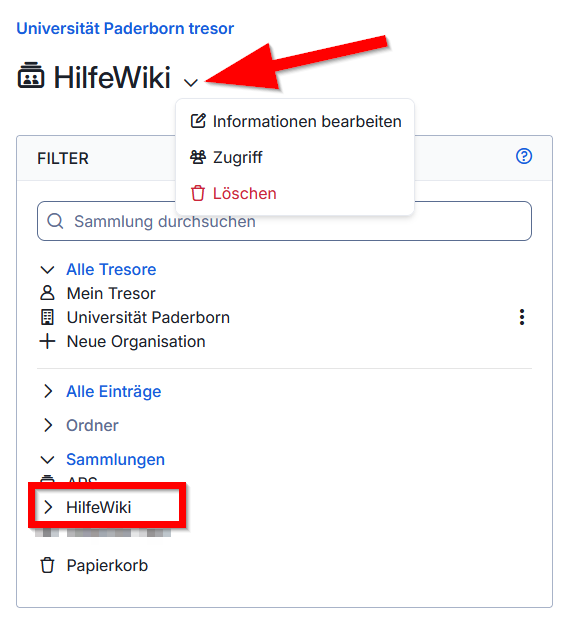
38 KB | Jnk | {{Information | description = Screenshot Bitwarden - Sammlung bearbeiten | source = Screenshot | date = 04.03.2026 | author = Benutzer:jnk | permission = {{PD-user|jnk}} }}Kategorie:Screenshots | 1 |