Diese Spezialseite listet alle hochgeladenen Dateien auf.


| Datum | Name | Vorschaubild | Größe | Beschreibung | Versionen |
|---|---|---|---|---|---|
| 09:08, 30. Sep. 2022 | Webmail-Ordner-freigeben-07.png (Datei) |  |
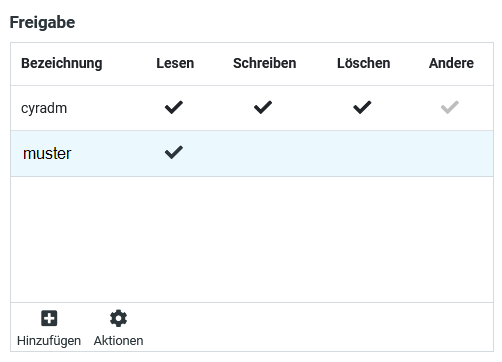
14 KB | {{Information | description = Screenshot Roundcube - Erweiterte Ordnerfreigabeeinstellungen | source = Screenshot | date = 30.09.2022 | author = Benutzer:jnk | permission = {{PD-user|jnk}} }}Kategorie:Screenshots | 1 |
| 09:08, 30. Sep. 2022 | Webmail-Ordner-freigeben-06.png (Datei) |  |
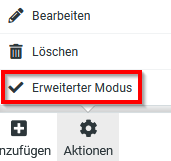
6 KB | {{Information | description = Screenshot Roundcube - Freigabe-Aktionen | source = Screenshot | date = 30.09.2022 | author = Benutzer:jnk | permission = {{PD-user|jnk}} }}Kategorie:Screenshots | 1 |
| 09:07, 30. Sep. 2022 | Webmail-Ordner-freigeben-05.png (Datei) |  |
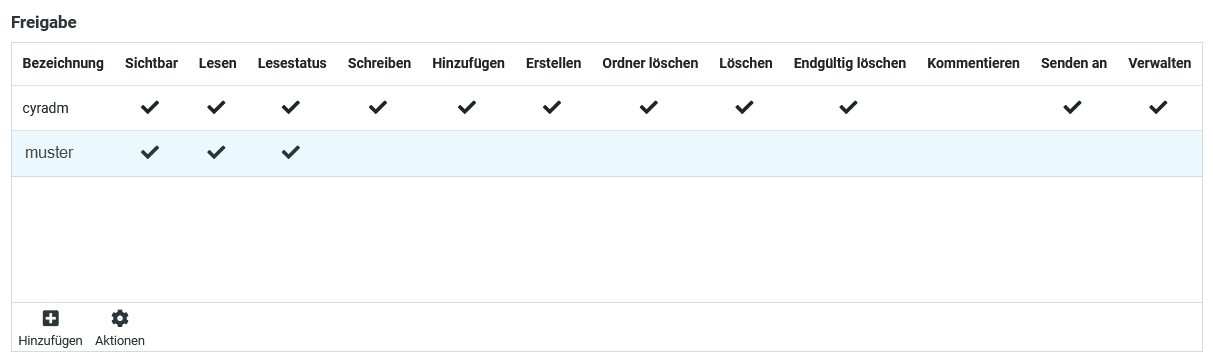
8 KB | {{Information | description = Screenshot Roundcube - Auflistung Freigaben | source = Screenshot | date = 30.09.2022 | author = Benutzer:jnk | permission = {{PD-user|jnk}} }}Kategorie:Screenshots | 1 |
| 09:07, 30. Sep. 2022 | Webmail-Ordner-freigeben-04.png (Datei) |  |
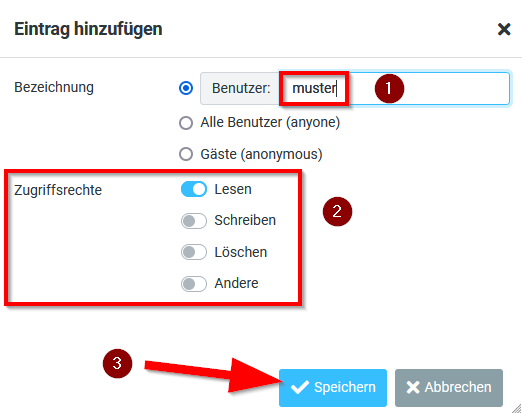
23 KB | {{Information | description = Screenshot Roundcube - Ordner-Freigabe hinzufügen | source = Screenshot | date = 30.09.2022 | author = Benutzer:jnk | permission = {{PD-user|jnk}} }}Kategorie:Screenshots | 1 |
| 09:06, 30. Sep. 2022 | Webmail-Ordner-freigeben-03.png (Datei) |  |
11 KB | {{Information | description = Screenshot Roundcube - Ordner-Freigaben | source = Screenshot | date = 30.09.2022 | author = Benutzer:jnk | permission = {{PD-user|jnk}} }}Kategorie:Screenshots | 1 |
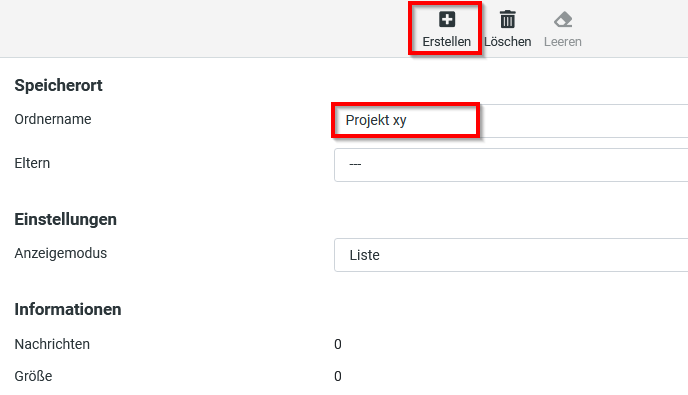
| 09:06, 30. Sep. 2022 | Webmail-Ordner-freigeben-02.png (Datei) |  |
14 KB | {{Information | description = Screenshot Roundcube - Ordner erstellen | source = Screenshot | date = 30.09.2022 | author = Benutzer:jnk | permission = {{PD-user|jnk}} }}Kategorie:Screenshots | 1 |
| 09:05, 30. Sep. 2022 | Webmail-Ordner-freigeben-01.png (Datei) |  |
14 KB | {{Information | description = Screenshot Roundcube - Ordner-Einstellungen | source = Screenshot | date = 30.09.2022 | author = Benutzer:jnk | permission = {{PD-user|jnk}} }}Kategorie:Screenshots | 1 |
| 09:57, 23. Sep. 2022 | Virenschutz-Windows-11.png (Datei) |  |
10 KB | {{Information | description = Screenshot Windows 11 - Windows Sicherheit | source = Screenshot | date = 23.09.2022 | author = Benutzer:jnk | permission = {{PD-user|jnk}} }}Kategorie:Screenshots | 1 |
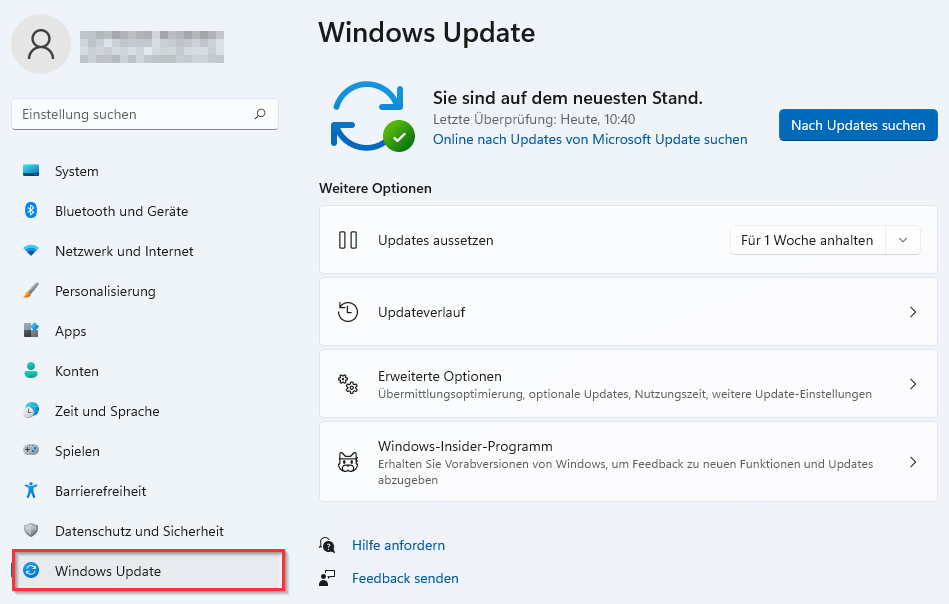
| 09:57, 23. Sep. 2022 | Virenschutz-Windows-10.png (Datei) |  |
61 KB | {{Information | description = Screenshot Windows 11 - Windows Update | source = Screenshot | date = 23.09.2022 | author = Benutzer:jnk | permission = {{PD-user|jnk}} }}Kategorie:Screenshots | 1 |
| 09:56, 23. Sep. 2022 | Virenschutz-Windows-09.png (Datei) |  |
279 KB | {{Information | description = Screenshot Windows 11 - Start Einstellungen | source = Screenshot | date = 23.09.2022 | author = Benutzer:jnk | permission = {{PD-user|jnk}} }}Kategorie:Screenshots | 1 |
| 11:04, 21. Sep. 2022 | Eduroam-unter-macos-05.png (Datei) |  |
63 KB | {{Information | description = Screenshot aus macOS 12 - WLAN Menü | source = Screenshot | date = 21.09.2021 | author = Benutzer:jnk | permission = {{PD-user|jnk}} }}Kategorie:Screenshots | 1 |
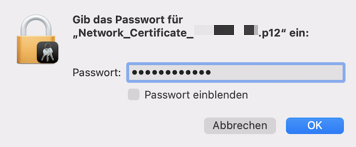
| 10:59, 21. Sep. 2022 | Screenshot macOS cert-imp.png (Datei) |  |
26 KB | {{Information | description = Screenshot unter macOS 12 - Zertifikat installieren | source = Screenshot | date = 21.09.2022 | author = Benutzer:jnk | permission = {{PD-user|jnk}} }}Kategorie:Screenshots | 2 |
| 13:35, 12. Sep. 2022 | Kalender-anderer-Benutzer einbinden-mit-Apple-Kalender-macOS-02.png (Datei) |  |
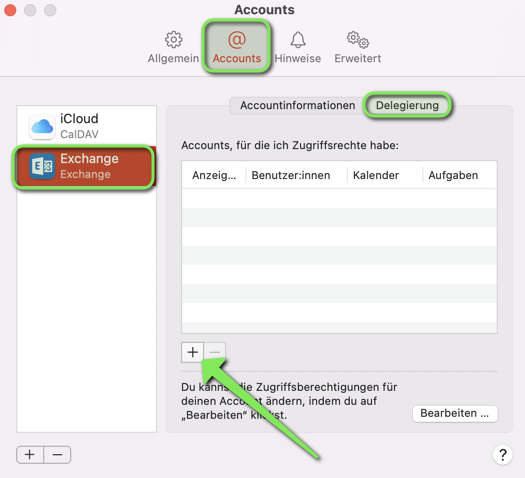
80 KB | {{Information | description = Screenshot of the Apple Calendar App - Settings | source = Screenshot | date = 12.09.2022 | author = Benutzer:jnk | permission = {{PD-user|jnk}} }}Kategorie:Screenshots | 2 |
| 12:56, 9. Sep. 2022 | Autoarchivierung mit outlook 06.png (Datei) |  |
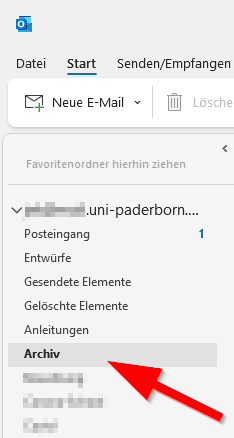
9 KB | {{Information | description = Screenshot Outlook unter Windows 10 - Archivordner | source = Screenshot | date = 09.09.2022 | author = Benutzer:jnk | permission = {{PD-user|jnk}} }}Kategorie:Screenshots | 1 |
| 12:04, 9. Sep. 2022 | Autoarchivierung mit outlook 04.png (Datei) |  |
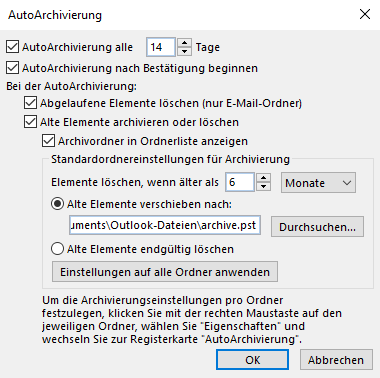
17 KB | {{Information | description = Screenshot Outlook in Windows 10 - AutoArchivierung in lokaler Datei | source = Screenshot | date = 09.09.2022 | author = Benutzer:jnk | permission = {{PD-user|jnk}} }}Kategorie:Screenshots | 1 |
| 11:53, 9. Sep. 2022 | Autoarchivierung mit outlook 05.png (Datei) |  |
16 KB | {{Information | description = Screenshot Outlook unter Windows 10 - AutoArchivierung im Netzwerkspeicher | source = Screenshot | date = 09.09.2022 | author = Benutzer:jnk | permission = {{PD-user|jnk}} }}Kategorie:Screenshots | 1 |
| 11:52, 9. Sep. 2022 | Autoarchivierung mit outlook 03.png (Datei) |  |
24 KB | {{Information | description = Screenshot Outlook unter Windows 10 - AutoArchivierung lokal | source = Screenshot | date = 09.09.2022 | author = Benutzer:jnk | permission = {{PD-user|jnk}} }}Kategorie:Screenshots | 1 |
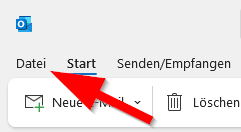
| 11:51, 9. Sep. 2022 | Autoarchivierung mit outlook 02.png (Datei) |  |
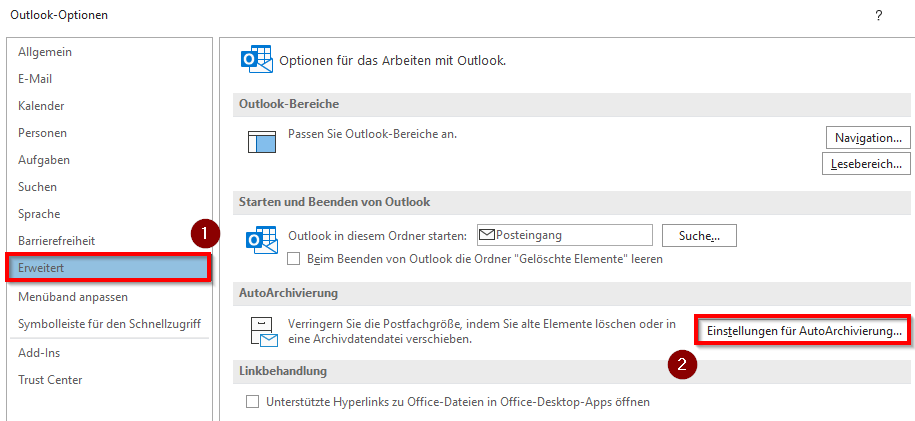
7 KB | {{Information | description = Screenshot Outlook unter Windows 10 - Einstellungen | source = Screenshot | date = 09.09.2022 | author = Benutzer:jnk | permission = {{PD-user|jnk}} }}Kategorie:Screenshots | 1 |
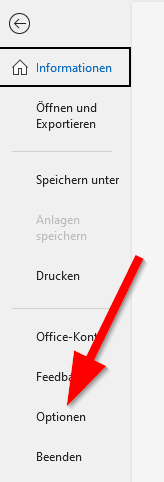
| 11:51, 9. Sep. 2022 | Autoarchivierung mit outlook 01.png (Datei) |  |
4 KB | {{Information | description = Screenshot Outlook unter Windows 10 - Datei | source = Screenshot | date = 09.09.2022 | author = Benutzer:jnk | permission = {{PD-user|jnk}} }}Kategorie:Screenshots | 1 |
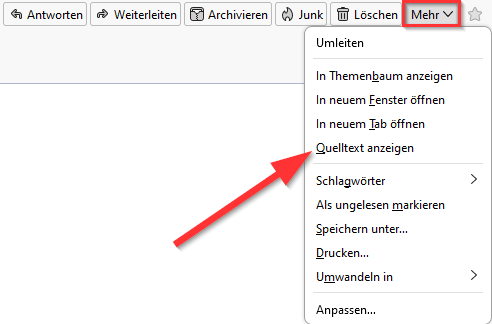
| 12:44, 8. Sep. 2022 | Screenshot Mail Header anzeigen 3.png (Datei) |  |
13 KB | {{Information | description = Screenshot of the Thunderbird Header Display Options | source = Screenshot | date = 08.09.2022 | author = Benutzer:jnk | permission = {{PD-user|jnk}} }}Kategorie:Screenshots | 2 |
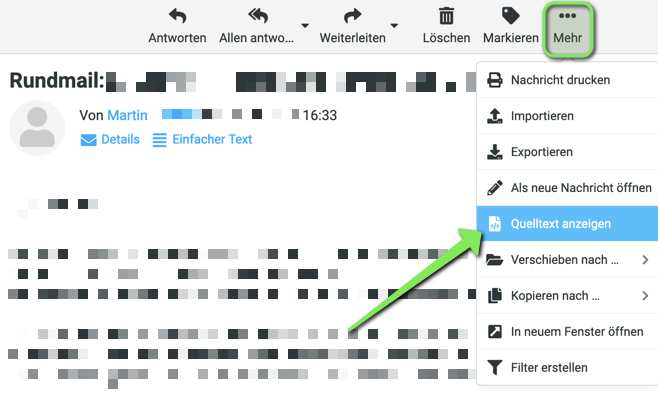
| 12:32, 8. Sep. 2022 | Screenshot Mail Header anzeigen 4.png (Datei) |  |
69 KB | {{Information | description = Screenshot of the Webmail Header Display Options | source = Screenshot | date = 08.09.2022 | author = Benutzer:jnk | permission = {{PD-user|jnk}} }}Kategorie:Screenshots | 1 |
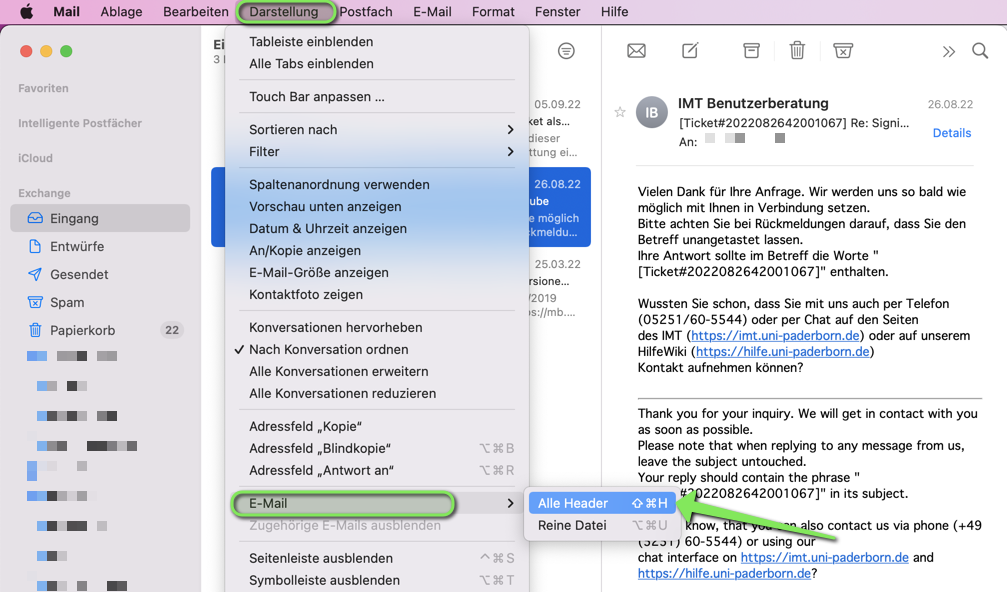
| 12:09, 8. Sep. 2022 | Mail Header anzeigen Apple Mail.png (Datei) |  |
317 KB | {{Information | description = Screenshot of the Apple Mail Header Display Options | source = Screenshot | date = 08.09.2022 | author = Benutzer:jnk | permission = {{PD-user|jnk}} }}Kategorie:Screenshots | 2 |
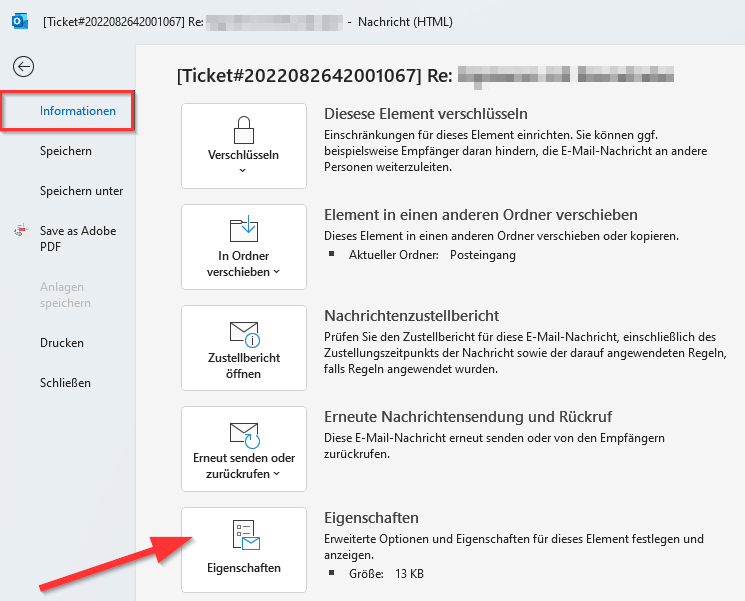
| 11:36, 8. Sep. 2022 | Mail-Header-anzeigen-00.png (Datei) |  |
11 KB | {{Information | description = Screenshot Microsoft Outlook - Mail Header anzeigen | source = Screenshot | date = 08.09.2022 | author = Benutzer:jnk | permission = {{PD-user|jnk}} }}Kategorie:Screenshots | 1 |
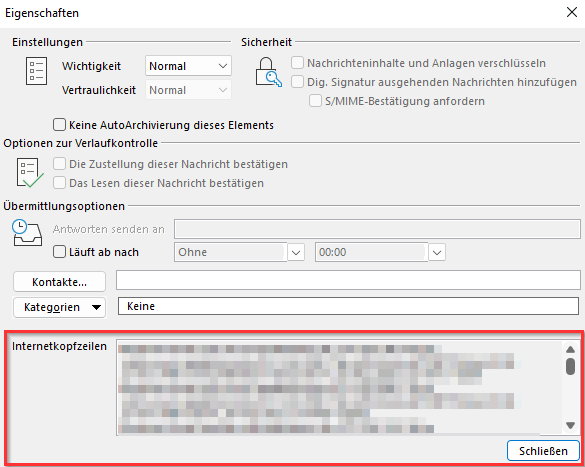
| 11:17, 8. Sep. 2022 | Screenshot Mail Header anzeigen 2.png (Datei) |  |
28 KB | {{Information | description = Screenshot Microsoft Outlook - Mail Header anzeigen | source = Screenshot | date = 08.09.2022 | author = Benutzer:jnk | permission = {{PD-user|jnk}} }}Kategorie:Screenshots | 2 |
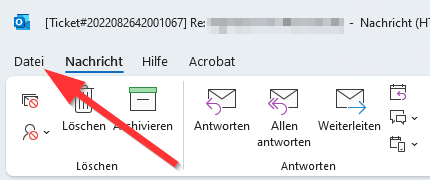
| 11:16, 8. Sep. 2022 | Screenshot Mail Header anzeigen 1.png (Datei) |  |
41 KB | {{Information | description = Screenshot Microsoft Outlook - Mail Header anzeigen | source = Screenshot | date = 08.09.2022 | author = Benutzer:jnk | permission = {{PD-user|jnk}} }}Kategorie:Screenshots | 2 |
| 10:41, 8. Sep. 2022 | Sciebo Registrierung 2.png (Datei) |  |
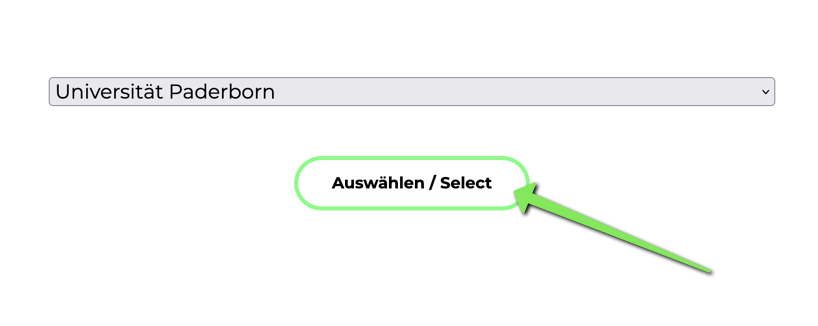
29 KB | {{Information | description = Screenshot Sciebo Website - Organisation auswählen | source = Screenshot | date = 08.09.2022 | author = Benutzer:jnk | permission = {{PD-user|jnk}} }}Kategorie:Screenshots | 3 |
| 10:38, 8. Sep. 2022 | Sciebo Regristrieren 1.png (Datei) |  |
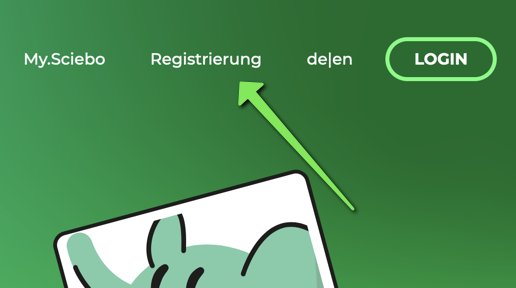
74 KB | {{Information | description = Screenshot Sciebo Landingpage - Account registrieren | source = Screenshot | date = 08.09.2022 | author = Benutzer:jnk | permission = {{PD-user|jnk}} }}Kategorie:Screenshots | 3 |
| 11:59, 26. Aug. 2022 | Webmail Quota.png (Datei) |  |
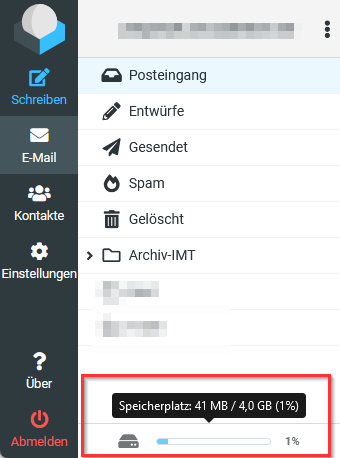
21 KB | {{Information | description = Screenshot aus Roundcube - Speicherplatzanzeige | source = Screenshot | date = 26.08.2022 | author = Benutzer:jnk | permission = {{PD-user|jnk}} }}Kategorie:Screenshots | 2 |
| 12:49, 23. Aug. 2022 | Microsoft IntraActive 05.png (Datei) |  |
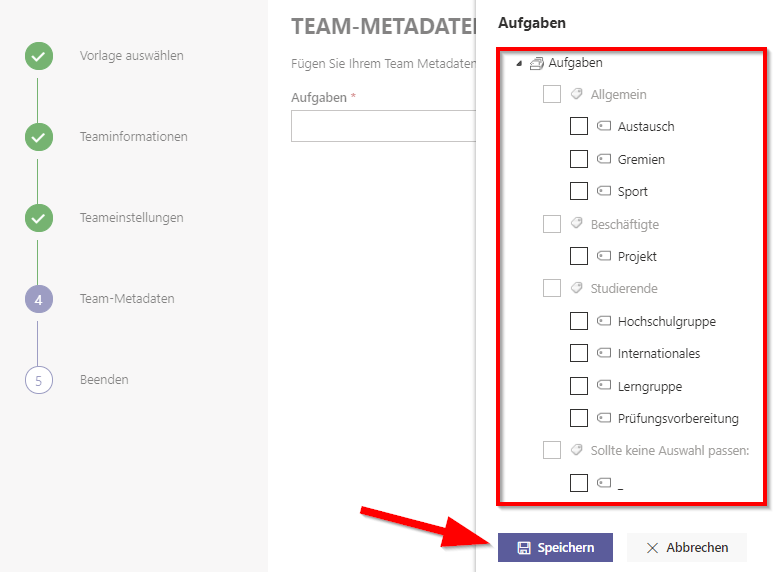
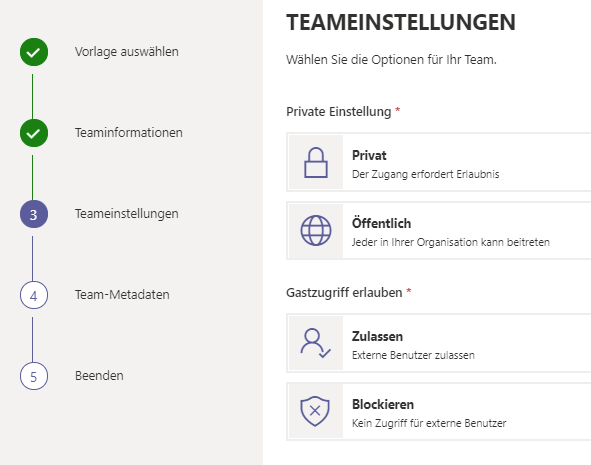
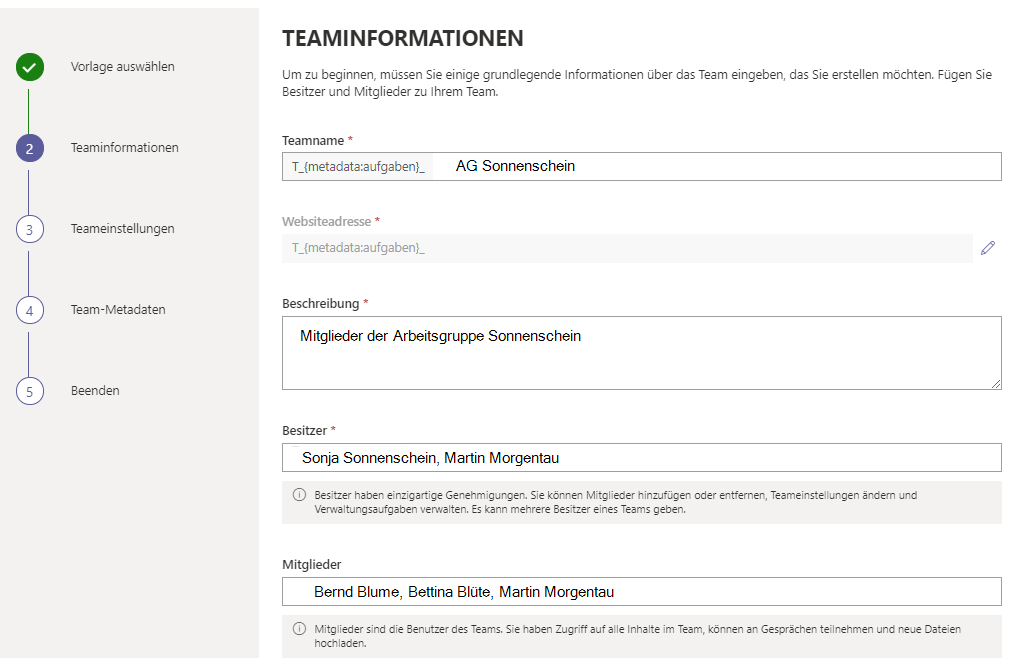
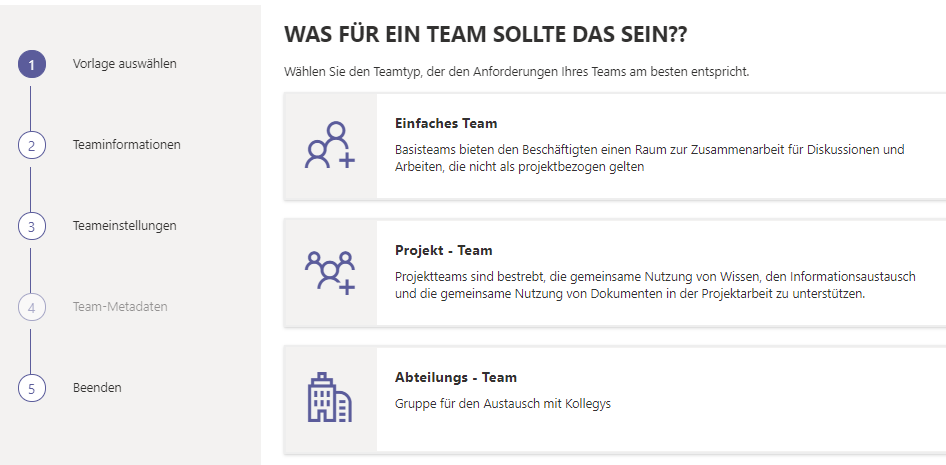
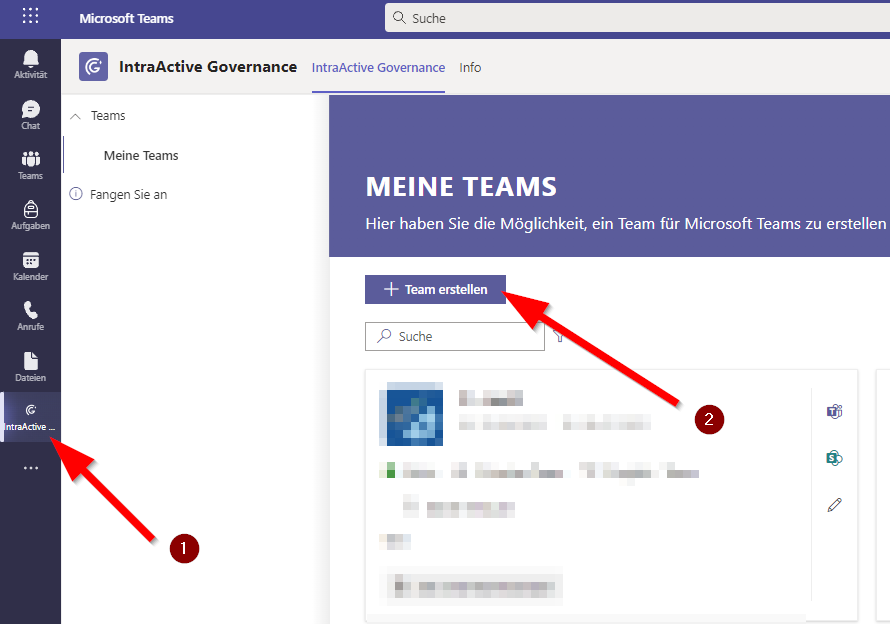
34 KB | {{Information | description = Screenshot Microsoft Teams - Teams anlegen mit IntraActive Governance | source = Screenshot | date = 23.08.2022 | author = Benutzer:jnk | permission = {{PD-user|jnk}} }}Kategorie:Screenshots | 1 |
| 12:48, 23. Aug. 2022 | Microsoft IntraActive 04.png (Datei) |  |
25 KB | {{Information | description = Screenshot Microsoft Teams - Teams anlegen mit IntraActive Governance | source = Screenshot | date = 23.08.2022 | author = Benutzer:jnk | permission = {{PD-user|jnk}} }}Kategorie:Screenshots | 1 |
| 12:48, 23. Aug. 2022 | Microsoft IntraActive 03.png (Datei) |  |
43 KB | {{Information | description = Screenshot Microsoft Teams - Teams anlegen mit IntraActive Governance | source = Screenshot | date = 23.08.2022 | author = Benutzer:jnk | permission = {{PD-user|jnk}} }}Kategorie:Screenshots | 1 |
| 12:48, 23. Aug. 2022 | Microsoft IntraActive 02.png (Datei) |  |
38 KB | {{Information | description = Screenshot Microsoft Teams - Teams anlegen mit IntraActive Governance | source = Screenshot | date = 23.08.2022 | author = Benutzer:jnk | permission = {{PD-user|jnk}} }}Kategorie:Screenshots | 1 |
| 12:47, 23. Aug. 2022 | Microsoft IntraActive 01.png (Datei) |  |
50 KB | {{Information | description = Screenshot Microsoft Teams - Teams anlegen mit IntraActive | source = Screenshot | date = 23.08.2022 | author = Benutzer:jnk | permission = {{PD-user|jnk}} }}Kategorie:Screenshots | 1 |
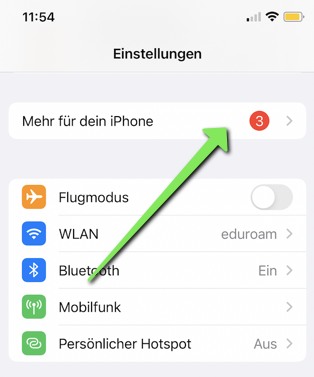
| 11:08, 8. Aug. 2022 | Eduroam-ios-14.png (Datei) |  |
123 KB | {{Information | description = Screenshot iOS 15 - Einstellungen mehr für dein iPhone | source = Screenshot | date = 08.08.2022 | author = Benutzer:jnk | permission = {{PD-user|jnk}} }}Kategorie:Screenshots | 1 |
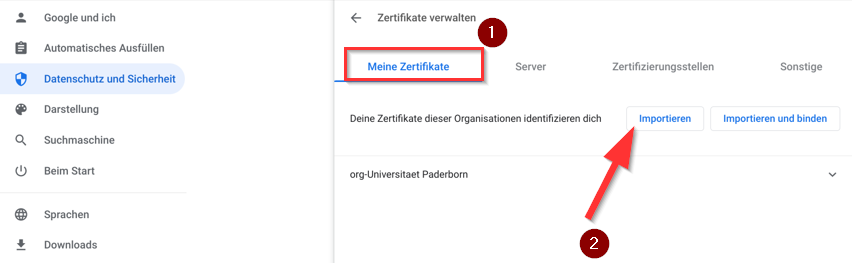
| 12:33, 2. Aug. 2022 | Vpn-unter-chrome-os-10.png (Datei) |  |
37 KB | {{Information | description = Screenshot Chrome OS - Zertifikate verwalten | source = Screenshot | date = 02.08.2022 | author = Benutzer:jnk | permission = {{PD-user|jnk}} }}Kategorie:Screenshots | 1 |
| 12:32, 2. Aug. 2022 | Vpn-unter-chrome-os-09.png (Datei) |  |
147 KB | {{Information | description = Screenshot Chrome OS - Sicherheitseinstellungen | source = Screenshot | date = 02.08.2022 | author = Benutzer:jnk | permission = {{PD-user|jnk}} }}Kategorie:Screenshots | 1 |
| 12:31, 2. Aug. 2022 | Vpn-unter-chrome-os-08.png (Datei) |  |
130 KB | {{Information | description = Screenshot Chrome OS - Datenschutz und Sicherheit | source = Screenshot | date = 02.08.2022 | author = Benutzer:jnk | permission = {{PD-user|jnk}} }}Kategorie:Screenshots | 1 |
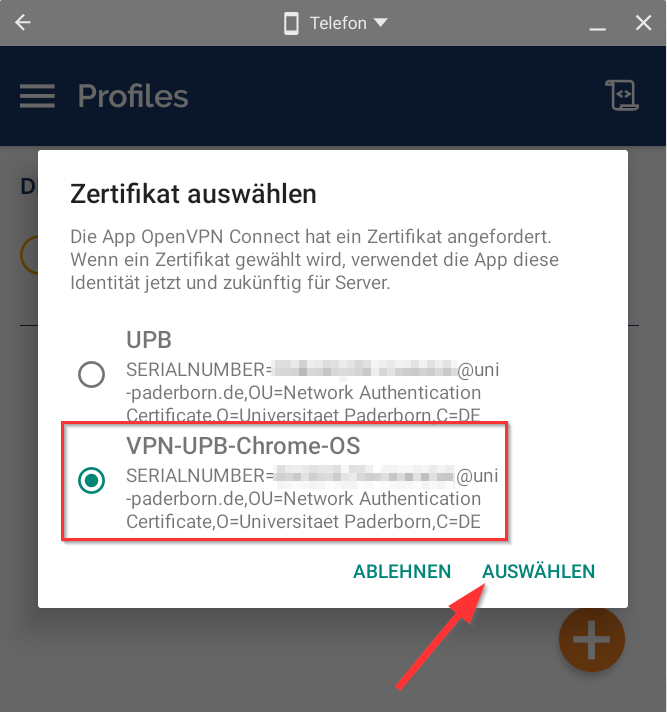
| 12:31, 2. Aug. 2022 | Vpn-unter-chrome-os-07.png (Datei) |  |
57 KB | {{Information | description = Screenshot OpenVPN unter Chrome OS - Zertifikat für Konfigurationsdatei auswählen | source = Screenshot | date = 02.08.2022 | author = Benutzer:jnk | permission = {{PD-user|jnk}} }}[[Kategorie:Scree… | 1 |
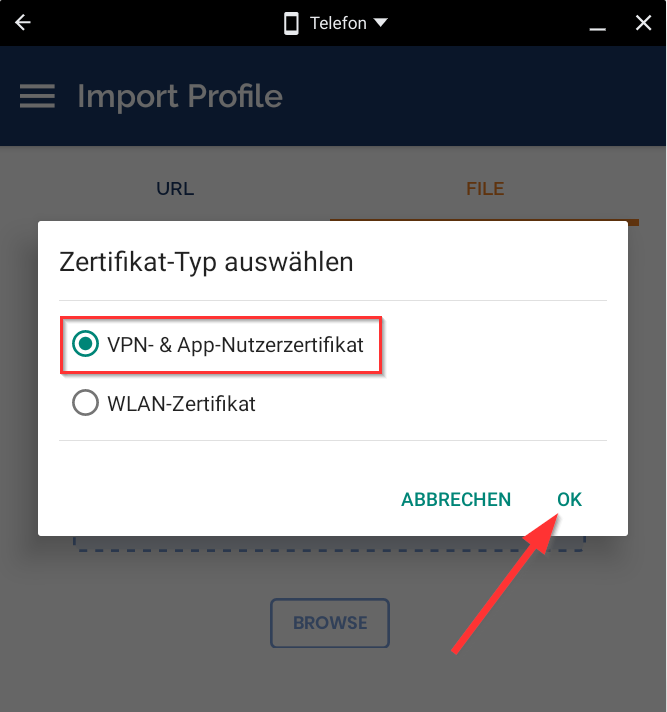
| 12:30, 2. Aug. 2022 | Vpn-unter-chrome-os-06.png (Datei) |  |
29 KB | {{Information | description = Screenshot OpenVPN unter Chrome OS - Zertifikatstyp auswählen | source = Screenshot | date = 02.08.2022 | author = Benutzer:jnk | permission = {{PD-user|jnk}} }}Kategorie:Screenshots | 1 |
| 12:29, 2. Aug. 2022 | Vpn-unter-chrome-os-05.png (Datei) |  |
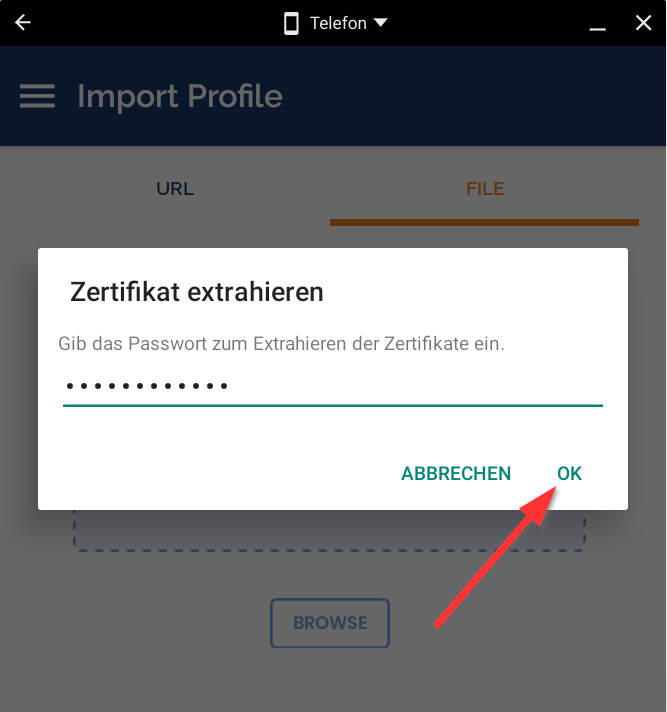
27 KB | {{Information | description = Screenshot OpenVPN unter Chrome OS - Zertifikat extrahieren | source = Screenshot | date = 02.08.2022 | author = Benutzer:jnk | permission = {{PD-user|jnk}} }}Kategorie:Screenshots | 1 |
| 12:29, 2. Aug. 2022 | Vpn-unter-chrome-os-03.png (Datei) |  |
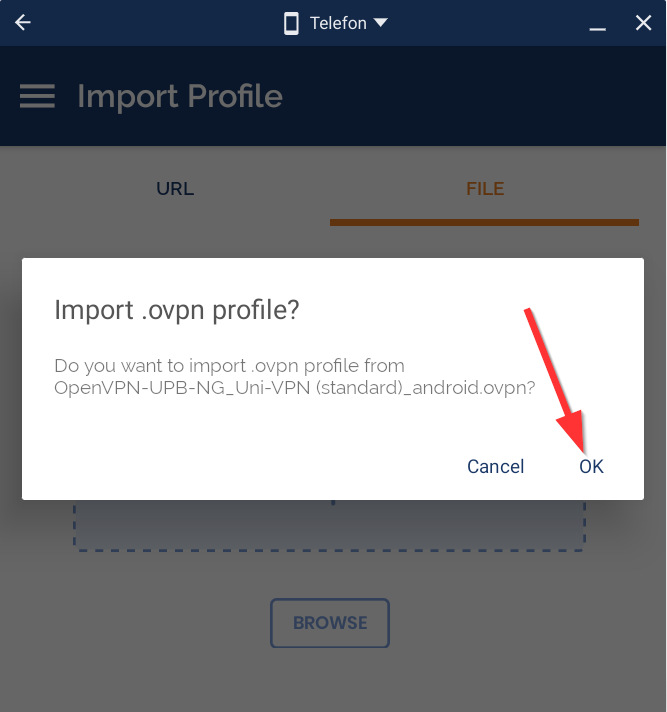
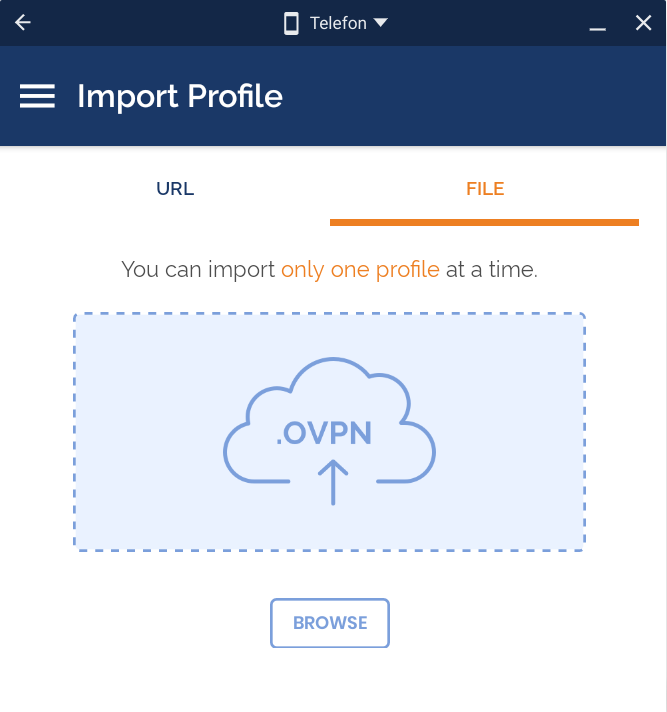
30 KB | {{Information | description = Screenshot OpenVPN unter Chrome OS - Konfigurationsdatei importieren | source = Screenshot | date = 02.08.2022 | author = Benutzer:jnk | permission = {{PD-user|jnk}} }}Kategorie:Screenshots | 1 |
| 12:28, 2. Aug. 2022 | Vpn-unter-chrome-os-04.png (Datei) |  |
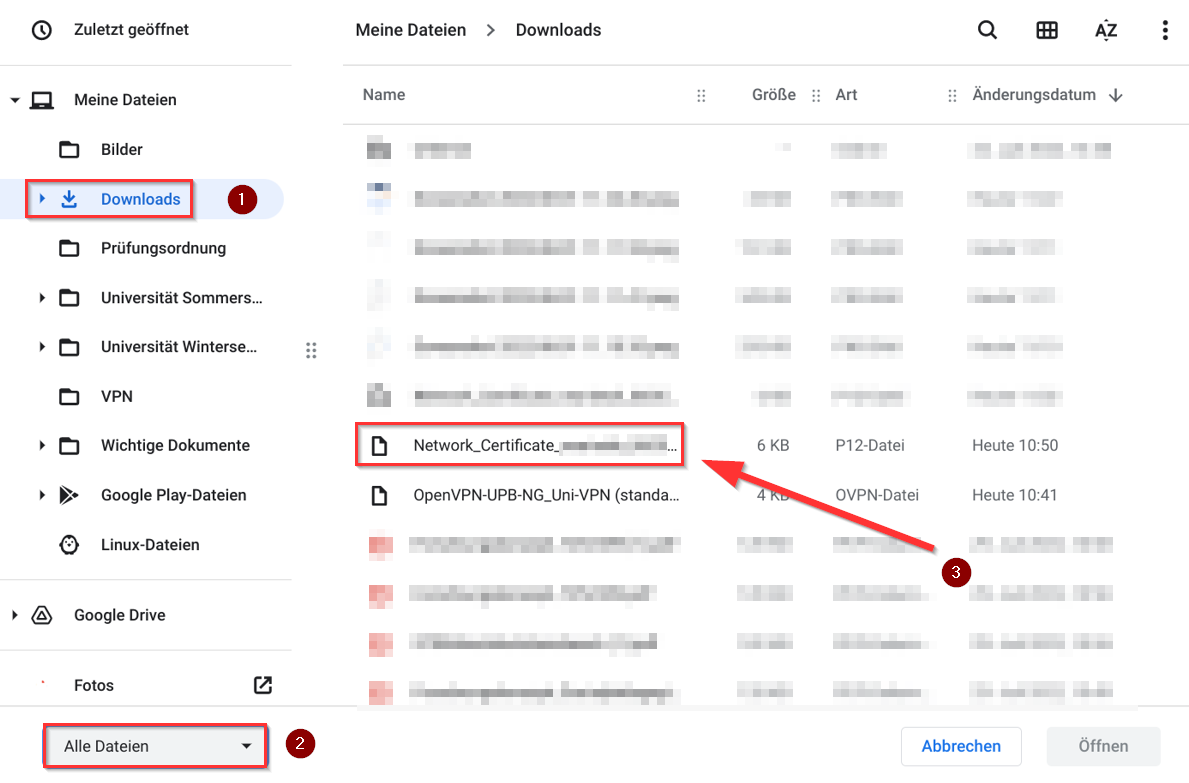
139 KB | {{Information | description = Screenshot OpenVPN unter Chrome OS - Netzwerkzertifikat auswählen | source = Screenshot | date = 02.08.2022 | author = Benutzer:jnk | permission = {{PD-user|jnk}} }}Kategorie:Screenshots | 1 |
| 12:26, 2. Aug. 2022 | Vpn-unter-chrome-os-02.png (Datei) |  |
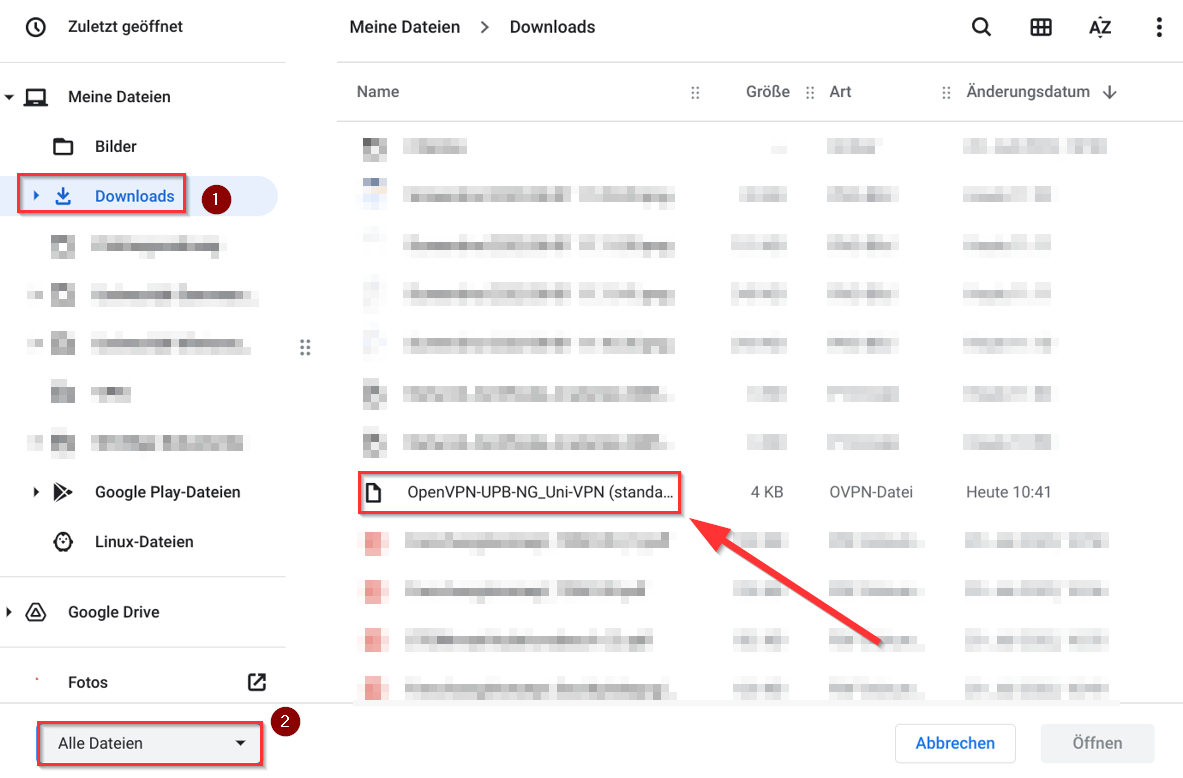
123 KB | {{Information | description = Screenshot OpenVPN unter Chrome OS - Konfigurationsdatei öffnen | source = Screenshot | date = 02.08.2022 | author = Benutzer:jnk | permission = {{PD-user|jnk}} }}Kategorie:Screenshots | 1 |
| 12:25, 2. Aug. 2022 | Vpn-unter-chrome-os-01.png (Datei) |  |
32 KB | {{Information | description = Screenshot OpenVPN unter Chrome OS - Browse File | source = Screenshot | date = 02.08.2022 | author = Benutzer:jnk | permission = {{PD-user|jnk}} }}Kategorie:Screenshots | 1 |
| 10:51, 29. Jul. 2022 | E-Mail signieren Horde.png (Datei) |  |
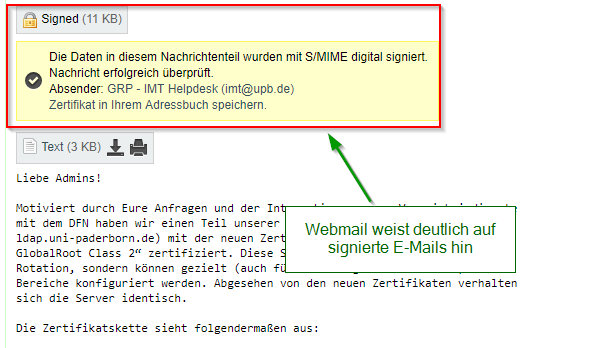
22 KB | {{Information | description = Screenshot Mail | source = self | date = 02.04.2019 | author = Benutzer:beyonder | permission = {{PD-user|beyonder}} }}Kategorie:Screenshots | 1 |
| 11:57, 28. Jul. 2022 | Filtern-in-microsoft-outlook-14.png (Datei) |  |
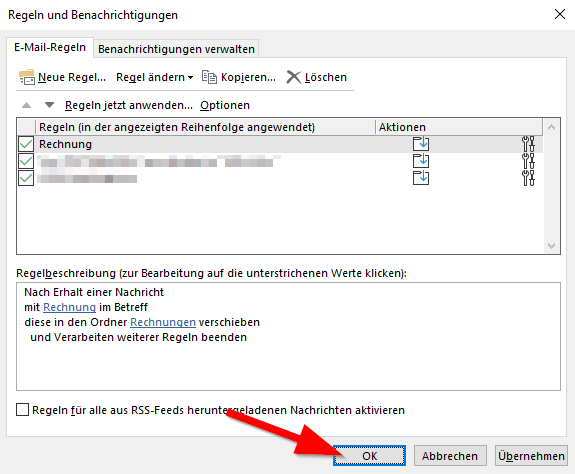
17 KB | {{Information | description = Screenshot Outlook unter Windows - Regeln und Benachrichtigungen | source = Screenshot | date = 28.07.2022 | author = Benutzer:jnk | permission = {{PD-user|jnk}} }}Kategorie:Screenshots | 1 |
| 11:56, 28. Jul. 2022 | Filtern-in-microsoft-outlook-13.png (Datei) |  |
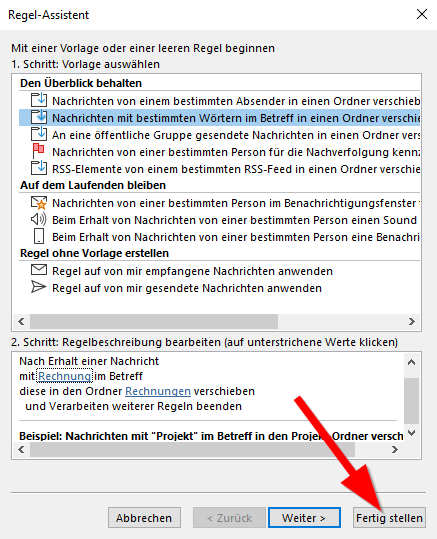
25 KB | {{Information | description = Screenshot Outlook unter Windows - Regel-Assistent Fertigstellen | source = Screenshot | date = 28.07.2022 | author = Benutzer:jnk | permission = {{PD-user|jnk}} }}Kategorie:Screenshots | 1 |
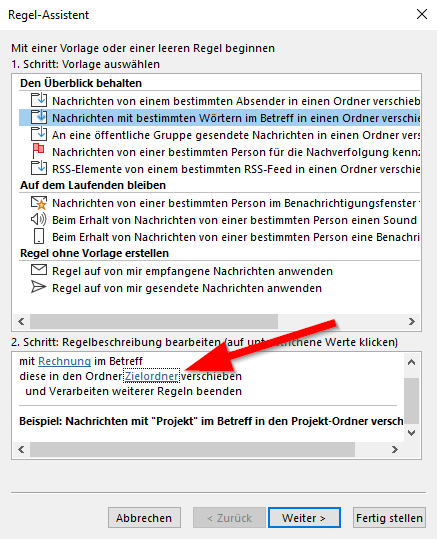
| 11:56, 28. Jul. 2022 | Filtern-in-microsoft-outlook-12.png (Datei) |  |
25 KB | {{Information | description = Screenshot Outlook unter Windows - Regel-Assistent | source = Screenshot | date = 28.07.2022 | author = Benutzer:jnk | permission = {{PD-user|jnk}} }}Kategorie:Screenshots | 1 |
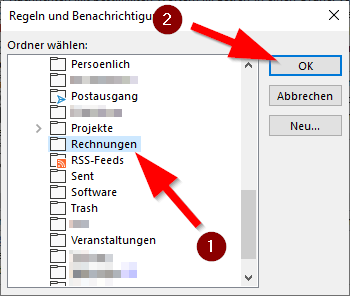
| 11:55, 28. Jul. 2022 | Filtern-in-microsoft-outlook-11.png (Datei) |  |
13 KB | {{Information | description = Screenshot Outlook unter Windows - Ordner wählen | source = Screenshot | date = 28.07.2022 | author = Benutzer:jnk | permission = {{PD-user|jnk}} }}Kategorie:Screenshots | 1 |
| 11:55, 28. Jul. 2022 | Filtern-in-microsoft-outlook-10.png (Datei) |  |
8 KB | {{Information | description = Screenshot Outlook unter Windows - Text suchen | source = Screenshot | date = 28.07.2022 | author = Benutzer:jnk | permission = {{PD-user|jnk}} }}Kategorie:Screenshots | 1 |