Diese Spezialseite listet alle hochgeladenen Dateien auf.


| Datum | Name | Vorschaubild | Größe | Beschreibung | Versionen |
|---|---|---|---|---|---|
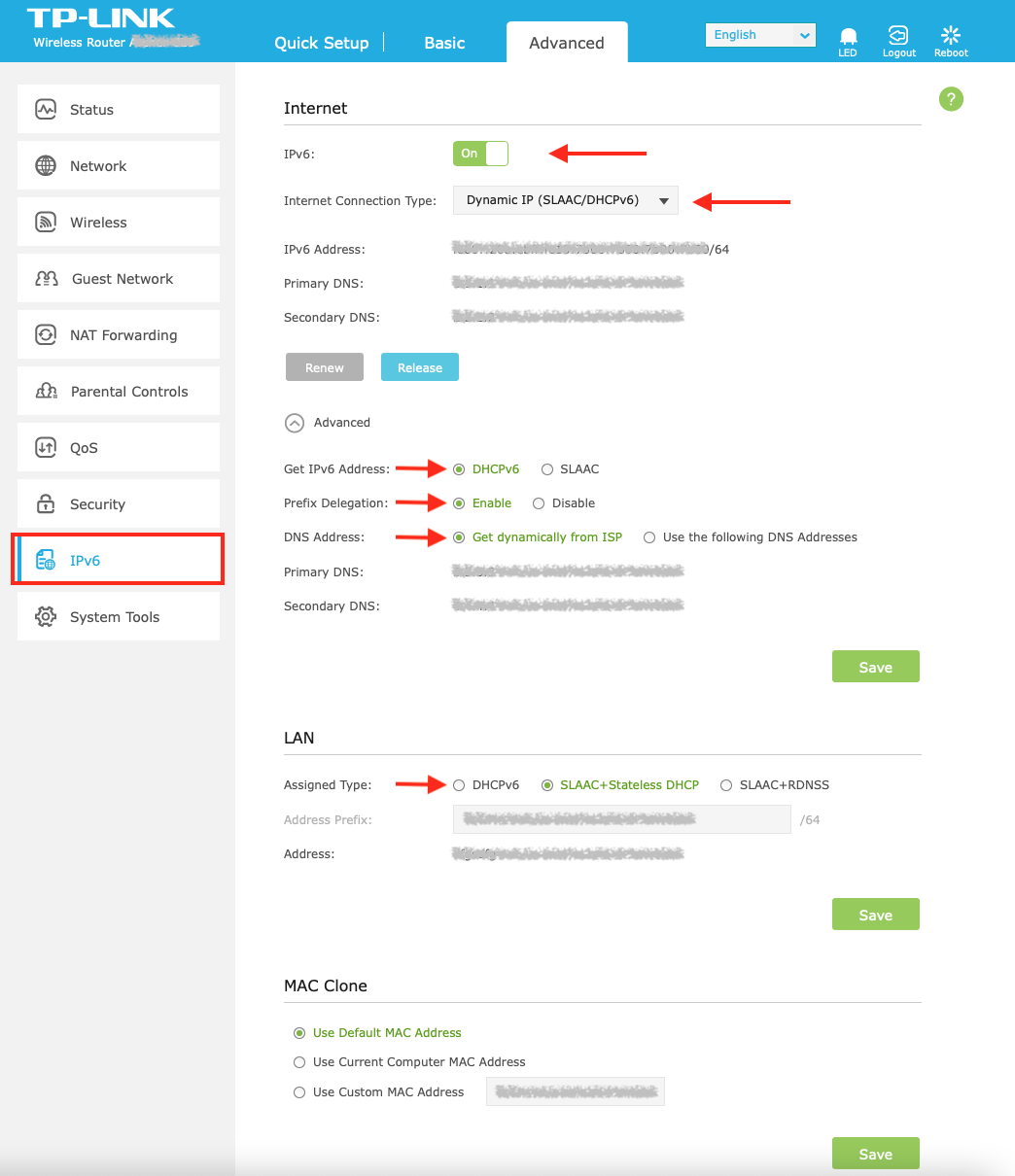
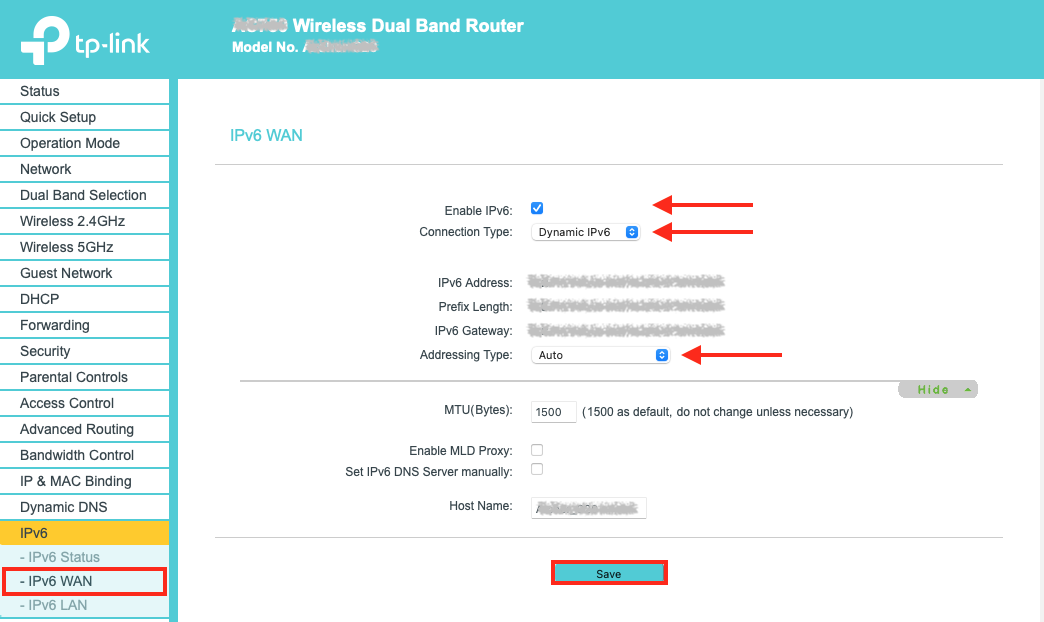
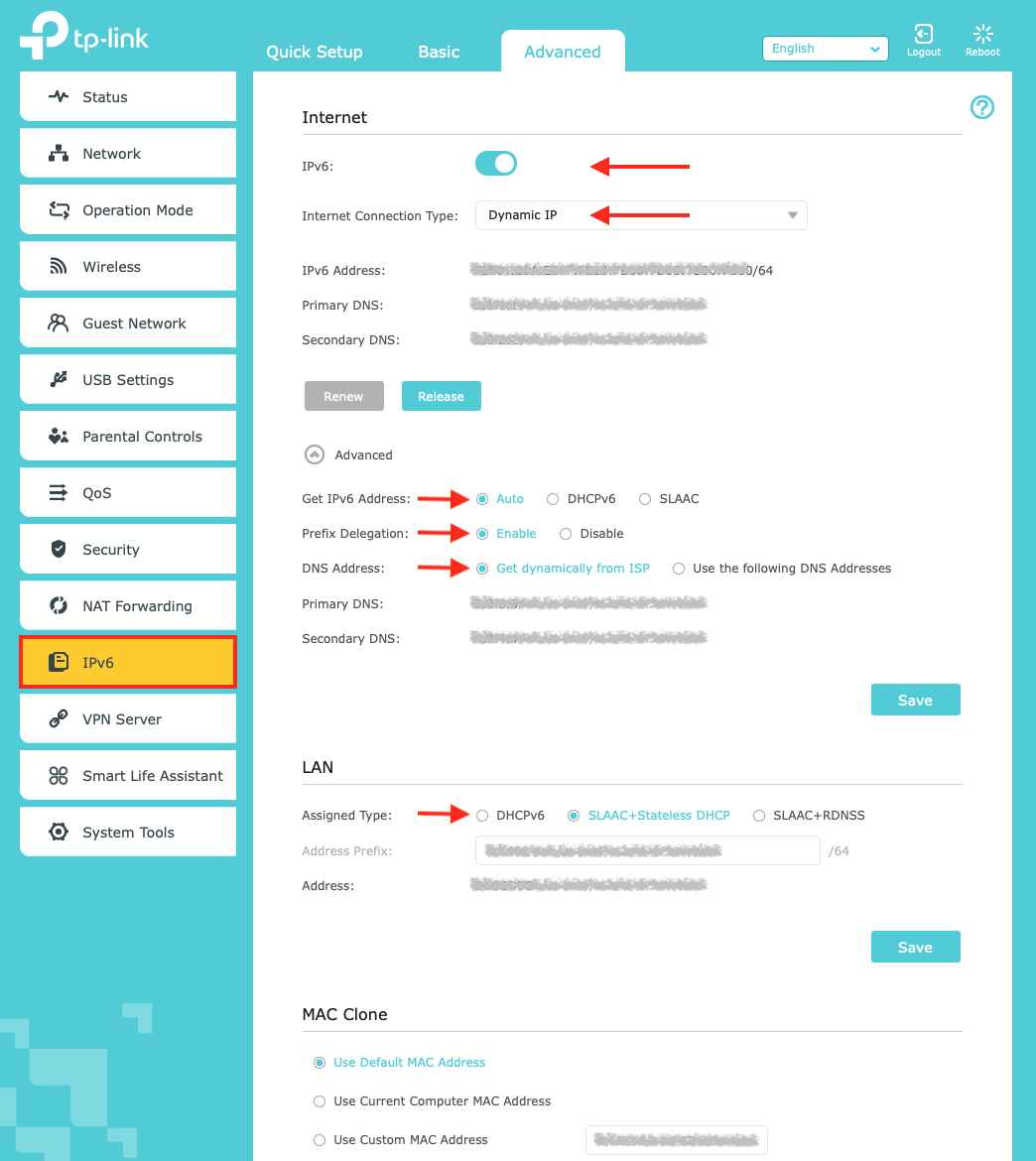
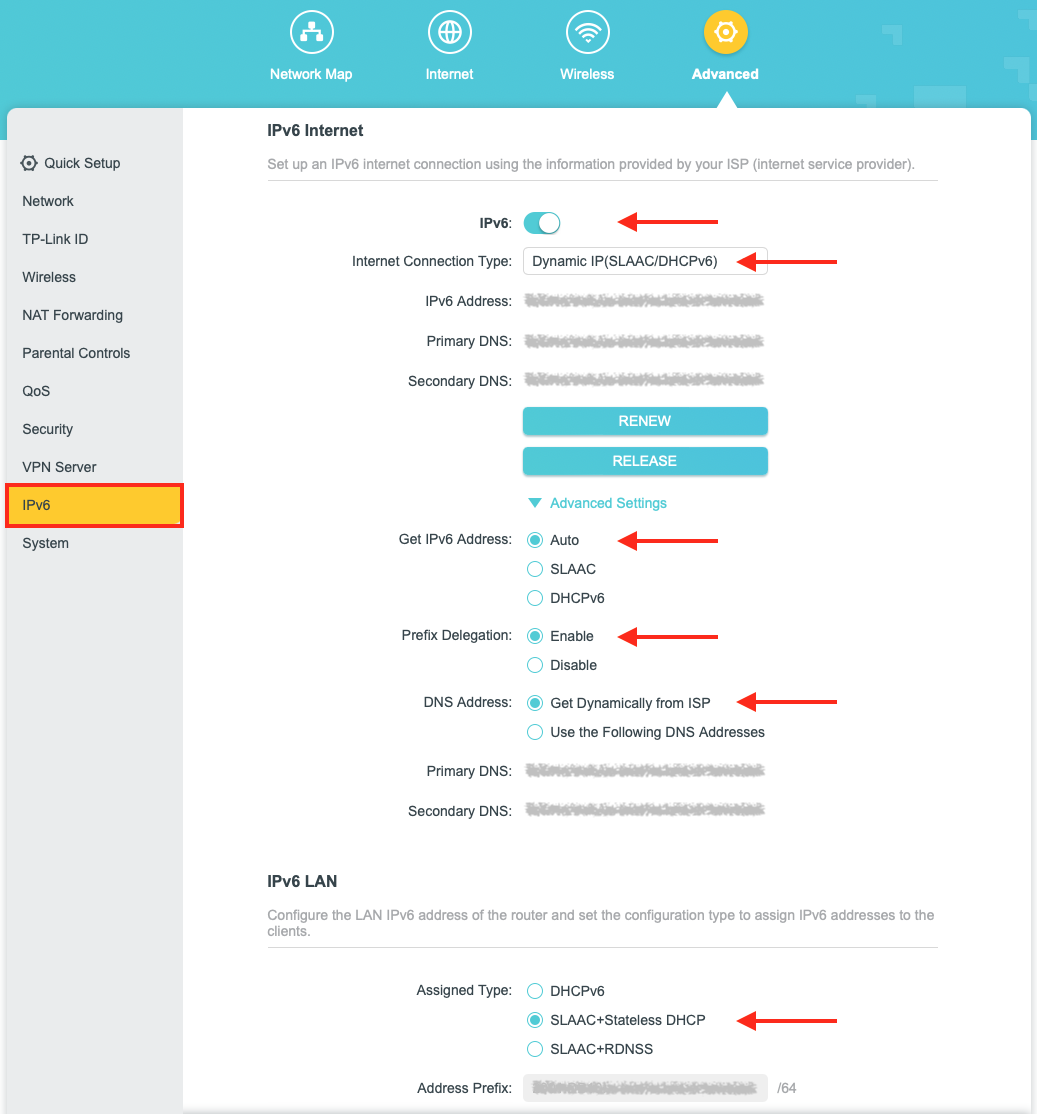
| 11:00, 15. Nov. 2023 | Router-einrichten-07.png (Datei) |  |
164 KB | {{Information | description = Screenshot Browser - IPv6 Einstellungen für Router von tp-link | source = Screenshot | date = 15.11.2023 | author = Benutzer:jnk | permission = {{PD-user|jnk}} }}Kategorie:Screenshots | 1 |
| 11:00, 15. Nov. 2023 | Router-einrichten-06.png (Datei) |  |
112 KB | {{Information | description = Screenshot Browser - IPv6 Einstellungen für Router von tp-link | source = Screenshot | date = 15.11.2023 | author = Benutzer:jnk | permission = {{PD-user|jnk}} }}Kategorie:Screenshots | 1 |
| 11:00, 15. Nov. 2023 | Router-einrichten-05.png (Datei) |  |
173 KB | {{Information | description = Screenshot Browser - IPv6 Einstellungen für Router von tp-link | source = Screenshot | date = 15.11.2023 | author = Benutzer:jnk | permission = {{PD-user|jnk}} }}Kategorie:Screenshots | 1 |
| 10:59, 15. Nov. 2023 | Router-einrichten-04.png (Datei) |  |
294 KB | {{Information | description = Screenshot Browser - IPv6 Einstellungen für Router von tp-link | source = Screenshot | date = 15.11.2023 | author = Benutzer:jnk | permission = {{PD-user|jnk}} }}Kategorie:Screenshots | 1 |
| 10:46, 15. Nov. 2023 | Router-einrichten-10.png (Datei) |  |
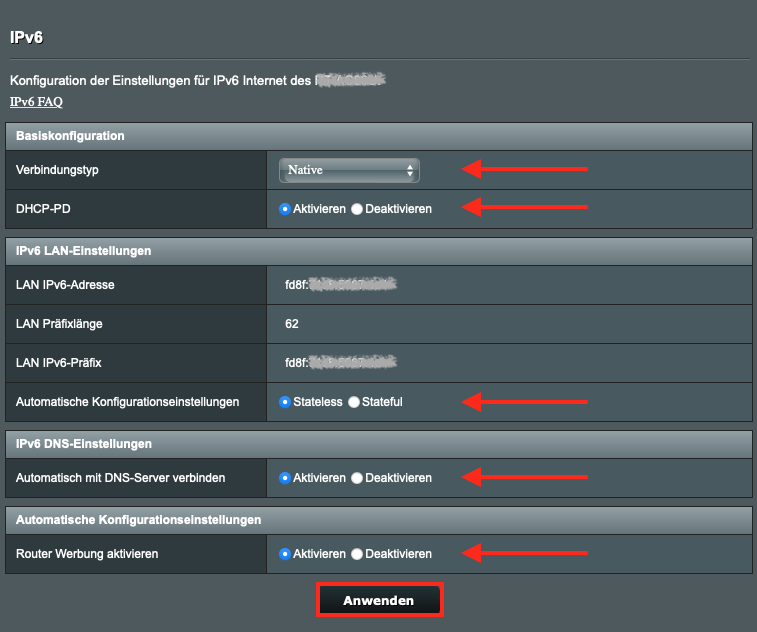
79 KB | {{Information | description = Screenshot Browser - Asus Router IPv6 einrichten | source = Screenshot | date = 15.11.2023 | author = Benutzer:jnk | permission = {{PD-user|jnk}} }}Kategorie:Screenshots | 1 |
| 10:46, 15. Nov. 2023 | Router-einrichten-09.png (Datei) |  |
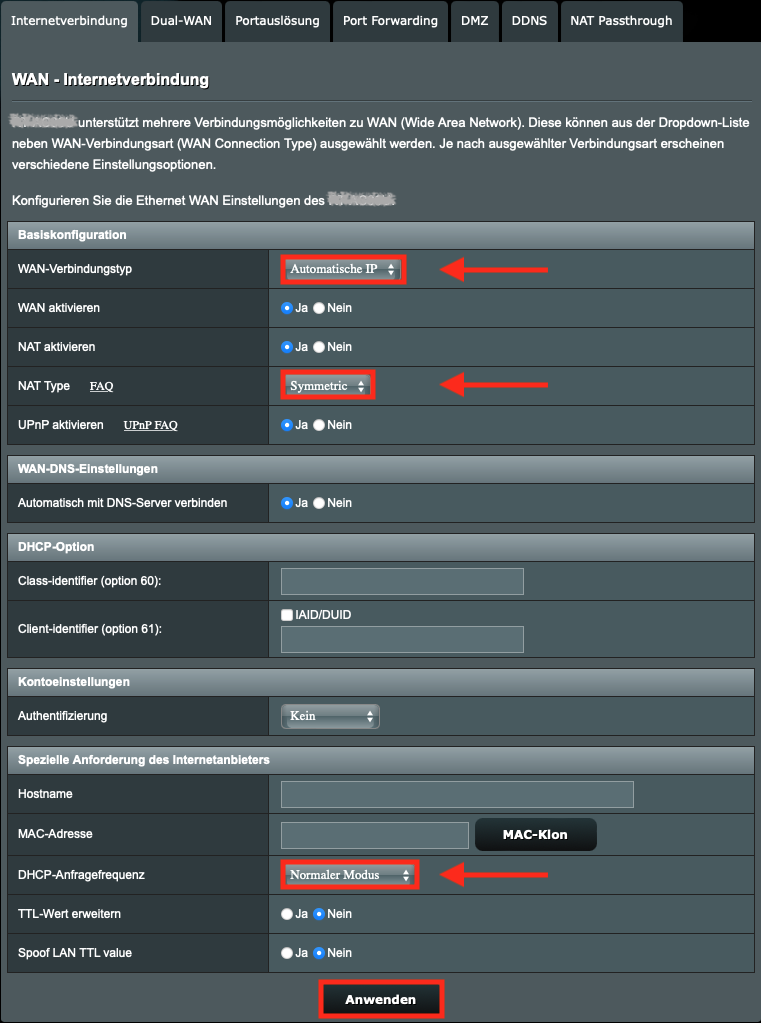
142 KB | {{Information | description = Screenshot Browser - Asus Router einrichten | source = Screenshot | date = 15.11.2023 | author = Benutzer:jnk | permission = {{PD-user|jnk}} }}Kategorie:Screenshots | 1 |
| 10:21, 15. Nov. 2023 | Router-einrichten-03.png (Datei) |  |
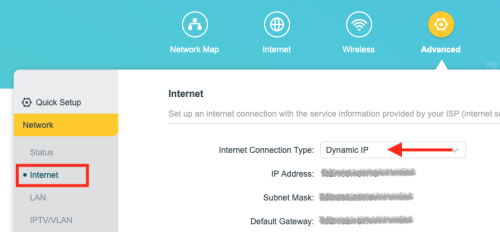
54 KB | {{Information | description = Screenshot Browser - Konfigurationsseite tp-link - Dynamic IP | source = Screenshot | date = 15.11.2023 | author = Benutzer:jnk | permission = {{PD-user|jnk}} }}Kategorie:Screenshots | 1 |
| 10:19, 15. Nov. 2023 | Router-einrichten-02.png (Datei) |  |
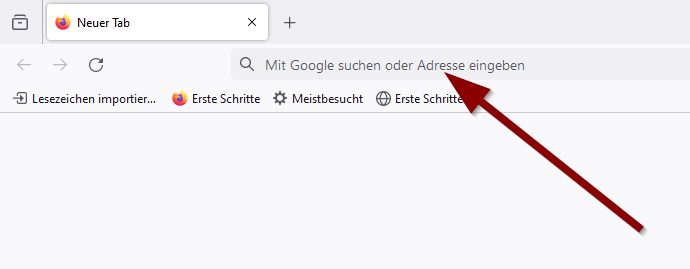
11 KB | {{Information | description = Screenshot Firefox - Adresszeile | source = Screenshot | date = 15.11.2023 | author = Benutzer:jnk | permission = {{PD-user|jnk}} }}Kategorie:Screenshots | 1 |
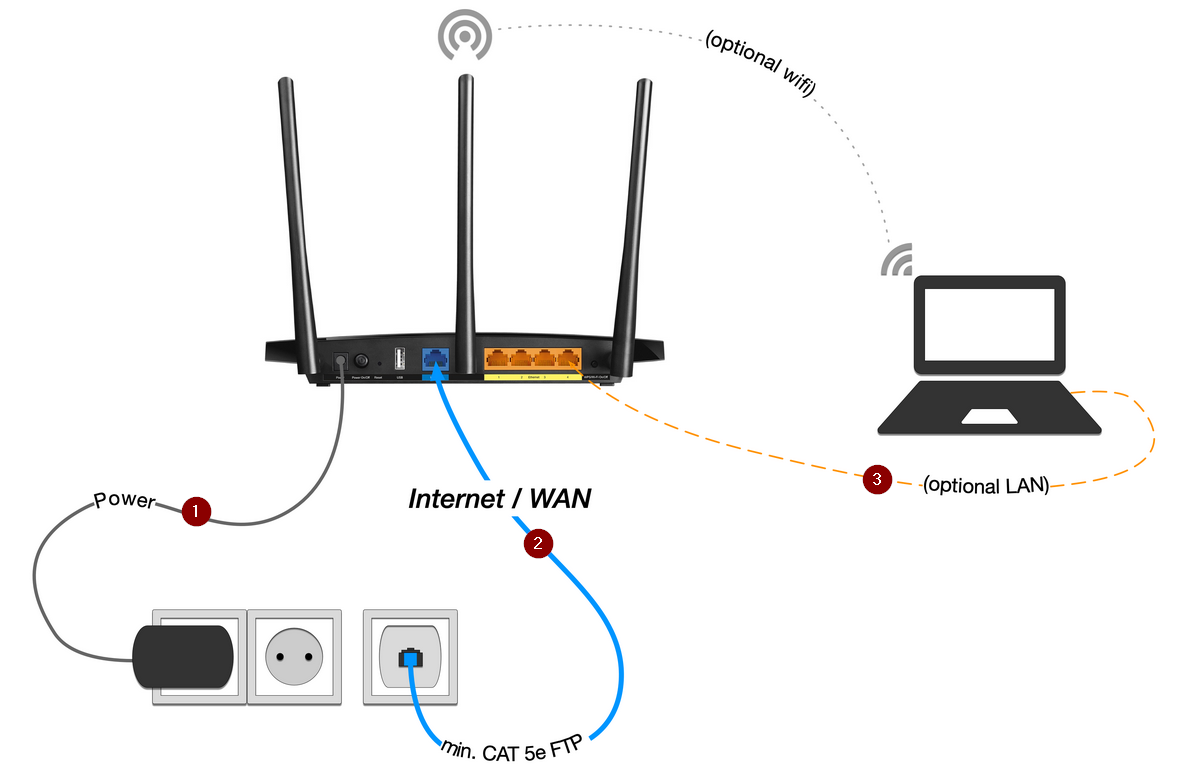
| 09:54, 15. Nov. 2023 | Router-einrichten-01.png (Datei) |  |
154 KB | {{Information | description = Schaubild - Router anschließen | source = Screenshot | date = 15.11.2023 | author = Benutzer:jnk | permission = {{PD-user|jnk}} }}Kategorie:Screenshots | 1 |
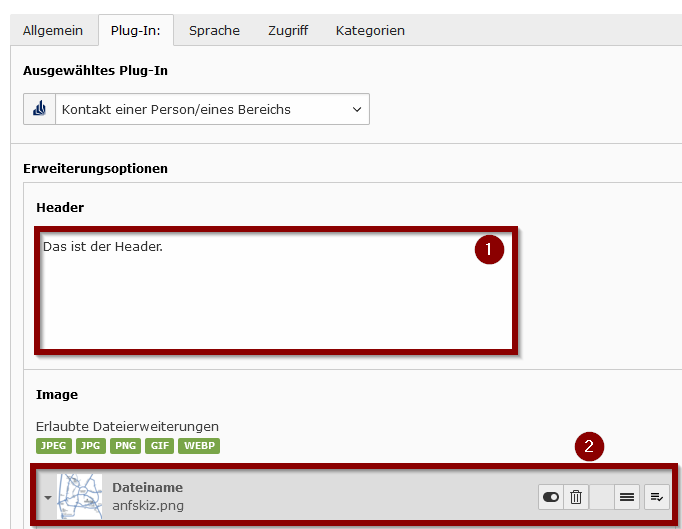
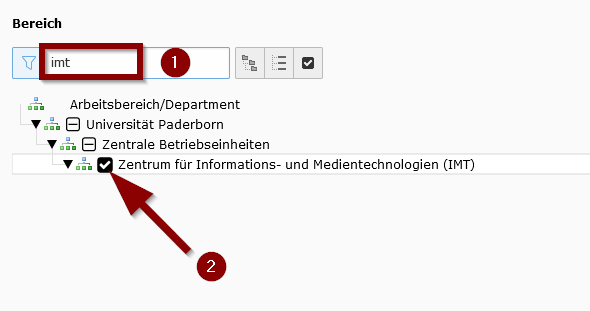
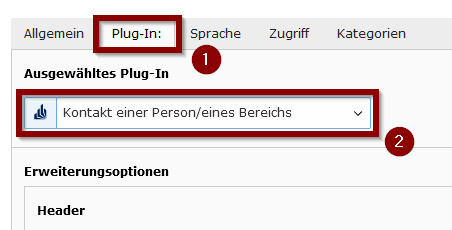
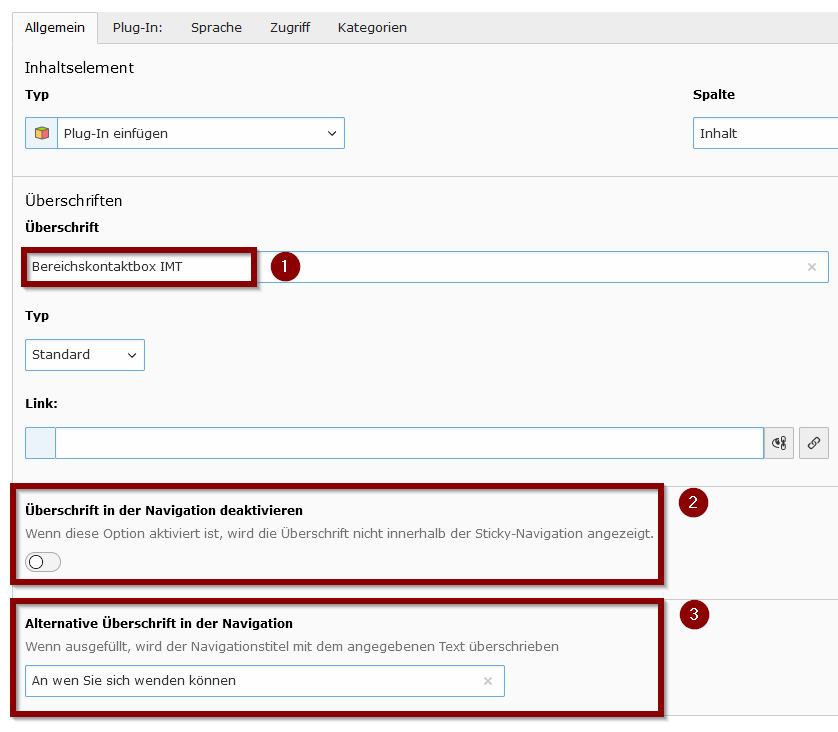
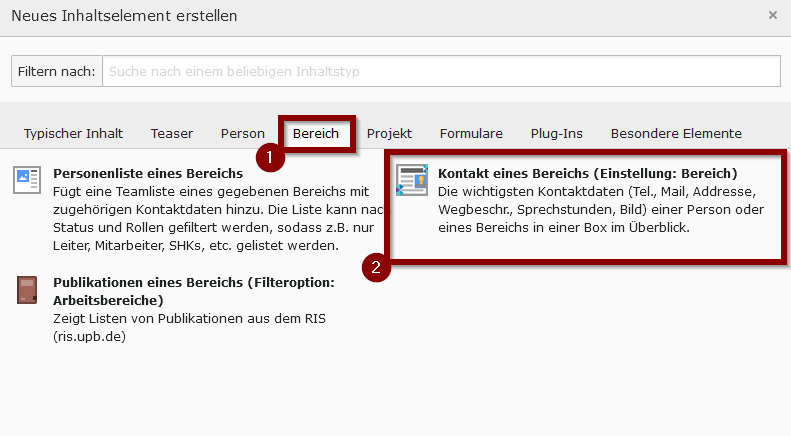
| 15:56, 8. Nov. 2023 | Typo3-bereichskontaktbox-05.png (Datei) |  |
104 KB | {{Information | description = Screenshot TYPO3 - Bereichkontaktbox hinzufügen | source = Screenshot | date = 08.11.2023 | author = Benutzer:jnk | permission = {{PD-user|jnk}} }}Kategorie:Screenshots | 1 |
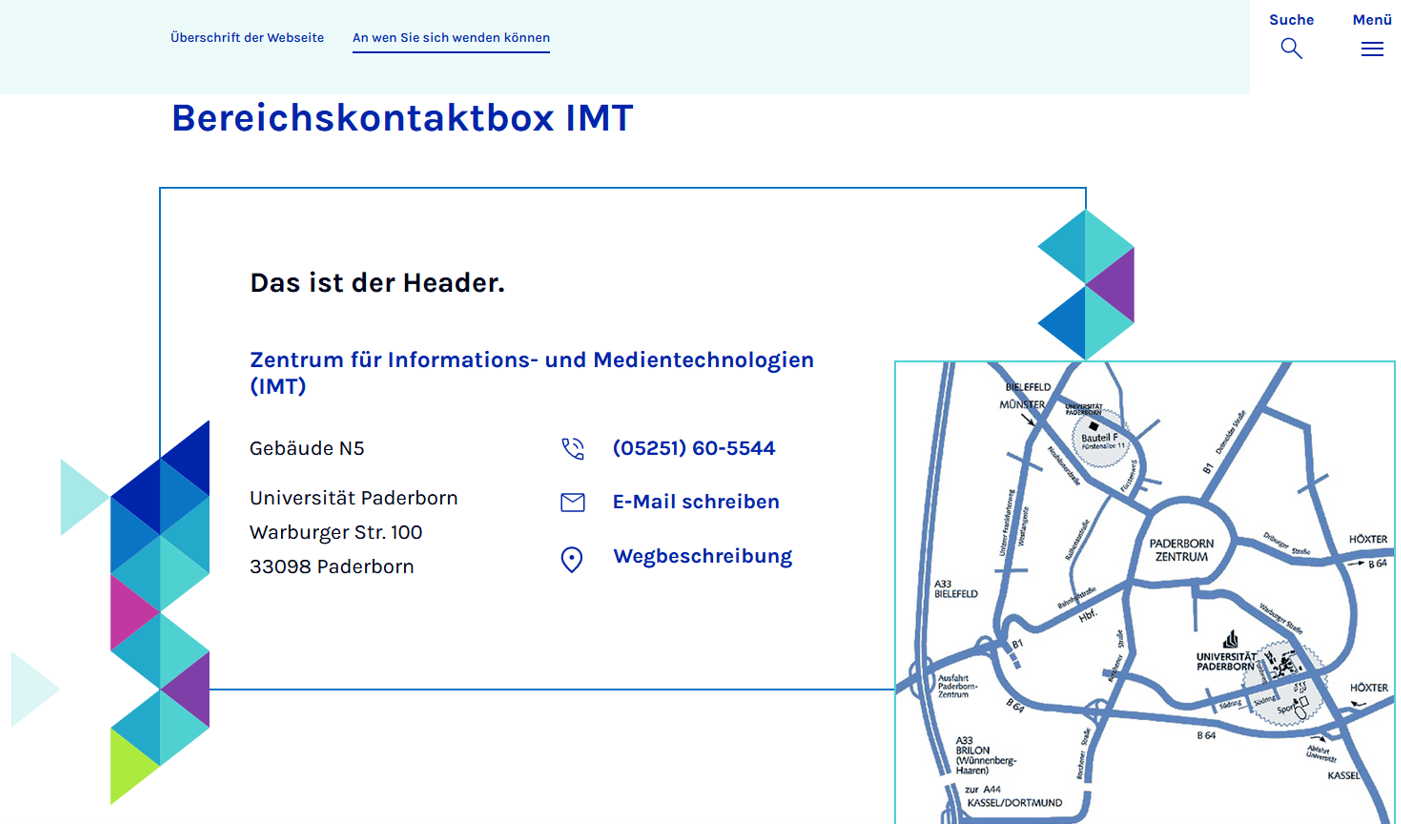
| 15:35, 8. Nov. 2023 | Typo3-bereichskontaktbox-07.png (Datei) |  |
365 KB | {{Information | description = Screenshot TYPO3 - Bereichskontaktbox hinzufügen | source = Screenshot | date = 08.11.2023 | author = Benutzer:jnk | permission = {{PD-user|jnk}} }}Kategorie:Screenshots | 1 |
| 15:35, 8. Nov. 2023 | Typo3-bereichskontaktbox-06.png (Datei) |  |
18 KB | {{Information | description = Screenshot TYPO3 - Bereichskontaktbox hinzufügen | source = Screenshot | date = 08.11.2023 | author = Benutzer:jnk | permission = {{PD-user|jnk}} }}Kategorie:Screenshots | 1 |
| 15:35, 8. Nov. 2023 | Typo3-bereichskontaktbox-04.png (Datei) |  |
12 KB | {{Information | description = Screenshot TYPO3 - Bereichskontaktbox hinzufügen | source = Screenshot | date = 08.11.2023 | author = Benutzer:jnk | permission = {{PD-user|jnk}} }}Kategorie:Screenshots | 1 |
| 15:34, 8. Nov. 2023 | Typo3-bereichskontaktbox-03.png (Datei) |  |
8 KB | {{Information | description = Screenshot TYPO3 - Bereichskontaktbox hinzufügen | source = Screenshot | date = 08.11.2023 | author = Benutzer:jnk | permission = {{PD-user|jnk}} }}Kategorie:Screenshots | 1 |
| 15:34, 8. Nov. 2023 | Typo3-bereichskontaktbox-02.png (Datei) |  |
24 KB | {{Information | description = Screenshot TYPO3 - Bereichskontaktbox hinzufügen | source = Screenshot | date = 08.11.2023 | author = Benutzer:jnk | permission = {{PD-user|jnk}} }}Kategorie:Screenshots | 1 |
| 15:33, 8. Nov. 2023 | Typo3-bereichskontaktbox-01.png (Datei) |  |
24 KB | {{Information | description = Screenshot TYPO3 - Bereichskontaktbox hinzufügen | source = Screenshot | date = 08.11.2023 | author = Benutzer:jnk | permission = {{PD-user|jnk}} }}Kategorie:Screenshots | 1 |
| 14:29, 8. Nov. 2023 | Typo3-akkordeon-03.png (Datei) |  |
20 KB | Überschrift korrigiert | 2 |
| 13:27, 8. Nov. 2023 | Typo3-akkordeon-14.png (Datei) |  |
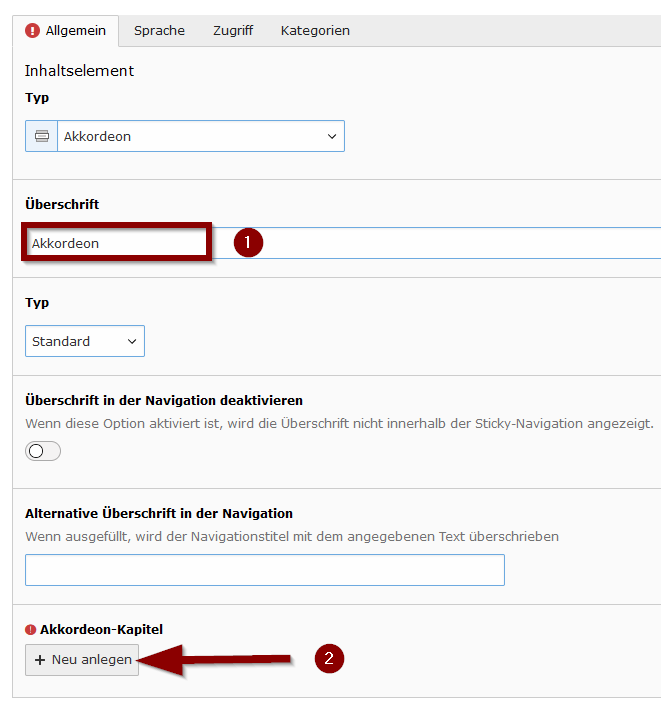
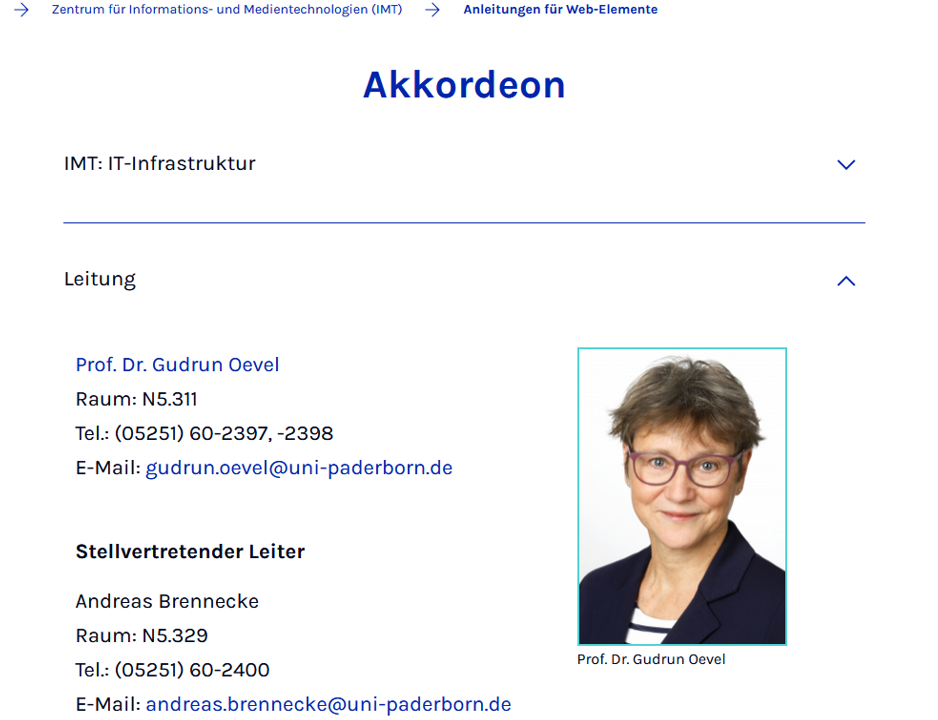
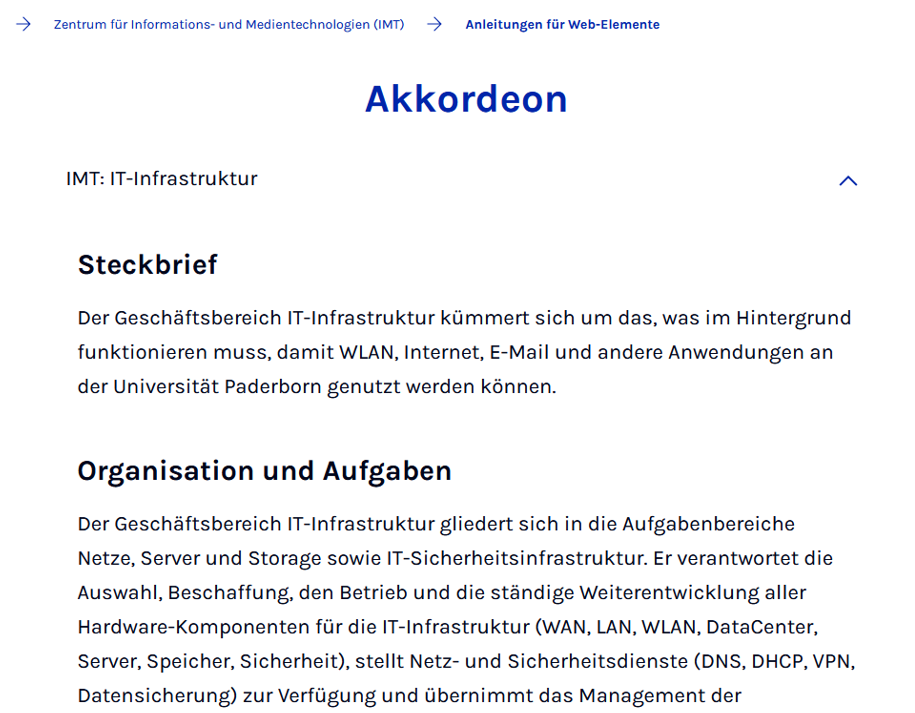
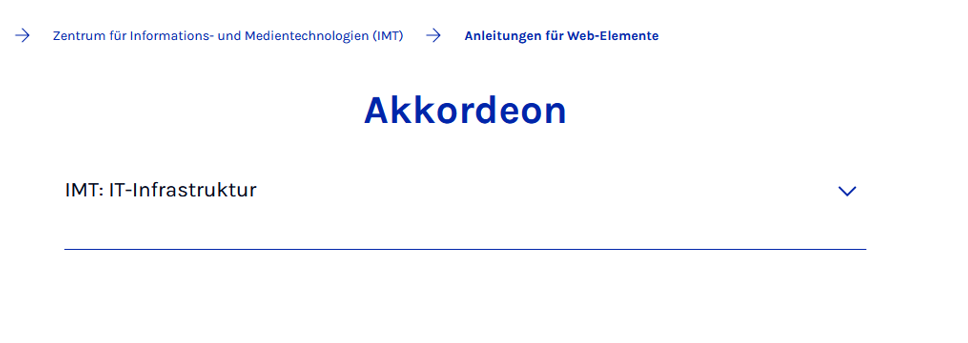
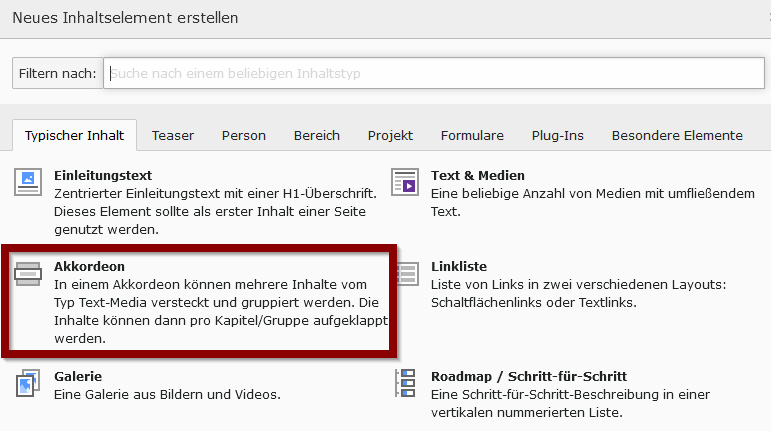
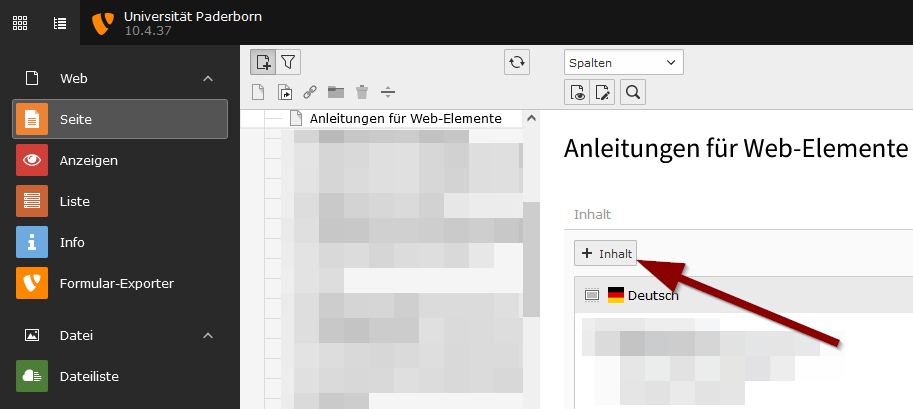
229 KB | {{Information | description = Screenshot TYPO3 - Inhaltselement Akkordion einfügen | source = Screenshot | date = 08.11.2023 | author = Benutzer:jnk | permission = {{PD-user|jnk}} }}Kategorie:Screenshots | 1 |
| 13:27, 8. Nov. 2023 | Typo3-akkordeon-13.png (Datei) |  |
205 KB | {{Information | description = Screenshot TYPO3 - Inhaltselement Akkordion einfügen | source = Screenshot | date = 08.11.2023 | author = Benutzer:jnk | permission = {{PD-user|jnk}} }}Kategorie:Screenshots | 1 |
| 13:26, 8. Nov. 2023 | Typo3-akkordeon-12.png (Datei) |  |
27 KB | {{Information | description = Screenshot TYPO3 - Inhaltselement Akkordion einfügen | source = Screenshot | date = 08.11.2023 | author = Benutzer:jnk | permission = {{PD-user|jnk}} }}Kategorie:Screenshots | 1 |
| 13:26, 8. Nov. 2023 | Typo3-akkordeon-11.png (Datei) |  |
55 KB | {{Information | description = Screenshot TYPO3 - Inhaltselement Akkordion einfügen | source = Screenshot | date = 08.11.2023 | author = Benutzer:jnk | permission = {{PD-user|jnk}} }}Kategorie:Screenshots | 1 |
| 13:26, 8. Nov. 2023 | Typo3-akkordeon-10.png (Datei) |  |
26 KB | {{Information | description = Screenshot TYPO3 - Inhaltselement Akkordion einfügen | source = Screenshot | date = 08.11.2023 | author = Benutzer:jnk | permission = {{PD-user|jnk}} }}Kategorie:Screenshots | 1 |
| 13:26, 8. Nov. 2023 | Typo3-akkordeon-09.png (Datei) |  |
4 KB | {{Information | description = Screenshot TYPO3 - Inhaltselement Akkordion einfügen | source = Screenshot | date = 08.11.2023 | author = Benutzer:jnk | permission = {{PD-user|jnk}} }}Kategorie:Screenshots | 1 |
| 13:25, 8. Nov. 2023 | Typo3-akkordeon-08.png (Datei) |  |
22 KB | {{Information | description = Screenshot TYPO3 - Inhaltselement Akkordion einfügen | source = Screenshot | date = 08.11.2023 | author = Benutzer:jnk | permission = {{PD-user|jnk}} }}Kategorie:Screenshots | 1 |
| 13:25, 8. Nov. 2023 | Typo3-akkordeon-07.png (Datei) |  |
9 KB | {{Information | description = Screenshot TYPO3 - Inhaltselement Akkordion einfügen | source = Screenshot | date = 08.11.2023 | author = Benutzer:jnk | permission = {{PD-user|jnk}} }}Kategorie:Screenshots | 1 |
| 13:25, 8. Nov. 2023 | Typo3-akkordeon-06.png (Datei) |  |
121 KB | {{Information | description = Screenshot TYPO3 - Inhaltselement Akkordion einfügen | source = Screenshot | date = 08.11.2023 | author = Benutzer:jnk | permission = {{PD-user|jnk}} }}Kategorie:Screenshots | 1 |
| 13:25, 8. Nov. 2023 | Typo3-akkordeon-05.png (Datei) |  |
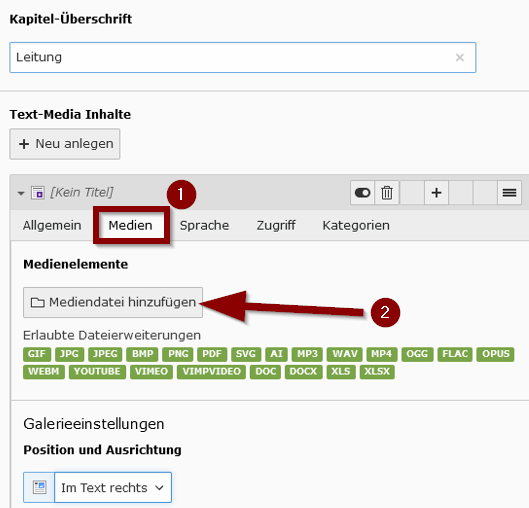
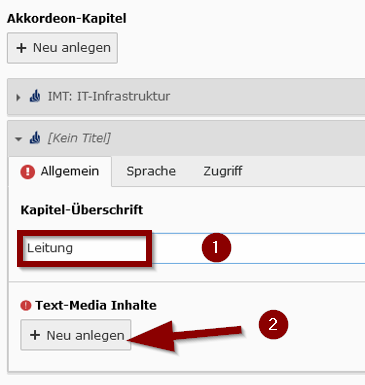
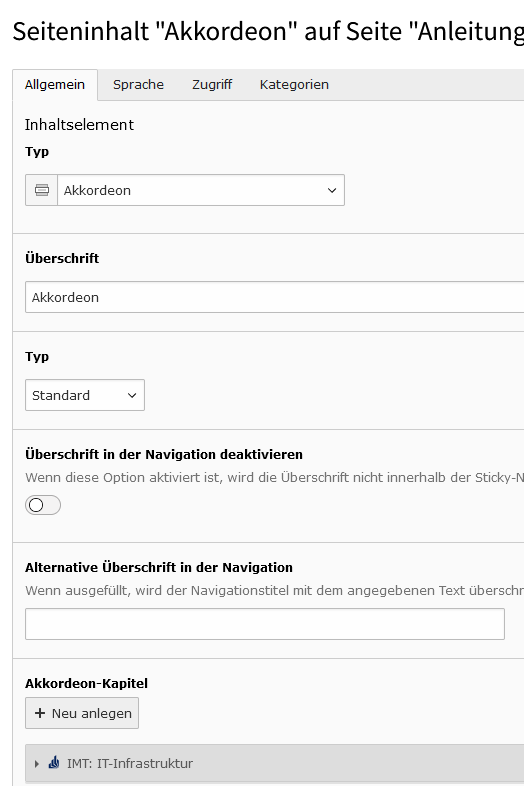
20 KB | {{Information | description = Screenshot TYPO3 - Inhaltselement Akkordion einfügen | source = Screenshot | date = 08.11.2023 | author = Benutzer:jnk | permission = {{PD-user|jnk}} }}Kategorie:Screenshots | 1 |
| 13:24, 8. Nov. 2023 | Typo3-akkordeon-04.png (Datei) |  |
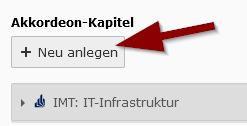
11 KB | {{Information | description = Screenshot TYPO3 - Inhaltselement Akkordion einfügen | source = Screenshot | date = 08.11.2023 | author = Benutzer:jnk | permission = {{PD-user|jnk}} }}Kategorie:Screenshots | 1 |
| 13:23, 8. Nov. 2023 | Typo3-akkordeon-02.png (Datei) |  |
24 KB | {{Information | description = Screenshot TYPO3 - Inhaltselement Akkordion einfügen | source = Screenshot | date = 08.11.2023 | author = Benutzer:jnk | permission = {{PD-user|jnk}} }}Kategorie:Screenshots | 1 |
| 13:23, 8. Nov. 2023 | Typo3-akkordeon-01.png (Datei) |  |
35 KB | {{Information | description = Screenshot TYPO3 - Inhaltselement Akkordion einfügen | source = Screenshot | date = 08.11.2023 | author = Benutzer:jnk | permission = {{PD-user|jnk}} }}Kategorie:Screenshots | 1 |
| 10:28, 20. Okt. 2023 | Netzlaufwerk-einbinden-windows-01.png (Datei) |  |
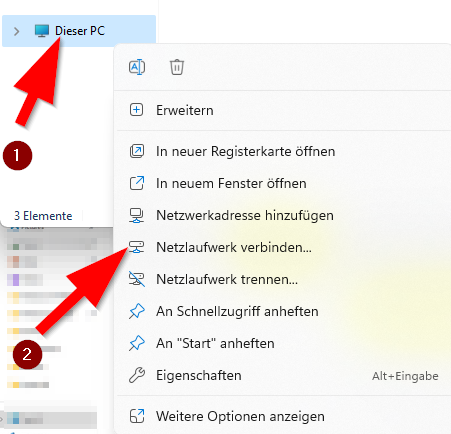
127 KB | {{Information | description = Screenshot Windows 11 - Explorer Netzlaufwerk verbinden | source = Screenshot | date = 20.10.2023 | author = Benutzer:jnk | permission = {{PD-user|jnk}} }}Kategorie:Screenshots | 2 |
| 13:16, 18. Okt. 2023 | Spss-und-amos-installation-02.png (Datei) |  |
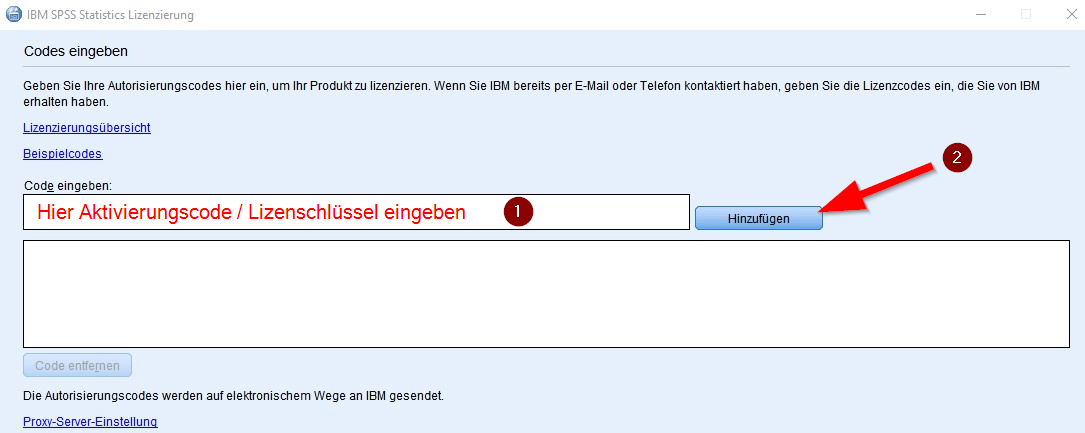
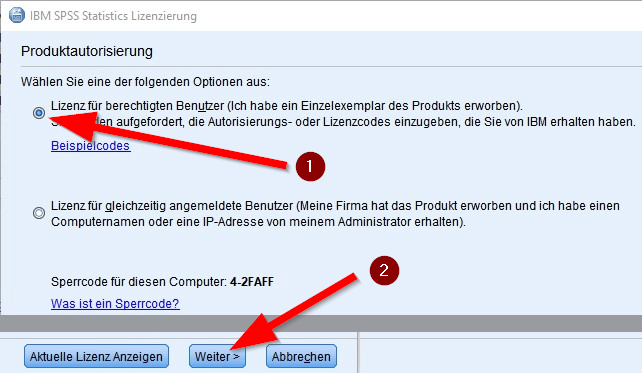
144 KB | {{Information | description = Screenshot SPSS 29 - Lizenzschlüssel eingeben | source = Screenshot | date = 18.10.2023 | author = Benutzer:jnk | permission = {{PD-user|jnk}} }}Kategorie:Screenshots | 1 |
| 13:15, 18. Okt. 2023 | Spss-und-amos-installation-01.png (Datei) |  |
197 KB | {{Information | description = Screenshot SPSS 29 - Produktautorisierung | source = Screenshot | date = 18.10.2023 | author = Benutzer:jnk | permission = {{PD-user|jnk}} }}Kategorie:Screenshots | 1 |
| 11:05, 13. Okt. 2023 | Gastaccount-verwalten-06.png (Datei) |  |
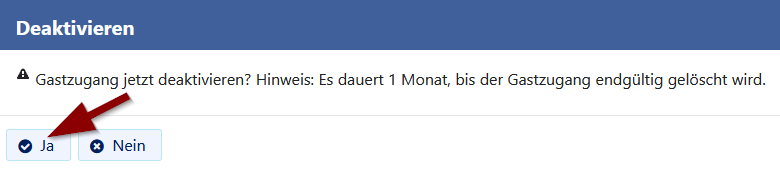
10 KB | {{Information | description = Screenshot ServicePortal - Gastaccount deaktivieren Rückfrage | source = Screenshot | date = 13.10.2023 | author = Benutzer:jnk | permission = {{PD-user|jnk}} }}Kategorie:Screenshots | 1 |
| 11:04, 13. Okt. 2023 | Gastaccount-verwalten-05.png (Datei) |  |
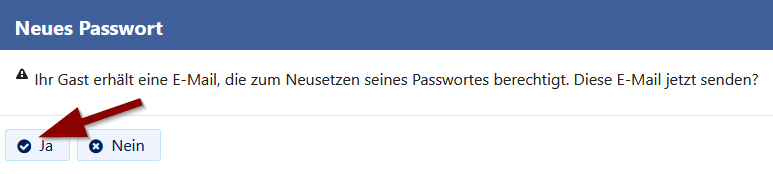
10 KB | {{Information | description = Screenshot ServicePortal - Meine Gäste - E-Mail zur Passwortänderung verschicken | source = Screenshot | date = 13.10.2023 | author = Benutzer:jnk | permission = {{PD-user|jnk}} }}Kategorie:Screenshots | 1 |
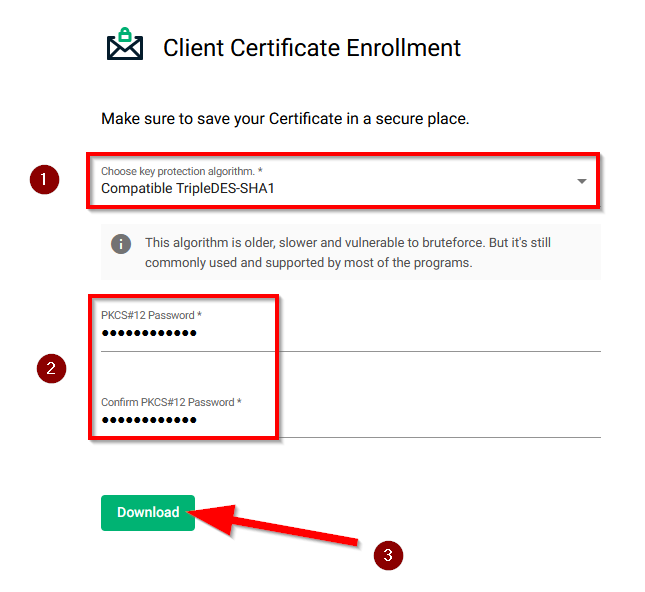
| 09:37, 6. Okt. 2023 | Serviceportal Zertifikat Erzeugen 02.png (Datei) |  |
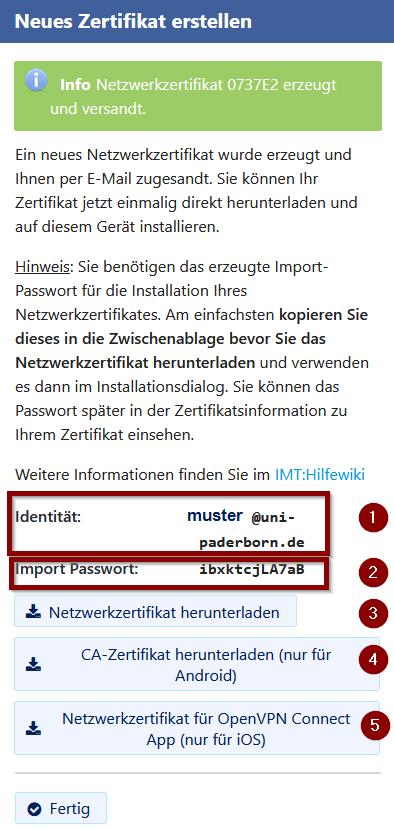
47 KB | {{Information | description = Screenshot ServicePortal - Netzwerkzertifikat herunterladen | source = Screenshot | date = 06.10.2023 | author = Benutzer:jnk | permission = {{PD-user|jnk}} }}Kategorie:Screenshots | 2 |
| 09:36, 6. Okt. 2023 | Serviceportal Zertifikat Erzeugen 01.png (Datei) |  |
16 KB | {{Information | description = Screenshot ServicePortal - Netzwerkzertifikat erstellen | source = Screenshot | date = 06.10.2023 | author = Benutzer:jnk | permission = {{PD-user|jnk}} }}Kategorie:Screenshots | 2 |
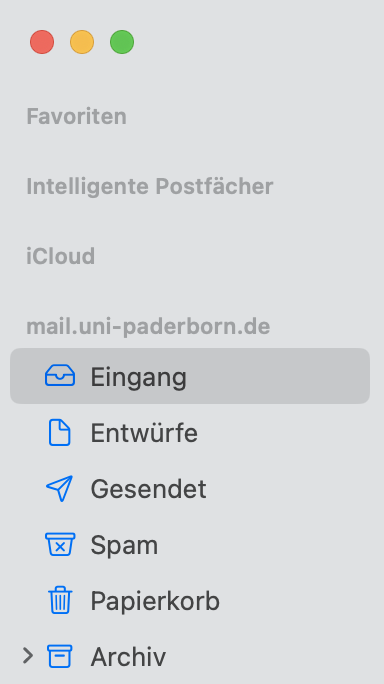
| 08:35, 5. Okt. 2023 | Mail Übersicht.png (Datei) |  |
43 KB | {{Information | description = Screenshot Apple Mail: Posteingang UPB | source = Screenshot | date = 05.10.2023 | author = Benutzer:jnk | permission = {{PD-user|jnk}} }}Kategorie:Screenshots | 3 |
| 10:23, 4. Okt. 2023 | Logo macOS14.png (Datei) |  |
3 KB | {{Information | description = Logo macOS 14 Sonoma | source = Self | date = 04.10.2023 | author = Benutzer:jnk | permission = {{PD-user|jnk}} }}Kategorie:Logos | 1 |
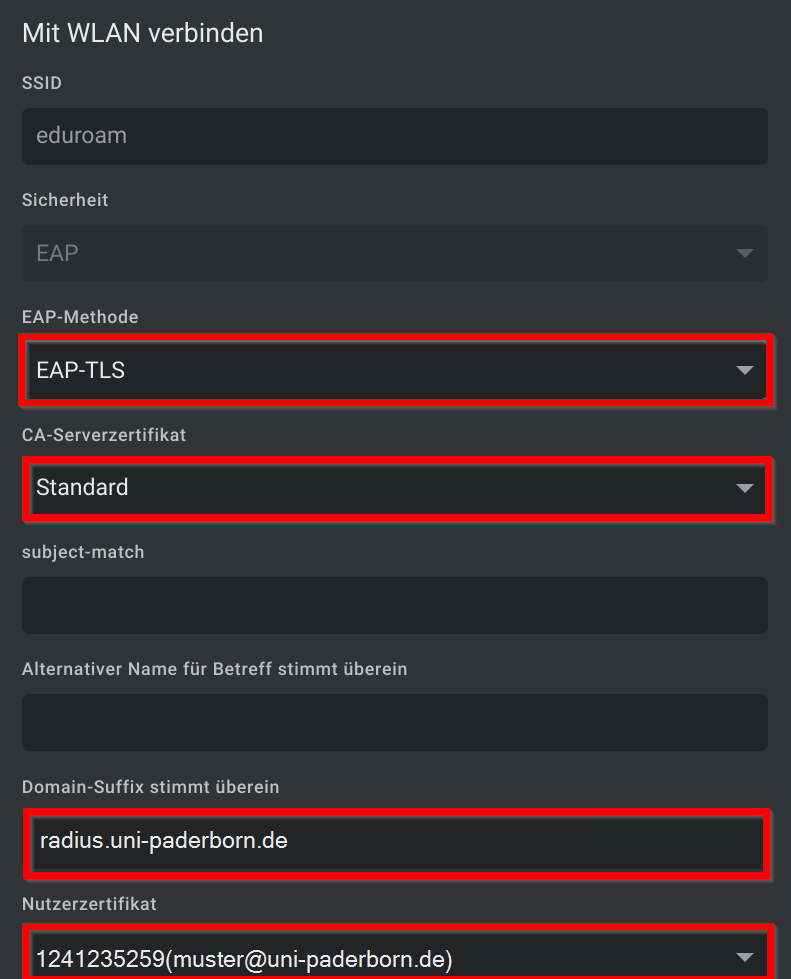
| 14:03, 2. Okt. 2023 | Eduroam-chromeos-05.png (Datei) |  |
35 KB | {{Information | description = Screenshot ChromeOS - Eduroam einrichten | source = Screenshot | date = 02.10.2023 | author = Benutzer:jnk | permission = {{PD-user|jnk}} }}Kategorie:Screenshots | 1 |
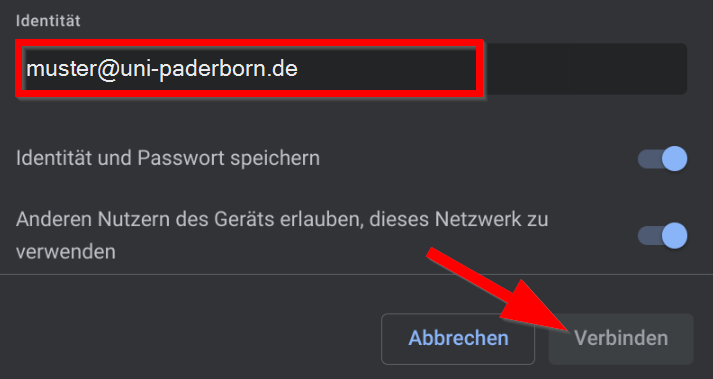
| 14:01, 2. Okt. 2023 | Eduroam-chromeos-02.png (Datei) |  |
40 KB | {{Information | description = Screenshot ChromeOS - Eduroam einrichten | source = Screenshot | date = 02.10.2023 | author = Benutzer:jnk | permission = {{PD-user|jnk}} }}Kategorie:Screenshots | 2 |
| 16:21, 28. Sep. 2023 | E-Mail SSL-Zertifikat beantragen 10.png (Datei) |  |
27 KB | {{Information | description = Screenshot Sectigo - Zertifikate verwalten | source = Screenshot | date = 28.09.2023 | author = Benutzer:jnk | permission = {{PD-user|jnk}} }}Kategorie:Screenshots | 2 |
| 16:18, 28. Sep. 2023 | E-Mail SSL-Zertifikat beantragen 08.png (Datei) |  |
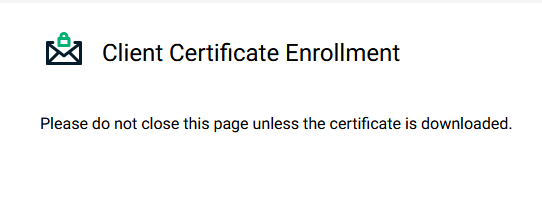
34 KB | {{Information | description = Screenshot Sectigo - Zertifikat herunterladen | source = Screenshot | date = 28.09.2023 | author = Benutzer:jnk | permission = {{PD-user|jnk}} }}Kategorie:Screenshots | 2 |
| 16:18, 28. Sep. 2023 | E-Mail SSL-Zertifikat beantragen 06.png (Datei) |  |
9 KB | {{Information | description = Screenshot Sectigo - Warten auf E-Mail-Zertifikat | source = Screenshot | date = 28.09.2023 | author = Benutzer:jnk | permission = {{PD-user|jnk}} }}Kategorie:Screenshots | 2 |
| 16:15, 28. Sep. 2023 | E-Mail SSL-Zertifikat beantragen 05.png (Datei) |  |
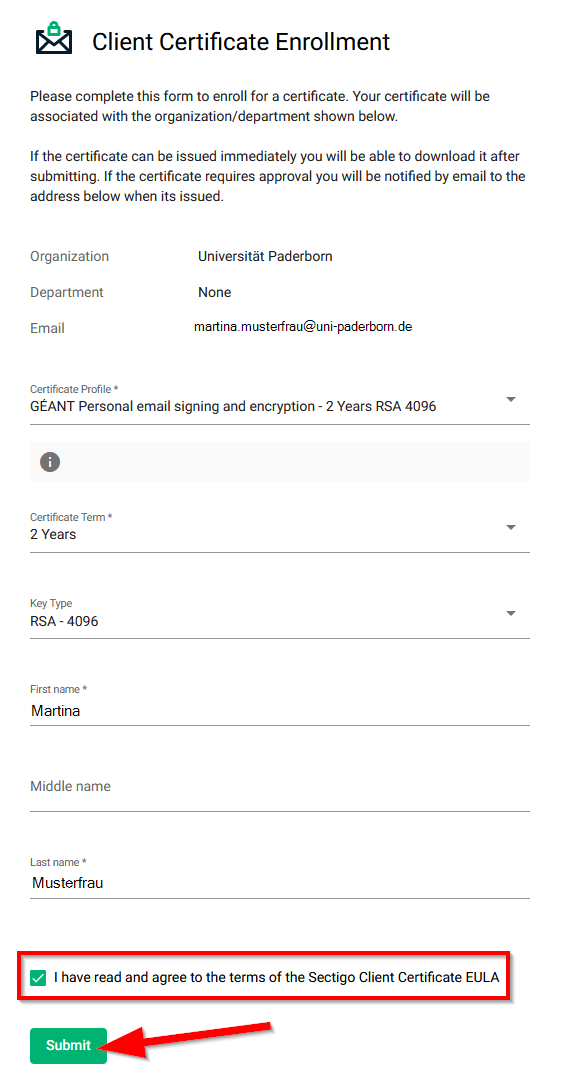
57 KB | {{Information | description = Screenshot Sectigo - Zertifikat erstellen | source = Screenshot | date = 28.09.2023 | author = Benutzer:jnk | permission = {{PD-user|jnk}} }}Kategorie:Screenshots | 3 |
| 16:14, 28. Sep. 2023 | E-Mail SSL-Zertifikat beantragen 03.png (Datei) |  |
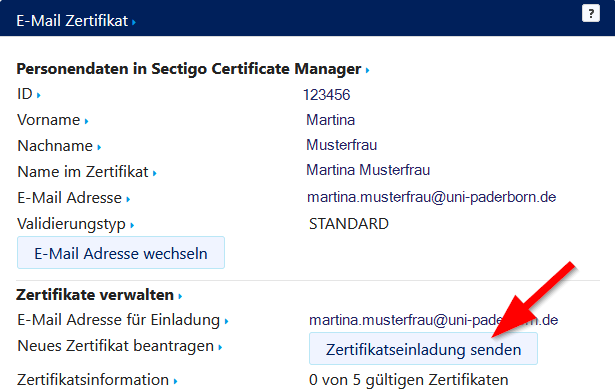
23 KB | {{Information | description = Screenshot Serviceportal - E-Mail-Zertifikat beantragen | source = Screenshot | date = 28.09.2023 | author = Benutzer:jnk | permission = {{PD-user|jnk}} }}Kategorie:Screenshots | 3 |
| 10:25, 19. Sep. 2023 | Panda-Teilnehmerverwaltung-Rollen-und-Rechte-aendern-02.png (Datei) |  |
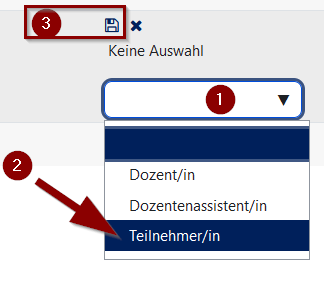
9 KB | {{Information | description = Screenshot Panda 4.1 - Teilnehmerrolle hinzufügen | source = Screenshot | date = 19.09.2023 | author = Benutzer:jnk | permission = {{PD-user|jnk}} }}Kategorie:Screenshots | 1 |
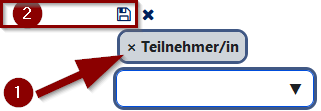
| 10:20, 19. Sep. 2023 | TN löschen.png (Datei) |  |
5 KB | {{Information | description = Screenshot PANDA 4.1 - Teilnehmerrolle löschen | source = Screenshot | date = 19.09.2023 | author = Benutzer:jnk | permission = {{PD-user|jnk}} }}Kategorie:Screenshots | 3 |
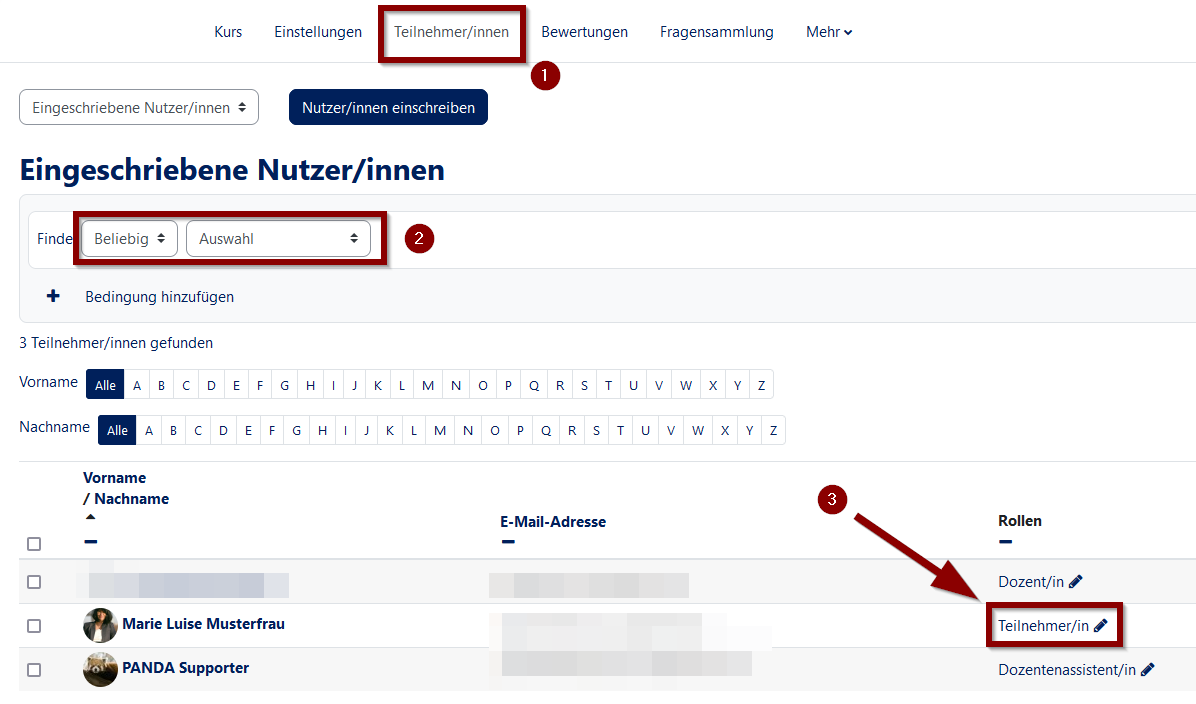
| 10:19, 19. Sep. 2023 | Rechte ändern TN Übersicht.png (Datei) |  |
52 KB | {{Information | description = Screenshot PANDA 4.1 - Teilnehmer bearbeiten | source = Screenshot | date = 19.09.2023 | author = Benutzer:jnk | permission = {{PD-user|jnk}} }}Kategorie:Screenshots | 3 |
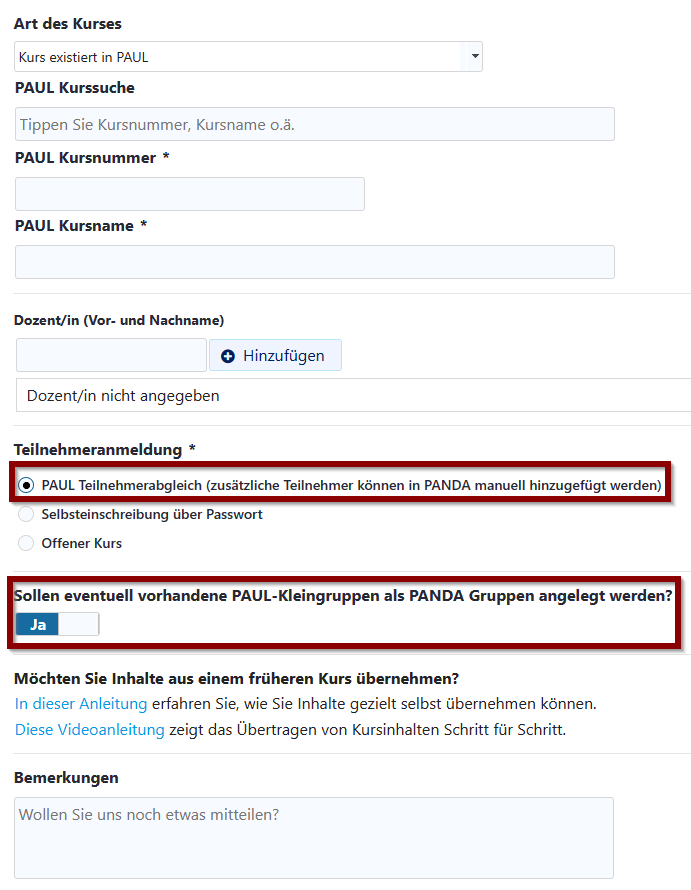
| 09:57, 19. Sep. 2023 | PAUL Abgleich Webformular.png (Datei) |  |
38 KB | {{Information | description = Screenshot Formular Kursantrag PANDA | source = Screenshot | date = 19.09.2023 | author = Benutzer:jnk | permission = {{PD-user|jnk}} }}Kategorie:Screenshots | 2 |