Diese Spezialseite listet alle hochgeladenen Dateien auf.


| Datum | Name | Vorschaubild | Größe | Benutzer | Beschreibung | Versionen |
|---|---|---|---|---|---|---|
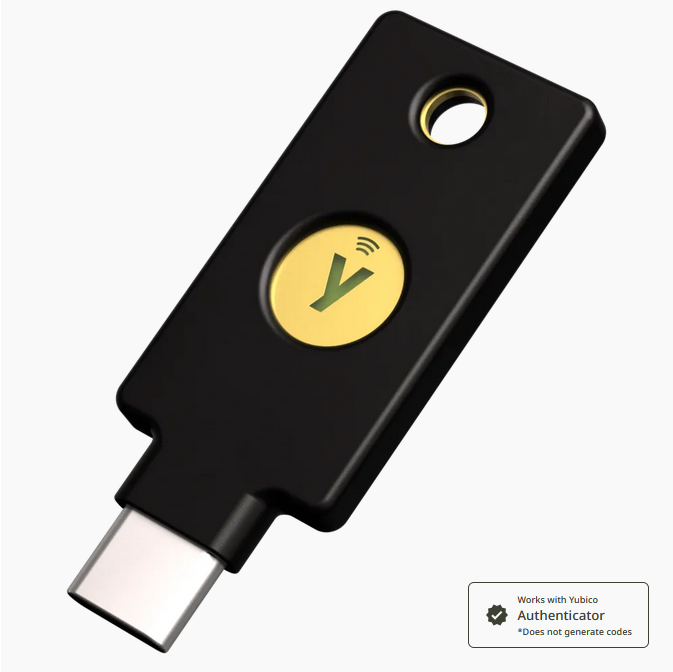
| 15:14, 24. Sep. 2025 | Yubico-security-key-c.png (Datei) |  |
196 KB | Jnk | {{Information | description = Screenshot Security Key C NFC by Yubico | source = yubico.com | date = 24.09.2025 | author = Benutzer:jnk | permission = {{PD-user|jnk}} }}Kategorie:Screenshots | 1 |
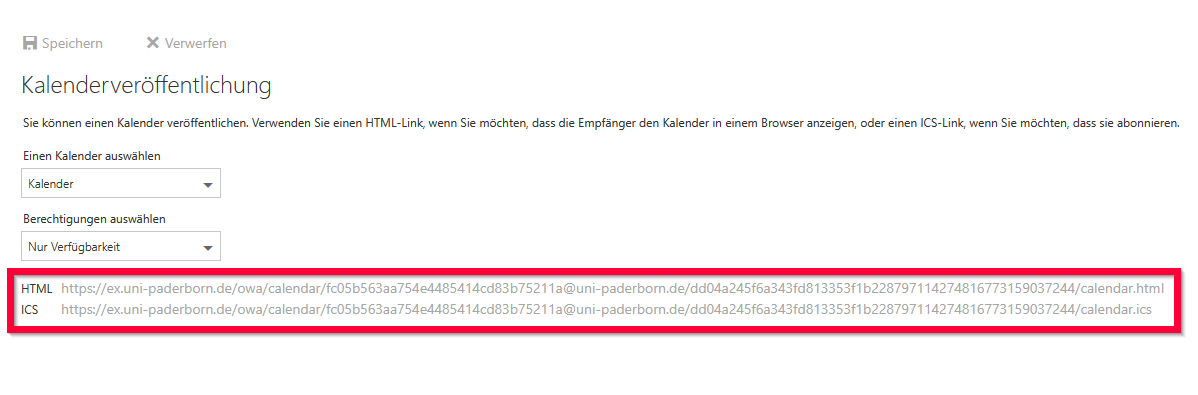
| 09:20, 24. Sep. 2025 | Exchange-publish-calendar-03.png (Datei) |  |
25 KB | Jnk | {{Information | description = Screenshot Microsoft Exchange OWA - Kalenderveröffentlichung - Links zum Kalender | source = Screenshot | date = 24.09.2025 | author = Benutzer:jnk | permission = {{PD-user|jnk}} }}Kategorie:Screenshots | 1 |
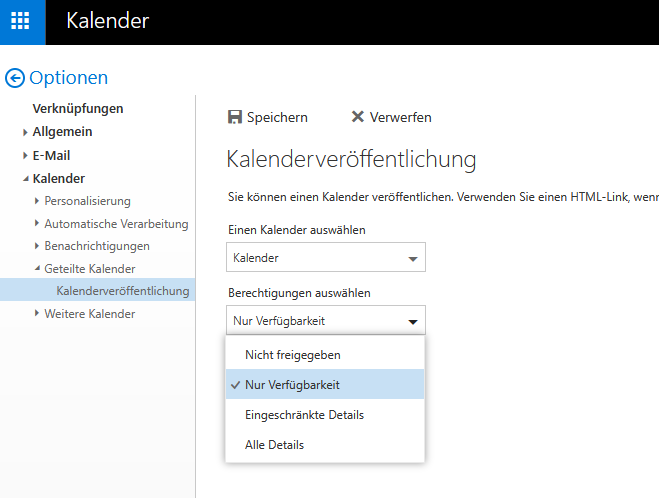
| 09:19, 24. Sep. 2025 | Exchange-publish-calendar-02.png (Datei) |  |
26 KB | Jnk | {{Information | description = Screenshot Microsoft Exchange OWA - Kalenderveröffentlichung | source = Screenshot | date = 24.09.2025 | author = Benutzer:jnk | permission = {{PD-user|jnk}} }}Kategorie:Screenshots | 1 |
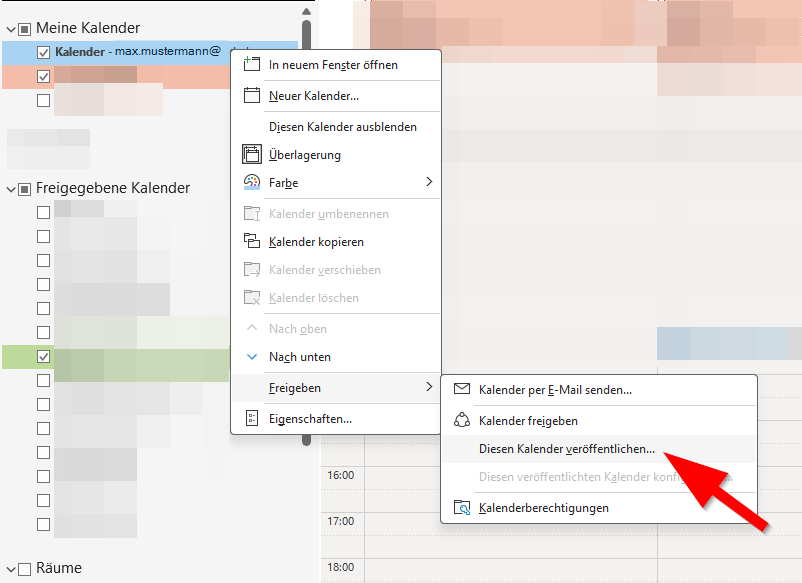
| 09:18, 24. Sep. 2025 | Exchange-publish-calendar-01.png (Datei) |  |
38 KB | Jnk | {{Information | description = Screenshot Microsoft Outlook auf Windows 11 - Kalender veröffentlichen | source = Screenshot | date = 24.09.2025 | author = Benutzer:jnk | permission = {{PD-user|jnk}} }}Kategorie:Screenshots | 1 |
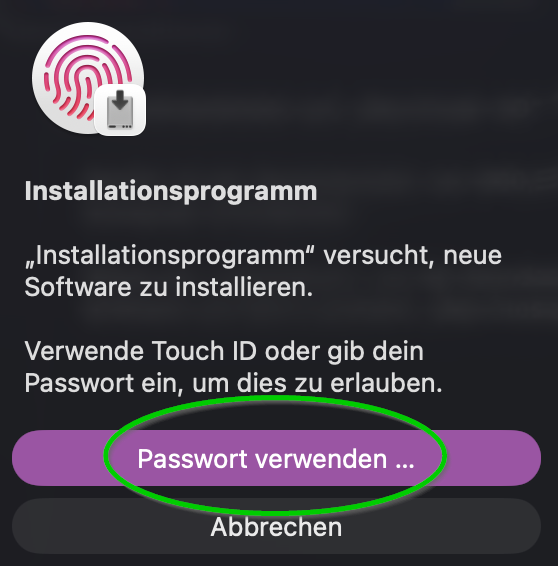
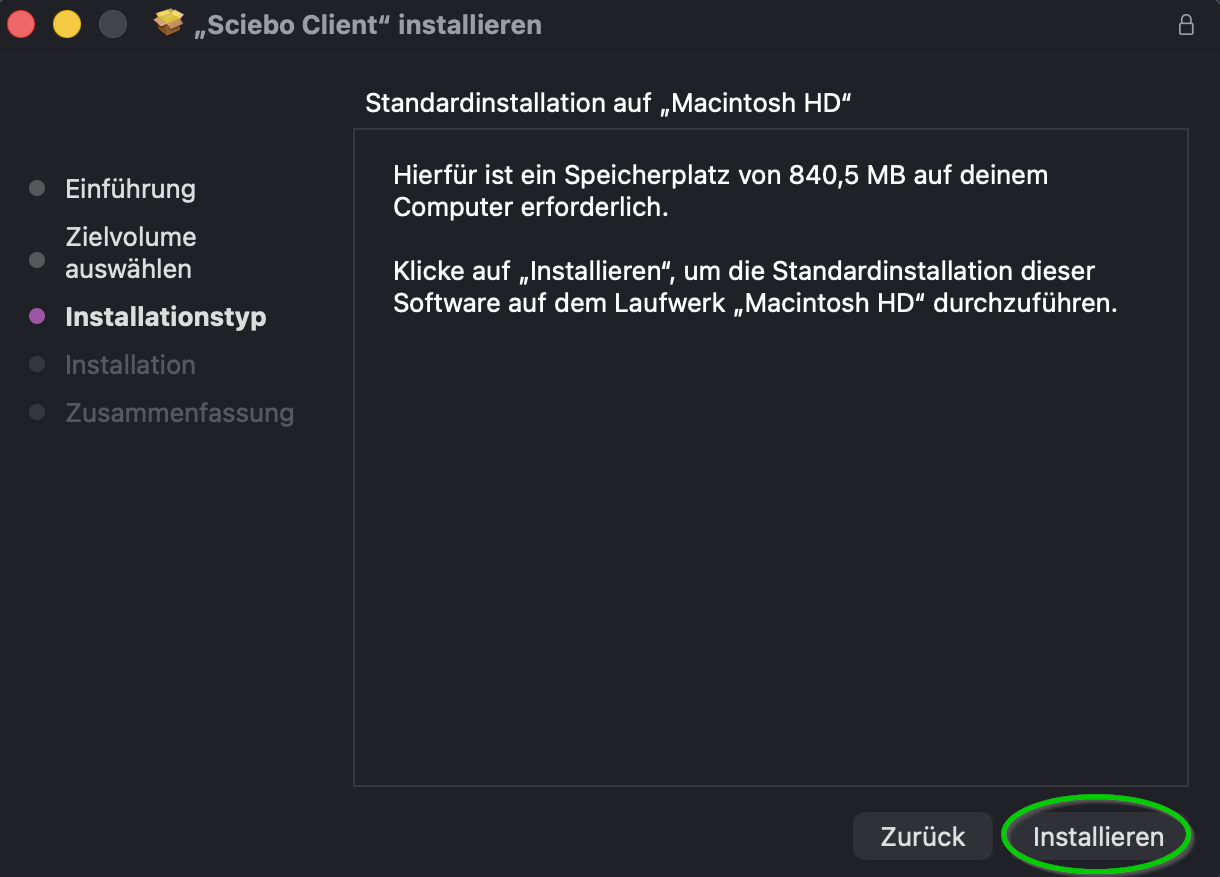
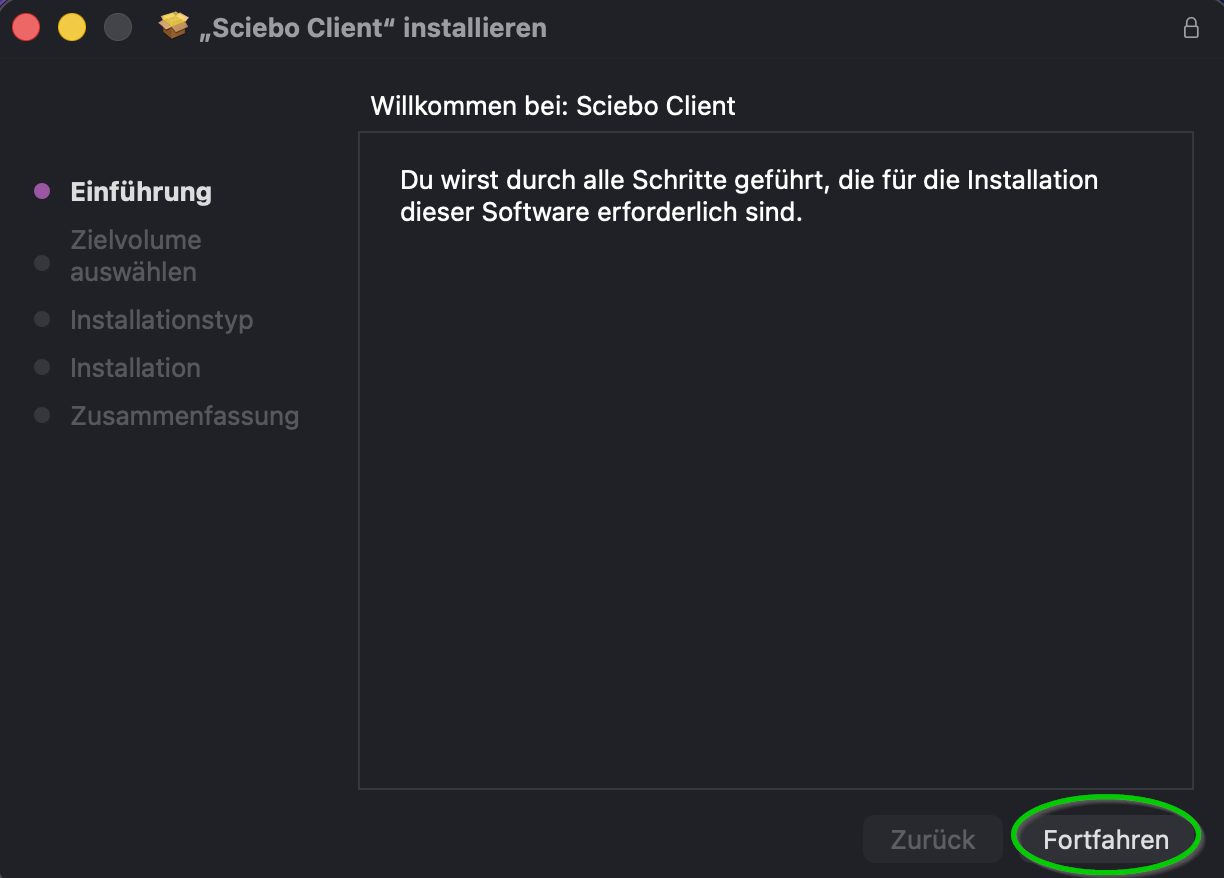
| 15:09, 23. Sep. 2025 | Sciebo Client MacOS 07.png (Datei) |  |
39 KB | Mariels | {{Information | description = Screenshot Sciebo Client MacOS 07 | source = Screenshot | date = 23.09.2025 | author = Benutzer:mariels | permission = {{PD-user|mariels}} }}Kategorie:Screenshots | 1 |
| 15:09, 23. Sep. 2025 | Sciebo Client MacOS 06.png (Datei) |  |
70 KB | Mariels | {{Information | description = Screenshot Sciebo Client MacOS 06 | source = Screenshot | date = 23.09.2025 | author = Benutzer:mariels | permission = {{PD-user|mariels}} }}Kategorie:Screenshots | 1 |
| 15:08, 23. Sep. 2025 | Sciebo Client MacOS 05.png (Datei) |  |
148 KB | Mariels | {{Information | description = Screenshot Sciebo Client MacOS 05 | source = Screenshot | date = 23.09.2025 | author = Benutzer:mariels | permission = {{PD-user|mariels}} }}Kategorie:Screenshots | 1 |
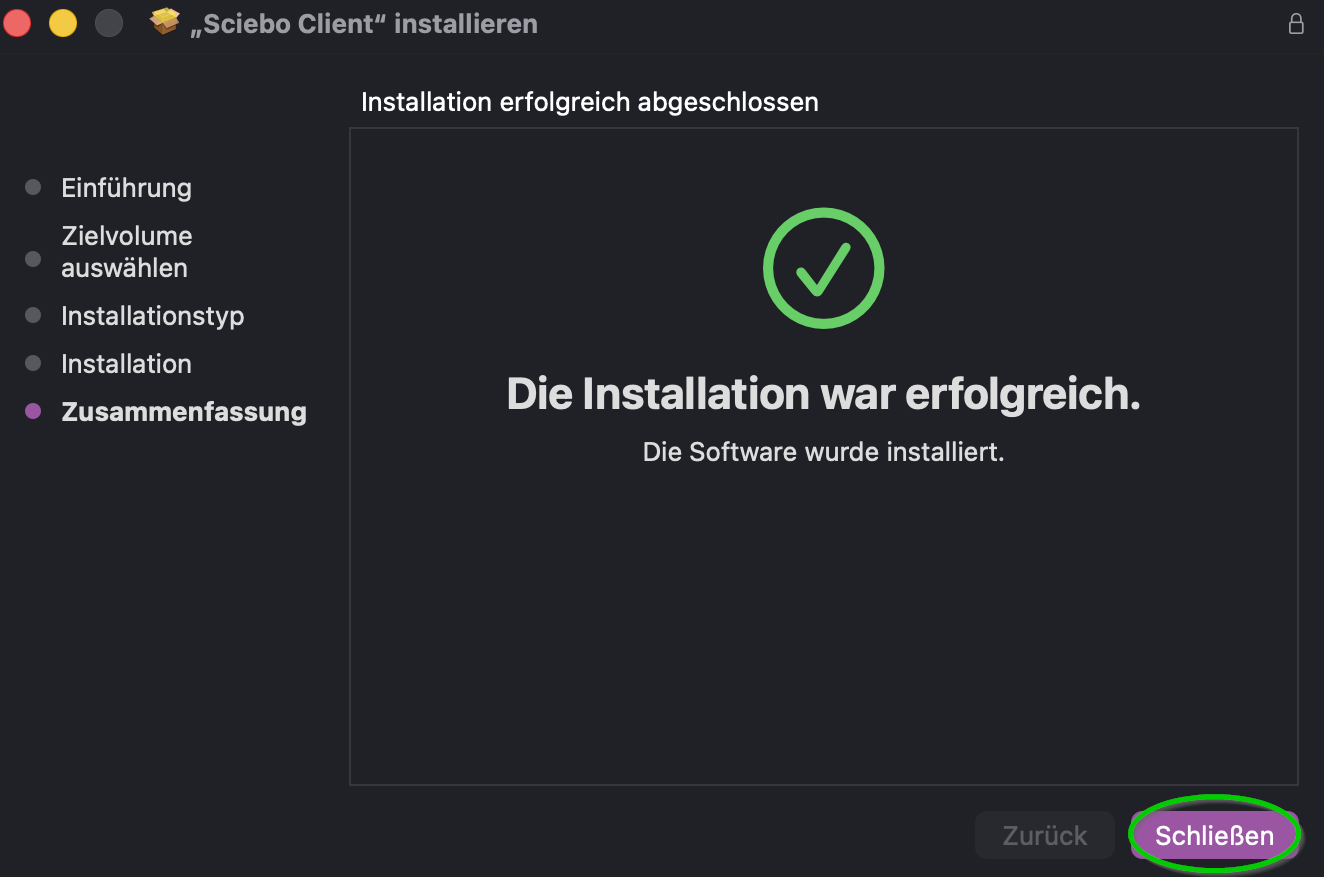
| 15:08, 23. Sep. 2025 | Sciebo Client MacOS 04.png (Datei) |  |
74 KB | Mariels | {{Information | description = Screenshot Sciebo Client MacOS 04 | source = Screenshot | date = 23.09.2025 | author = Benutzer:mariels | permission = {{PD-user|mariels}} }}Kategorie:Screenshots | 1 |
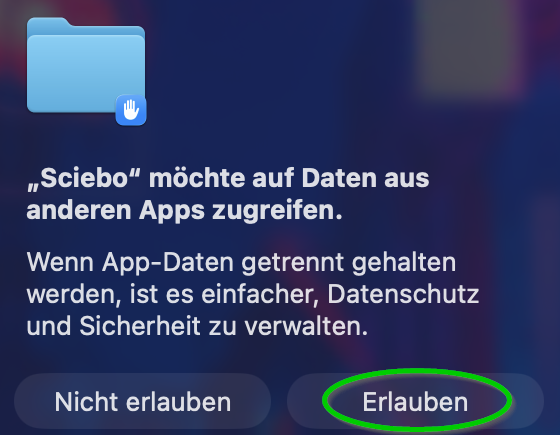
| 15:08, 23. Sep. 2025 | Sciebo Client MacOS 03.png (Datei) |  |
106 KB | Mariels | {{Information | description = Screenshot Sciebo Client MacOS 03 | source = Screenshot | date = 23.09.2025 | author = Benutzer:mariels | permission = {{PD-user|mariels}} }}Kategorie:Screenshots | 1 |
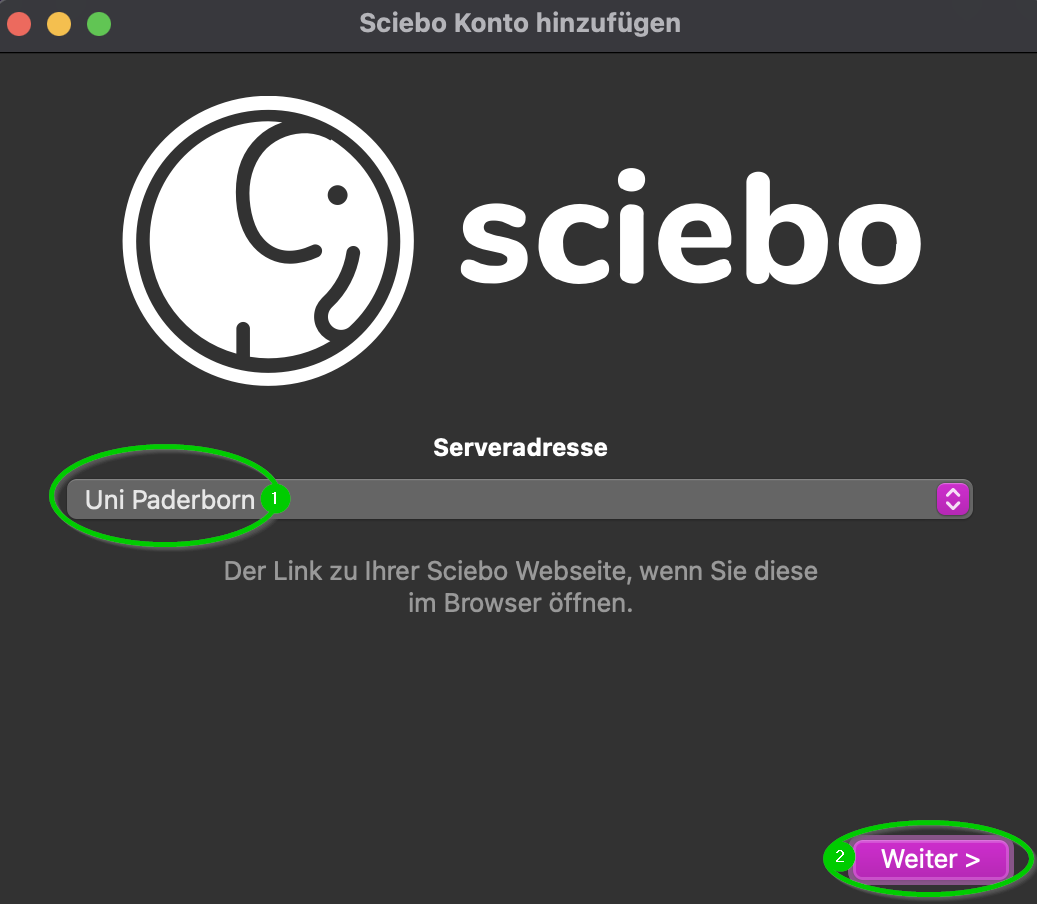
| 15:07, 23. Sep. 2025 | Sciebo Client MacOS 02.png (Datei) |  |
80 KB | Mariels | {{Information | description = Screenshot Sciebo Client MacOS 02 | source = Screenshot | date = 23.09.2025 | author = Benutzer:mariels | permission = {{PD-user|mariels}} }}Kategorie:Screenshots | 1 |
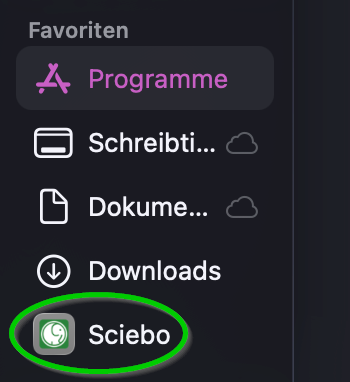
| 15:07, 23. Sep. 2025 | Sciebo Client MacOS 01.png (Datei) |  |
62 KB | Mariels | {{Information | description = Screenshot Sciebo Client MacOS 01 | source = Screenshot | date = 23.09.2025 | author = Benutzer:mariels | permission = {{PD-user|mariels}} }}Kategorie:Screenshots | 1 |
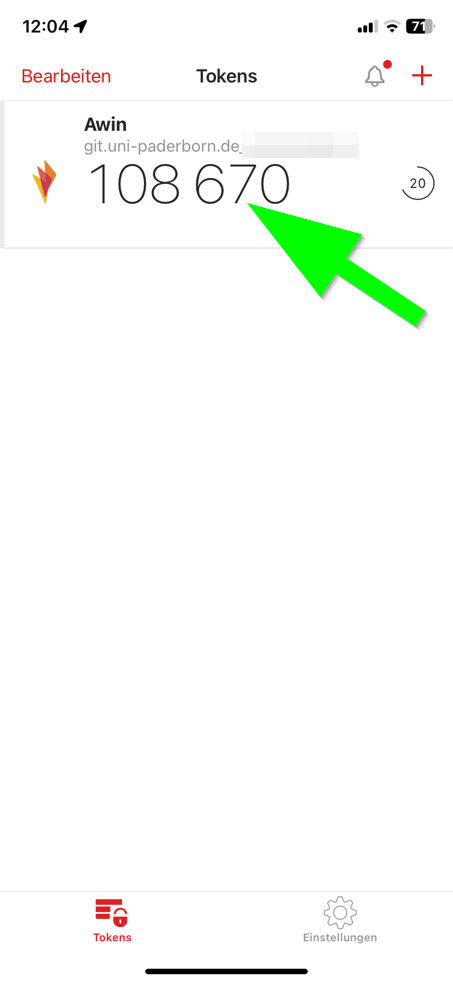
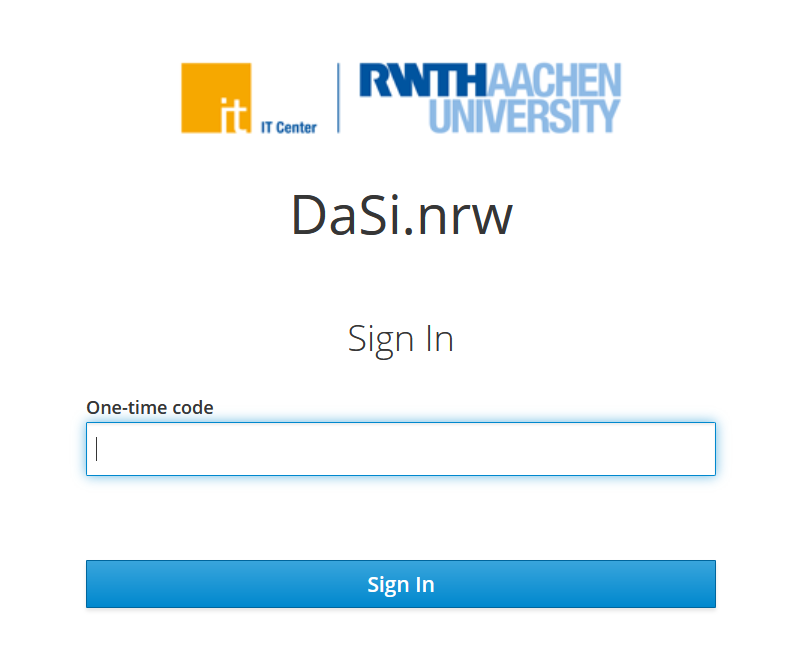
| 12:15, 19. Sep. 2025 | MFA-07.png (Datei) |  |
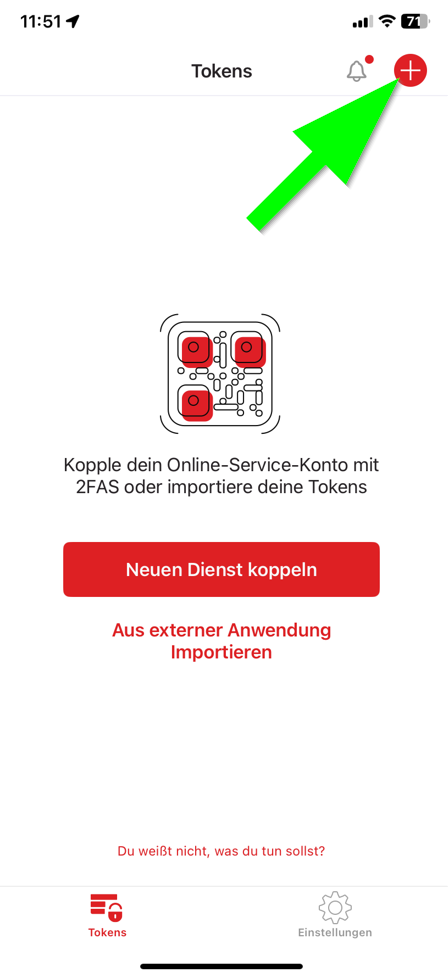
32 KB | Jnk | {{Information | description = Screenshot 2FAS Auth- One Time Token ablesen | source = Screenshot | date = 19.09.2025 | author = Benutzer:jnk | permission = {{PD-user|jnk}} }}Kategorie:Screenshots | 1 |
| 12:14, 19. Sep. 2025 | MFA-06.png (Datei) |  |
57 KB | Jnk | {{Information | description = Screenshot 2FAS Auth- Two Factor Authentication einrichten | source = Screenshot | date = 19.09.2025 | author = Benutzer:jnk | permission = {{PD-user|jnk}} }}Kategorie:Screenshots | 1 |
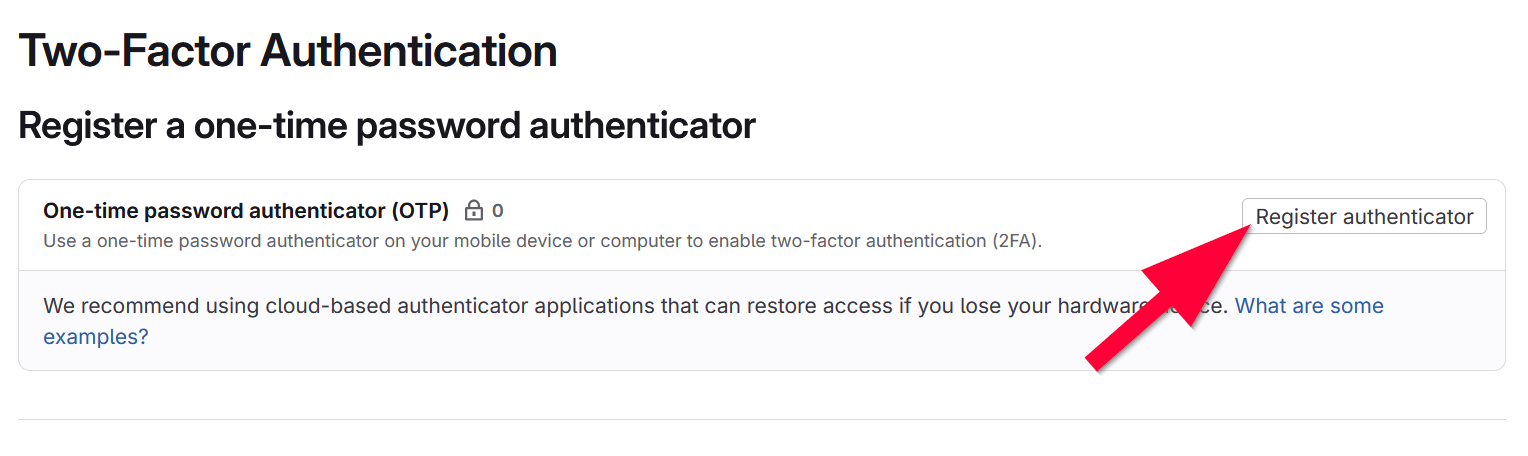
| 12:14, 19. Sep. 2025 | MFA-05.png (Datei) |  |
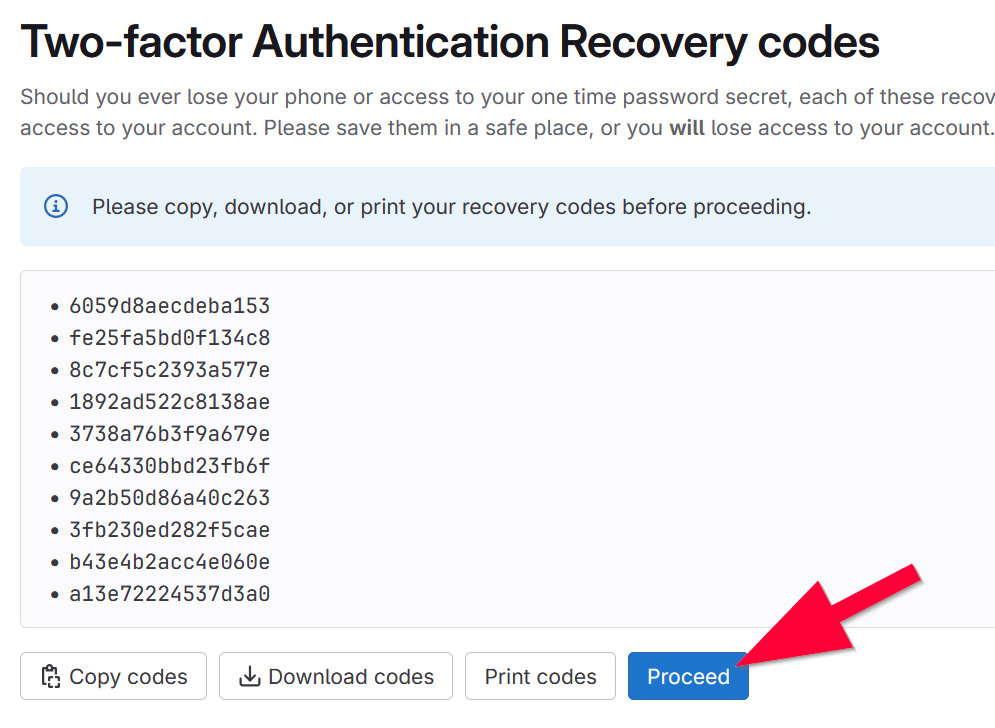
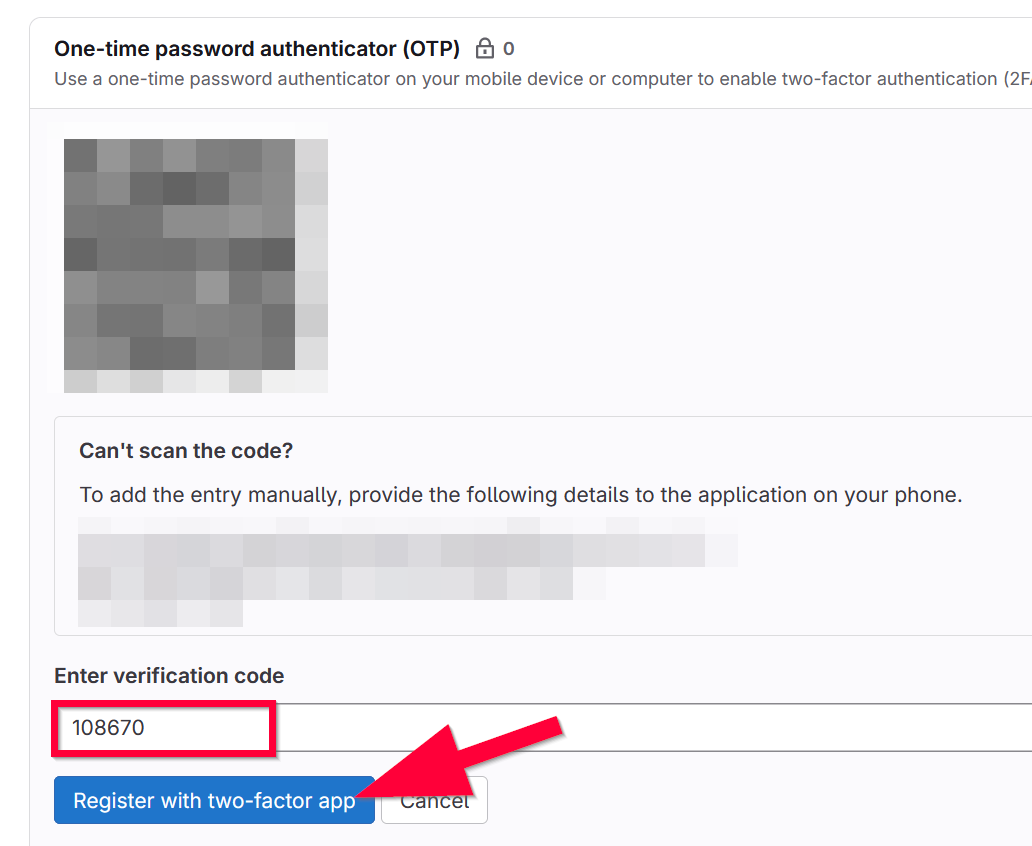
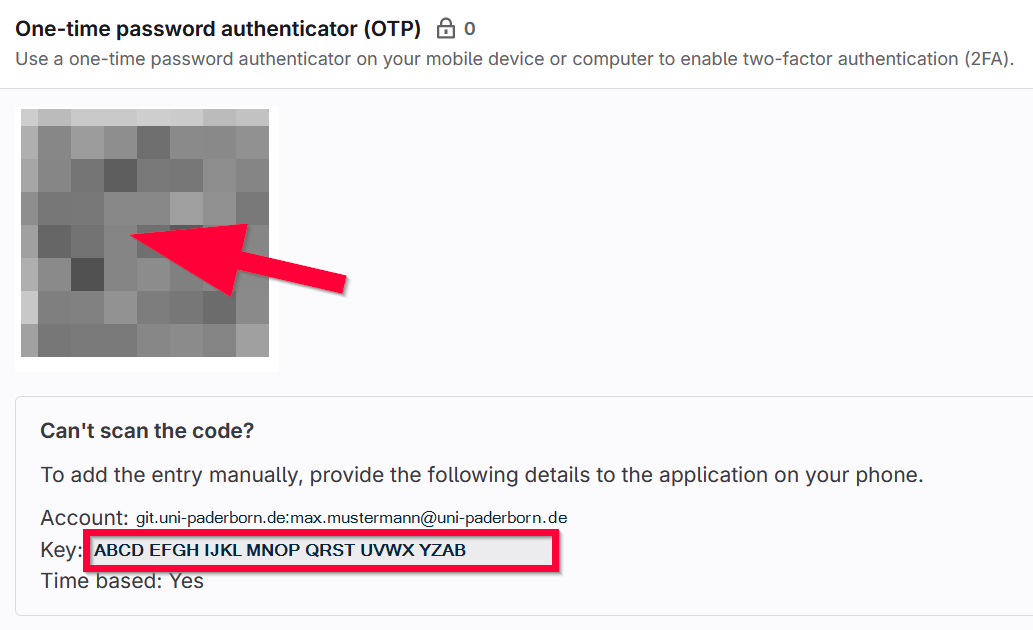
76 KB | Jnk | {{Information | description = Screenshot Gitlab - Two Factor Authentication einrichten | source = Screenshot | date = 19.09.2025 | author = Benutzer:jnk | permission = {{PD-user|jnk}} }}Kategorie:Screenshots | 1 |
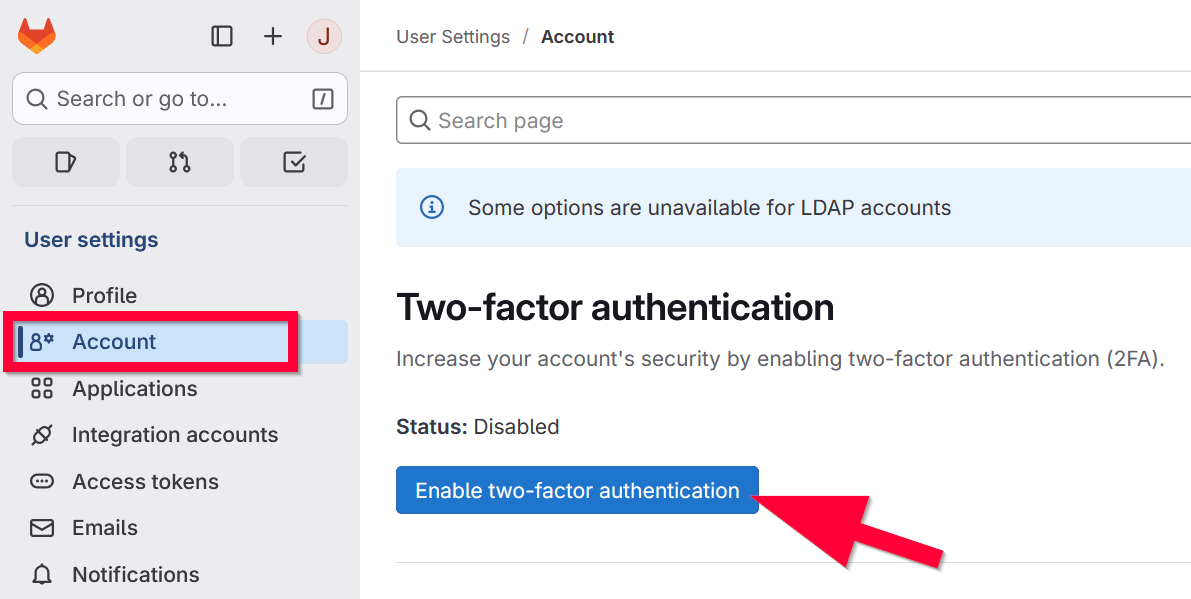
| 12:13, 19. Sep. 2025 | MFA-04.png (Datei) |  |
56 KB | Jnk | {{Information | description = Screenshot Gitlab - Two Factor Authentication einrichten | source = Screenshot | date = 19.09.2025 | author = Benutzer:jnk | permission = {{PD-user|jnk}} }}Kategorie:Screenshots | 1 |
| 12:13, 19. Sep. 2025 | MFA-03.png (Datei) |  |
45 KB | Jnk | {{Information | description = Screenshot Gitlab - Two Factor Authentication einrichten | source = Screenshot | date = 19.09.2025 | author = Benutzer:jnk | permission = {{PD-user|jnk}} }}Kategorie:Screenshots | 1 |
| 12:12, 19. Sep. 2025 | MFA-02.png (Datei) |  |
53 KB | Jnk | {{Information | description = Screenshot Gitlab - Two Factor Authentication einrichten | source = Screenshot | date = 19.09.2025 | author = Benutzer:jnk | permission = {{PD-user|jnk}} }}Kategorie:Screenshots | 1 |
| 12:12, 19. Sep. 2025 | MFA-01.png (Datei) |  |
63 KB | Jnk | {{Information | description = Screenshot Gitlab - Two Factor Authentication einrichten | source = Screenshot | date = 19.09.2025 | author = Benutzer:jnk | permission = {{PD-user|jnk}} }}Kategorie:Screenshots | 1 |
| 10:46, 19. Sep. 2025 | Commvault-02.png (Datei) |  |
43 KB | Jnk | {{Information | description = Screenshot Commvault MFA | source = Screenshot | date = 19.09.2025 | author = Benutzer:jnk | permission = {{PD-user|jnk}} }}Kategorie:Screenshots | 1 |
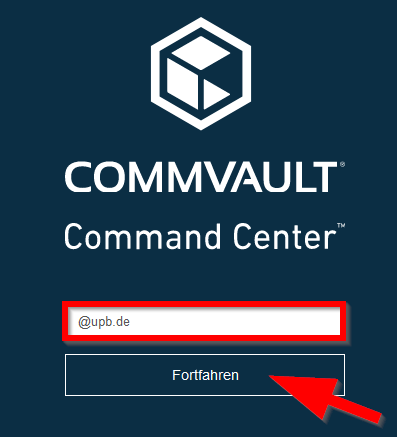
| 10:43, 19. Sep. 2025 | Datensicherung-commvault-03.png (Datei) |  |
55 KB | Jnk | {{Information | description = Screenshot Commvault Login UPB | source = Screenshot | date = 19.09.2025 | author = Benutzer:jnk | permission = {{PD-user|jnk}} }}Kategorie:Screenshots | 2 |
| 09:36, 19. Sep. 2025 | Netzwerkdrucker-03.png (Datei) |  |
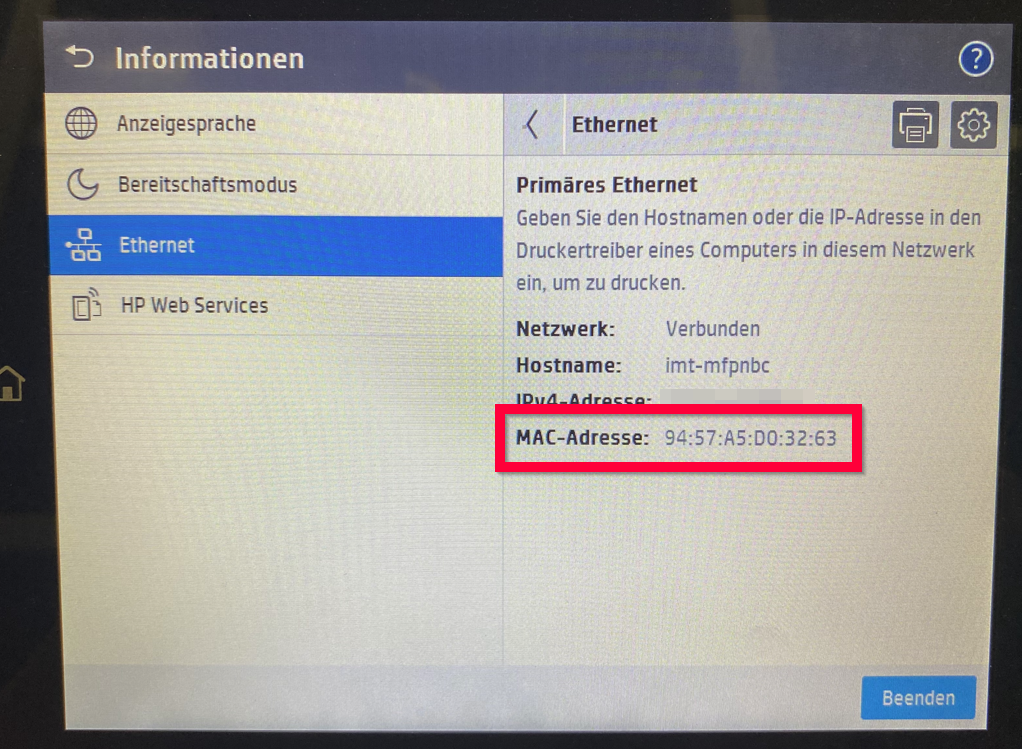
1,5 MB | Jnk | {{Information | description = Foto Bildschirm HP Multifunktionsgerät MAC-Adresse | source = Foto | date = 19.09.2025 | author = Benutzer:jnk | permission = {{PD-user|jnk}} }}Kategorie:Photos | 1 |
| 09:35, 19. Sep. 2025 | Netzwerkdrucker-02.png (Datei) |  |
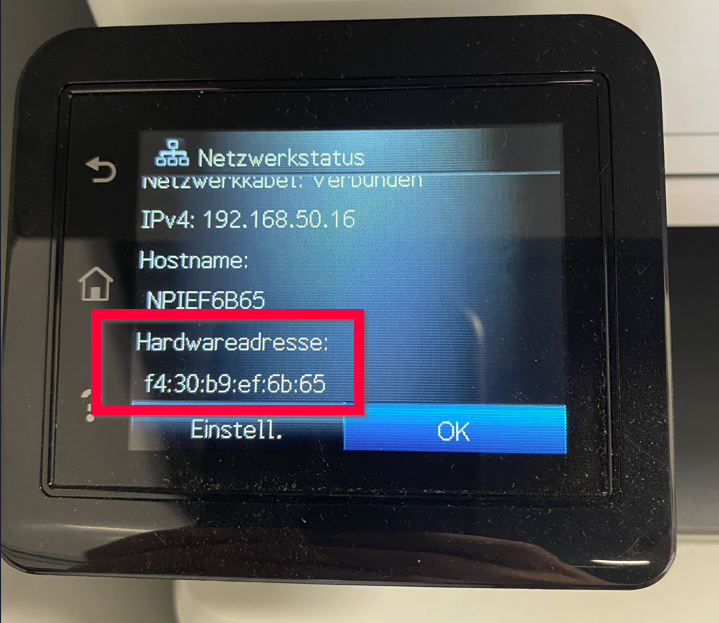
813 KB | Jnk | {{Information | description = Foto Bildschirm HP Multifunktionsgerät Hardwareadresse | source = Foto | date = 19.09.2025 | author = Benutzer:jnk | permission = {{PD-user|jnk}} }}Kategorie:Photos | 1 |
| 09:34, 19. Sep. 2025 | Netzwerkdrucker-01.png (Datei) |  |
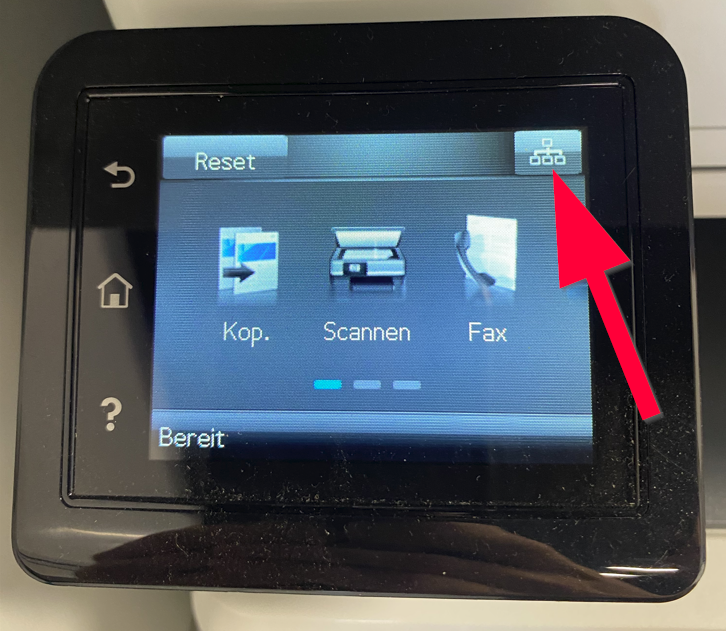
852 KB | Jnk | {{Information | description = Foto Bildschirm HP Multifunktionsgerät | source = Foto | date = 19.09.2025 | author = Benutzer:jnk | permission = {{PD-user|jnk}} }}Kategorie:Photos | 1 |
| 11:44, 18. Sep. 2025 | Logo iOS26.png (Datei) |  |
3 KB | Jnk | {{Information | description = Logo iOS 26 | source = Apple | date = 18.09.2025 | author = Benutzer:jnk | permission = {{PD-user|jnk}} }}Kategorie:Logos | 1 |
| 11:57, 17. Sep. 2025 | Logo iPadOS26.png (Datei) |  |
4 KB | Jnk | {{Information | description = Logo iPadOS 26 | source = self | date = 17.09.2025 | author = Benutzer:jnk | permission = {{PD-user|jnk}} }}Kategorie:Screenshots | 1 |
| 11:30, 17. Sep. 2025 | Logo macOS26.png (Datei) |  |
3 KB | Jnk | {{Information | description = Logo macOS 26 Tahoe | source = Apple | date = 17.09.2025 | author = Benutzer:jnk | permission = {{PD-user|jnk}} }}Kategorie:Logos | 1 |
| 09:33, 17. Sep. 2025 | Sciebo-onlyoffice-02.png (Datei) |  |
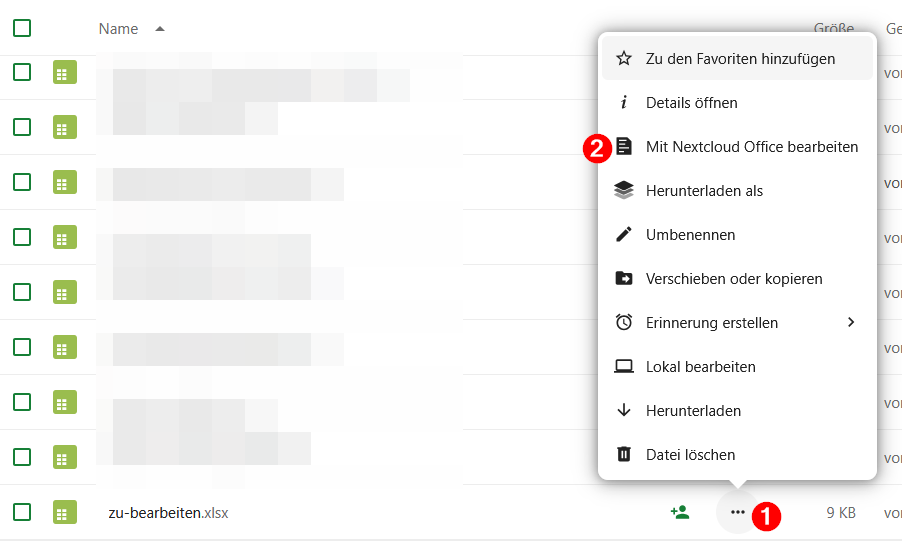
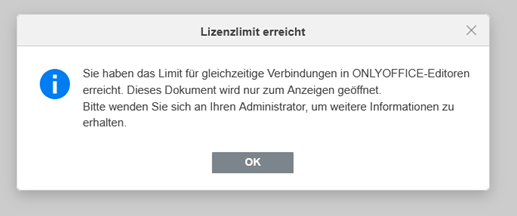
49 KB | Jnk | 1 | |
| 09:31, 17. Sep. 2025 | Sciebo-onlyoffice-01.png (Datei) |  |
20 KB | Jnk | 1 | |
| 11:53, 16. Sep. 2025 | E-Mail-Zertifikat beantragen SignUpForm.png (Datei) |  |
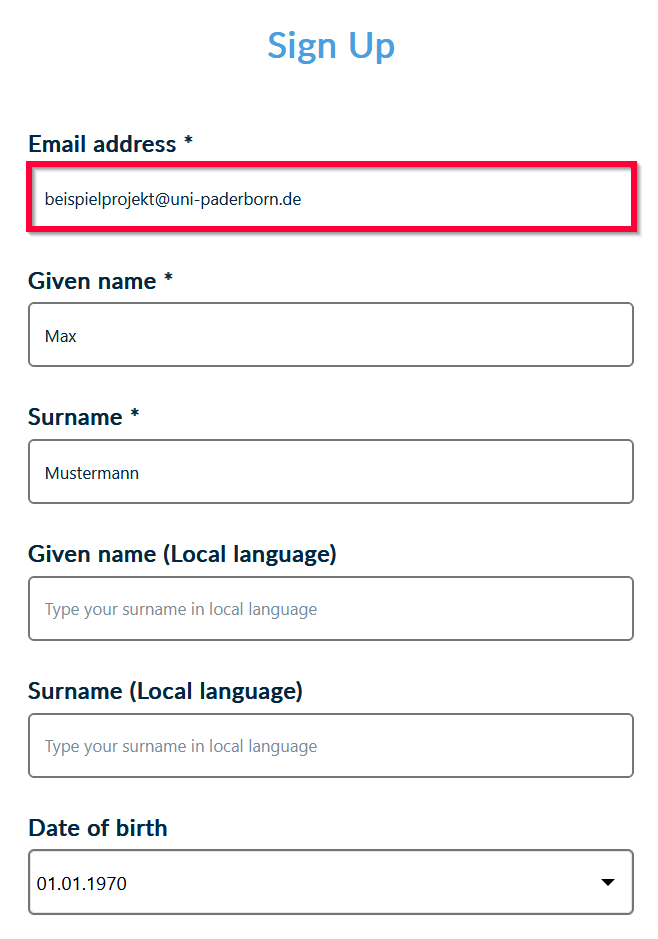
27 KB | Jnk | {{Information | description = Screenshot cm.harica.gr - Account erstellen | source = Screenshot | date = 16.09.2025 | author = Benutzer:jnk | permission = {{PD-user|jnk}} }}Kategorie:Screenshots | 2 |
| 22:56, 14. Sep. 2025 | Sciebo Nutzung des Sciebo Clients 04.png (Datei) |  |
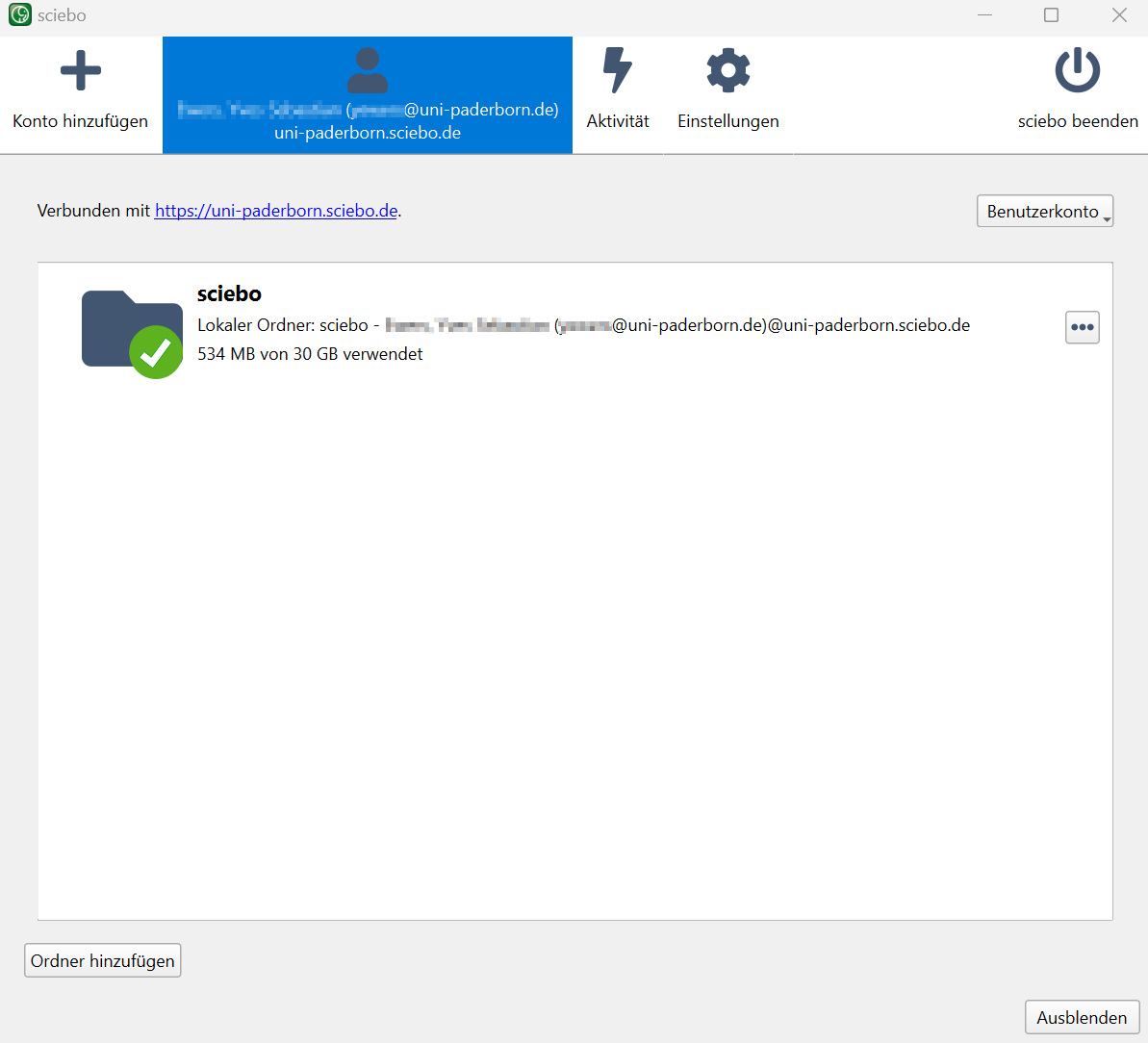
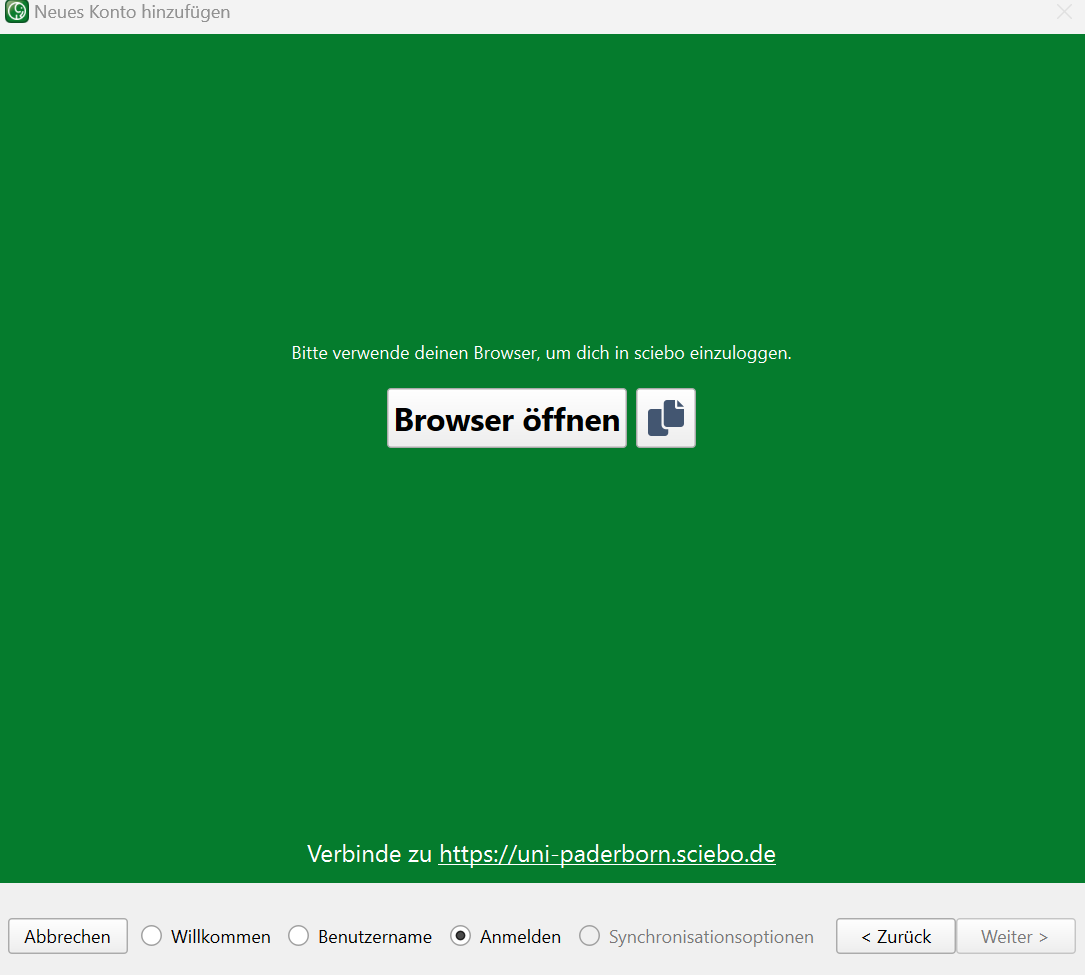
19 KB | Mariels | {{Information | description = Screenshot Sciebo Nutzung des Sciebo Clients 04 | source = Screenshot | date = 14.09.2025 | author = Benutzer:mariels | permission = {{PD-user|mariels}} }}Kategorie:Screenshots | 2 |
| 21:40, 14. Sep. 2025 | Sciebo Nutzung des Sciebo Clients 02.png (Datei) |  |
10 KB | Mariels | {{Information | description = Screenshot Sciebo Nutzung des Sciebo Clients 02 | source = Screenshot | date = 14.09.2025 | author = Benutzer:mariels | permission = {{PD-user|mariels}} }}Kategorie:Screenshots | 2 |
| 13:18, 12. Sep. 2025 | E-Mail-Zertifikat-beantragen-15.png (Datei) |  |
64 KB | Jnk | {{Information | description = Screenshot HARICA Dashboard - Zertifikat für Angestellte | source = Screenshot | date = 12.09.2025 | author = Benutzer:jnk | permission = {{PD-user|jnk}} }}Kategorie:Screenshots | 1 |
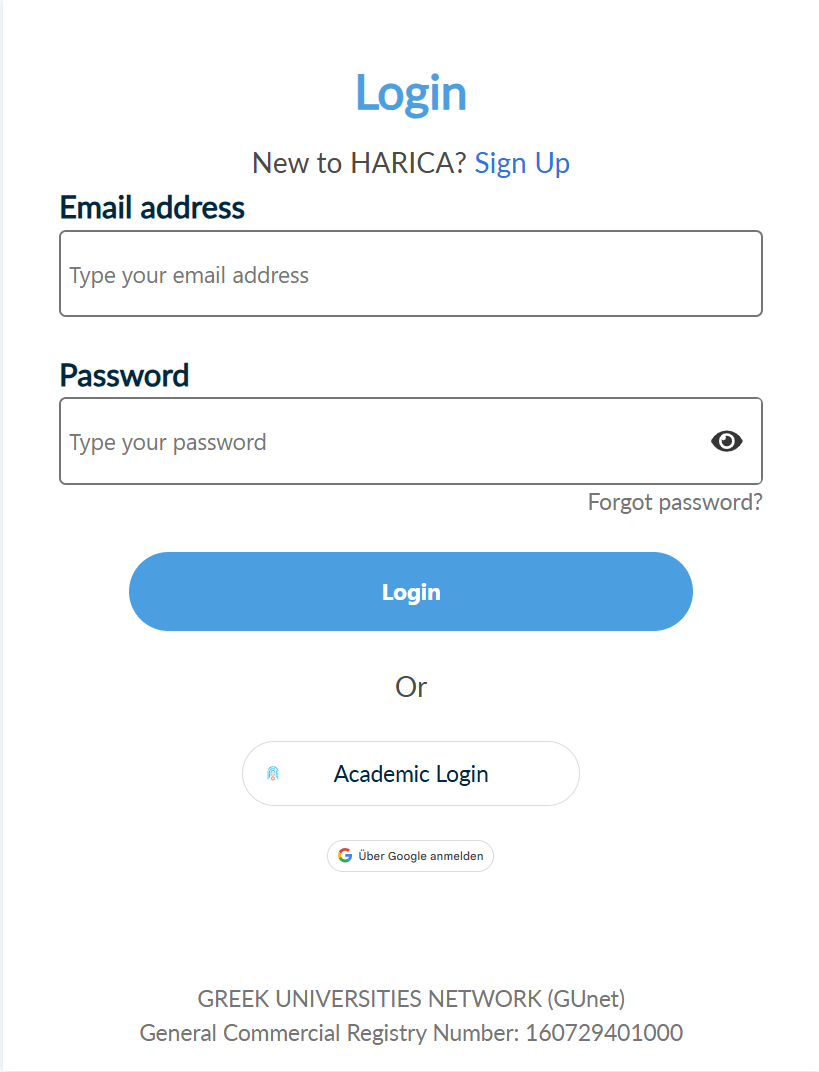
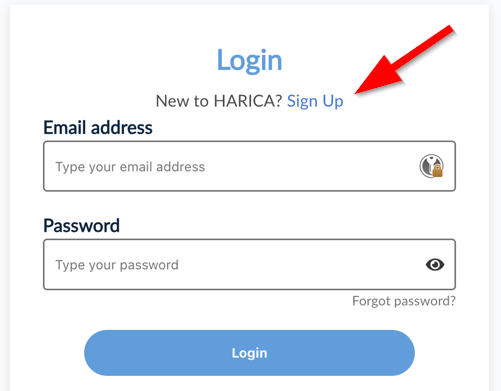
| 19:21, 11. Sep. 2025 | E-Mail-Zertifikat beantragen Login.png (Datei) |  |
47 KB | Nielsr | 1 | |
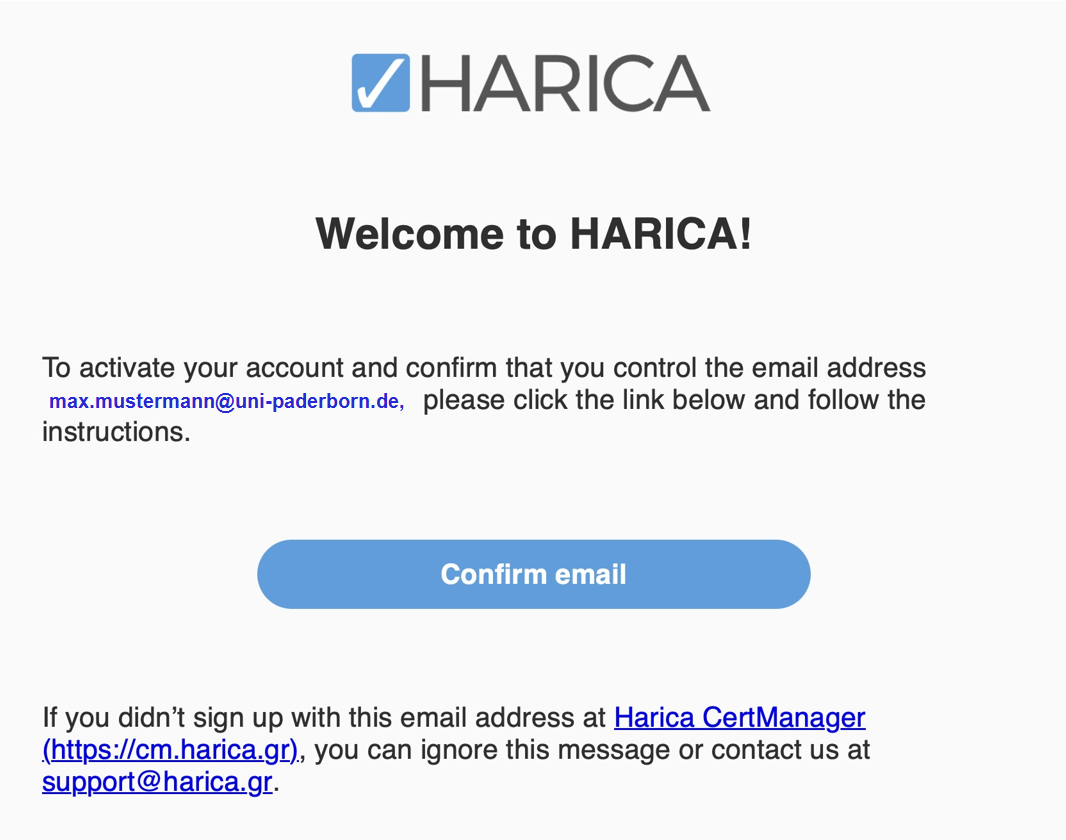
| 19:11, 11. Sep. 2025 | E-Mail-Zertifikat beantragen Confirm.png (Datei) |  |
193 KB | Nielsr | 1 | |
| 19:10, 11. Sep. 2025 | E-Mail-Zertifikat beantragen Welcome.png (Datei) |  |
15 KB | Nielsr | 1 | |
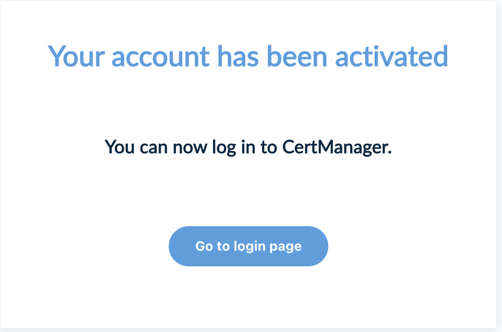
| 19:10, 11. Sep. 2025 | E-Mail-Zertifikat beantragen activated.png (Datei) |  |
20 KB | Nielsr | 1 | |
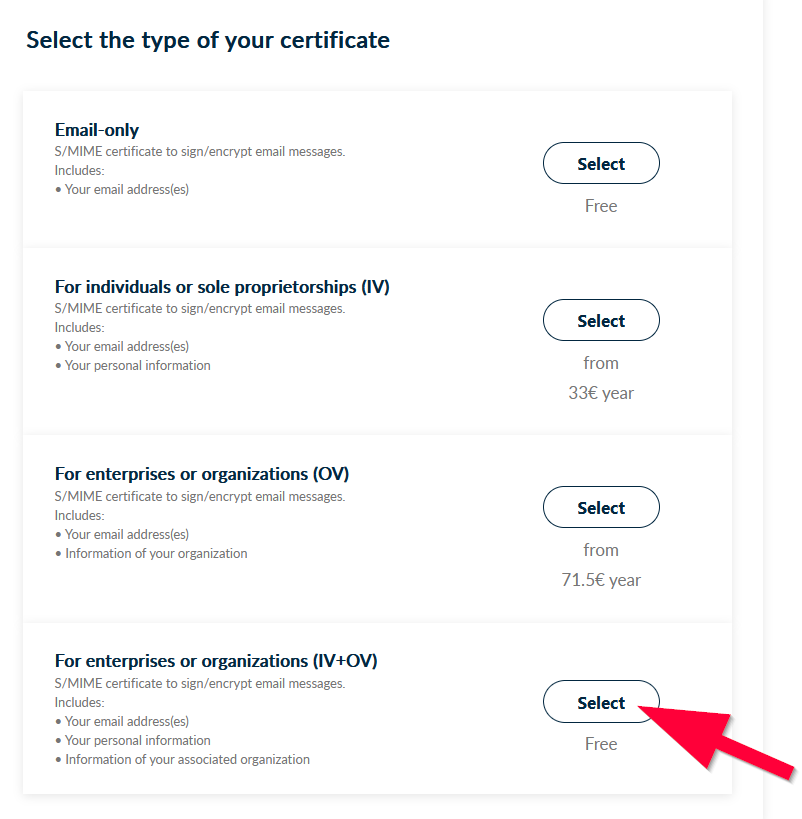
| 18:59, 11. Sep. 2025 | E-Mail-Zertifikat beantragen SignUp.png (Datei) |  |
25 KB | Nielsr | 1 | |
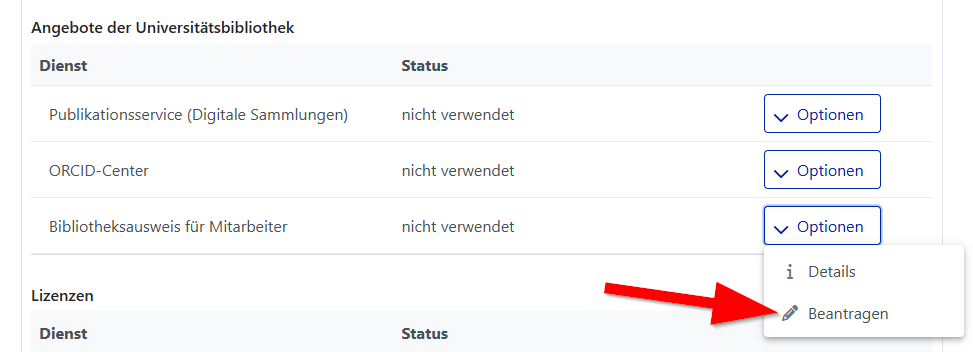
| 15:39, 11. Sep. 2025 | Bibliotheksausweis-beantragen-01.png (Datei) |  |
21 KB | Jnk | {{Information | description = Screenshot Serviceportal - Bibliotheksausweis für Mitarbeitende beantragen | source = Screenshot | date = 11.09.2025 | author = Benutzer:jnk | permission = {{PD-user|jnk}} }}Kategorie:Screenshots | 1 |
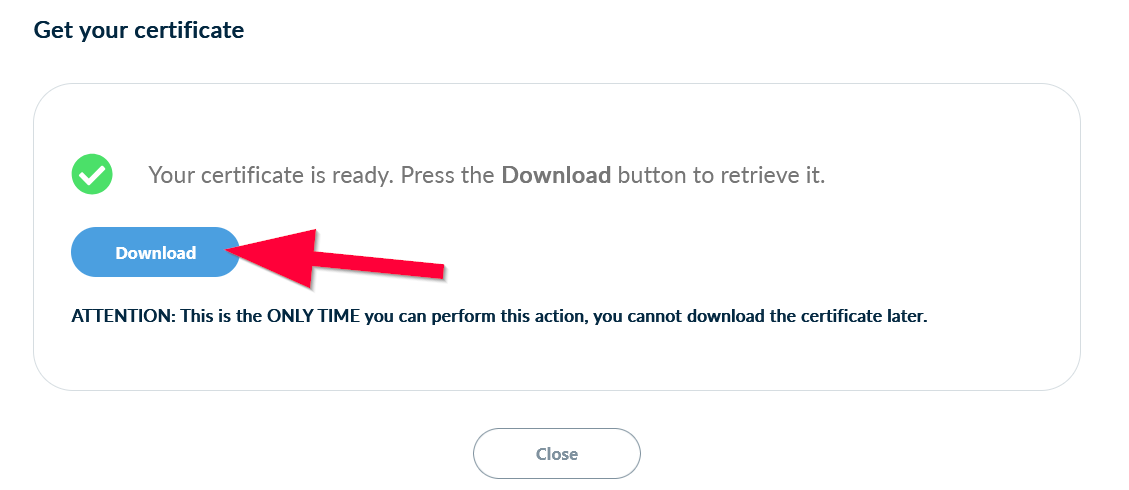
| 09:07, 11. Sep. 2025 | E-Mail-Zertifikat-beantragen-14.png (Datei) |  |
27 KB | Jnk | {{Information | description = Screenshot HARICA Certificate - Download Certificate | source = Screenshot | date = 11.09.2025 | author = Benutzer:jnk | permission = {{PD-user|jnk}} }}Kategorie:Screenshots | 1 |
| 09:06, 11. Sep. 2025 | E-Mail-Zertifikat-beantragen-13.png (Datei) |  |
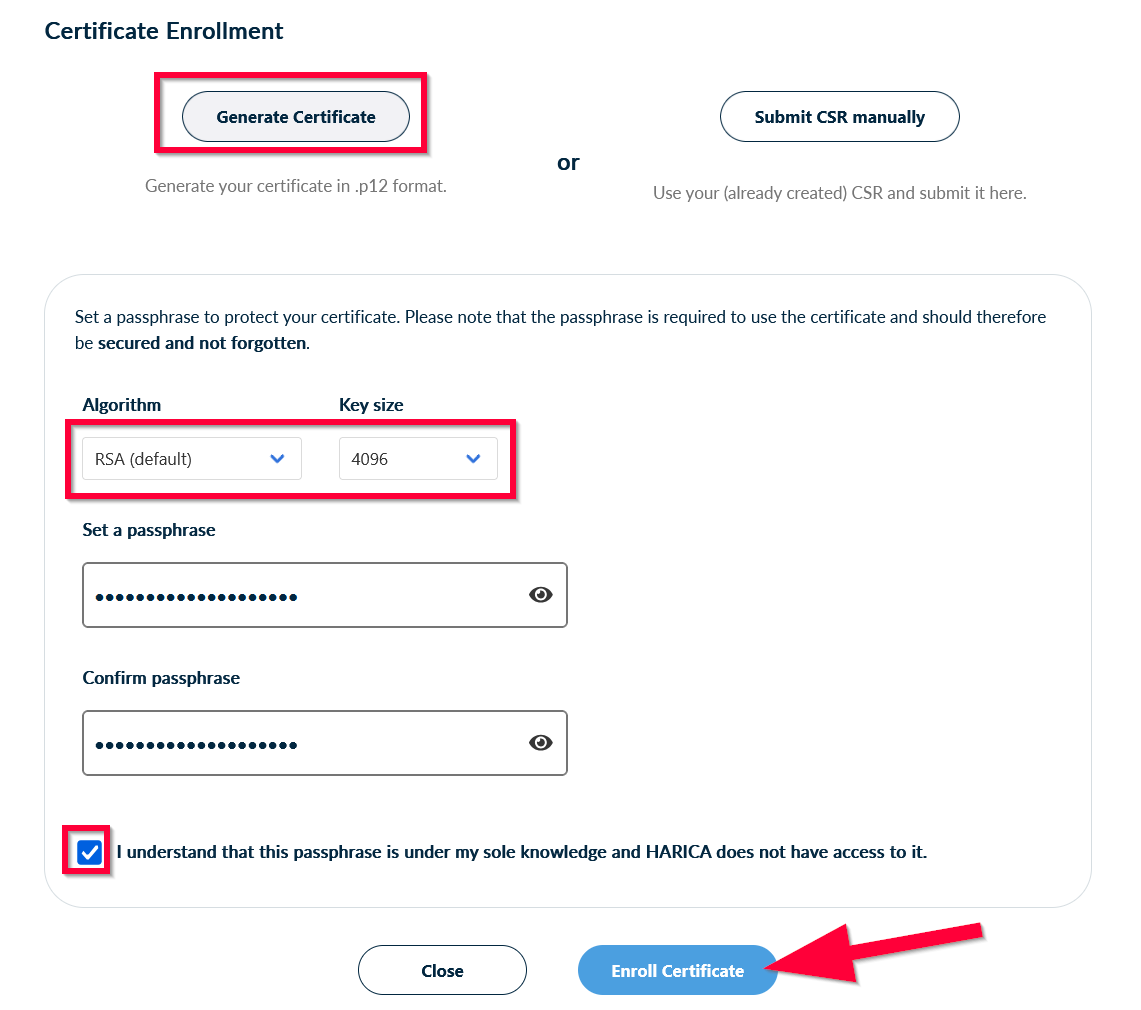
57 KB | Jnk | {{Information | description = Screenshot HARICA Generate Certificate - Certificate Settings | source = Screenshot | date = 11.09.2025 | author = Benutzer:jnk | permission = {{PD-user|jnk}} }}Kategorie:Screenshots | 1 |
| 09:05, 11. Sep. 2025 | E-Mail-Zertifikat-beantragen-12.png (Datei) |  |
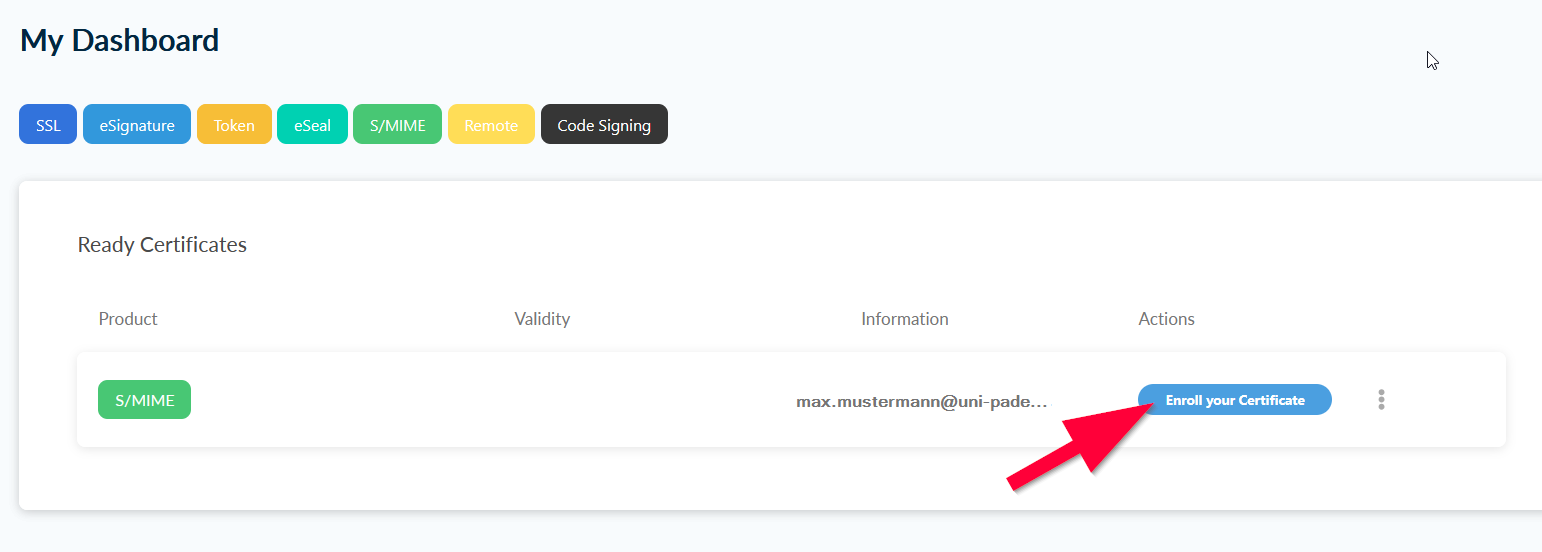
32 KB | Jnk | {{Information | description = Screenshot HARICA Dashboard - Enroll Certificate | source = Screenshot | date = 11.09.2025 | author = Benutzer:jnk | permission = {{PD-user|jnk}} }}Kategorie:Screenshots | 1 |
| 09:05, 11. Sep. 2025 | E-Mail-Zertifikat-beantragen-11.png (Datei) |  |
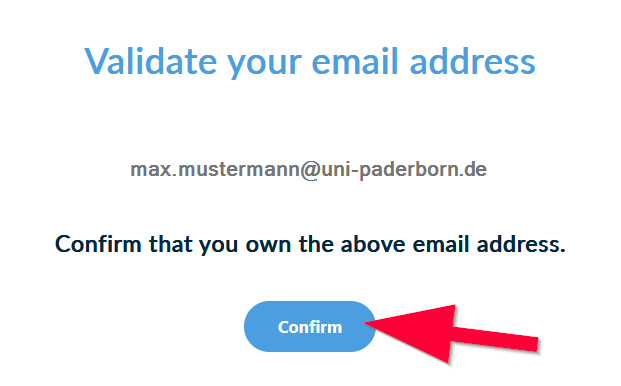
18 KB | Jnk | {{Information | description = Screenshot HARICA - Confirm E-Mail-Validation - Browser | source = Screenshot | date = 11.09.2025 | author = Benutzer:jnk | permission = {{PD-user|jnk}} }}Kategorie:Screenshots | 1 |
| 09:04, 11. Sep. 2025 | E-Mail-Zertifikat-beantragen-10.png (Datei) |  |
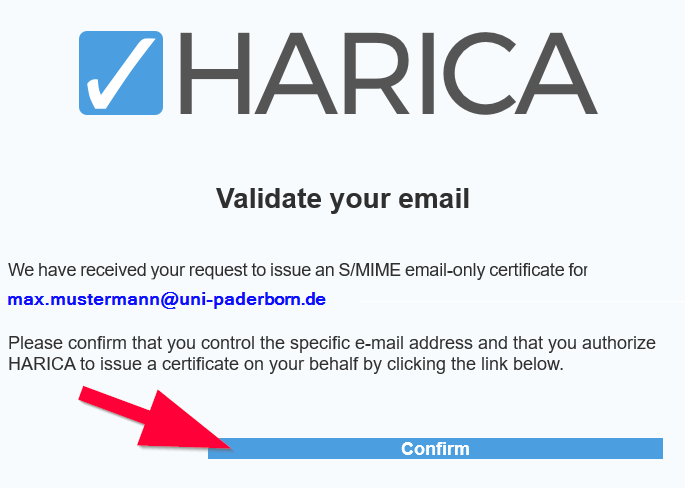
29 KB | Jnk | {{Information | description = Screenshot HARICA - Confirm E-Mail-Validation - Mail | source = Screenshot | date = 11.09.2025 | author = Benutzer:jnk | permission = {{PD-user|jnk}} }}Kategorie:Screenshots | 1 |
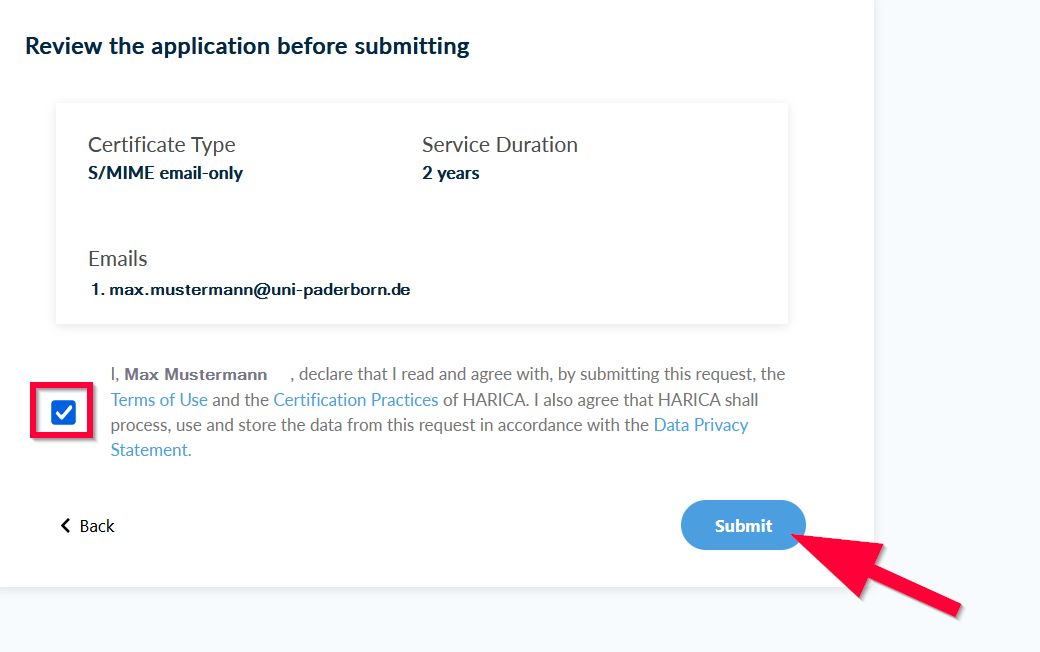
| 09:04, 11. Sep. 2025 | E-Mail-Zertifikat-beantragen-09.png (Datei) |  |
47 KB | Jnk | {{Information | description = Screenshot HARICA Dashboard - Review application before submitting | source = Screenshot | date = 11.09.2025 | author = Benutzer:jnk | permission = {{PD-user|jnk}} }}Kategorie:Screenshots | 1 |
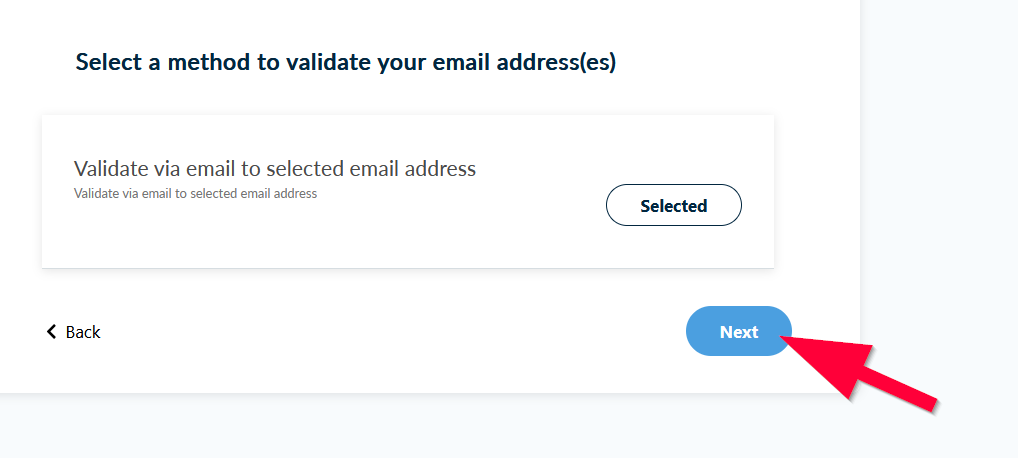
| 09:03, 11. Sep. 2025 | E-Mail-Zertifikat-beantragen-08.png (Datei) |  |
25 KB | Jnk | {{Information | description = Screenshot HARICA Dashboard - Validation Method | source = Screenshot | date = 11.09.2025 | author = Benutzer:jnk | permission = {{PD-user|jnk}} }}Kategorie:Screenshots | 1 |
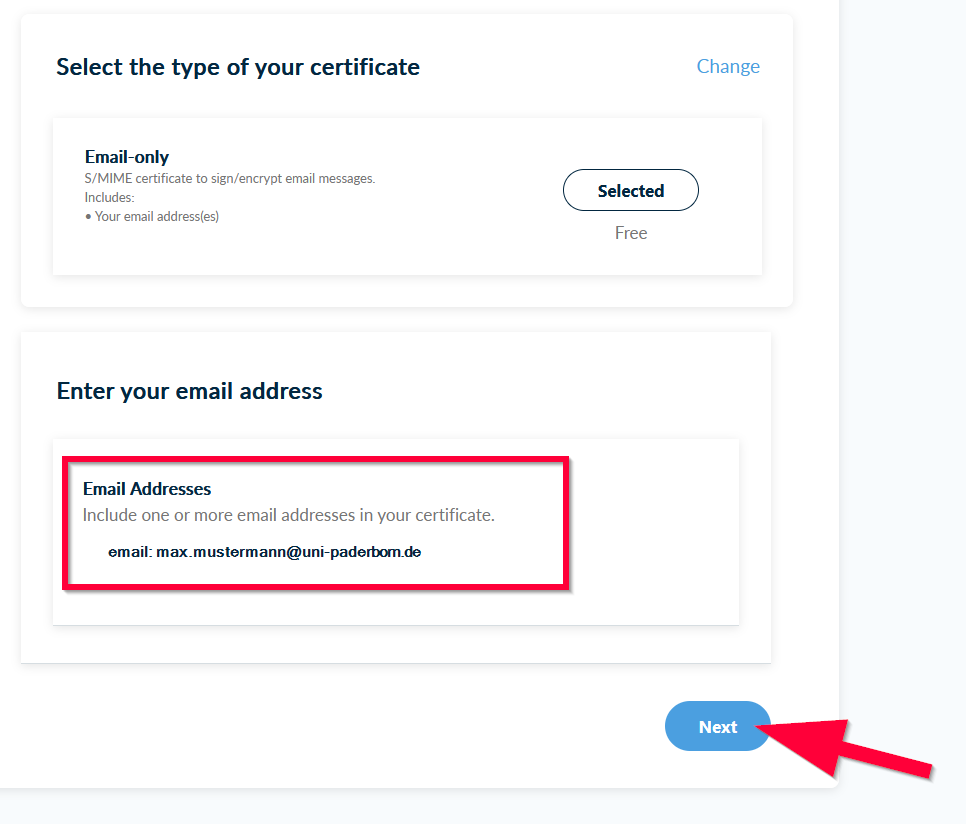
| 09:03, 11. Sep. 2025 | E-Mail-Zertifikat-beantragen-07.png (Datei) |  |
43 KB | Jnk | {{Information | description = Screenshot HARICA Dashboard - Check E-Mail-Adress | source = Screenshot | date = 11.09.2025 | author = Benutzer:jnk | permission = {{PD-user|jnk}} }}Kategorie:Screenshots | 1 |
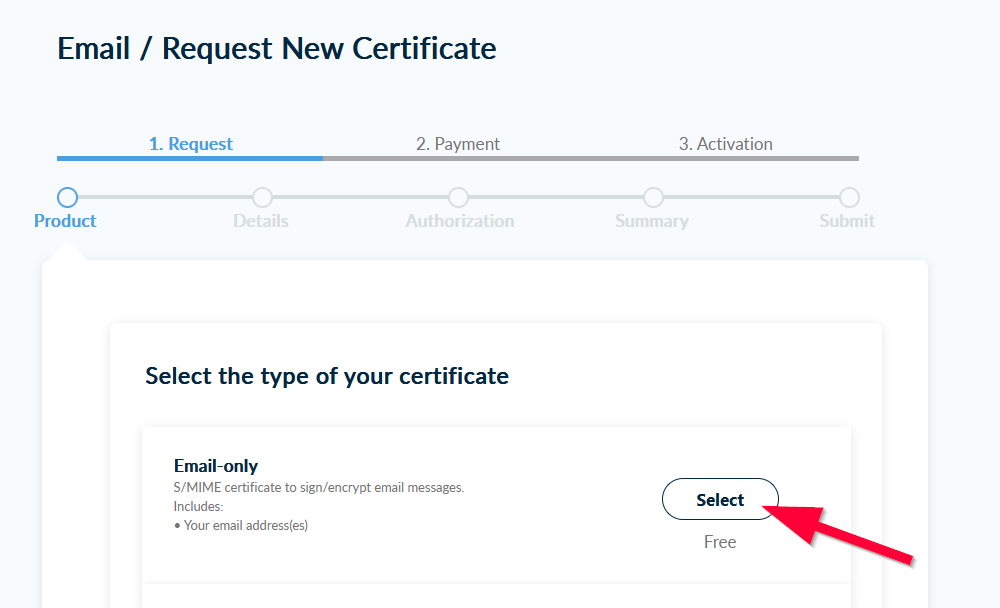
| 09:02, 11. Sep. 2025 | E-Mail-Zertifikat-beantragen-06.png (Datei) |  |
38 KB | Jnk | {{Information | description = Screenshot HARICA Dashboard - Select E-Mail only | source = Screenshot | date = 11.09.2025 | author = Benutzer:jnk | permission = {{PD-user|jnk}} }}Kategorie:Screenshots | 1 |
| 09:01, 11. Sep. 2025 | E-Mail-Zertifikat-beantragen-05.png (Datei) |  |
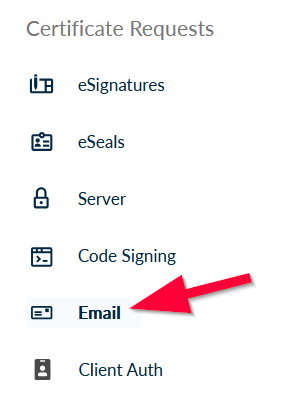
14 KB | Jnk | {{Information | description = Screenshot HARICA Dashboard - E-Mail | source = Screenshot | date = 11.09.2025 | author = Benutzer:jnk | permission = {{PD-user|jnk}} }}Kategorie:Screenshots | 1 |
| 09:01, 11. Sep. 2025 | E-Mail-Zertifikat-beantragen-04.png (Datei) |  |
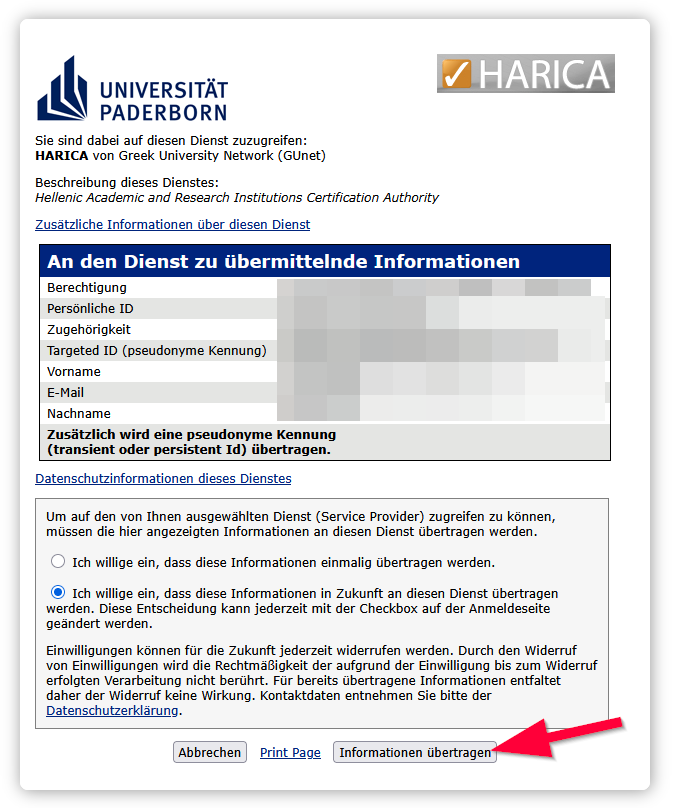
70 KB | Jnk | {{Information | description = Screenshot Login Harica IdP Informationen übermitteln | source = Screenshot | date = 11.09.2025 | author = Benutzer:jnk | permission = {{PD-user|jnk}} }}Kategorie:Screenshots | 1 |
| 09:00, 11. Sep. 2025 | E-Mail-Zertifikat-beantragen-03.png (Datei) |  |
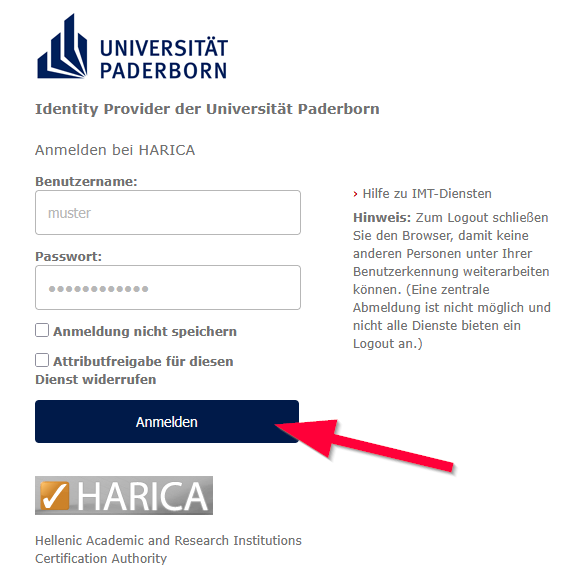
37 KB | Jnk | {{Information | description = Screenshot Login Harica IdP Uni-Account | source = Screenshot | date = 11.09.2025 | author = Benutzer:jnk | permission = {{PD-user|jnk}} }}Kategorie:Screenshots | 1 |