Diese Spezialseite listet alle hochgeladenen Dateien auf.


| Datum | Name | Vorschaubild | Größe | Benutzer | Beschreibung | Versionen |
|---|---|---|---|---|---|---|
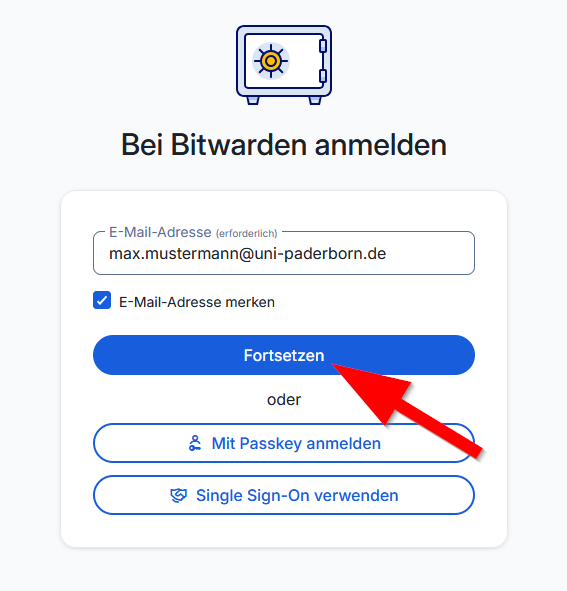
| 10:56, 4. Mär. 2026 | Bitwarden-01.png (Datei) |  |
33 KB | Jnk | {{Information | description = Screenshot Bitwarden - Anmeldung E-Mail-Adresse | source = Screenshot | date = 04.03.2026 | author = Benutzer:jnk | permission = {{PD-user|jnk}} }}Kategorie:Screenshots | 1 |
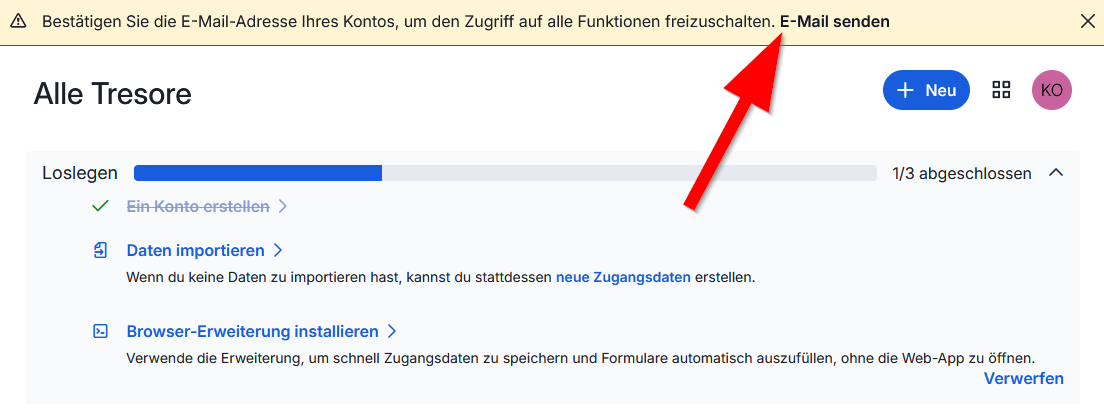
| 10:31, 4. Mär. 2026 | Bitwarden-16.png (Datei) |  |
46 KB | Jnk | {{Information | description = Screenshot Bitwarden - E-Mail senden zur Adressebestätigung | source = Screenshot | date = 04.03.2026 | author = Benutzer:jnk | permission = {{PD-user|jnk}} }}Kategorie:Screenshots | 1 |
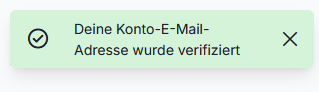
| 10:30, 4. Mär. 2026 | Bitwarden-15.png (Datei) |  |
5 KB | Jnk | {{Information | description = Screenshot Bitwarden - E-Mail-Adresse erfolgreich verifiziert | source = Screenshot | date = 04.03.2026 | author = Benutzer:jnk | permission = {{PD-user|jnk}} }}Kategorie:Screenshots | 1 |
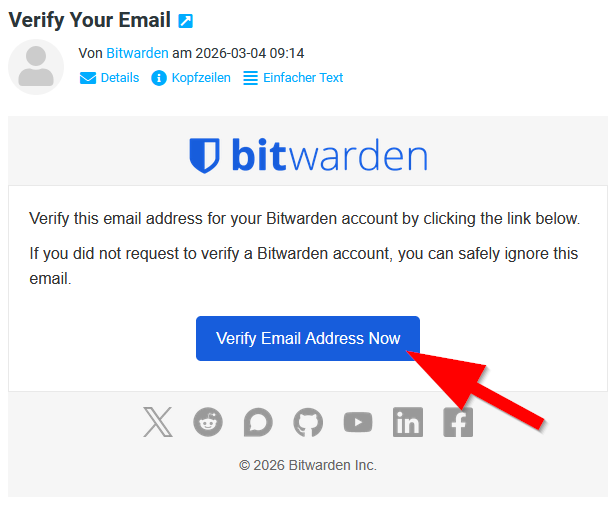
| 10:29, 4. Mär. 2026 | Bitwarden-14.png (Datei) |  |
36 KB | Jnk | {{Information | description = Screenshot Bitwarden - E-Mail-Adresse verifizieren | source = Screenshot | date = 04.03.2026 | author = Benutzer:jnk | permission = {{PD-user|jnk}} }}Kategorie:Screenshots | 1 |
| 10:27, 4. Mär. 2026 | Bitwarden-13.png (Datei) |  |
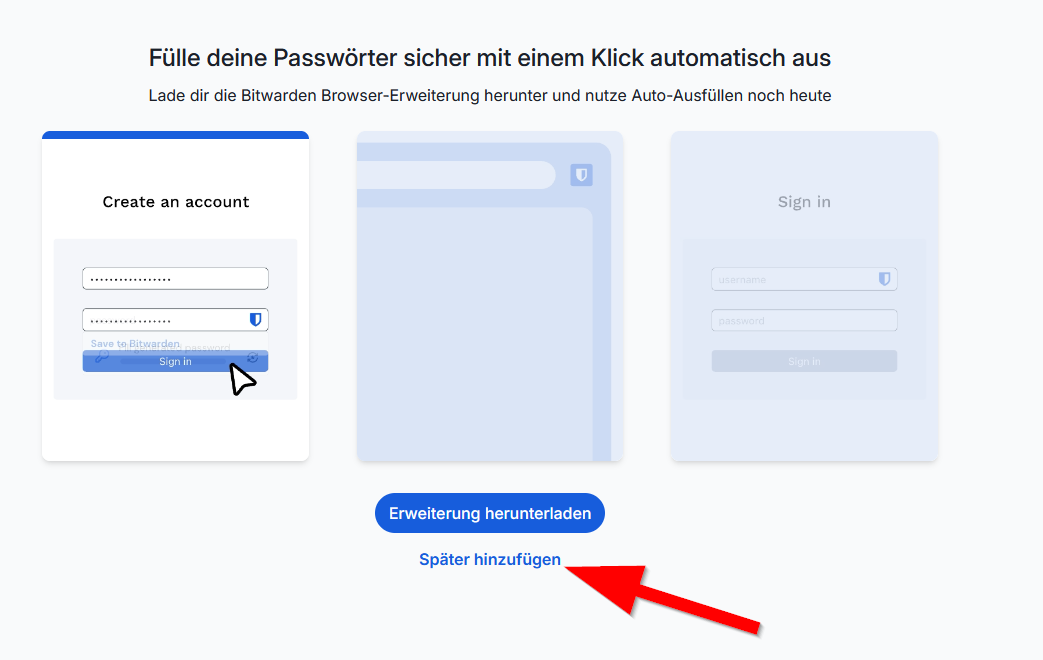
30 KB | Jnk | {{Information | description = Screenshot Bitwarden - Zur Web-App springen | source = Screenshot | date = 04.03.2026 | author = Benutzer:jnk | permission = {{PD-user|jnk}} }}Kategorie:Screenshots | 1 |
| 10:27, 4. Mär. 2026 | Bitwarden-12.png (Datei) |  |
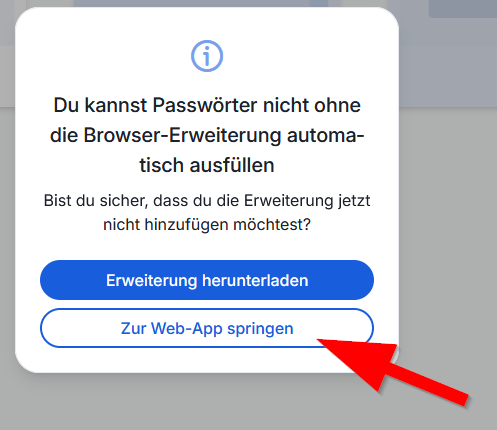
52 KB | Jnk | {{Information | description = Screenshot Bitwarden - Erweiterung herunterladen | source = Screenshot | date = 04.03.2026 | author = Benutzer:jnk | permission = {{PD-user|jnk}} }}Kategorie:Screenshots | 1 |
| 10:26, 4. Mär. 2026 | Bitwarden-11.png (Datei) |  |
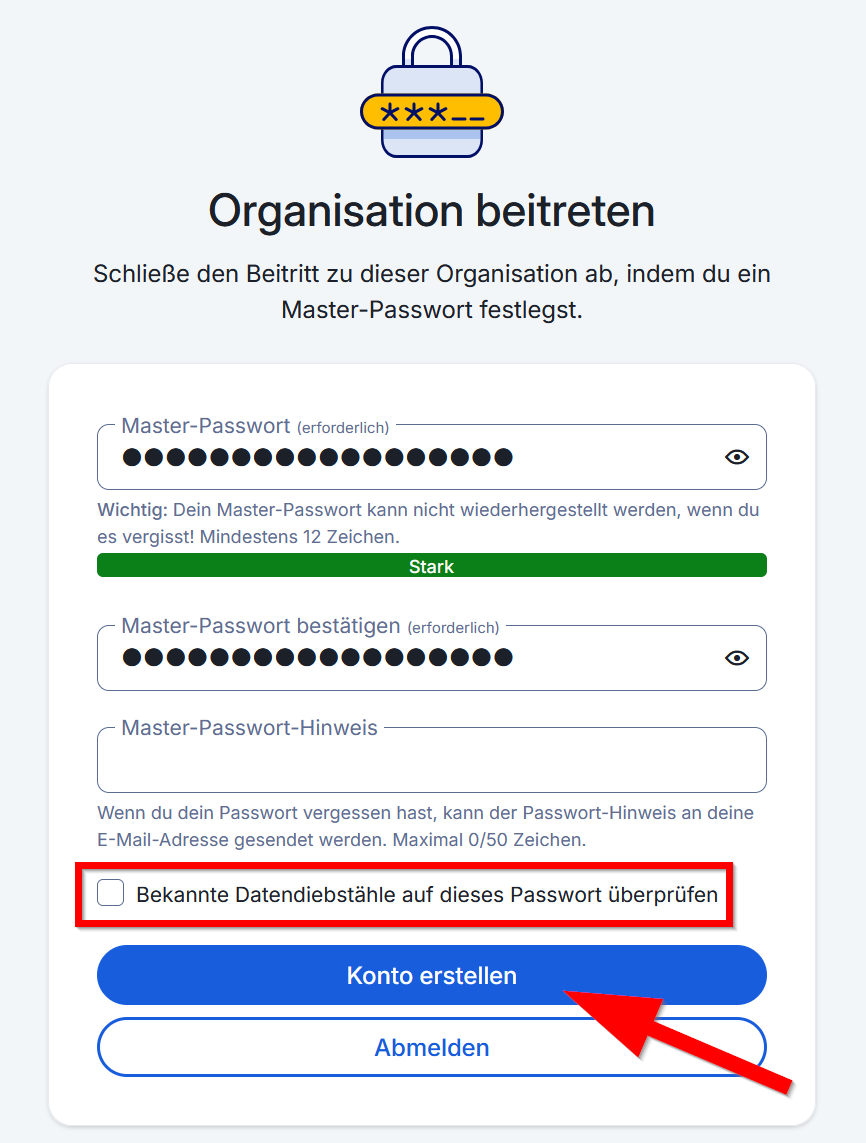
83 KB | Jnk | {{Information | description = Screenshot Bitwarden - Organisation beitreten | source = Screenshot | date = 04.03.2026 | author = Benutzer:jnk | permission = {{PD-user|jnk}} }}Kategorie:Screenshots | 1 |
| 10:25, 4. Mär. 2026 | Bitwarden-10.png (Datei) |  |
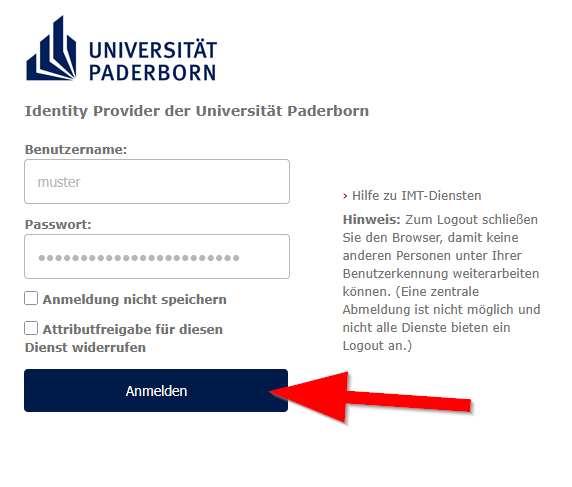
27 KB | Jnk | {{Information | description = Screenshot Anmeldung IDP | source = Screenshot | date = 04.03.2026 | author = Benutzer:jnk | permission = {{PD-user|jnk}} }}Kategorie:Screenshots | 1 |
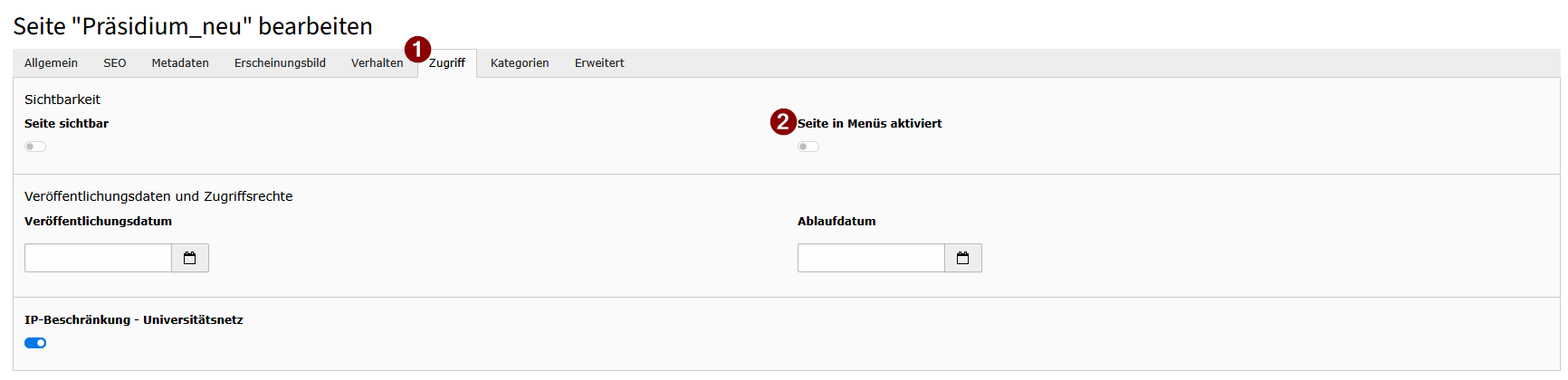
| 16:30, 3. Mär. 2026 | Screenshot TYPO Burger-Menue Seiteneigenschaften in menues aktivieren.png (Datei) |  |
20 KB | Vivienne | 2 | |
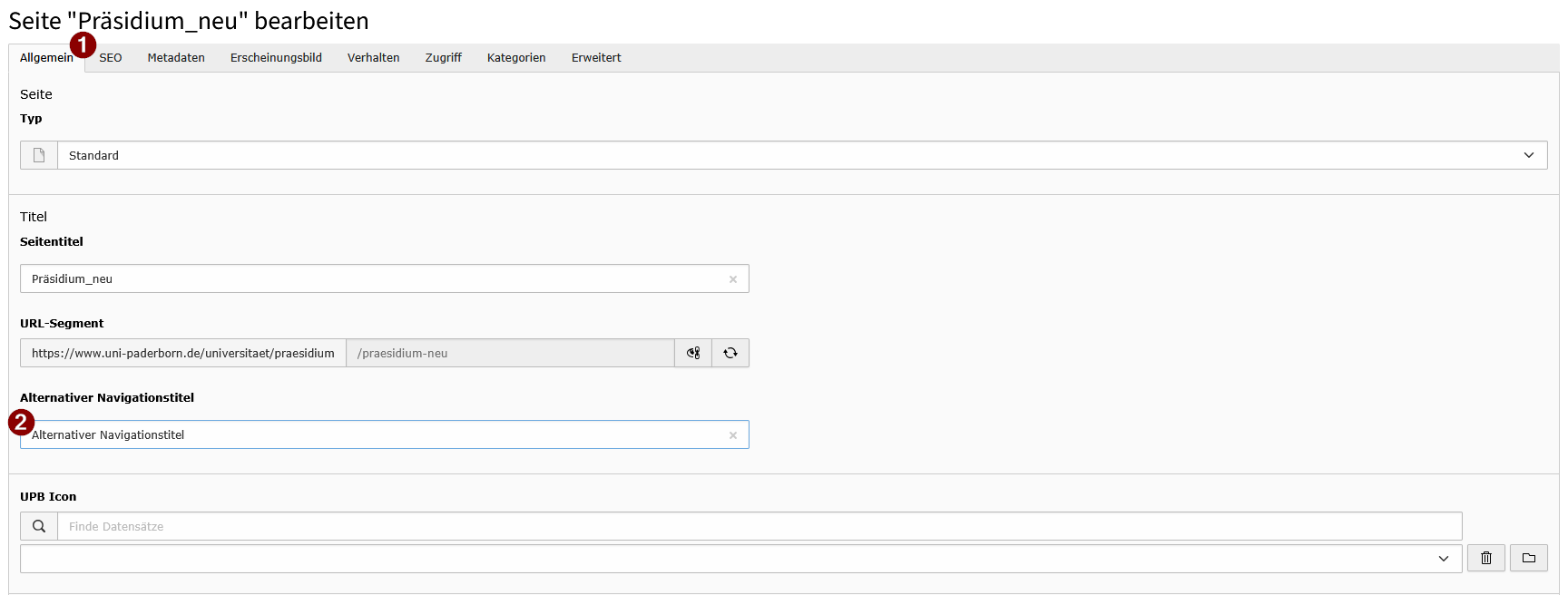
| 16:27, 3. Mär. 2026 | Screenshot TYPO Burger-Menue Seiteneigenschaften alternativer Navigationstitel.png (Datei) |  |
25 KB | Vivienne | 1 | |
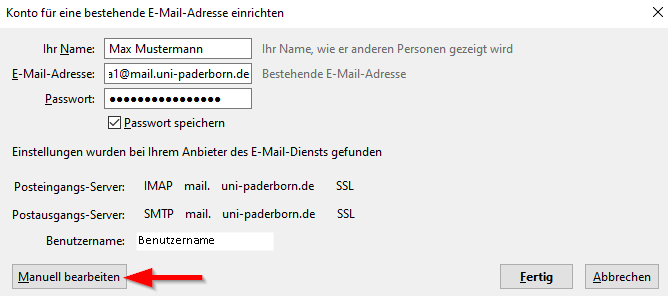
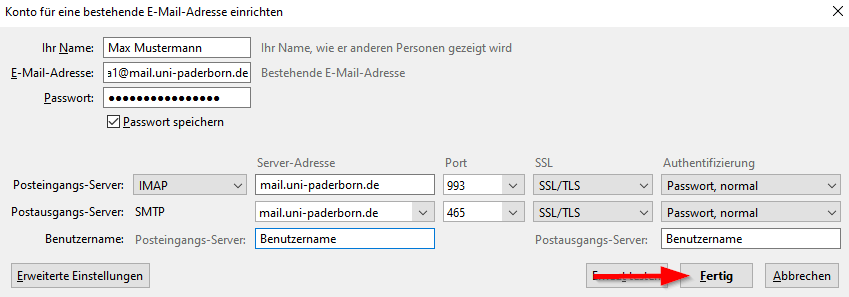
| 13:58, 25. Feb. 2026 | Mail-unter-Thunderbird-05.png (Datei) |  |
623 KB | Mariels | {{Information | description = Screenshot Mail unter Thunderbird 05 | source = Screenshot | date = 25.02.2026 | author = Benutzer:mariels | permission = {{PD-user|mariels}} }}Kategorie:Screenshots | 3 |
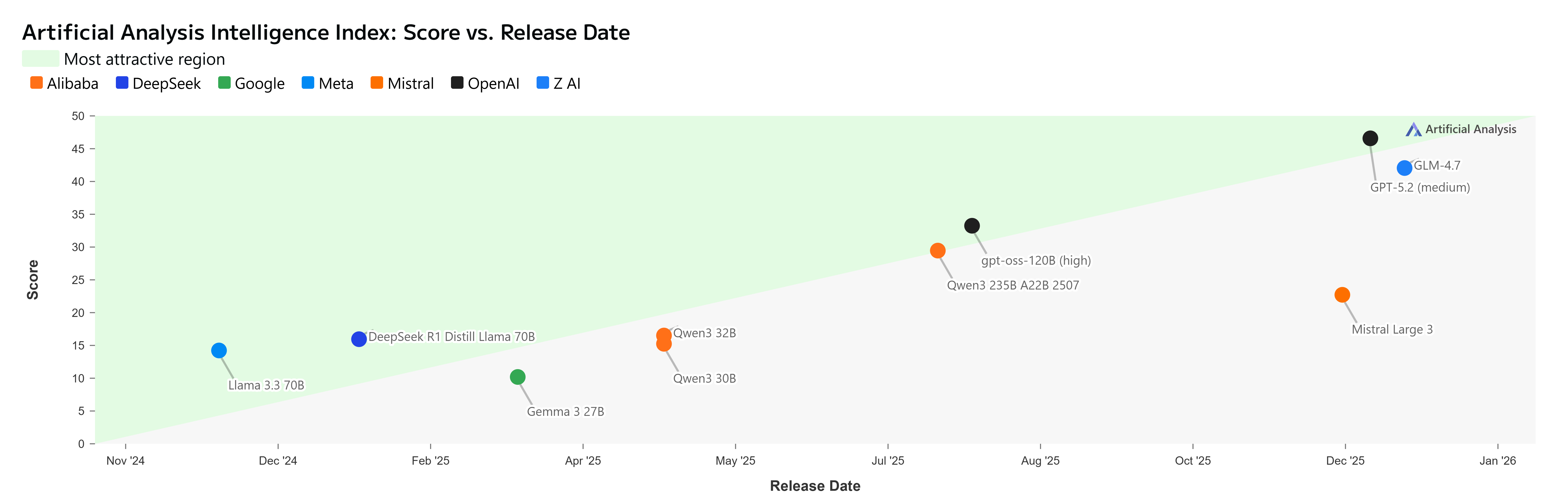
| 12:25, 24. Feb. 2026 | Artificial Analysis Intelligence Index - Score vs Release Date (24 Feb '26).png (Datei) | .png) |
577 KB | Andig | 1 | |
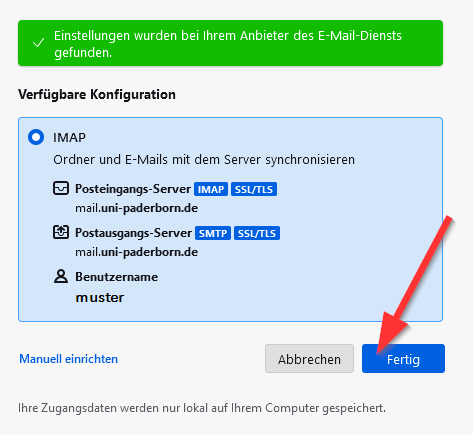
| 18:49, 22. Feb. 2026 | Mail-unter-Thunderbird-06.png (Datei) |  |
676 KB | Mariels | {{Information | description = Screenshot Mail unter Thunderbird 06 | source = Screenshot | date = 22.02.2026 | author = Benutzer:mariels | permission = {{PD-user|mariels}} }}Kategorie:Screenshots | 3 |
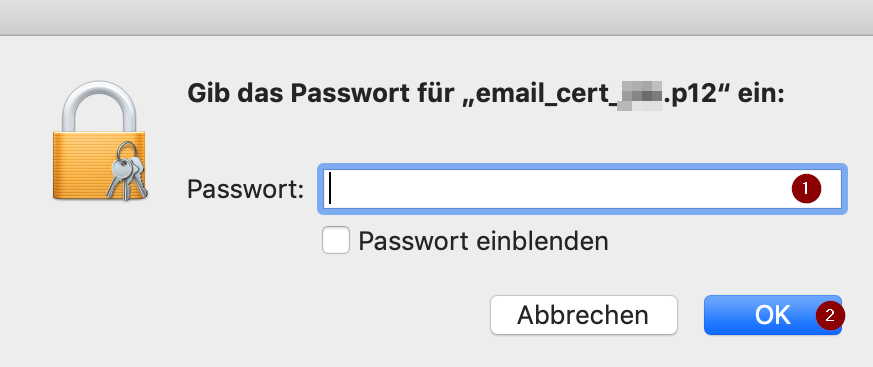
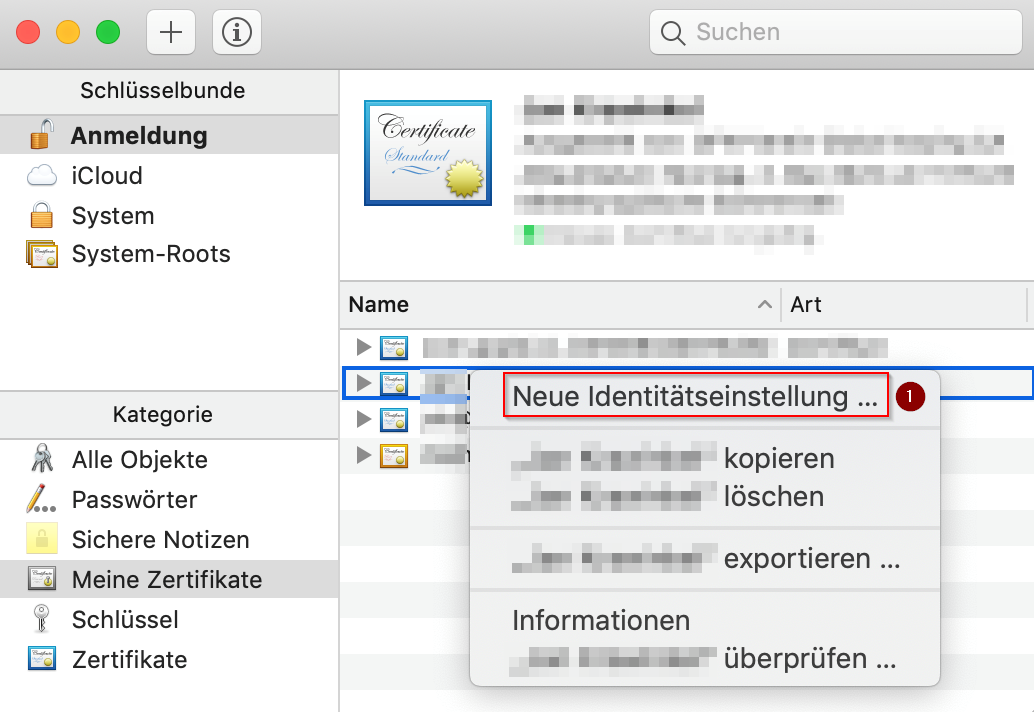
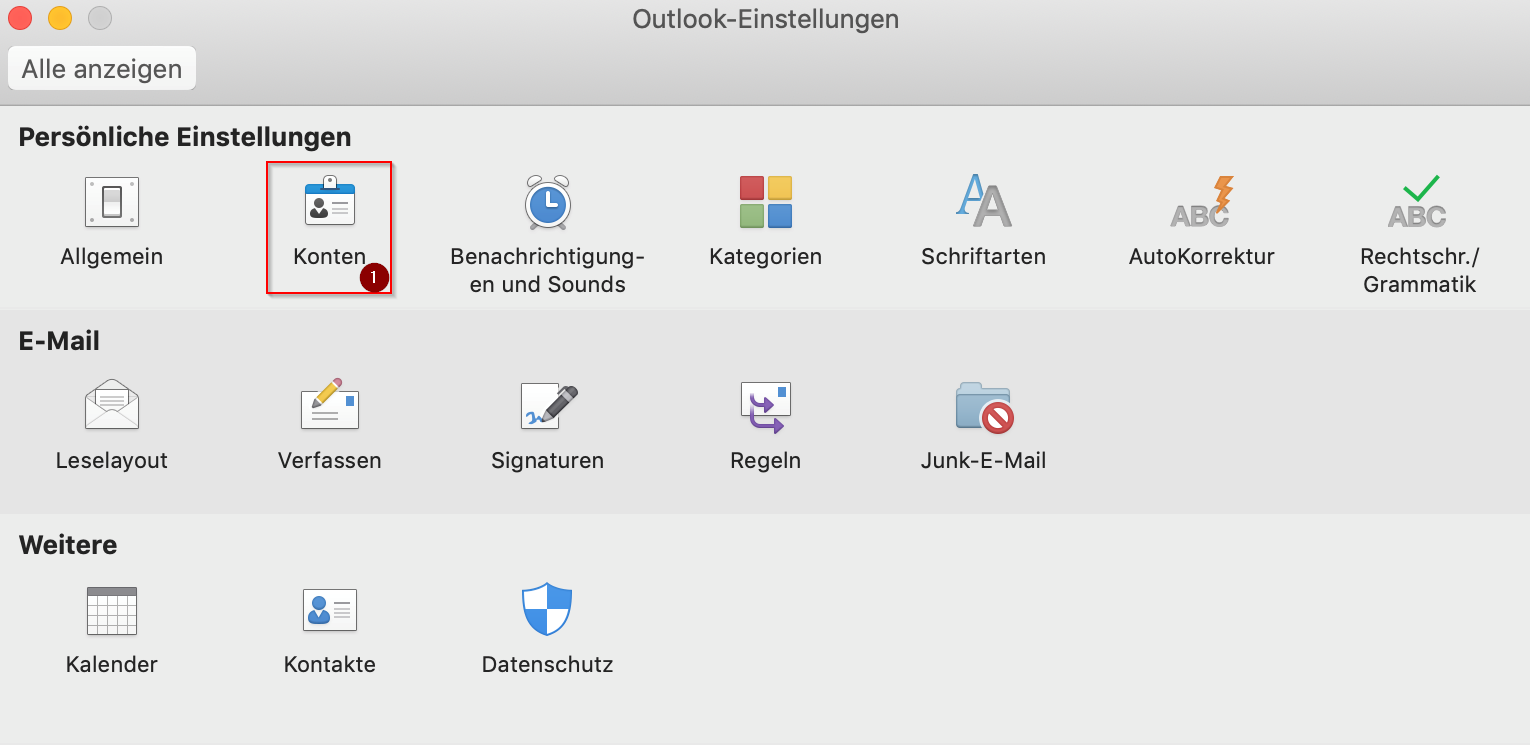
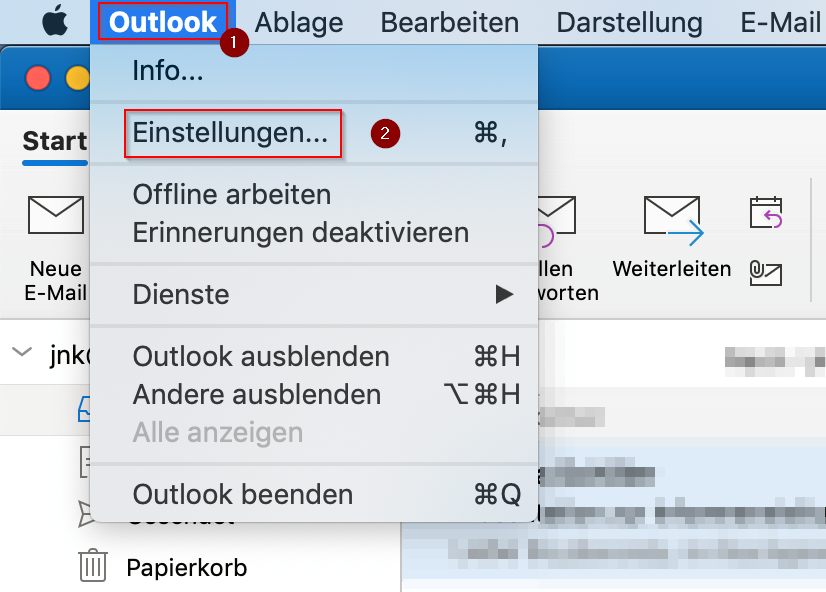
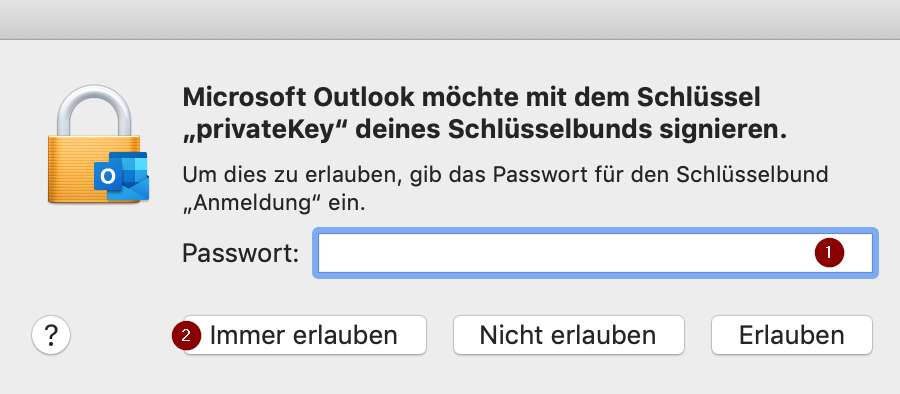
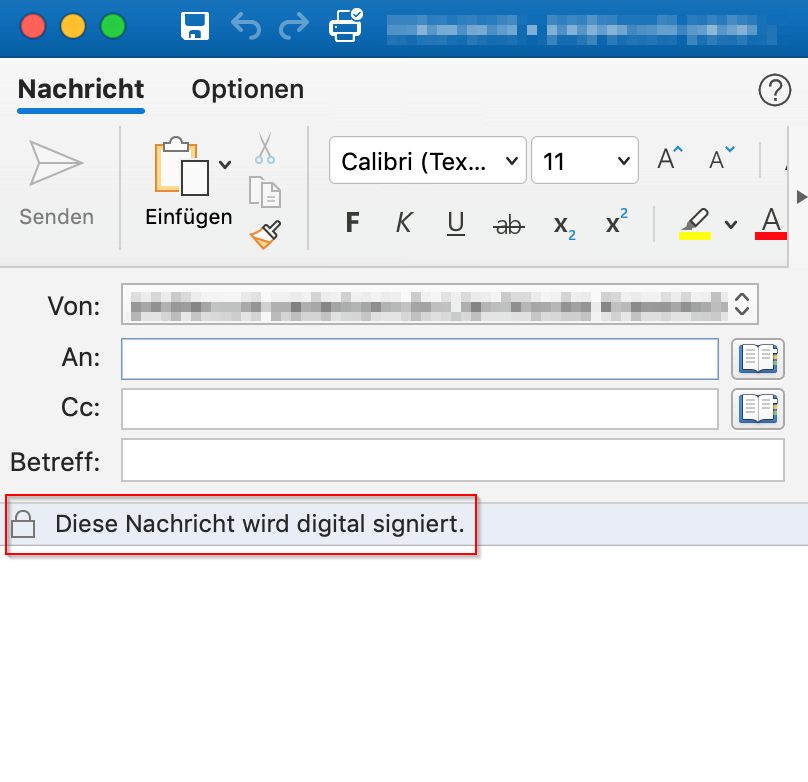
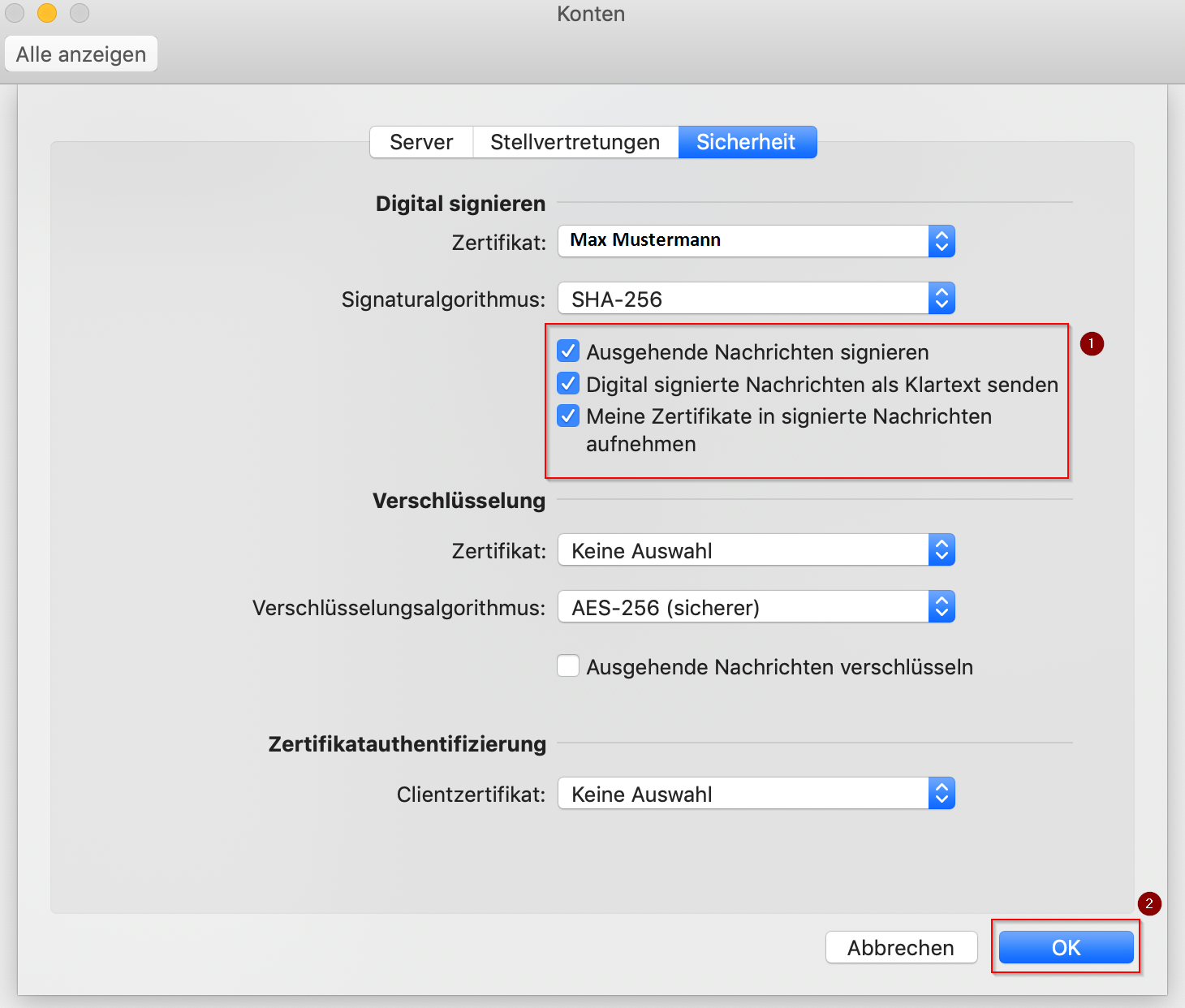
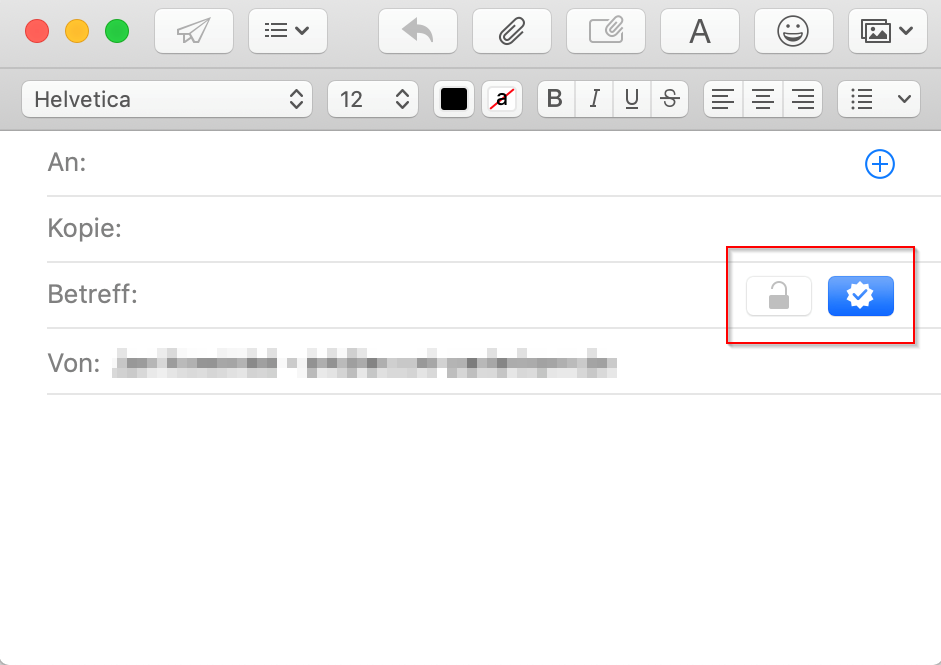
| 19:51, 18. Feb. 2026 | E-Mail SSL-Zertifikate einbinden in Outlook 2019 (macOS 10.14) (1).png (Datei) | _(1).png) |
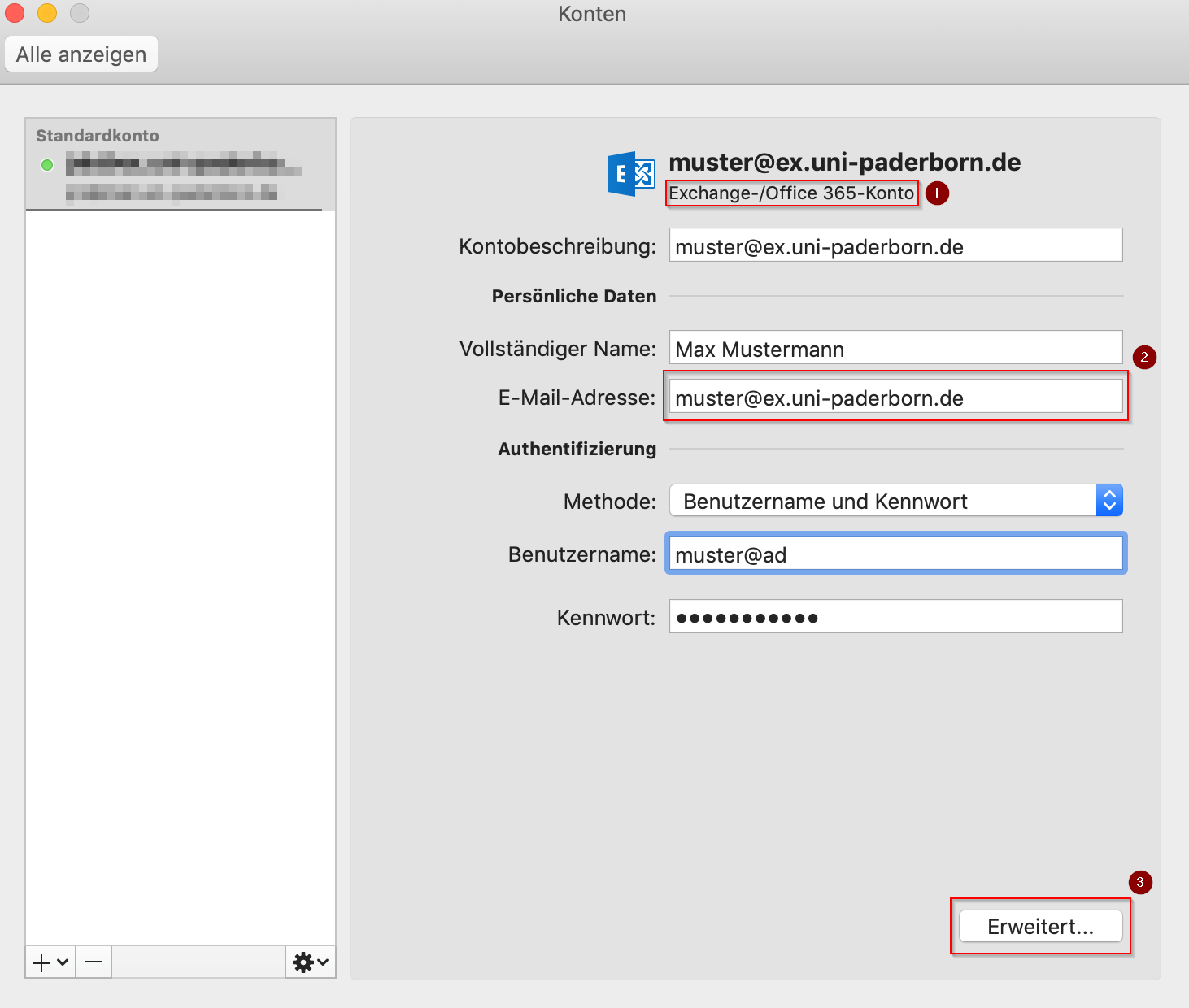
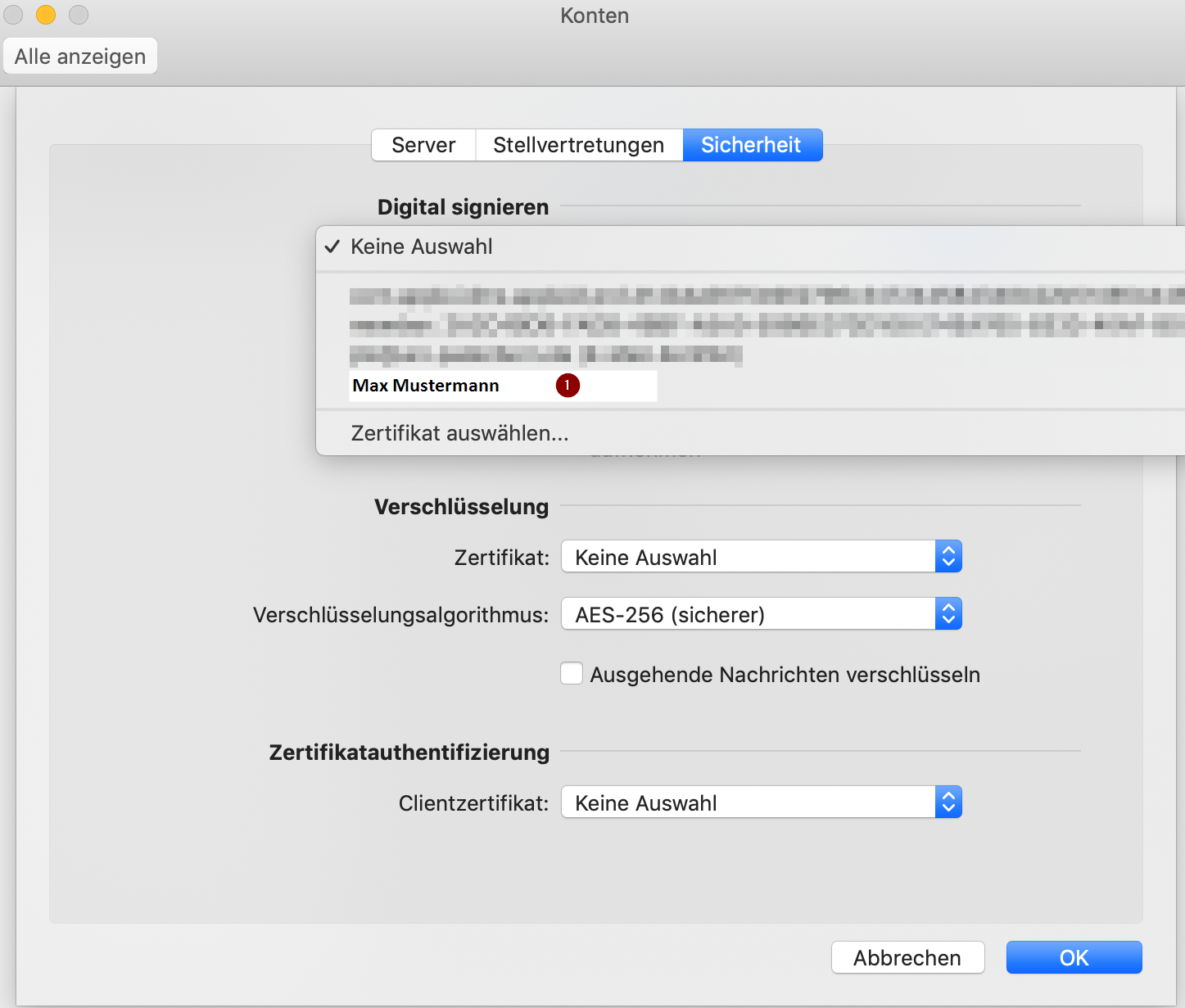
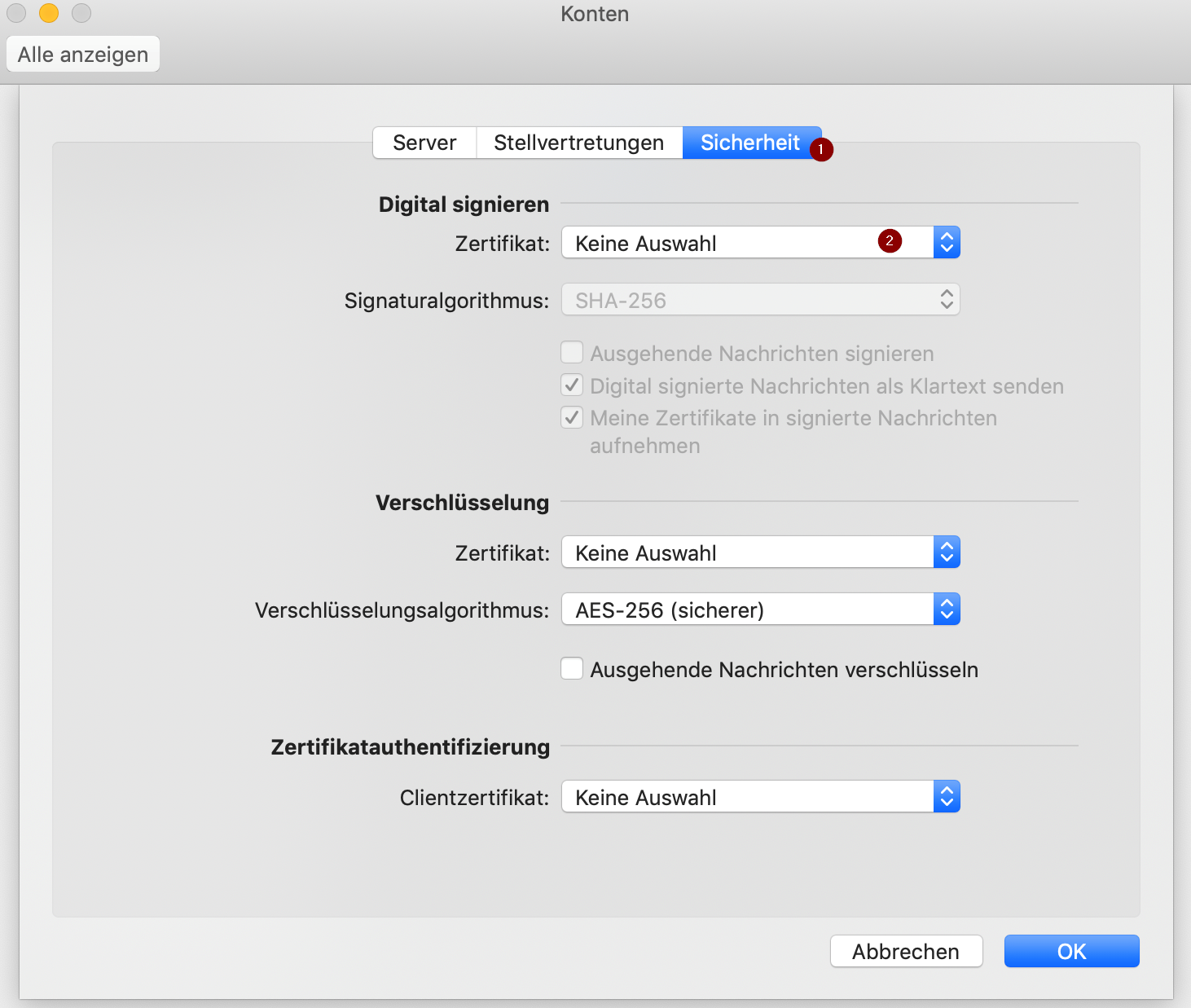
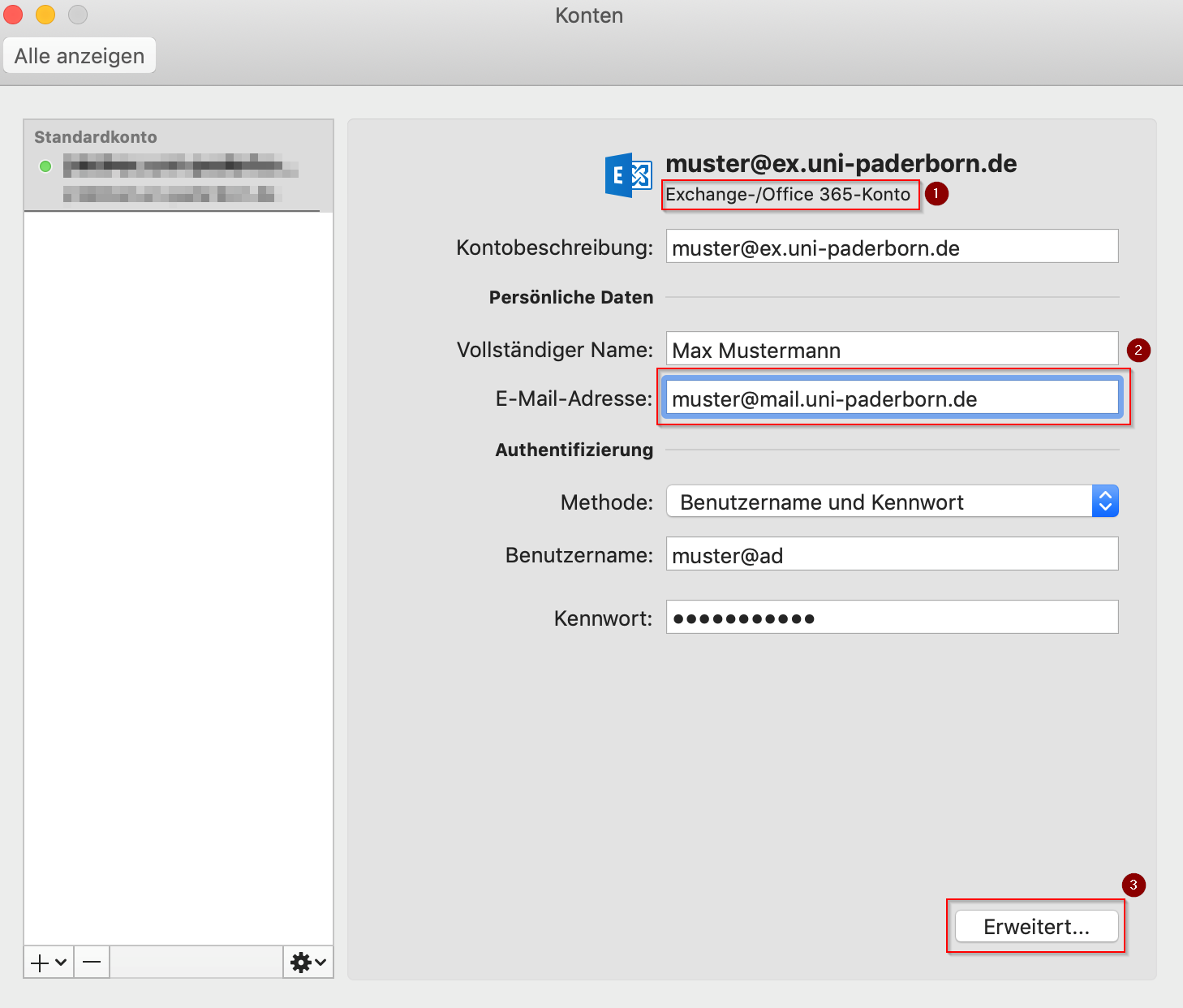
107 KB | Mariels | {{Information | description = Screenshot E-Mail Zertifikat Outlook MacOS 01 | source = Screenshot | date = 18.02.2026 | author = Benutzer:mariels | permission = {{PD-user|mariels}} }}Kategorie:Screenshots | 2 |
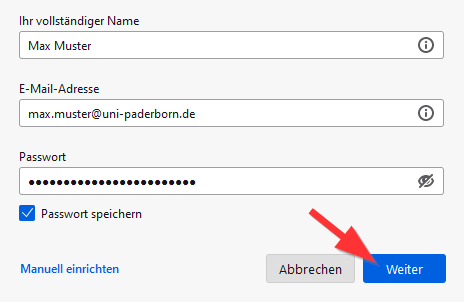
| 23:12, 11. Feb. 2026 | Mail-unter-Thunderbird-07.png (Datei) |  |
934 KB | Mariels | {{Information | description = Screenshot Mail unter Thunderbird 07 | source = Screenshot | date = 11.02.2026 | author = Benutzer:mariels | permission = {{PD-user|mariels}} }}Kategorie:Screenshots | 2 |
| 23:06, 11. Feb. 2026 | Mail-unter-Thunderbird-04.png (Datei) |  |
753 KB | Mariels | {{Information | description = Screenshot Mail unter Thunderbird 04 | source = Screenshot | date = 11.02.2026 | author = Benutzer:mariels | permission = {{PD-user|mariels}} }}Kategorie:Screenshots | 3 |
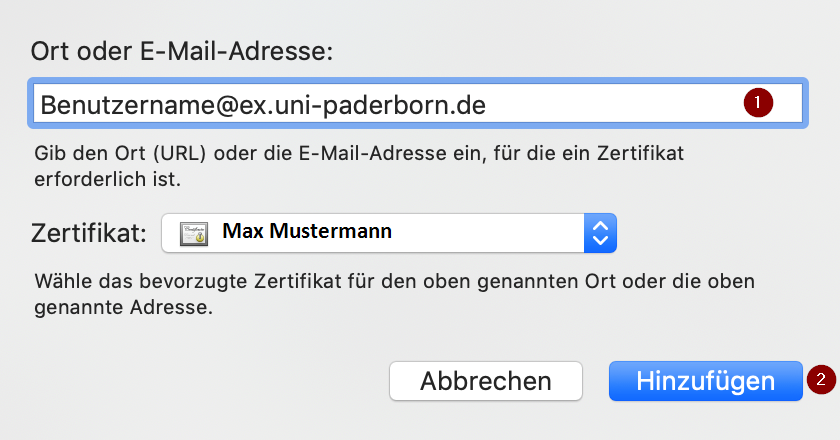
| 00:14, 11. Feb. 2026 | E-Mail SSL-Zertifikate einbinden in Apple-Mail (macOS 10.14) 2.png (Datei) | _2.png) |
274 KB | Mariels | {{Information | description = Screenshot E-Mail Zertifikate Apple Mail 2 | source = Screenshot | date = 10.02.2026 | author = Benutzer:mariels | permission = {{PD-user|mariels}} }}Kategorie:Screenshots | 2 |
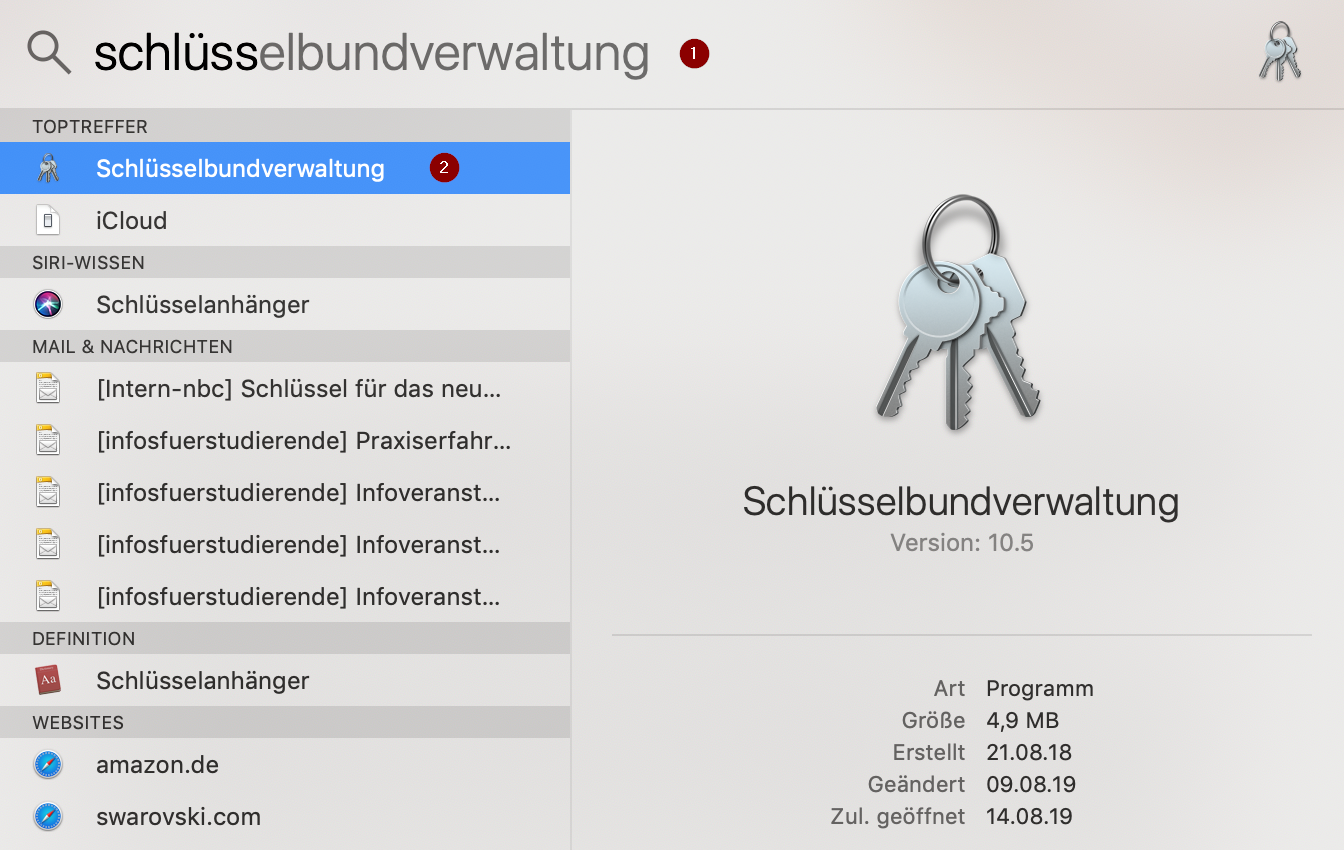
| 00:13, 11. Feb. 2026 | E-Mail SSL-Zertifikate einbinden in Apple-Mail (macOS 10.14) 3.png (Datei) | _3.png) |
55 KB | Mariels | {{Information | description = Screenshot E-Mail Zertifikate Apple Mail 3 | source = Screenshot | date = 10.02.2026 | author = Benutzer:mariels | permission = {{PD-user|mariels}} }}Kategorie:Screenshots | 2 |
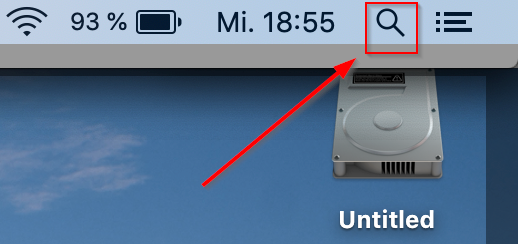
| 00:09, 11. Feb. 2026 | E-Mail SSL-Zertifikate einbinden in Apple-Mail (macOS 10.14) 4.png (Datei) | _4.png) |
226 KB | Mariels | {{Information | description = Screenshot E-Mail Zertifikate Apple Mail 4 | source = Screenshot | date = 10.02.2026 | author = Benutzer:mariels | permission = {{PD-user|mariels}} }}Kategorie:Screenshots | 2 |
| 00:00, 11. Feb. 2026 | E-Mail SSL-Zertifikate einbinden in Apple-Mail (macOS 10.14) 5.png (Datei) | _5.png) |
34 KB | Mariels | {{Information | description = Screenshot E-Mail Zertifikate Apple Mail 5 | source = Screenshot | date = 10.02.2026 | author = Benutzer:mariels | permission = {{PD-user|mariels}} }}Kategorie:Screenshots | 2 |
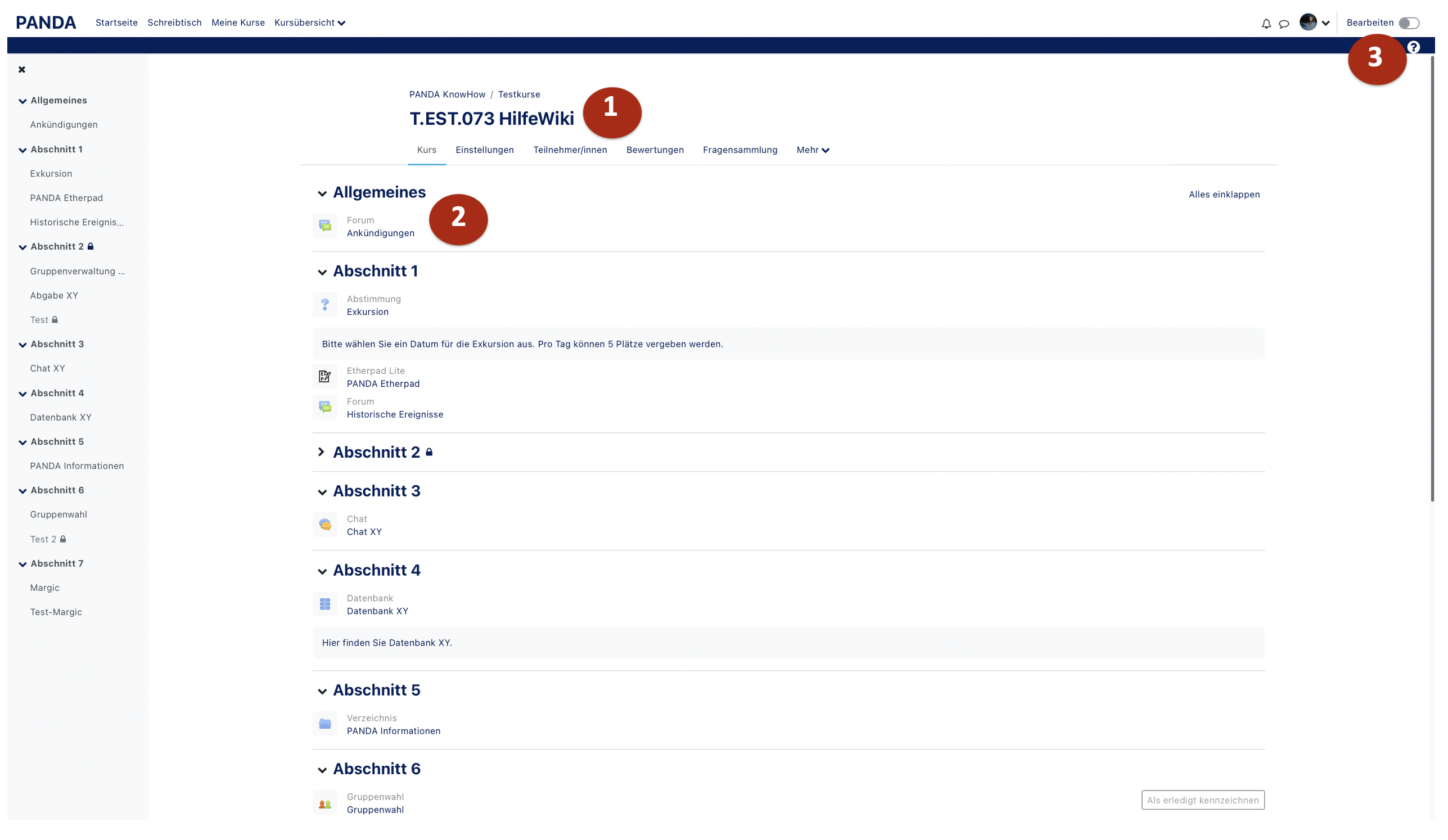
| 16:22, 10. Feb. 2026 | Materialien hinzufügen.png (Datei) |  |
61 KB | Mfunk | {{Information | description = Screenshot PANDA Kurs | source = Screenshot | date = 10.02.2026 | author = Benutzer:mfunk | permission = {{PD-user|mfunk}} }}Kategorie:Screenshots | 3 |
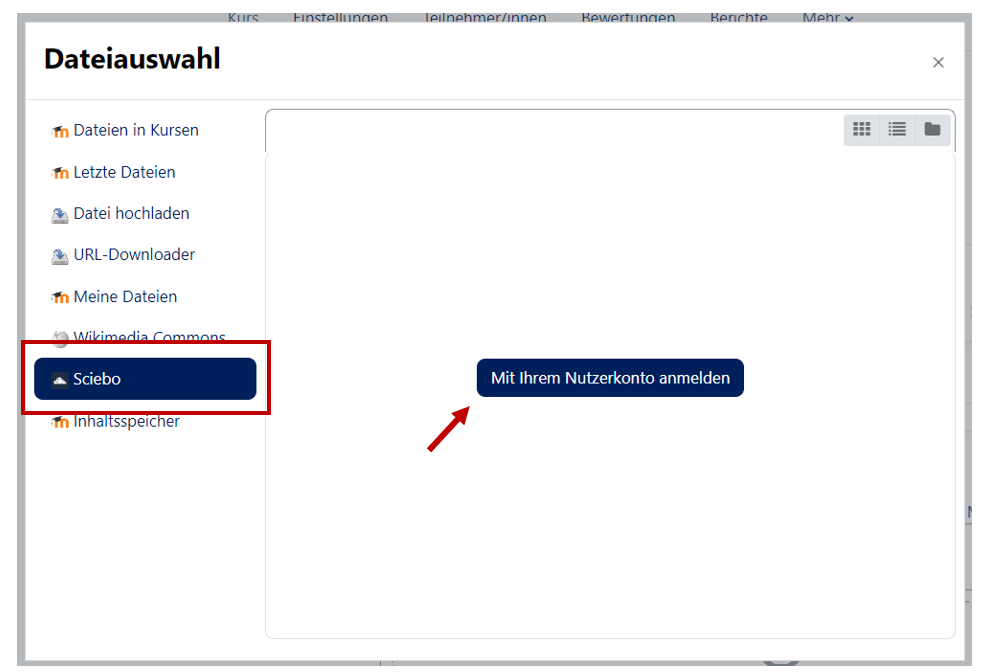
| 16:16, 10. Feb. 2026 | Sciebo Link.png (Datei) |  |
31 KB | Mfunk | {{Information | description = Screenshot PANDA Sciebo | source = Screenshot | date = 10.02.2026 | author = Benutzer:mfunk | permission = {{PD-user|mfunk}} }}Kategorie:Screenshots | 3 |
| 16:15, 10. Feb. 2026 | Sciebo anbinden.png (Datei) |  |
42 KB | Mfunk | {{Information | description = Screenshot PANDA Sciebo | source = Screenshot | date = 10.02.2026 | author = Benutzer:mfunk | permission = {{PD-user|mfunk}} }}Kategorie:Screenshots | 3 |
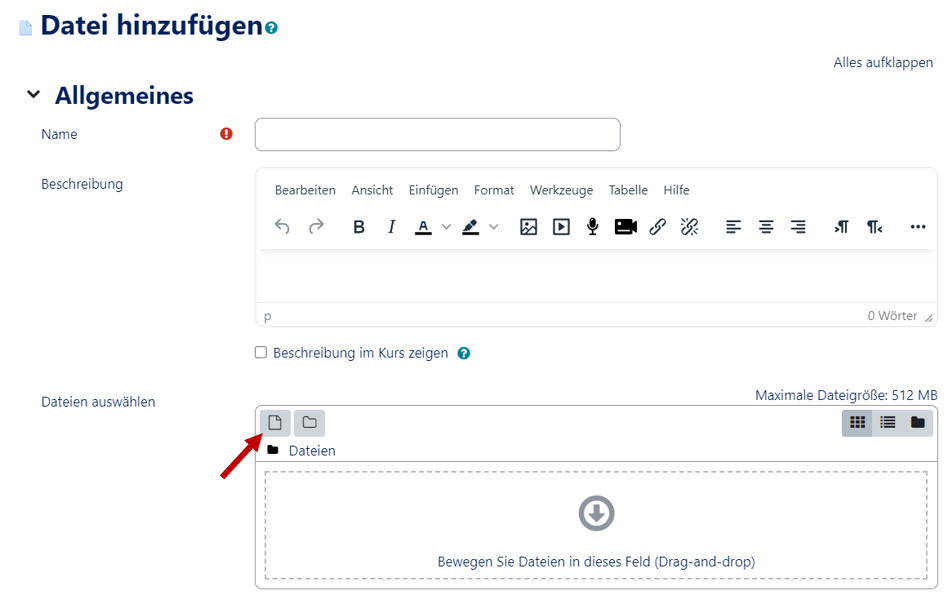
| 16:15, 10. Feb. 2026 | Sciebo Nutzerkonto verbinden.png (Datei) |  |
30 KB | Mfunk | {{Information | description = Screenshot PANDA Sciebo | source = Screenshot | date = 10.02.2026 | author = Benutzer:mfunk | permission = {{PD-user|mfunk}} }}Kategorie:Screenshots | 3 |
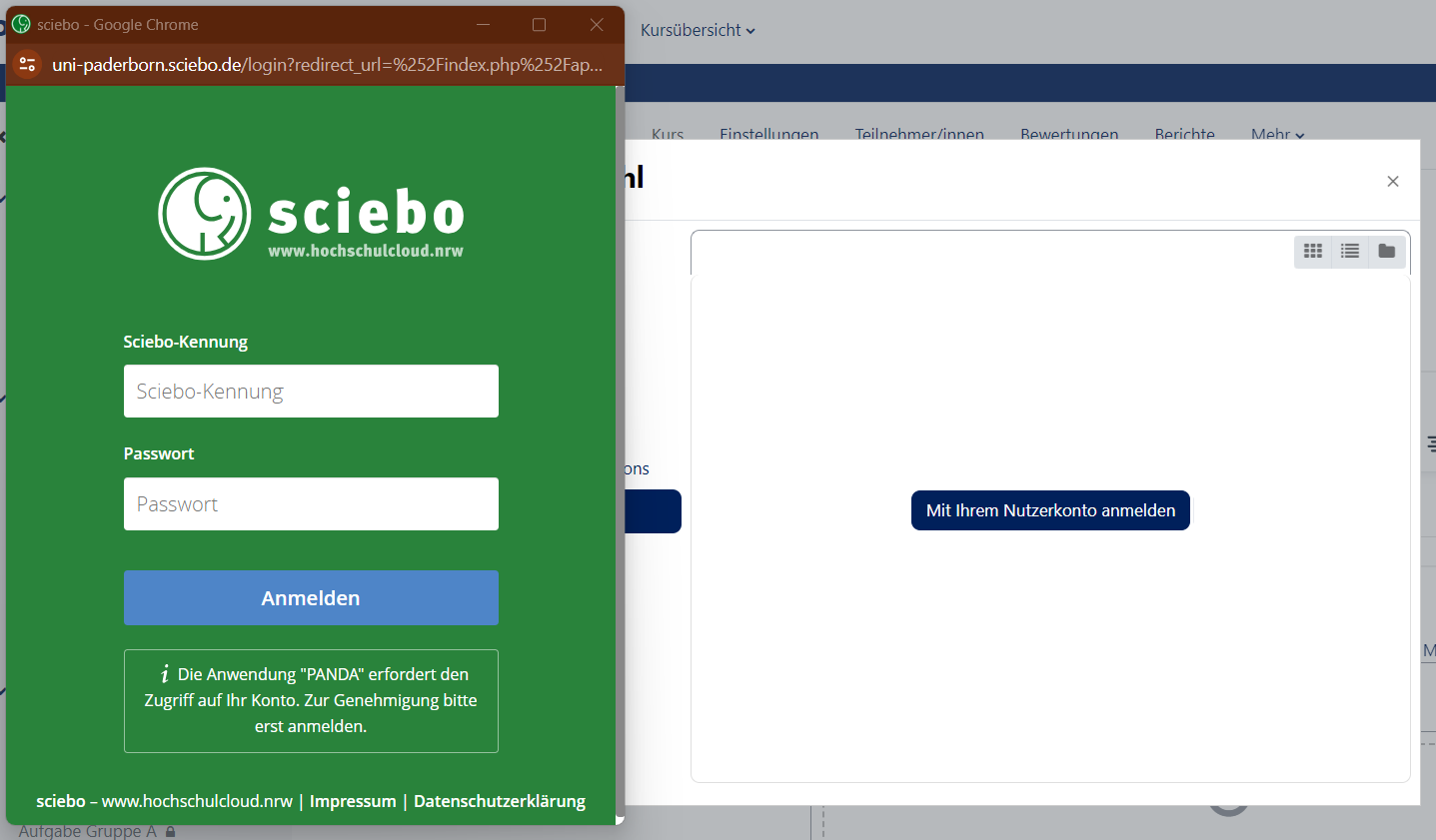
| 16:14, 10. Feb. 2026 | Sciebo.png (Datei) |  |
45 KB | Mfunk | {{Information | description = Screenshot PANDA Sciebo | source = Screenshot | date = 10.02.2026 | author = Benutzer:mfunk | permission = {{PD-user|mfunk}} }}Kategorie:Screenshots | 3 |
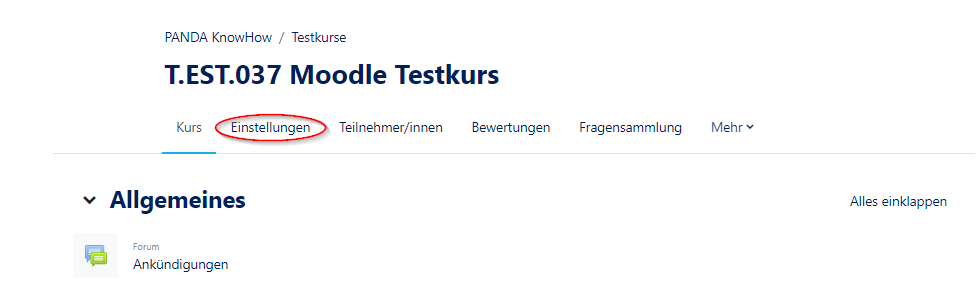
| 12:51, 10. Feb. 2026 | Panda Zugriffsstatistiken4.png (Datei) |  |
31 KB | Mfunk | {{Information | description = Screenshot Learning Analytics aufrufen | source = Screenshot | date = 10.02.2026 | author = Benutzer:mfunk | permission = {{PD-user|mfunk}} }}Kategorie:Screenshots | 3 |
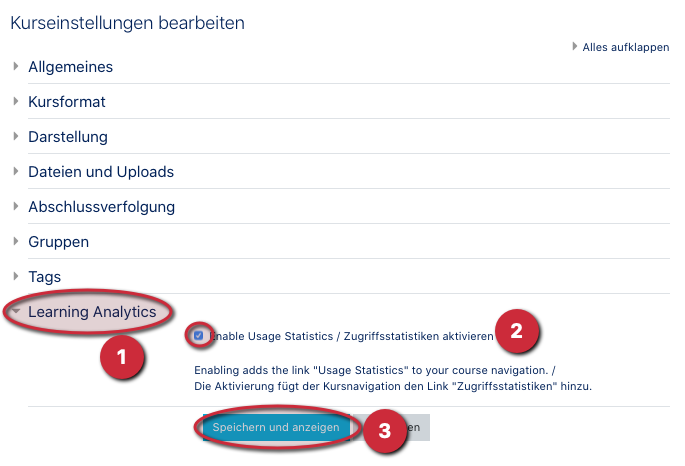
| 12:49, 10. Feb. 2026 | Panda Zugriffsstatistiken2.png (Datei) |  |
60 KB | Mfunk | {{Information | description = Screenshot Kurseinstellungen Learning Analytics | source = Screenshot | date = 10.02.2026 | author = Benutzer:mfunk | permission = {{PD-user|mfunk}} }}Kategorie:Screenshots | 2 |
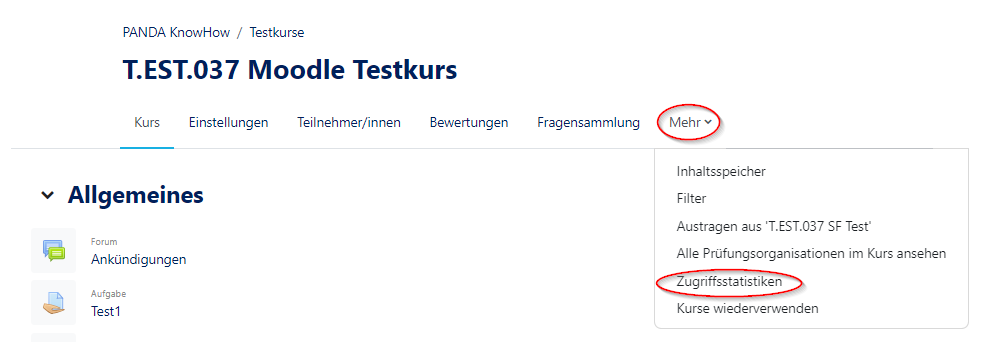
| 12:44, 10. Feb. 2026 | Panda Zugriffsstatistiken.png (Datei) |  |
15 KB | Mfunk | {{Information | description = Screenshot Kurseinstellungen aufrufen | source = Screenshot | date = 10.02.2026 | author = Benutzer:mfunk | permission = {{PD-user|mfunk}} }}Kategorie:Screenshots | 3 |
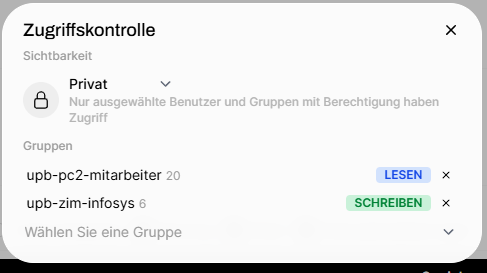
| 09:57, 10. Feb. 2026 | Zugriffskontrolle.png (Datei) |  |
28 KB | Andig | 1 | |
| 13:08, 8. Feb. 2026 | E-Mail SSL-Zertifikate einbinden in Outlook 2019 (macOS 10.14) (12).png (Datei) | _(12).png) |
159 KB | Mariels | {{Information | description = Screenshot E-Mail Zertifikate Outlook MacOS 12 | source = Screenshot | date = 08.02.2026 | author = Benutzer:mariels | permission = {{PD-user|mariels}} }}Kategorie:Screenshots | 2 |
| 13:05, 8. Feb. 2026 | E-Mail SSL-Zertifikate einbinden in Outlook 2019 (macOS 10.14) (7).png (Datei) | _(7).png) |
182 KB | Mariels | {{Information | description = Screenshot E-Mail Zertifikate Outlook Mac 7 | source = Screenshot | date = 08.02.2026 | author = Benutzer:mariels | permission = {{PD-user|mariels}} }}Kategorie:Screenshots | 2 |
| 13:02, 8. Feb. 2026 | E-Mail SSL-Zertifikate einbinden in Outlook 2019 (macOS 10.14) (6).png (Datei) | _(6).png) |
87 KB | Mariels | {{Information | description = Screenshot E-Mail Zertifikate Outlook Mac 6 | source = Screenshot | date = 08.02.2026 | author = Benutzer:mariels | permission = {{PD-user|mariels}} }}Kategorie:Screenshots | 2 |
| 13:01, 8. Feb. 2026 | E-Mail SSL-Zertifikate einbinden in Outlook 2019 (macOS 10.14) (13).png (Datei) | _(13).png) |
162 KB | Mariels | {{Information | description = Screenshot E-Mail Zertifikate Outlook Mac 13 | source = Screenshot | date = 08.02.2026 | author = Benutzer:mariels | permission = {{PD-user|mariels}} }}Kategorie:Screenshots | 2 |
| 12:57, 8. Feb. 2026 | E-Mail SSL-Zertifikate einbinden in Outlook 2019 (macOS 10.14) (4).png (Datei) | _(4).png) |
87 KB | Mariels | {{Information | description = Screenshot E-Mail Zertifikate Outlook Mac 4 | source = Screenshot | date = 08.02.2026 | author = Benutzer:mariels | permission = {{PD-user|mariels}} }}Kategorie:Screenshots | 2 |
| 12:57, 8. Feb. 2026 | E-Mail SSL-Zertifikate einbinden in Outlook 2019 (macOS 10.14) (3).png (Datei) | _(3).png) |
169 KB | Mariels | {{Information | description = Screenshot E-Mail Zertifikate Outlook Mac 3 | source = Screenshot | date = 08.02.2026 | author = Benutzer:mariels | permission = {{PD-user|mariels}} }}Kategorie:Screenshots | 2 |
| 19:56, 6. Feb. 2026 | E-Mail SSL-Zertifikate einbinden in Outlook 2019 (macOS 10.14) (9).png (Datei) | _(9).png) |
79 KB | Mariels | {{Information | description = Screenshot E-Mail Zertifikate in Outlook MacOS 9 | source = Screenshot | date = 06.02.2026 | author = Benutzer:mariels | permission = {{PD-user|mariels}} }}Kategorie:Screenshots | 2 |
| 19:52, 6. Feb. 2026 | E-Mail SSL-Zertifikate einbinden in Outlook 2019 (macOS 10.14) (10).png (Datei) | _(10).png) |
134 KB | Mariels | {{Information | description = Screenshot E-Mail Zertifikate in Outlook MacOS 10 | source = Screenshot | date = 06.02.2026 | author = Benutzer:mariels | permission = {{PD-user|mariels}} }}Kategorie:Screenshots | 2 |
| 19:37, 6. Feb. 2026 | E-Mail SSL-Zertifikate einbinden in Outlook 2019 (macOS 10.14) (8).png (Datei) | _(8).png) |
97 KB | Mariels | {{Information | description = Screenshot E-Mail Zertifikate einbinden in Outlook MacOS 8 | source = Screenshot | date = 06.02.2026 | author = Benutzer:mariels | permission = {{PD-user|mariels}} }}Kategorie:Screenshots | 2 |
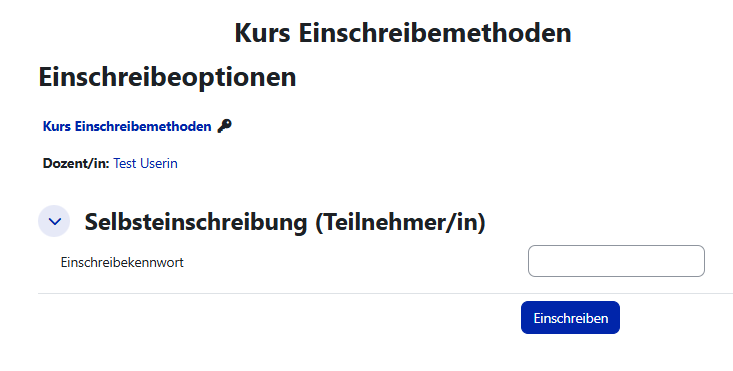
| 15:01, 5. Feb. 2026 | Ansicht TN Selbsteinschreibung.png (Datei) |  |
21 KB | Mfunk | {{Information | description = Screenshot Ansicht TN Selbsteinschreibung Kennwort | source = Screenshot | date = 05.02.2026 | author = Benutzer:mfunk | permission = {{PD-user|mfunk}} }}Kategorie:Screenshots | 1 |
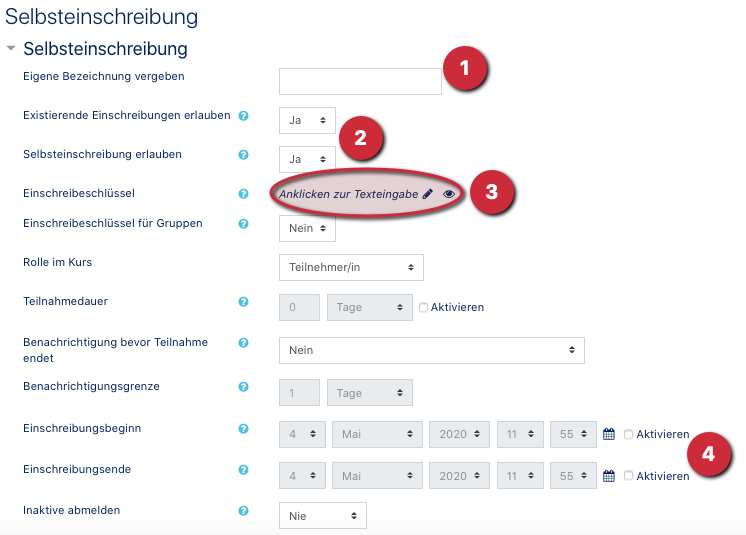
| 14:57, 5. Feb. 2026 | Offener Kurs3.png (Datei) |  |
92 KB | Mfunk | {{Information | description = Screenshot Selbsteinschreibung offen editieren | source = Screenshot | date = 05.02.2026 | author = Benutzer:mfunk | permission = {{PD-user|mfunk}} }}Kategorie:Screenshots | 2 |
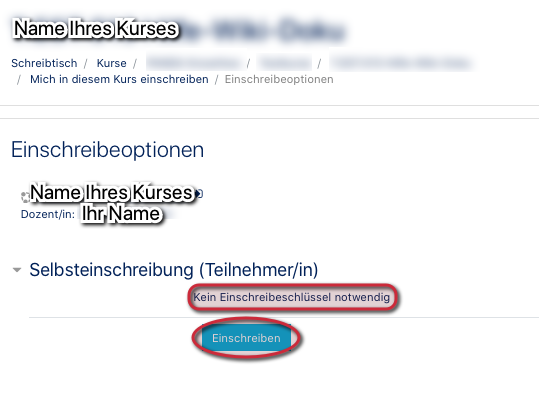
| 14:38, 5. Feb. 2026 | Offener Kurs7.png (Datei) |  |
23 KB | Mfunk | {{Information | description = Screenshot TN Sicht offener Zugang zum Kurs | source = Screenshot | date = 05.02.2026 | author = Benutzer:mfunk | permission = {{PD-user|mfunk}} }}Kategorie:Screenshots | 2 |
| 10:58, 5. Feb. 2026 | E-Mail SSL-Zertifikate einbinden in Apple-Mail (macOS 10.14) 1.png (Datei) | _1.png) |
44 KB | Mariels | {{Information | description = Screenshot E-Mail Zertifikate einbinden in Apple Mail 1 | source = Screenshot | date = 05.02.2026 | author = Benutzer:mariels | permission = {{PD-user|mariels}} }}Kategorie:Screenshots | 2 |
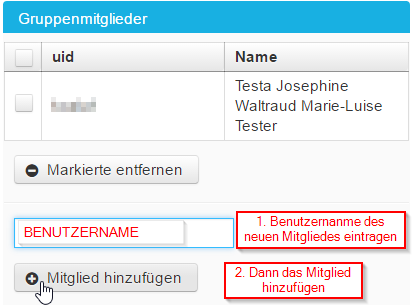
| 10:25, 5. Feb. 2026 | Screenshot Gruppenverwaltung - Mitglied hinzufügen - selbsmoderiert 04.png (Datei) |  |
14 KB | Jnk | {{Information | description = Screenshot Serviceportal - Gruppenmitglied hinzufügen | source = Screenshot | date = 05.02.2026 | author = Benutzer:jnk | permission = {{PD-user|jnk}} }}Kategorie:Screenshots | 2 |
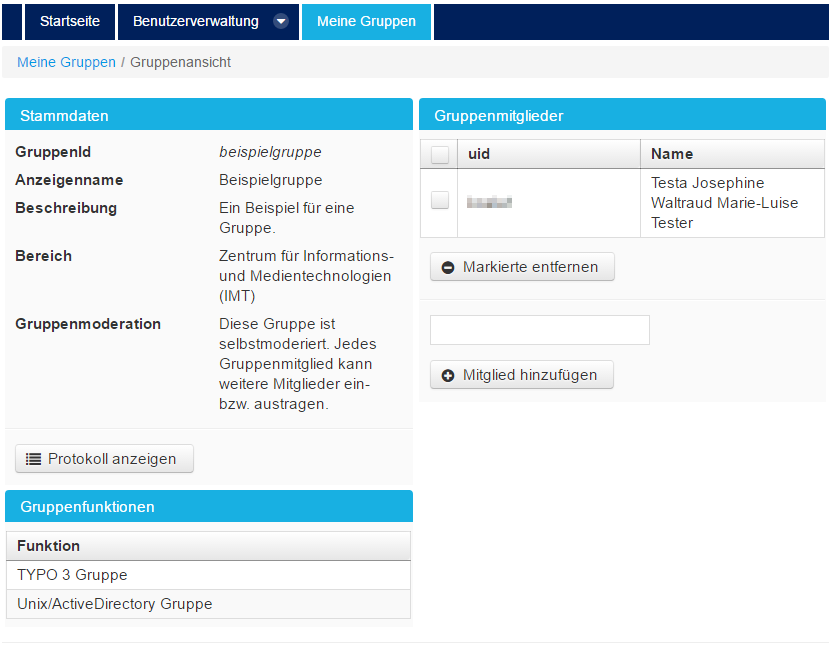
| 10:22, 5. Feb. 2026 | Screenshot Gruppenverwaltung - Mitglied hinzufügen - selbstmoderiert 03.png (Datei) |  |
50 KB | Jnk | {{Information | description = Screenshot Serviceportal - Gruppe bearbeiten | source = Screenshot | date = 05.02.2026 | author = Benutzer:jnk | permission = {{PD-user|jnk}} }}Kategorie:Screenshots | 2 |
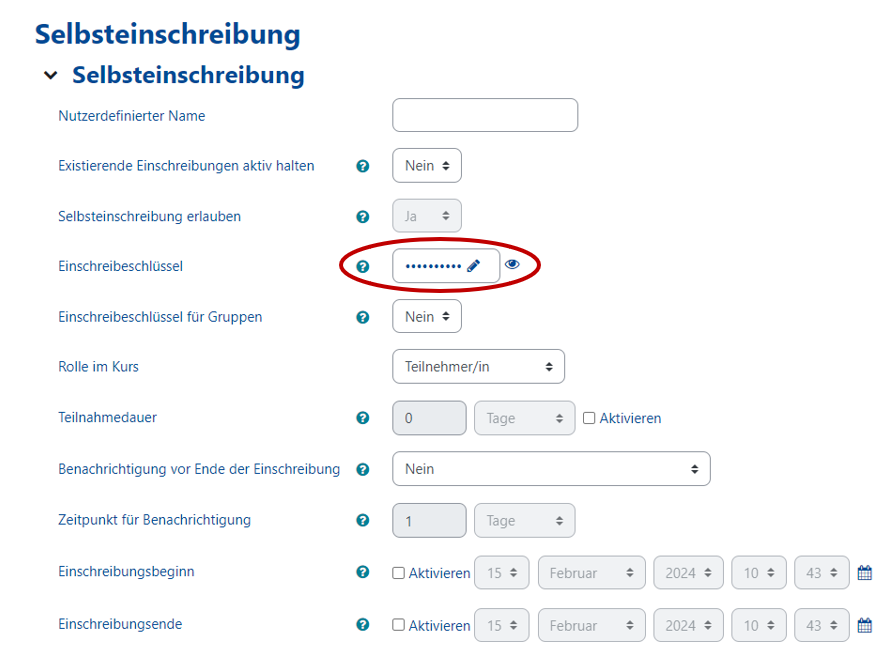
| 11:56, 4. Feb. 2026 | KoaLA-NG Selbsteinschreibung konfigurieren 08.png (Datei) |  |
53 KB | Mfunk | {{Information | description = Screenshot Selbsteinschreibung Passwort ändern | source = Screenshot | date = 04.02.2026 | author = Benutzer:mfunk | permission = {{PD-user|mfunk}} }}Kategorie:Screenshots | 5 |
| 11:54, 4. Feb. 2026 | KoaLA-NG Selbsteinschreibung konfigurieren 03.png (Datei) |  |
7 KB | Mfunk | {{Information | description = Screenshot Selbsteinschreibung editieren | source = Screenshot | date = 04.02.2026 | author = Benutzer:mfunk | permission = {{PD-user|mfunk}} }}Kategorie:Screenshots | 3 |
| 11:52, 4. Feb. 2026 | Nutzer einschreiben Icon.png (Datei) |  |
714 Bytes | Mfunk | {{Information | description = Screenshot Icon Person hinzufügen | source = Screenshot | date = 04.02.2026 | author = Benutzer:mfunk | permission = {{PD-user|mfunk}} }}Kategorie:Screenshots | 2 |
| 11:52, 4. Feb. 2026 | Einstellungen Icon.png (Datei) |  |
522 Bytes | Mfunk | {{Information | description = Screenshot Icon Bearbeiten | source = Screenshot | date = 04.02.2026 | author = Benutzer:mfunk | permission = {{PD-user|mfunk}} }}Kategorie:Screenshots | 2 |
| 11:51, 4. Feb. 2026 | Unsichtbar icon.png (Datei) |  |
1 KB | Mfunk | {{Information | description = Screenshot Icon Nicht sichtbar | source = Screenshot | date = 04.02.2026 | author = Benutzer:mfunk | permission = {{PD-user|mfunk}} }}Kategorie:Screenshots | 2 |
| 11:51, 4. Feb. 2026 | Sichtbar icon.png (Datei) |  |
1 KB | Mfunk | {{Information | description = Screenshot Icon Sichtbar | source = Screenshot | date = 04.02.2026 | author = Benutzer:mfunk | permission = {{PD-user|mfunk}} }}Kategorie:Screenshots | 2 |